
1. Introduction
This manual provides detailed instructions for the installation, operation, and maintenance of your GNCC GW30 Wireless Outdoor Solar Security Camera. Please read this manual thoroughly before using the product to ensure proper function and safety.
2. What's in the Box
Verify that all components are present before proceeding with installation:
- Outdoor Camera (GW30)
- Solar Panel
- Charging Cable
- Mounting Screws
- Installation Bracket
- User Manual
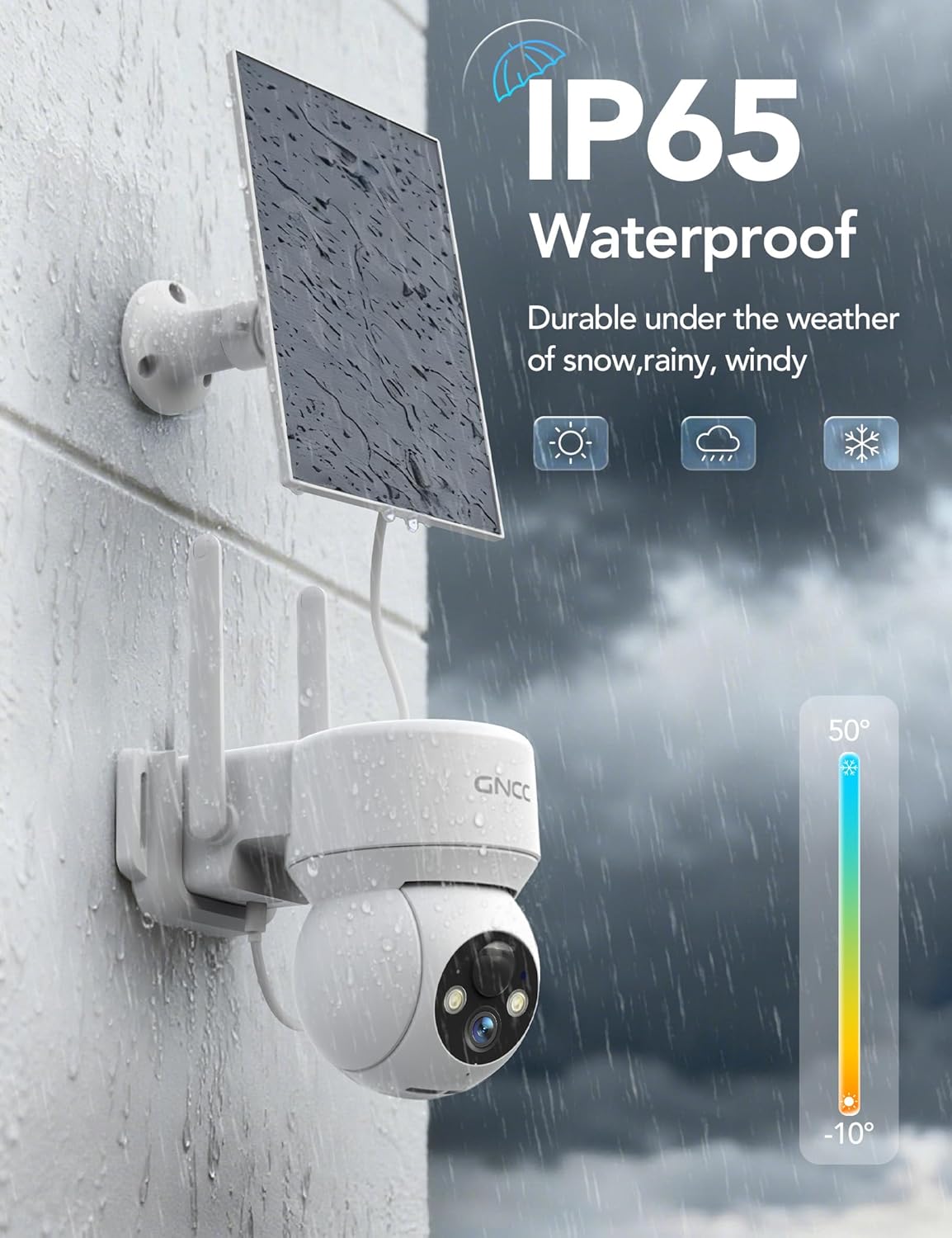
Image: All components included with the GNCC GW30 Wireless Outdoor Solar Security Camera.
3. Product Overview
The GNCC GW30 is a wireless outdoor security camera designed for comprehensive surveillance. Key features include:
- 1080P Full HD Resolution: Provides clear video footage.
- 360° View: Offers 355° horizontal and 90° vertical rotation for wide coverage.
- Solar/Battery Powered: Equipped with a 3W solar panel and 5200mAh rechargeable battery for extended operation.
- AI Human Detection: Smart PIR motion detection minimizes false alerts and can identify people, packages, vehicles, and pets (subscription may be required for advanced AI features).
- Color Night Vision: Delivers vivid, accurate colors in low-light conditions.
- Two-Way Audio: Built-in microphone and speaker for real-time communication.
- Spotlight & Siren Alarm: Deters intruders with integrated spotlight and loud siren.
- IP65 Weatherproof: Designed to withstand various weather conditions (-10°C to 45°C).
- Dual Storage Options: Supports Micro SD card (up to 128GB, not included) and secure cloud storage (1-day free rolling storage included).
- 2.4GHz WiFi & Bluetooth Connection: Easy setup and reliable wireless connectivity.

Image: GNCC GW30 camera with solar panel for continuous power.

Image: The camera offers a 360-degree full view with pan and tilt functionality.

Image: 1080P Color Night Vision for clear visibility in low light.
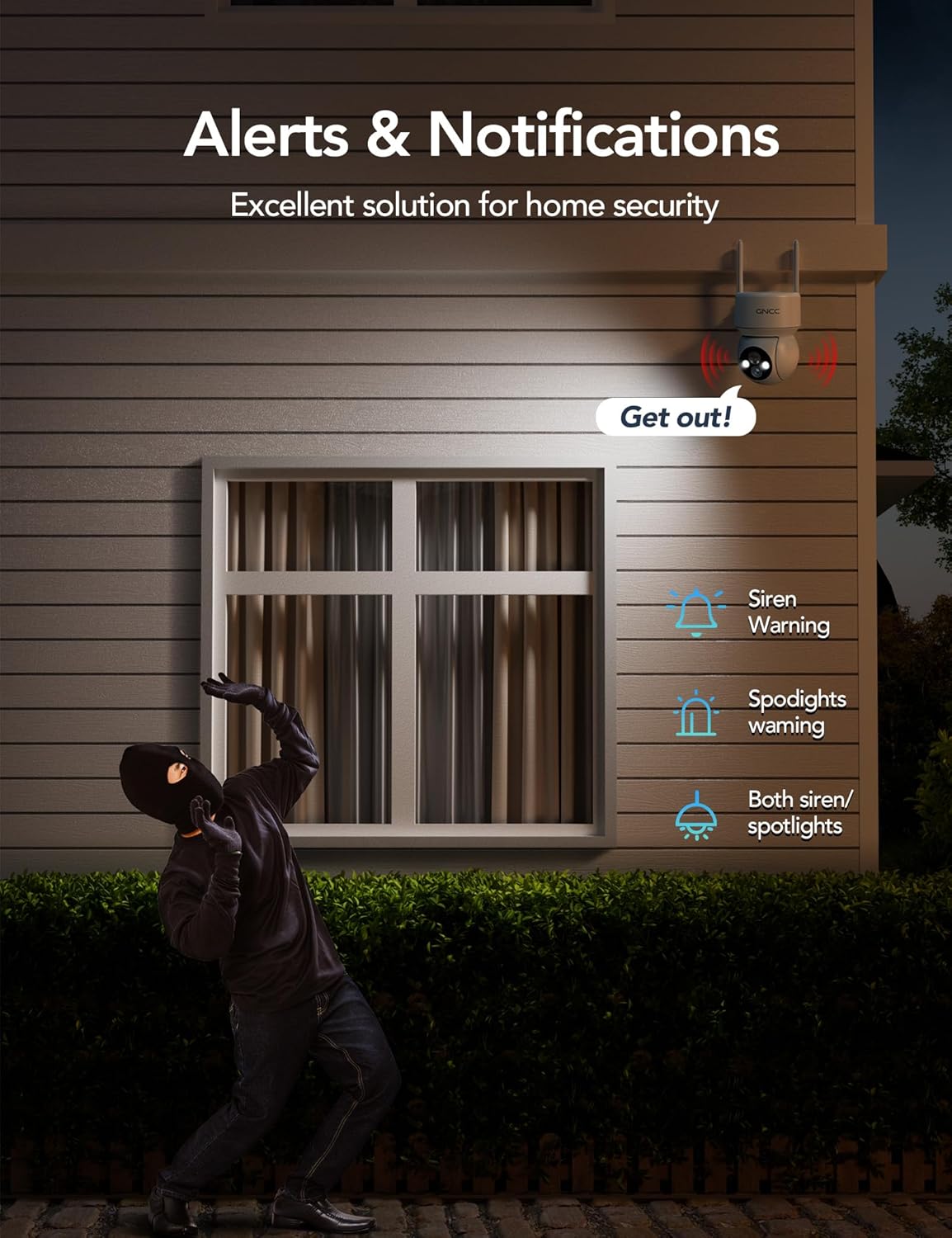
Image: Smart siren and spotlight alerts deter unwanted visitors.

Image: The camera is IP65 waterproof and designed for outdoor use in various weather conditions.
4. Setup
4.1 Physical Installation
The GNCC GW30 camera is designed for easy installation without complex wiring. Follow these steps for mounting:
- Choose a Location: Select a location that provides optimal surveillance coverage and sufficient sunlight exposure for the solar panel. Ensure the camera is within range of your 2.4GHz WiFi network.
- Mount the Bracket: Use the provided positioning sticker as a template to mark drilling holes. Secure the installation bracket to the wall or roof using the mounting screws.
- Attach the Camera: Slide the camera onto the installed bracket until it clicks securely into place.
- Position the Solar Panel: Mount the solar panel in a sunny location, ideally with a tilt angle that maximizes sun exposure. Connect the solar panel to the camera using the charging cable.

Image: Step-by-step guide for installing the camera bracket.
4.2 App Installation and Connection
The Osaio app is required to operate your GNCC GW30 camera.
- Download the Osaio App: Scan the QR code on the product packaging or search for 'Osaio' in your smartphone's app store (available for iPhone/Android).
- Create an Account: Follow the in-app instructions to register a new account.
- Add Device: In the Osaio app, select 'Add Device' and follow the prompts to connect your camera. The camera supports 2.4GHz WiFi and Bluetooth for initial pairing. 5GHz WiFi is not supported.
Video: An overview of the GNCC solar security wireless outdoor camera, demonstrating its features and ease of use.
5. Operating Instructions
5.1 Live View & Playback
Access live or recorded videos anytime, anywhere via the Osaio app. The app allows you to control the camera's 360° pan and tilt functions.
5.2 Motion Detection & Alerts
The camera features smart PIR motion detection with 3-level adjustable sensitivity. When motion is detected:
- Instant alarm notifications are sent to your phone.
- The camera auto-records 8-16 seconds of video.
- A loud siren and spotlight can be activated to deter intruders.
- Two-way audio allows you to speak to visitors or warn off intruders.
Optional AI recognition (subscription required) can accurately identify people, packages, vehicles, and pets for more targeted alerts.
5.3 Storage Options
Event recordings can be stored using two methods:
- Micro SD Card: Supports up to 128GB (not included).
- Cloud Storage: Includes 1-day free rolling storage. Paid cloud service unlocks advanced AI detection and supports up to 30-day video playback.

Image: Flexible storage options for your security footage.
5.4 Device Sharing
The Osaio app allows for device sharing, enabling multiple users to view the camera feed simultaneously. Up to 3 users can access the live view concurrently.

Image: View multiple cameras simultaneously through the Osaio app.
6. Maintenance
6.1 Battery Charging
The camera is primarily powered by its 3W solar panel, which charges the internal 5200mAh rechargeable battery. Under normal sunlight conditions, the solar panel should keep the battery charged. If the camera is installed in a shaded area or during prolonged cloudy weather, the battery may require direct charging via the provided USB charging cable.
6.2 Cleaning
Periodically clean the camera lens and solar panel with a soft, damp cloth to ensure optimal performance. Avoid using harsh chemicals or abrasive materials.
6.3 Weather Resistance
The camera has an IP65 rating, making it resistant to dust and water jets. It operates reliably in temperatures ranging from -10°C to 45°C. Ensure all ports are properly sealed after charging or accessing the SD card slot to maintain weather resistance.
7. Troubleshooting
- Camera not connecting to WiFi: Ensure your WiFi network is 2.4GHz. 5GHz WiFi is not supported. Check WiFi signal strength at the camera's location.
- Frequent false alerts: Adjust the PIR sensor sensitivity settings in the Osaio app. Consider using AI recognition (if subscribed) for more precise detection.
- Battery not charging via solar panel: Ensure the solar panel is installed in a location with direct sunlight exposure. Clean the solar panel surface regularly.
- No continuous recording: This camera supports event-based recording only (triggered by motion). It does not offer 24/7 continuous recording.
- No motion tracking: This model does not feature automatic motion tracking. Pan and tilt functions are manually controlled via the app.
8. Specifications
| Feature | Specification |
|---|---|
| Model Number | GW30 |
| Indoor/Outdoor Usage | Outdoor |
| Power Source | Solar Powered |
| Connectivity Protocol | 2.4GHz Wireless WiFi & Bluetooth (5GHz not supported) |
| Video Capture Resolution | 1080p |
| Night Vision Range | 26 Feet |
| Material | Acrylonitrile Butadiene Styrene (ABS) |
| IP Rating | IP65 |
| Operating Temperature | -10°C to 45°C |
| Storage Options | Micro SD card (up to 128GB), Cloud Storage |
| Dimensions (L x W x H) | 6.02 x 3.35 x 4.72 inches |
| Item Weight | 1.7 pounds |
| UPC | 850070296847 |
9. Warranty and Support
This product comes with a 12-month warranty. For technical support, warranty claims, or any inquiries, please contact GNCC customer service:
- Email: support@gncchome.com
- Manufacturer: kalado
Please refer to the official GNCC website or the Osaio app for the most up-to-date support information and FAQs.


