
Introduction
Welcome to the TABWEE T60 12.2-inch Android 16 Tablet. This manual provides essential information for setting up, operating, maintaining, and troubleshooting your device. Please read this manual thoroughly to ensure optimal performance and longevity of your tablet.
What's in the Box
Upon unboxing your TABWEE T60 tablet, please verify that all the following items are included:
- 1x 12.2" Android 16 Tablet
- 1x Detachable Keyboard
- 1x Mouse
- 1x Stylus Pen
- 1x Protective Case
- 1x Charger & Cable
- User Manual (this document)
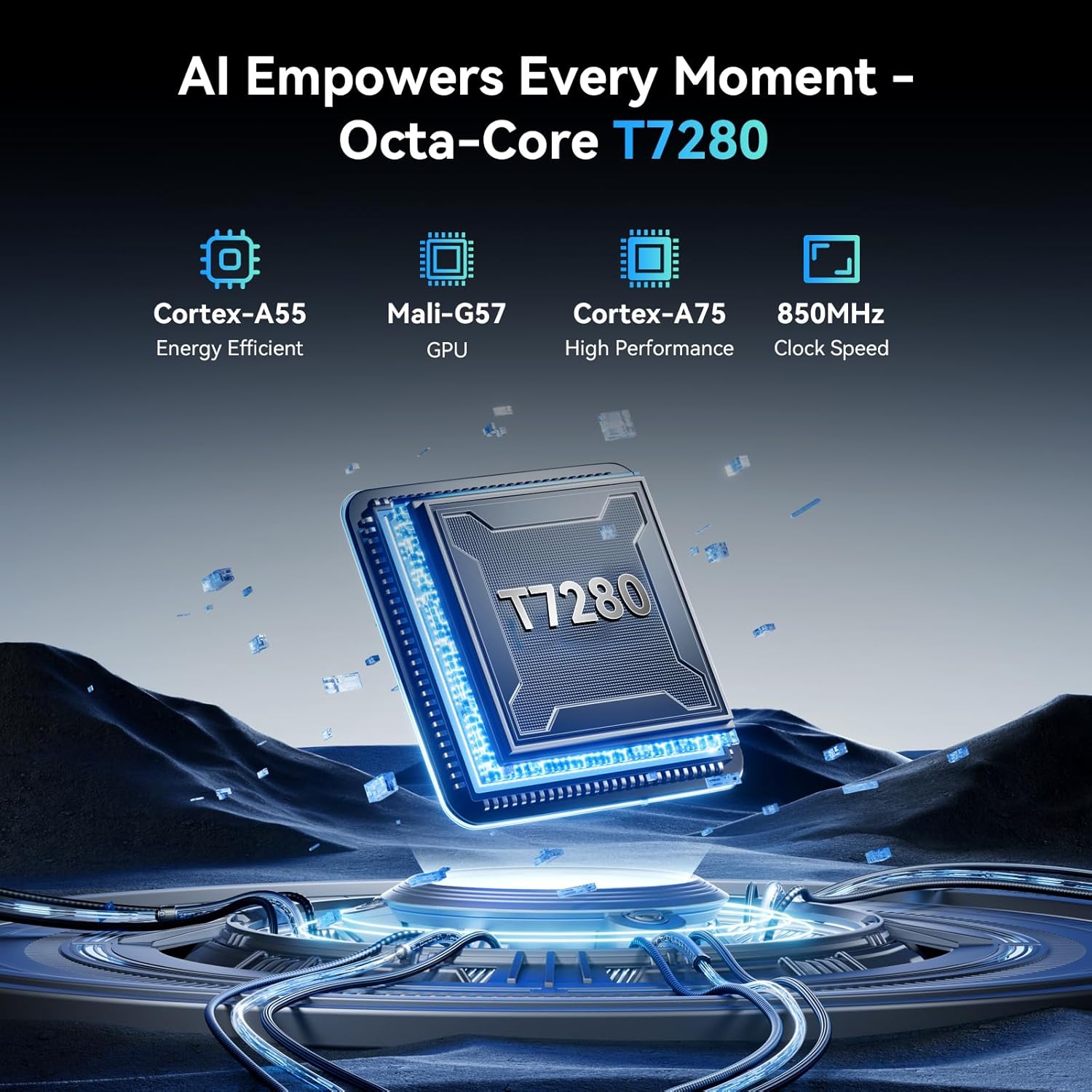
Image: The TABWEE T60 tablet and its included accessories neatly arranged in the box, featuring the tablet, detachable keyboard, mouse, stylus, protective case, charger, and user manual.
Product Features
Display
The TABWEE T60 features a 12.2-inch CSOT 2.5K UHD display with a resolution of 1600x2400 pixels and a 90Hz refresh rate for smooth visuals. It offers 99% sRGB color coverage and anti-glare technology, enhancing viewing comfort and color accuracy for various applications.
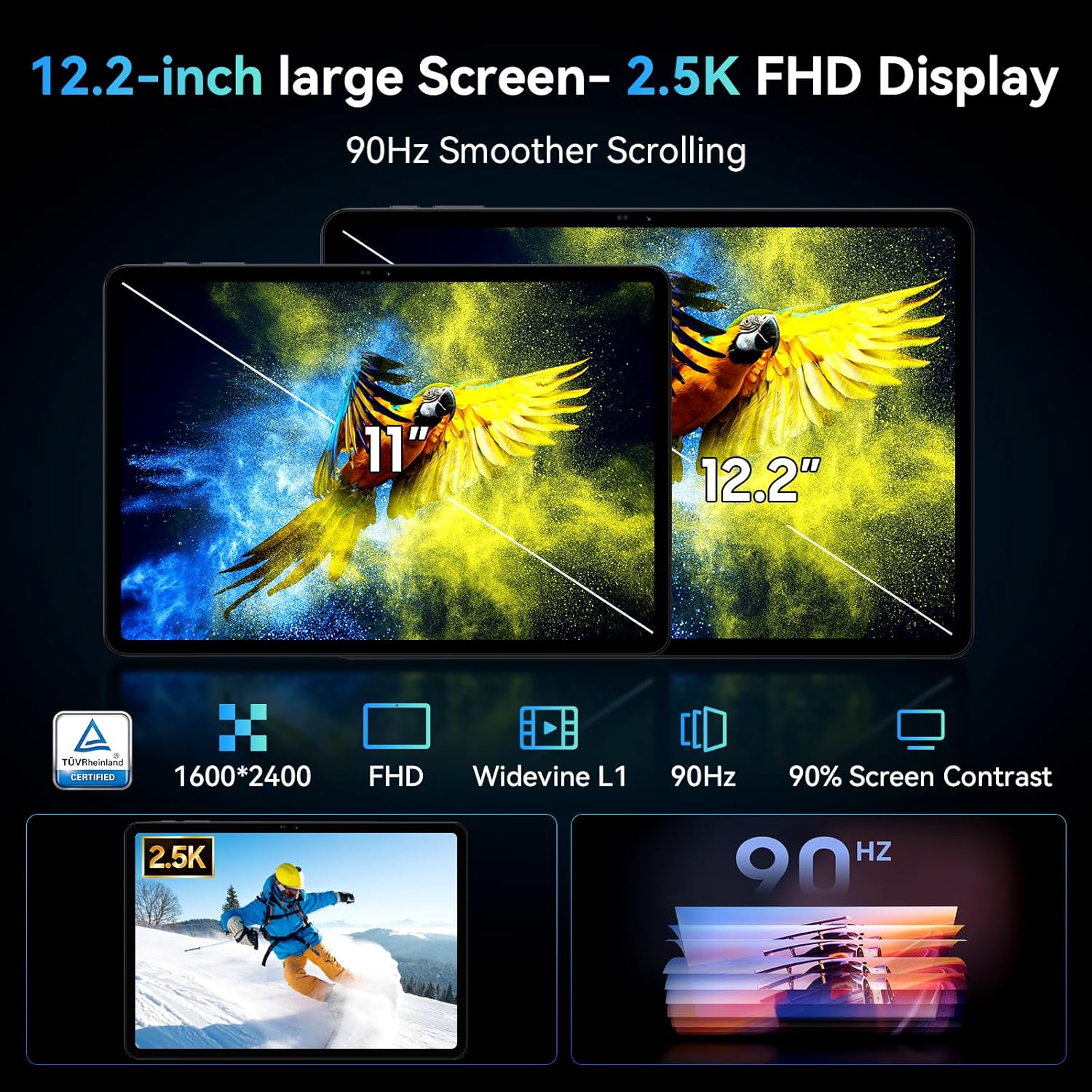
Image: The 12.2-inch 2.5K FHD display of the TABWEE T60 tablet, highlighting its size and clarity compared to an 11-inch screen, with icons indicating 90Hz refresh rate, TÜV Rheinland certification, 2400x1600 resolution, 16:10 aspect ratio, 90% screen-to-body ratio, and 350 nits brightness.
Performance & Storage
Equipped with 48GB RAM (12GB physical + 36GB virtual expansion) and 256GB internal storage, the T60 ensures smooth multitasking and ample space for your files. Storage is expandable up to 2TB via a MicroSD card. The tablet is powered by a powerful Octa-Core T7280 processor for efficient performance.

Image: Visual representation of the TABWEE T60's memory and storage, showing 48GB RAM (12GB + 36GB expansion), 256GB ROM, and 2TB TF card support, with examples of stored photos, music, and videos.

Image: A detailed view of the powerful Octa-Core T7280 processor, emphasizing its efficiency and high performance for the TABWEE T60 tablet.
Battery
A massive 10000mAh battery provides extended usage times, ideal for travel and work. It supports 18W fast charging to quickly get you back to full power.
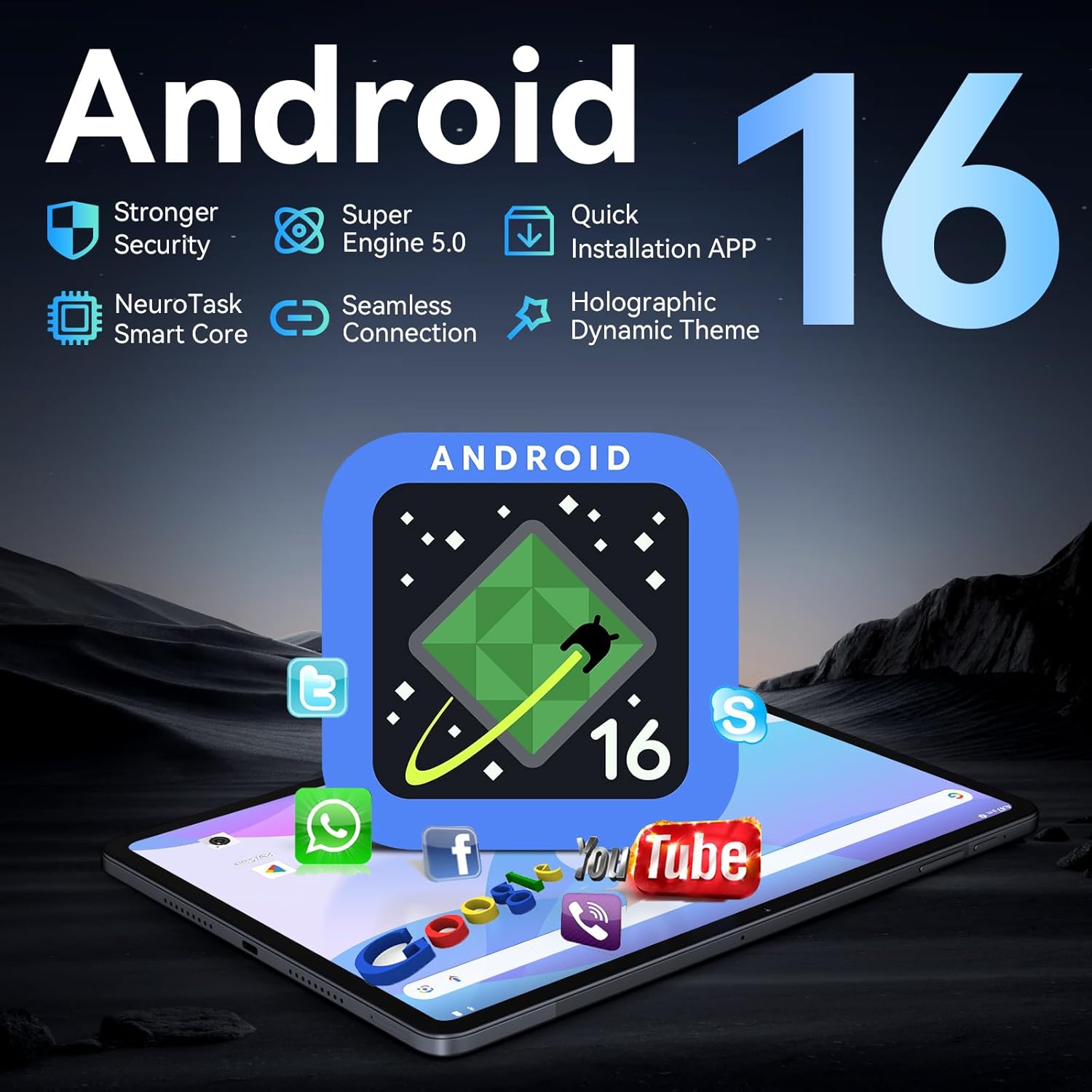
Image: An illustration of the TABWEE T60's 10000mAh battery capacity, showing estimated usage times for music (20hrs), videos (17hrs), and games (12hrs), along with 30 days standby and Type-C 18W fast charging.
Operating System & AI
The tablet runs on the latest Android 16 operating system, offering enhanced privacy, security, and a smoother user experience. Integrated Gemini AI acts as an intelligent assistant for tasks like summarizing articles, translating text, and optimizing workflow.

Image: The TABWEE T60 tablet showcasing the Android 16 operating system and its integration with Gemini AI, illustrating features like intelligent planning, personal assistant, intelligent recognition, multilingual support, data analysis, and report generation.
Cameras
Capture moments with the dual HD cameras: a 16MP rear camera and an 8MP front camera. These cameras are paired with AI Ultra Clear technology for crisp visuals, suitable for video calls, scanning documents, and photography.
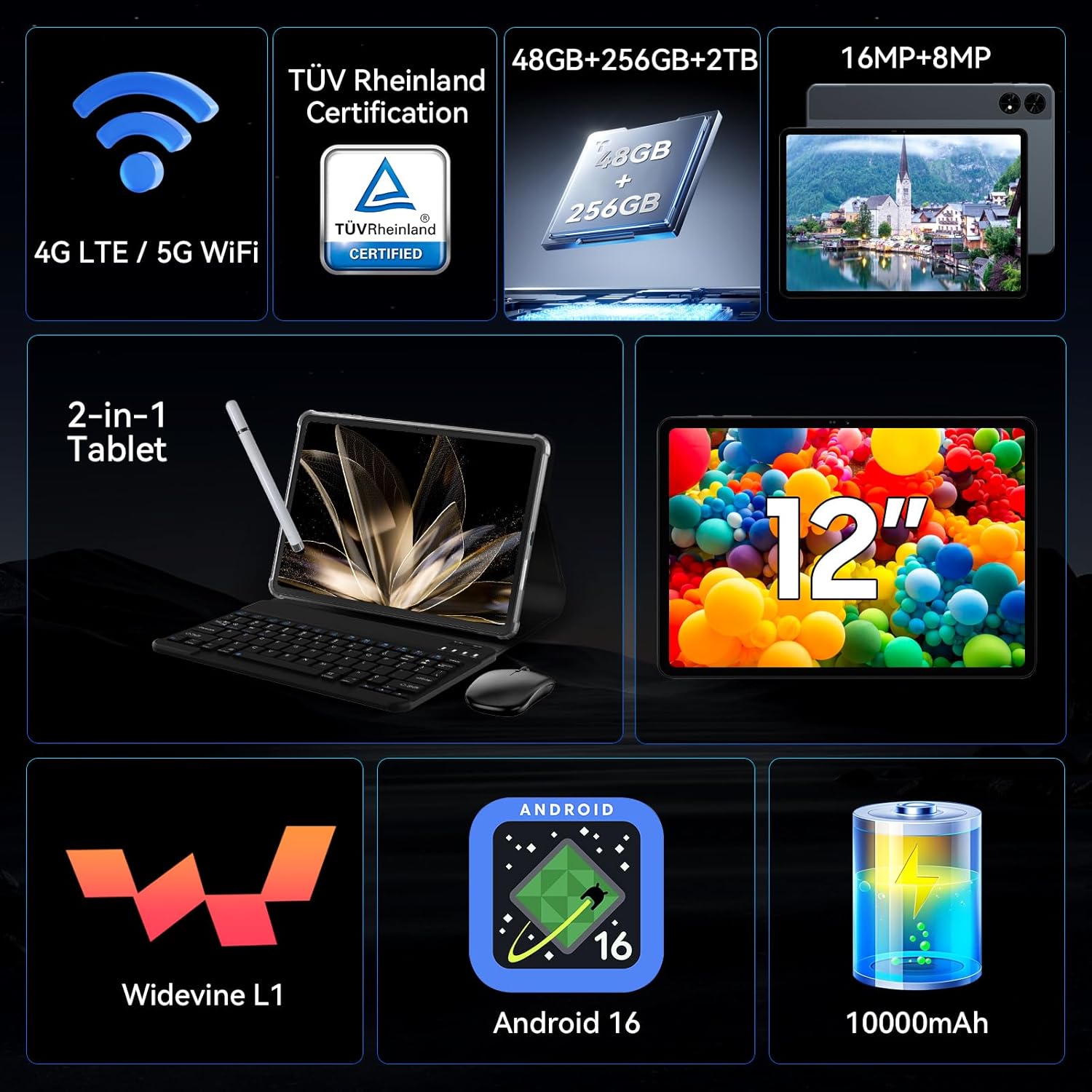
Image: The dual camera setup of the TABWEE T60 tablet, featuring a 16MP rear camera and an 8MP front camera, with examples of sports shooting, beauty mode, and night shot capabilities.
Connectivity
The T60 supports 5G WiFi and Bluetooth 5.0 for fast and stable wireless connections. It also includes a 4-in-1 GPS satellite positioning system (GPS, Beidou, GLONASS, Galileo) for accurate navigation.

Image: The TABWEE T60 tablet demonstrating 5G WiFi and Bluetooth 5.0 connectivity, showing various devices connected wirelessly.
Accessories
The tablet comes with a complete mobile office suite, including a detachable keyboard, mouse, and stylus, allowing for seamless transition to a laptop-like experience for productivity tasks.

Image: The TABWEE T60 tablet presented as a 2-in-1 device with its detachable keyboard, mouse, and stylus, highlighting its versatility for various uses.
Setup
- Initial Charge: Before first use, connect the tablet to the charger and cable provided. Allow it to charge for at least 30 minutes, or until the battery indicator shows sufficient charge.
- Power On: Press and hold the power button (usually located on the side) until the TABWEE logo appears.
- Language & Region: Follow the on-screen prompts to select your preferred language and region.
- Wi-Fi Connection: Select your Wi-Fi network from the list and enter the password.
- Google Account: Sign in with your Google account or create a new one. This is necessary to download apps from the Google Play Store.
- Date & Time: Set the correct date and time, or allow the tablet to automatically set it via the network.
- Security: Set up a screen lock (PIN, pattern, password, or fingerprint) to protect your device.
- Complete Setup: Finish any remaining setup steps as guided by the Android 16 interface.
Operating Instructions
Basic Navigation
- Home Screen: Swipe left or right to navigate between home screens.
- App Drawer: Swipe up from the bottom of the screen to access all installed applications.
- Notifications & Quick Settings: Swipe down from the top of the screen to view notifications and access quick settings toggles.
- Recent Apps: Tap the square icon (or swipe up and hold from the bottom) to view and switch between recently used applications.
Connecting Accessories
- Bluetooth Keyboard/Mouse: Turn on the accessory, go to Settings > Connected devices > Pair new device, and select the accessory from the list to pair.
- Stylus: The stylus is generally plug-and-play or may require a simple Bluetooth pairing as described above.
Split-Screen Multitasking
To use two apps simultaneously, open one app, then tap the recent apps button. Tap the app icon at the top of the app's card and select 'Split screen'. Choose a second app to open in the other half of the screen.
Video: An official seller video demonstrating the features of the 2026 12-inch TABWEE T60 Tablet, including its 48GB RAM and 256GB storage, showcasing its performance and capabilities.
Maintenance
- Cleaning: Use a soft, lint-free cloth to clean the screen and body of the tablet. Avoid abrasive materials or harsh chemicals.
- Software Updates: Regularly check for and install system updates to ensure your tablet has the latest security patches and features. Go to Settings > System > System update.
- Battery Care: To prolong battery life, avoid extreme temperatures. Do not let the battery completely drain frequently. For long-term storage, charge the battery to about 50% and power off the device.
- Storage Management: Periodically clear unnecessary files and uninstall unused apps to free up storage space and maintain optimal performance.
Troubleshooting
| Problem | Possible Cause | Solution |
|---|---|---|
| Tablet won't power on | Low battery, system crash | Charge the tablet for at least 30 minutes. If still unresponsive, perform a forced restart by holding the power button for 10-15 seconds. |
| Wi-Fi connection issues | Incorrect password, router issue, tablet Wi-Fi disabled | Check Wi-Fi password. Restart your router. Toggle Wi-Fi off and on in tablet settings. |
| Apps are slow or crashing | Too many apps running, low storage, outdated app | Close background apps. Clear app cache (Settings > Apps > [App Name] > Storage > Clear cache). Update apps via Play Store. Free up storage space. |
| Touchscreen unresponsive | Temporary software glitch, screen protector issue | Restart the tablet. Remove and reapply screen protector if applicable. |
Video: A user-generated video review highlighting the TABWEE T60 tablet's suitability for school use, demonstrating its functionality and ease of use for educational purposes.
Specifications
| Feature | Detail |
|---|---|
| Brand | TABWEE |
| Model Name | T60 |
| Operating System | Android 16 |
| Screen Size | 12.2 Inches (CSOT 2.5K UHD) |
| Screen Resolution | 2400 x 1600 Pixels |
| Processor | Octa-Core (Unisoc T7280/UMS9230S) @ 2.2 GHz |
| RAM | 48 GB (12GB Physical + 36GB Virtual) |
| Internal Storage | 256 GB |
| Expandable Storage | Up to 2 TB via MicroSD card |
| Graphics Coprocessor | Integrated Ai Graphics Mali-G57 |
| Rear Webcam Resolution | 16 MP |
| Front Webcam Resolution | 8 MP |
| Wireless Type | 802.11ac, 802.11b, 802.11g, 802.11n (5G WiFi) |
| Bluetooth | Bluetooth 5.0 |
| Battery Capacity | 10000 mAh |
| Fast Charging | 18W |
| GPS | 4-in-1 System (GPS, Beidou, GLONASS, Galileo) |
| Item Weight | 1.41 pounds |
| Product Dimensions | 25 x 20 x 5 inches |
| Color | Space Gray |
Warranty and Support
The TABWEE T60 tablet comes with an exclusive 4-year warranty, providing long-term support and peace of mind. For any issues or inquiries, please contact our 24/7 customer support. Refer to the included warranty card for detailed terms and conditions.
This tablet is fully certified for US safety standards, ensuring a secure and reliable experience.


