
1. Introduction
The Comulytic Note Pro is an advanced AI voice recorder designed to capture, transcribe, and summarize audio from various sources such as calls, meetings, lectures, and interviews. It features one-touch recording, app control, and supports 113 languages for transcription. This manual provides detailed instructions for setting up, operating, maintaining, and troubleshooting your device.
2. What's Included
Verify that all items are present in the package:
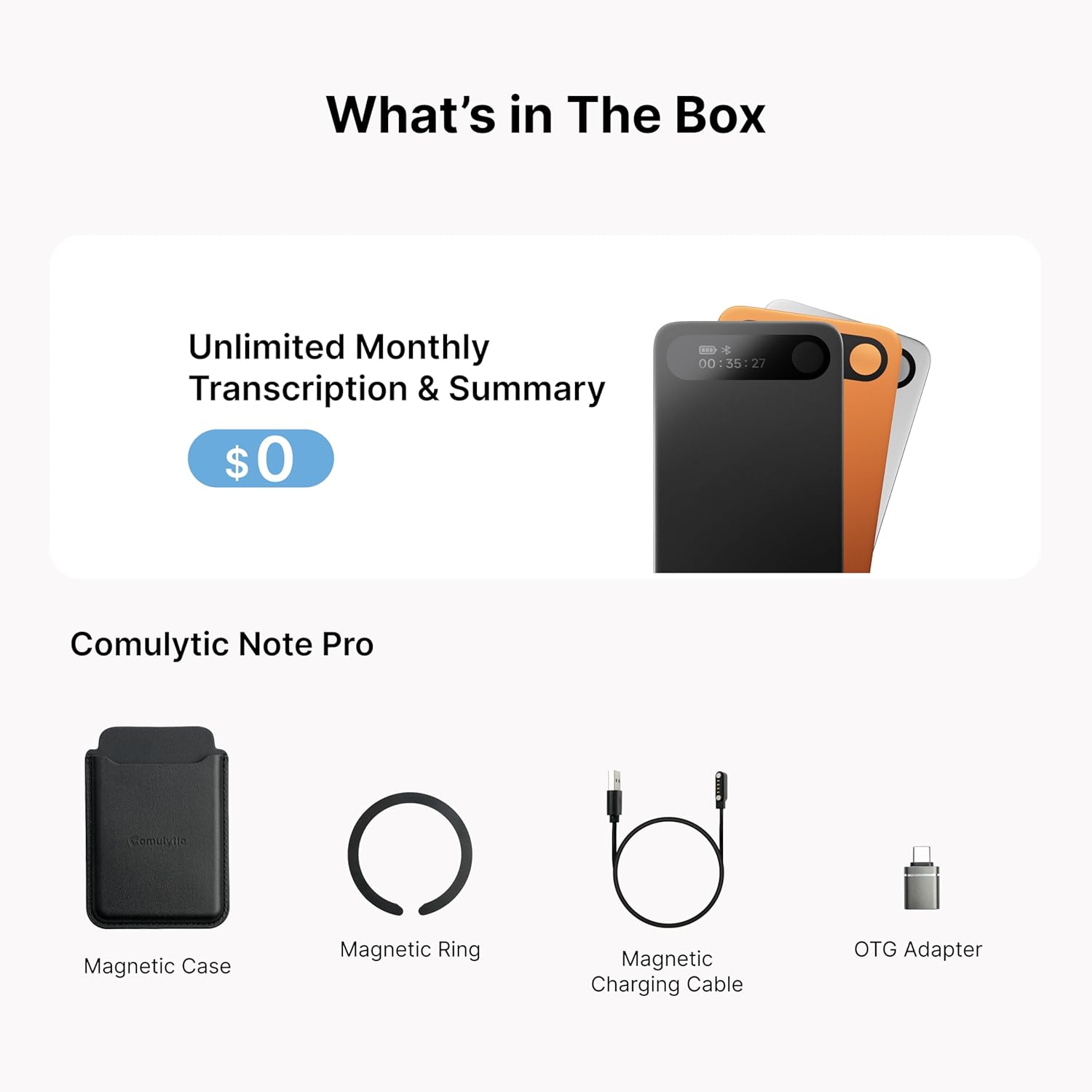
- Comulytic Note Pro AI Voice Recorder (1 unit)
- Magnetic Case (1 unit)
- USB-C Charging Cable (1 unit)
- Quick Start Guide (1 unit)
- OTG Adapter (1 unit)
- Magnetic Ring (1 unit)


3. Setup
3.1 Initial Charging
Before first use, fully charge your Comulytic Note Pro. Connect the provided USB-C charging cable to the device and a power source. A full charge from 0% to 100% takes approximately 90 minutes.
3.2 App Download and Installation
Download the Comulytic App to your smartphone. The Quick Start Guide includes a QR code for easy access to the app download. The app is essential for managing recordings, transcriptions, and device settings.

3.3 Device Pairing
Open the Comulytic App and follow the on-screen instructions to pair your Note Pro device via Bluetooth. Once paired, the device will use Wi-Fi for faster data transfer, up to 10x faster than Bluetooth, enabling real-time backup.

3.4 Attaching Magnetic Accessories
The magnetic case and magnetic rings allow for convenient attachment of the Note Pro to your phone or other surfaces. Use the magnetic case to protect your device and easily attach it to compatible phone cases.

4. Operating Instructions
4.1 One-Touch Recording
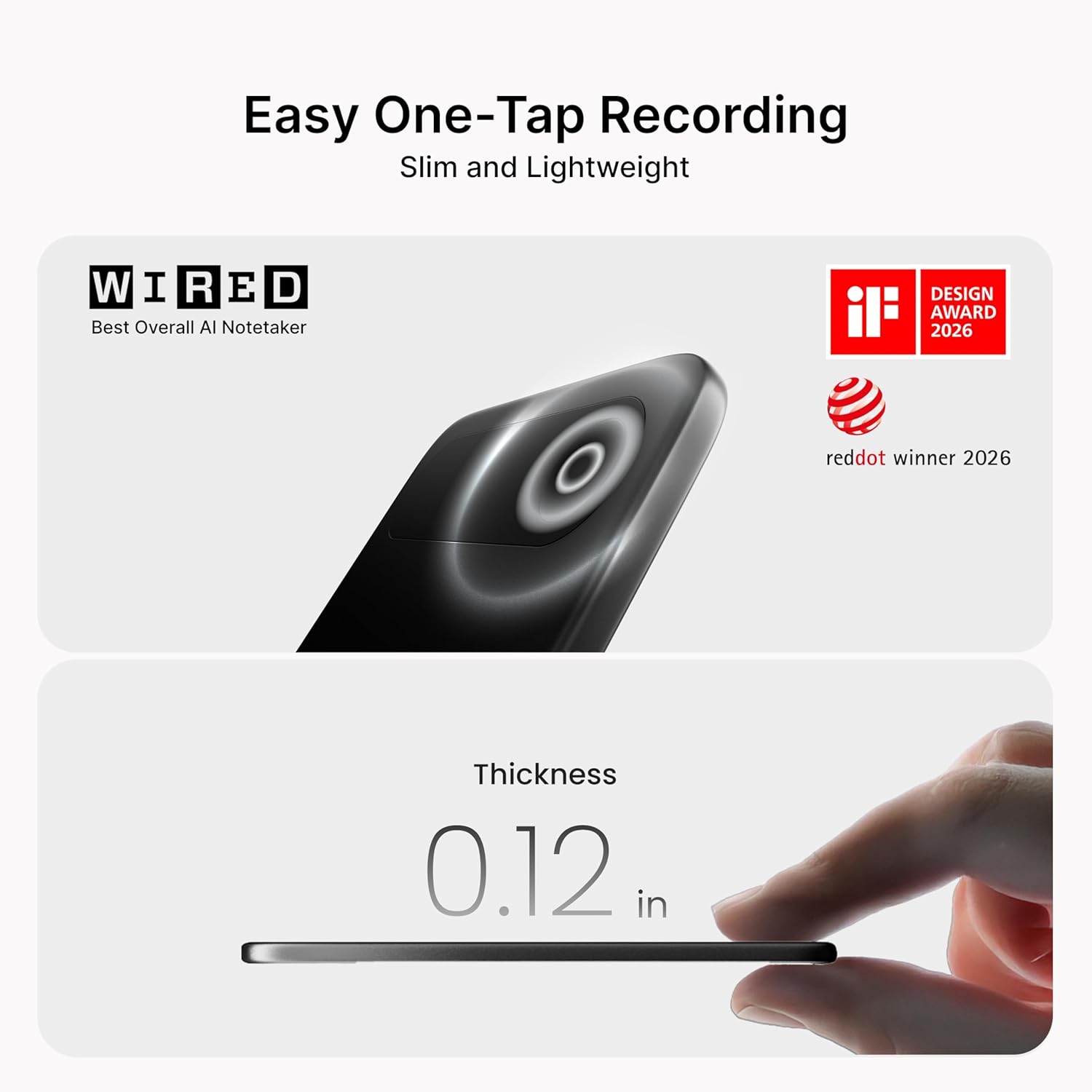
To start recording, press and hold the single button on the device for one second until you feel a vibration. To pause/resume, press the button briefly. To stop recording and save, press and hold again until it vibrates twice and displays "saved" on the 0.78-inch display.

4.2 AI Adaptive Recording Modes
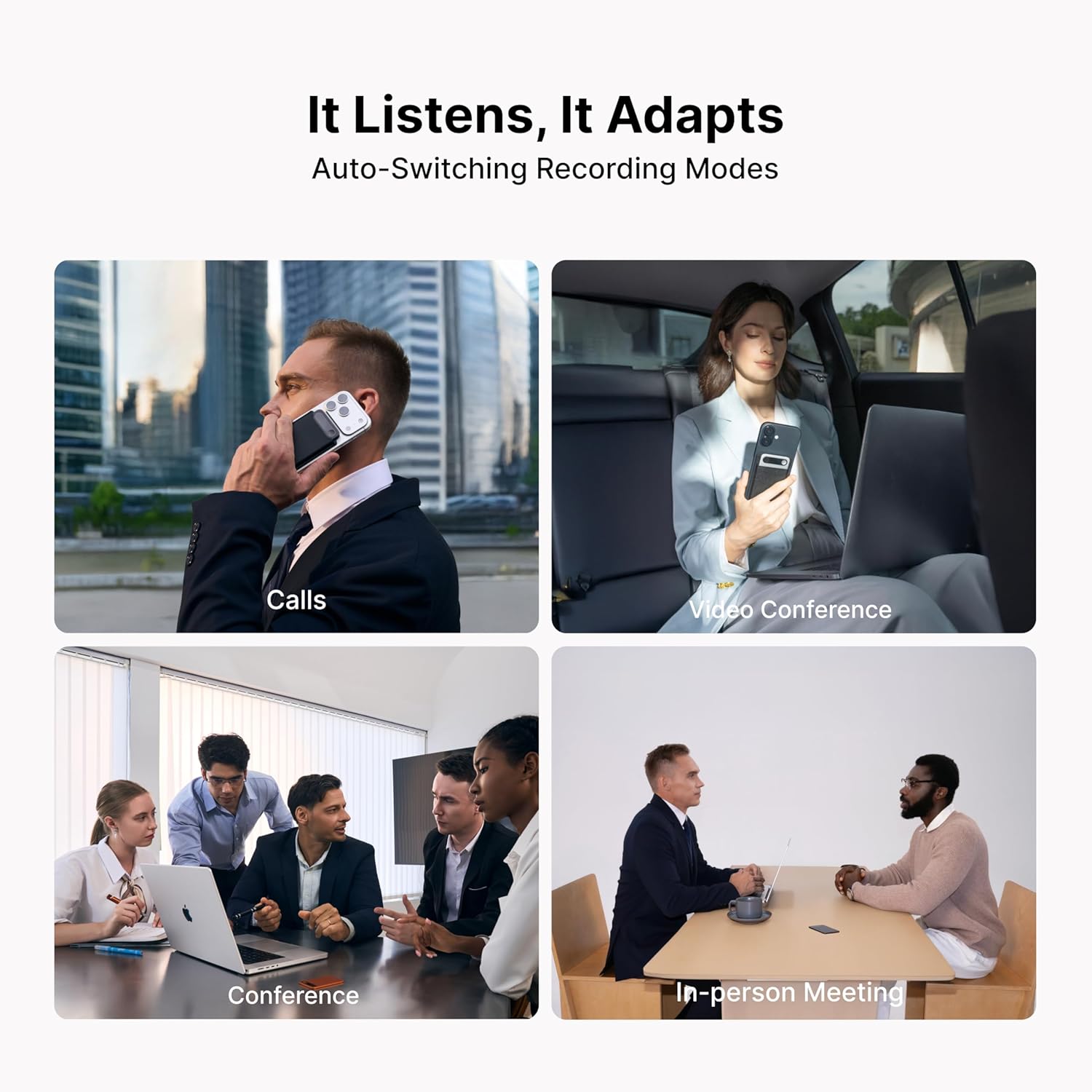
The device automatically detects and adapts to different recording environments, such as calls, meetings, and video conferences, without requiring manual mode switching. The triple-mic array with AI noise reduction ensures clear audio capture within 5 meters.
4.3 Transcription and Summarization via App
After recording, open the Comulytic App to access your files. The app provides precise AI transcription with up to 98% accuracy, supporting 113 languages. It also generates AI summaries and to-do lists. The Starter Plan offers unlimited transcription and basic summaries for free.


4.4 Data Storage and Privacy
The device includes 64GB of local storage. All recordings are also backed up to unlimited cloud storage via the Comulytic App. Your data is strictly encrypted using AES technology and protected by CCPA compliance.

4.5 App Control and Export
The Comulytic App allows for remote control of recording functions (start/pause/end) from up to 10 meters away. You can also export transcripts in various formats (.txt, .srt, .docx, .pdf) and share them via text or email.


5. Maintenance
5.1 Cleaning
Wipe the device with a soft, dry cloth. Avoid using harsh chemicals or abrasive materials that could damage the Corning Gorilla Glass display or aluminum body.
5.2 Battery Care
To prolong battery life, avoid exposing the device to extreme temperatures. Charge the device regularly, but avoid leaving it fully discharged for extended periods. The device offers 45 hours of continuous recording and 107 days of standby time on a full charge.
6. Troubleshooting
| Problem | Possible Cause | Solution |
|---|---|---|
| Device not recording | Low battery; device not powered on; storage full. | Charge the device; press and hold the button to power on; check available storage in the app. |
| Transcription inaccuracies | Background noise; multiple speakers; unclear speech; specific terminology not in AI knowledge base. | Ensure a quiet environment; speak clearly; review and edit transcripts in the app. The AI has a built-in vertical knowledge base for professional terms. |
| Device not connecting to app | Bluetooth/Wi-Fi off; device out of range; app not updated. | Ensure Bluetooth/Wi-Fi is enabled on your phone; bring device closer to phone (within 10 meters); update the Comulytic App. |
| Accidental recording activation | Button pressed unintentionally while carrying. | Be mindful of how the device is carried; consider adjusting recording limits in the app settings if available. |
7. Specifications
- Model Number: LA558
- Dimensions (D x W x H): 0.12" x 2.04" x 3.37"
- Item Weight: 27.6 Grams
- Memory Storage Capacity: 64 GB (local) + Unlimited Cloud Backup
- Screen Size: 0.78 Inches
- Battery Life (Continuous Recording): 45 Hours
- Standby Time: 107 Days
- Charging Time: 90 minutes (0% to 100%)
- Microphone: Triple-mic array with AI noise reduction
- Microphone Operation Mode: Stereo
- Indoor Pickup Range: 5 Meters
- Supported Languages for Transcription: 113 Languages
- Connectivity: Wi-Fi + Bluetooth Low Energy (BLE)
- Compatible Devices: Smartphone
- Audio Format: MP3 Audio, WAV
- Encryption: AES Encryption
8. Warranty & Support
8.1 Warranty Information
The Comulytic Note Pro comes with a 12-Month Limited Warranty. Please refer to the warranty safety guide included in your package for full details regarding coverage and terms.
8.2 Customer Support
If you have any questions or require assistance after reviewing this manual, please contact Comulytic customer support through Amazon. We aim to respond promptly to all inquiries.
9. Official Product Videos
Comulytic Note Pro AI Voice Recorder Note Taker
Video: An official overview of the Comulytic Note Pro AI Voice Recorder, demonstrating its key features and functionality.
