
1. Introduction
The ZEEPORTE SECURITY CG6S Wireless Outdoor Camera provides advanced home security with its 2K FHD resolution and versatile features. Designed for both indoor and outdoor use, this battery-powered camera offers reliable surveillance with color night vision, AI motion detection, two-way audio, and flexible storage options.
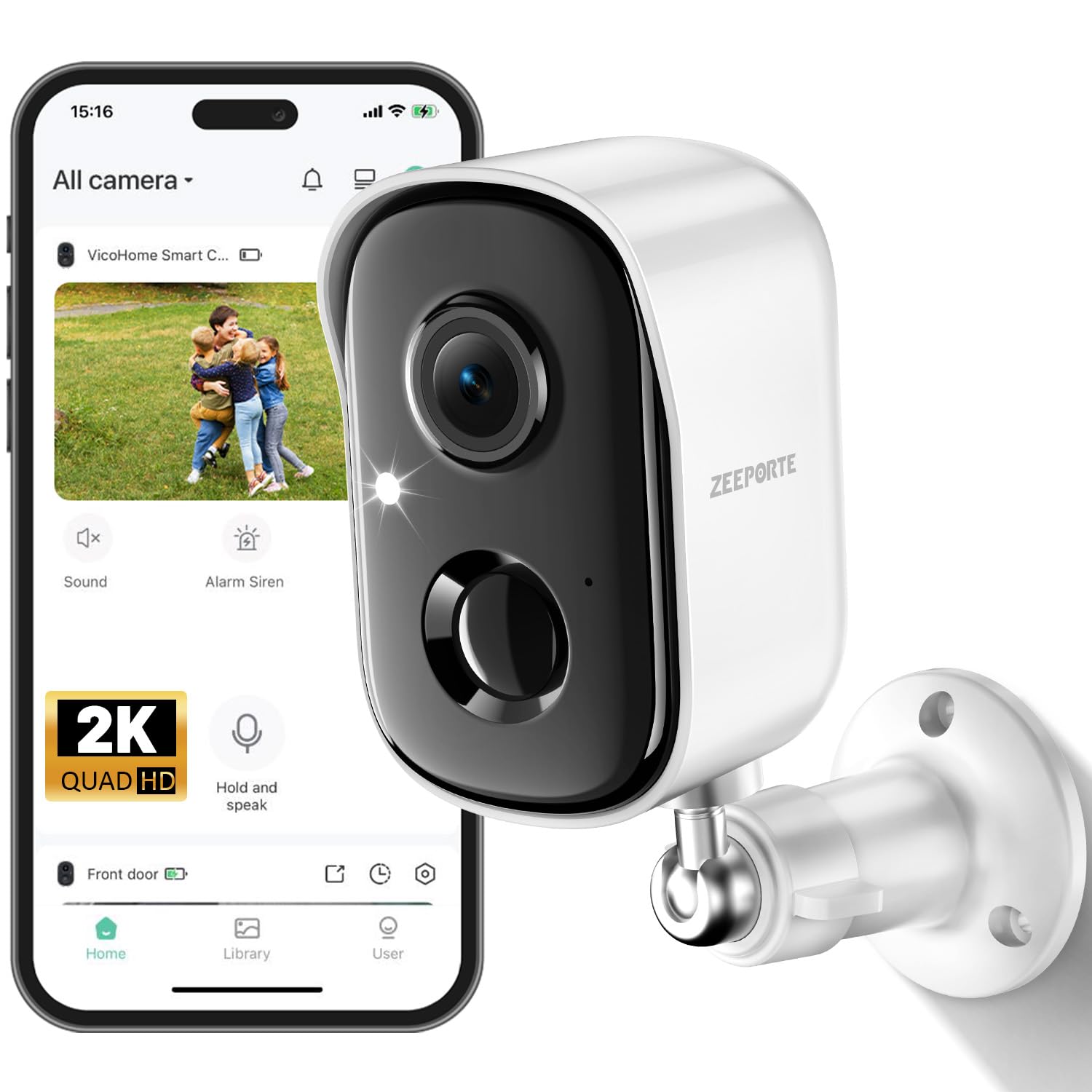
Image 1: ZEEPORTE SECURITY CG6S Wireless Outdoor Camera, showcasing its compact design and dual lenses.
2. What's in the Box
Upon unboxing your ZEEPORTE SECURITY CG6S camera, verify that all components are present:
- 1 x ZEEPORTE SECURITY CG6S Camera
- 1 x Charging Cord (USB-C)
- 1 x Installation Set (screws and wall anchors)
- 1 x User Manual
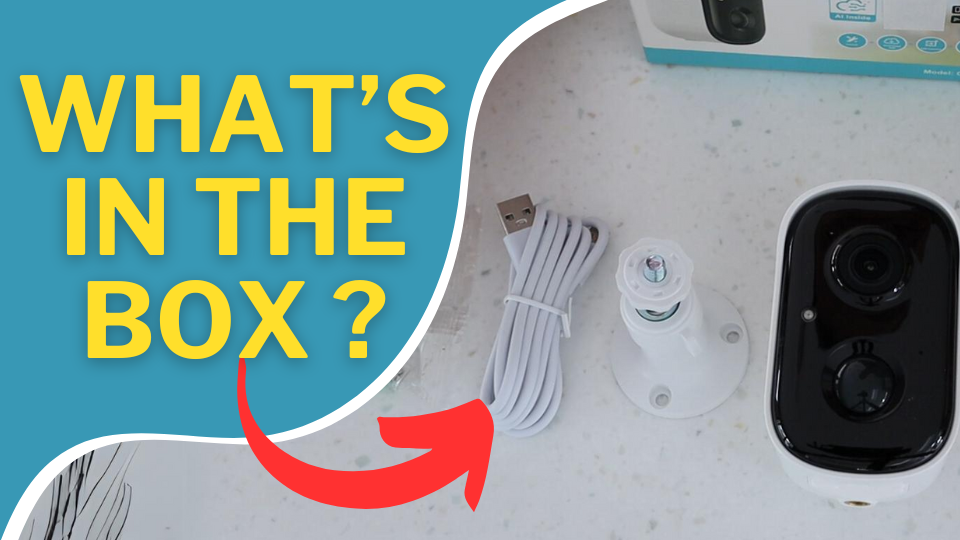
Image 2: Unboxing the ZEEPORTE SECURITY CG6S camera, showing the camera, charging cable, mounting bracket, screws, and user manual.
3. Key Features
- 2K FHD Clarity & Color Night Vision: Records video at 2304×1296 resolution, offering 4x sharper detail than 1080P. Features dual night vision modes (full-color and infrared) with a 33ft range for clear footage day and night.
- 100% Wire-Free & Rechargeable Battery: Operates without wires, providing 1–5 months of battery life on a single charge, depending on activity.
- Smart PIR Motion Detection with AI Recognition: Advanced AI accurately identifies people, vehicles, pets, and packages, sending real-time alerts to your mobile app.
- Two-Way Talk & Smart Siren Alarm: Communicate through the camera via your phone. Features a siren and strobe light to deter unwanted visitors.
- SD & Cloud Storage: Supports Micro SD card storage (up to 128GB, not included) and offers 3-day rolling cloud storage (10s, 15s, 20s recordings loop coverage) for two years, plus a 30-day trial of advanced cloud features.
- Weatherproof (IP65-rated): Designed for outdoor durability, functioning reliably in various weather conditions including rain, snow, or sun.

Image 3: Visual representation of the camera's core features: long battery life, AI motion detection, 2K FHD, color night vision, IP65 weatherproof, two-way audio, SD/Cloud storage, and multi-user sharing.
4. Setup
To set up your ZEEPORTE SECURITY CG6S camera, follow these steps:
- Charge the Camera: Fully charge the camera using the provided USB-C charging cable before initial use. The indicator light will show charging status.
- Download the App: Download the "Vicohome" app from the App Store (iOS) or Google Play Store (Android).
- Create an Account: Open the app and register for a new account or log in if you already have one.
- Add Device: In the app, tap the "+" icon to add a new device. Select "Battery device" and follow the on-screen instructions to pair your camera with your 2.4GHz Wi-Fi network (5GHz Wi-Fi is not supported).
- Power On: Long press the power button on the camera until it emits a tip sound to turn it on.
Video 1: A demonstration of the app setup process for the ZEEPORTE SECURITY CG6S Wireless Outdoor Camera.
5. Installation
The ZEEPORTE SECURITY CG6S camera is designed for easy installation. You can mount it on a wall, ceiling, or place it on a flat surface.
- Select a Location: Choose a location with good Wi-Fi signal strength and a clear view of the area you wish to monitor. Ensure the PIR sensor is not obstructed.
- Drill Holes: Use the mounting bracket as a template to mark and drill holes on the wall.
- Insert Anchors: Insert the provided expansion nuts (wall anchors) into the drilled holes.
- Attach Bracket: Secure the mounting bracket to the wall using the screws.
- Mount Camera: Attach the camera to the mounting bracket and adjust the angle for optimal coverage. Tighten the bracket to secure the camera.
Video 2: Official ZEEPORTE Security video demonstrating the installation process for the wireless outdoor camera.

Image 4: A person installing the ZEEPORTE SECURITY CG6S camera on an exterior wall, highlighting the ease of installation.
6. Operating Instructions
Utilize the Vicohome app to access and manage your camera's features:
- Live View: Open the app to view real-time footage from your camera.
- Motion Alerts: Receive instant notifications on your phone when motion is detected. Tap the notification to view the recorded clip.
- Two-Way Audio: Use the microphone icon in the live view to speak through the camera and listen to responses.
- Night Vision Modes: Switch between full-color night vision (using the built-in spotlight) and infrared night vision in the app settings.
- Siren and Spotlight: Manually activate the siren and strobe light from the app to deter intruders.
- Activity Zones: Customize specific areas for motion detection to reduce false alarms.

Image 5: The Vicohome app interface, illustrating various functions such as siren activation, two-way audio, and customizable motion zones.
Video 3: A demonstration of the two-way talk feature and camera overview, showing interaction with a person at the door.
7. Storage Options
The ZEEPORTE SECURITY CG6S camera offers flexible storage solutions:
- Micro SD Card: Insert a Micro SD card (up to 128GB, not included) into the designated slot for local storage of recordings.
- Cloud Storage: Benefit from 3-day rolling cloud storage for motion-triggered clips (10s, 15s, 20s recordings loop coverage) for two years. A 30-day trial of advanced cloud features, including AI recognition and upgraded memory, is also available.

Image 6: The camera's local storage (Micro SD card) and cloud storage options are highlighted, showing the physical slot and app interface.
8. Battery Life and Charging
The camera is equipped with a rechargeable battery that provides 1 to 5 months of operation on a single charge, depending on usage frequency and motion detection activity. To recharge, simply unscrew the camera from its base and connect the USB-C charging cable.
9. Weather Resistance
With an IP65 weatherproof rating, the ZEEPORTE SECURITY CG6S camera is built to withstand various outdoor conditions. It operates effectively in rain, snow, and sun, ensuring continuous surveillance regardless of the weather.
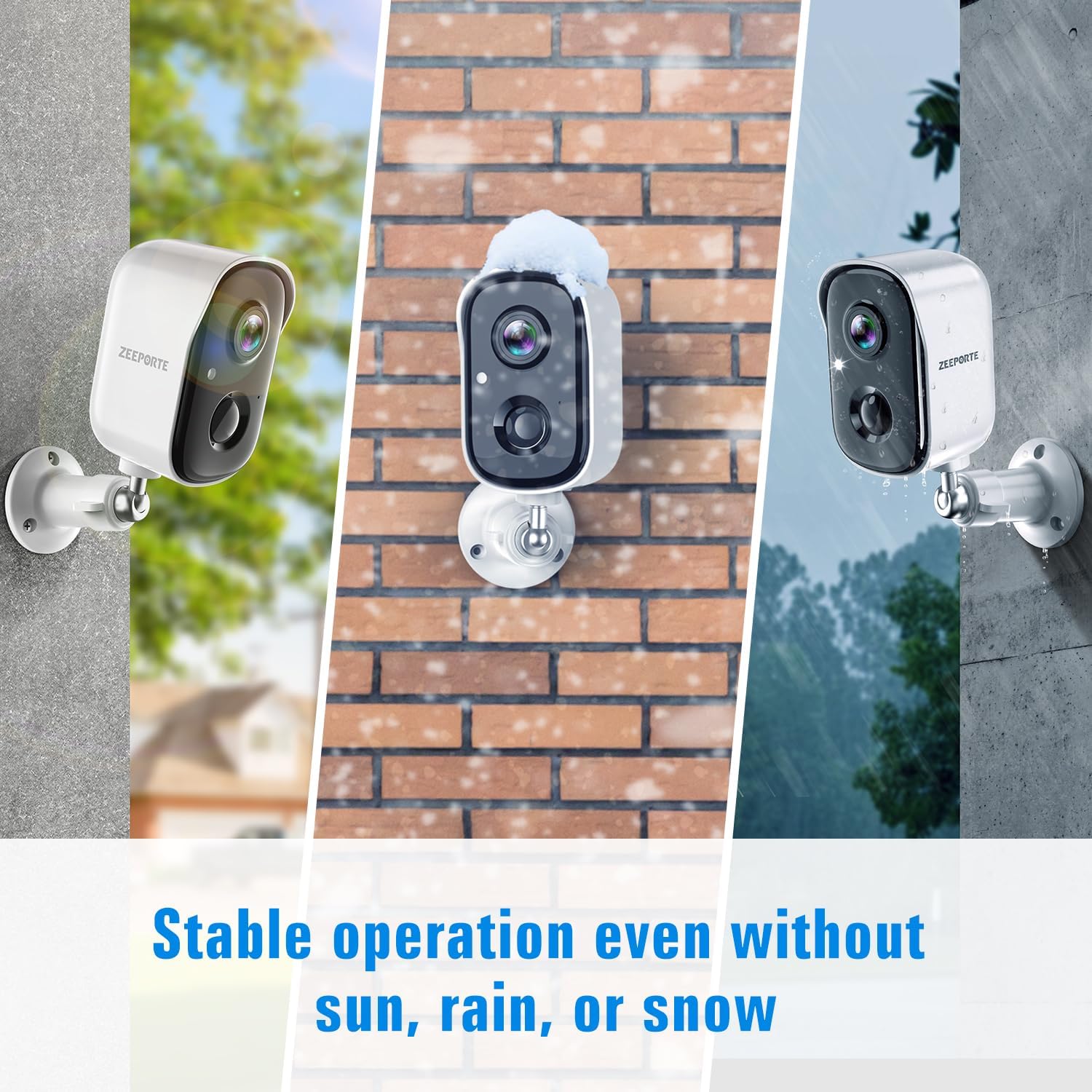
Image 7: The camera's durability in various weather conditions, including sun, snow, and rain, is illustrated.
10. Specifications
| Feature | Specification |
|---|---|
| Model Name | CG6S |
| Connectivity Technology | Wireless (2.4GHz Wi-Fi only) |
| Video Capture Resolution | 2K (2304×1296) |
| Night Vision Range | 33 Feet (Color & Infrared) |
| Special Features | 100% Wireless, Rechargeable, Long Battery Life, AI Motion Detection, Spotlight, Siren, IP65 Waterproof, SD/Cloud Storage |
| Indoor/Outdoor Usage | Indoor, Outdoor |
| Power Source | Battery Powered |
| Storage | Micro SD card (up to 128GB), Cloud Storage |
| Viewing Angle | 120 Degrees |
| Item Dimensions | 5.33 x 2.63 x 3.78 inches |
11. Troubleshooting
- Camera Not Connecting to Wi-Fi: Ensure your Wi-Fi network is 2.4GHz. 5GHz networks are not supported. Check Wi-Fi signal strength at the camera's location.
- Frequent Battery Drain: Reduce motion detection sensitivity or frequency of recordings. Ensure the camera is not in a high-traffic area if long battery life is desired.
- False Motion Alerts: Adjust the motion detection sensitivity in the app. Utilize activity zones to focus detection on critical areas.
- Poor Video Quality: Ensure the camera lens is clean. Check Wi-Fi connection stability.
- Cloud Storage Issues: Verify your cloud subscription status. Ensure the camera has a stable internet connection to upload recordings.
12. Warranty and Support
For product issues, technical assistance, or warranty claims, please contact ZEEPORTE SECURITY customer service:
- Email: support@zeeporte.com
- Phone: (800) 576-7818

Image 8: ZEEPORTE SECURITY customer service contact details for support.