
NBCP WOlF V-2 (Model 736C-B)
NBCP WOlF V-2 Wireless Game Controller User Manual
Model: 736C-B | Brand: NBCP
Introduction
This manual provides detailed instructions for the setup, operation, maintenance, and troubleshooting of your NBCP WOlF V-2 Wireless Game Controller. Designed for a versatile gaming experience, this controller is compatible with PlayStation 4, PlayStation 3, PC, iOS, and Android devices.
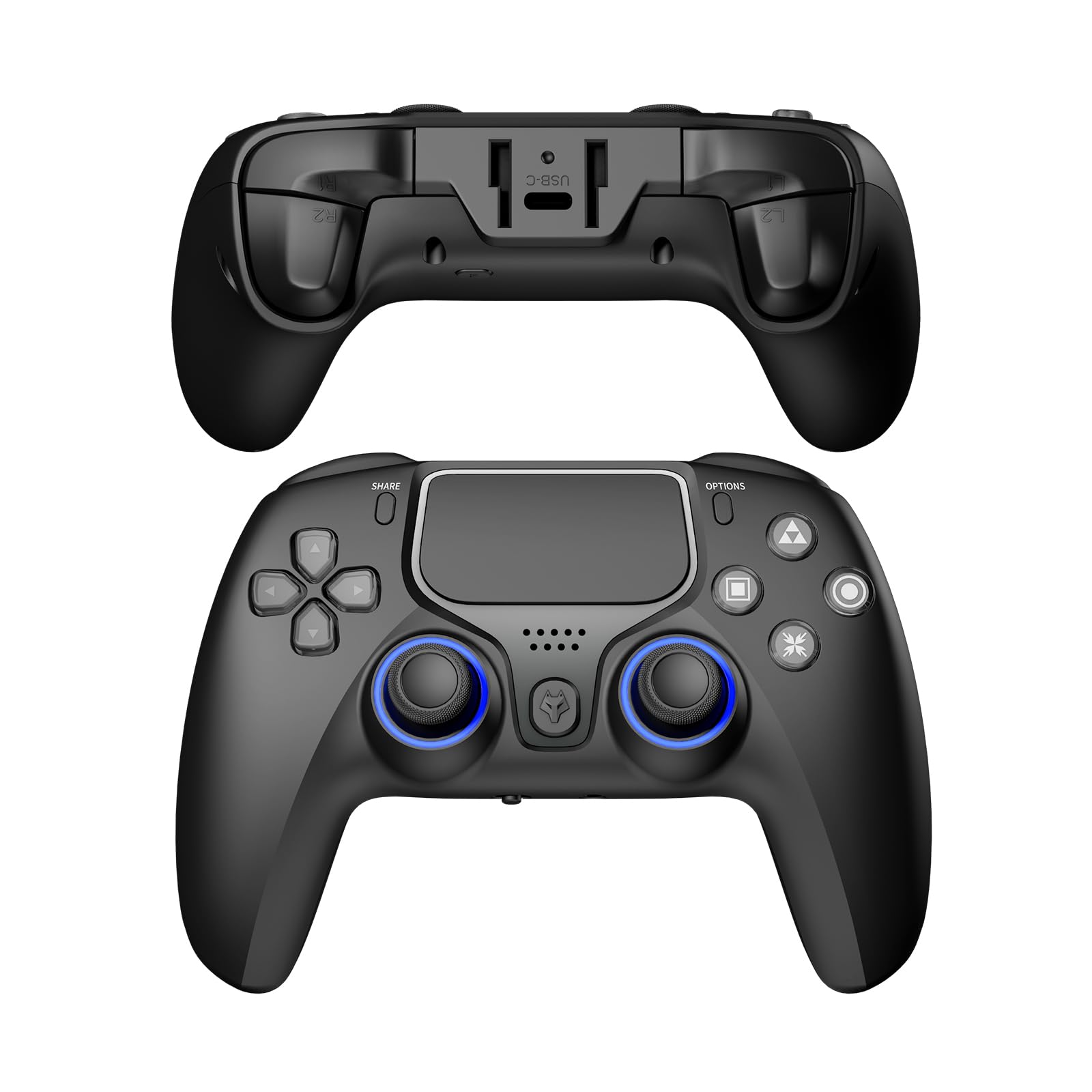
Image: Front view of the NBCP WOlF V-2 Wireless Game Controller.
Package Contents
Verify that all items are present in your package:
- 2 x NBCP WOlF V-2 Wireless Controllers
- 2 x Charging Cables (USB)
- 1 x User Manual
Product Overview
The NBCP WOlF V-2 controller features advanced technology for an enhanced gaming experience across multiple platforms.
Multi-Platform Compatibility
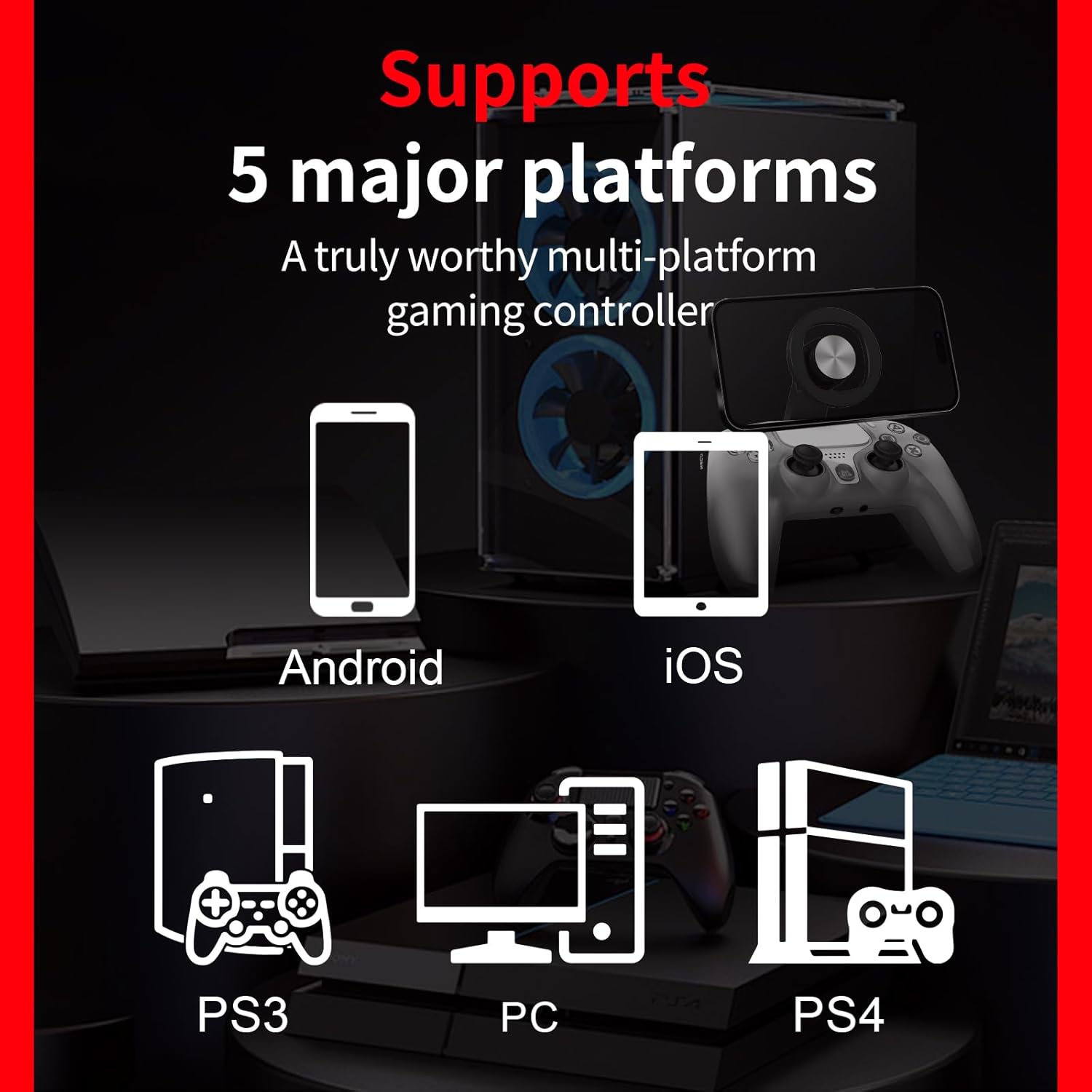
Image: Diagram illustrating compatibility with Android, iOS, PS3, PC, and PS4 platforms.
The controller supports wireless Bluetooth connectivity with iOS/Android devices, smartphones, tablets, and laptops. It also offers wired connectivity with PS3 and PC (Windows 7/8/10/11).
Six-Axis Gyroscope

Image: Close-up of the controller highlighting the 6-axis gyro sensor functionality.
A built-in 6-axis gyroscope enhances immersion through motion control in various game modes and scenarios.
Dual Vibration Feedback
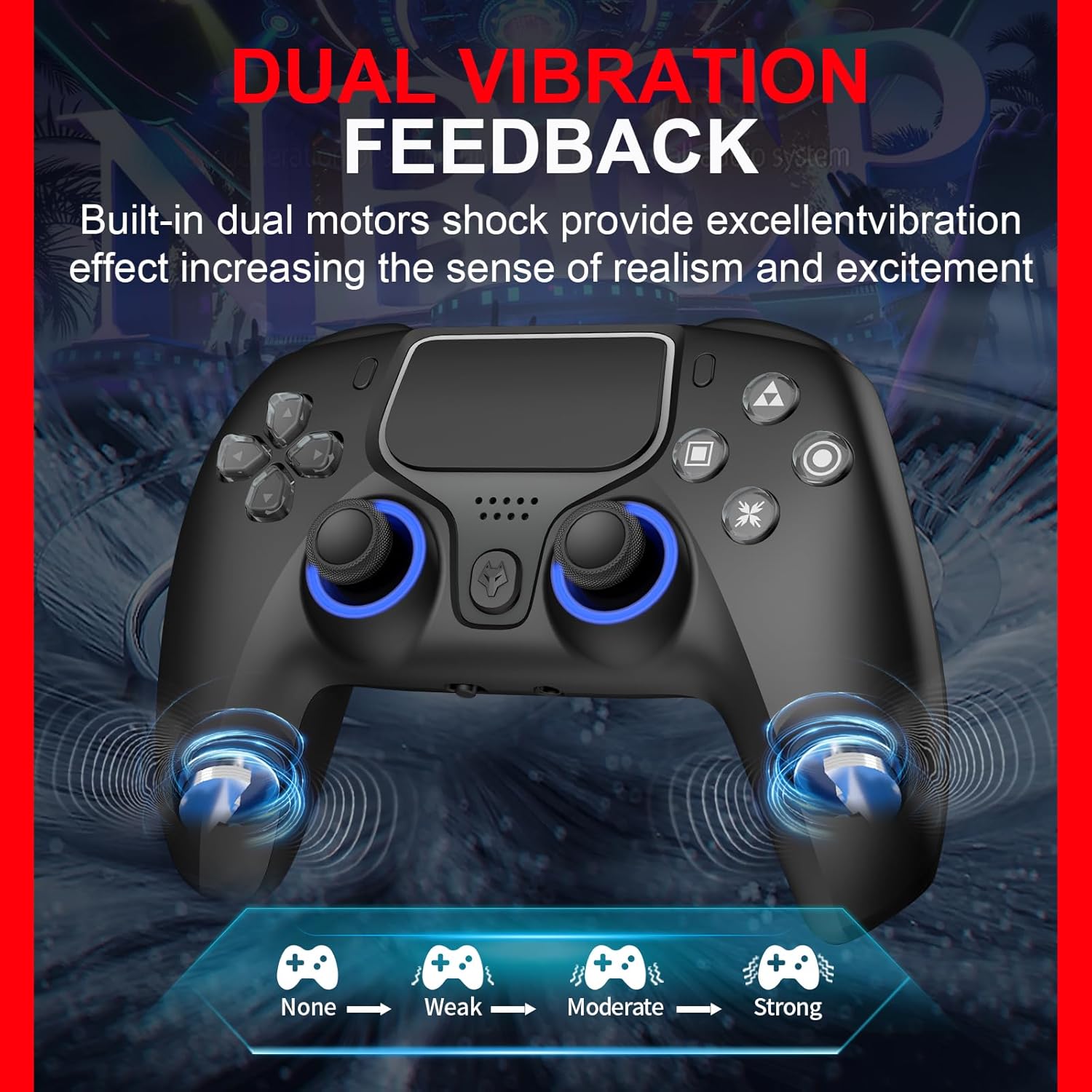
Image: Controller showing different levels of dual vibration feedback (None, Weak, Moderate, Strong).
Integrated dual vibration motors provide tactile feedback, increasing realism during gameplay.
Hall Effect Triggers

Image: Detailed view of a Hall Effect linear trigger, indicating precise input without physical friction.
Equipped with dual Hall effect triggers, the controller delivers highly accurate input with no physical friction, ensuring smoother and more refined control.
Turbo Function

Image: Controller illustrating the Turbo function button and its activation for high-frequency combos.
Supports semi-auto and full-auto TURBO modes for faster skill execution. The D-pad and left thumbstick are functionally interchangeable.
Touchpad and Audio Jack

Image: Close-up of the controller's touchpad, demonstrating its responsive surface.
The controller includes a 2-point touchpad for precise input and a 3.5mm audio jack with a microphone toggle switch for privacy control during gameplay. Note: Only supports CTIA-standard headphones. OTMP-standard headphones are not compatible.
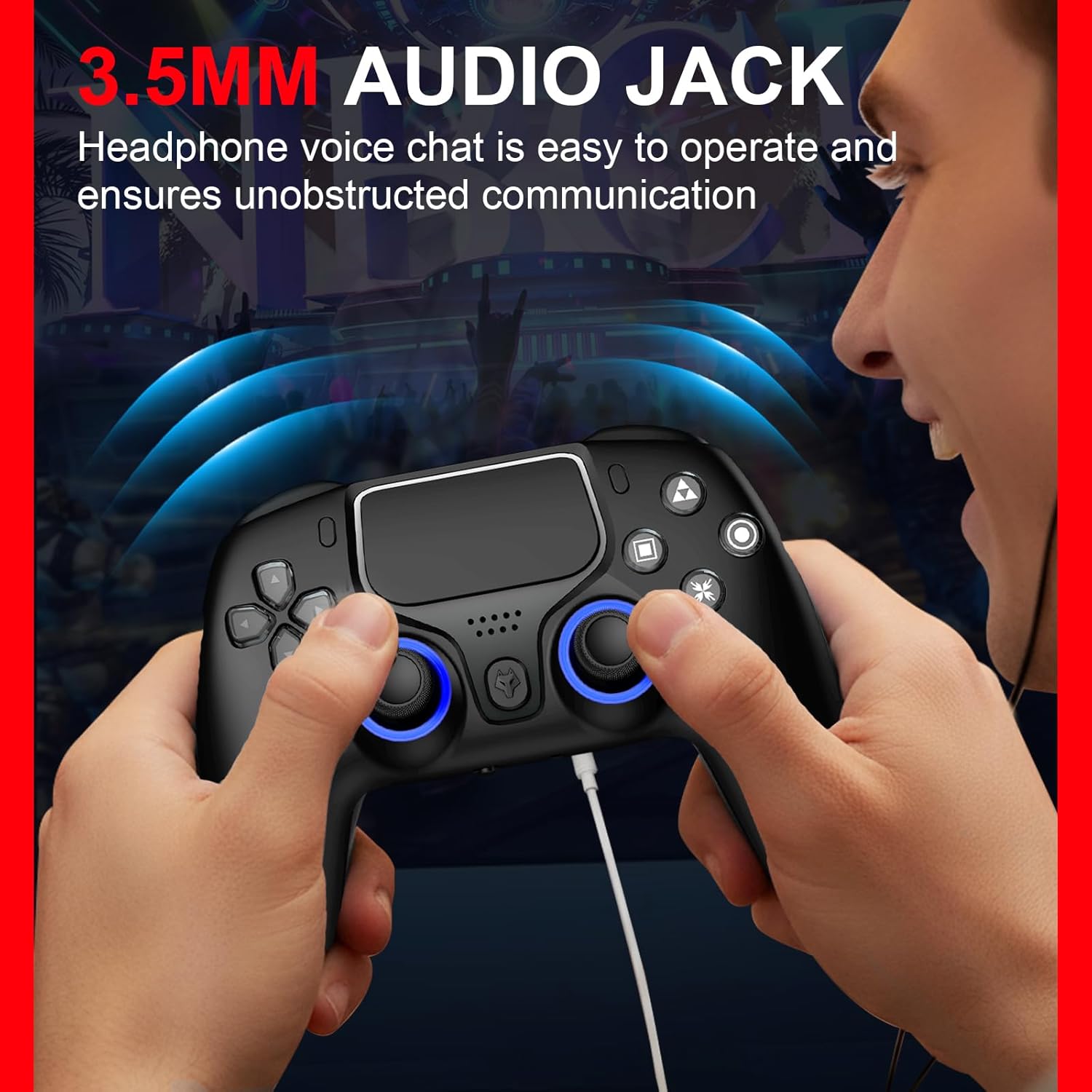
Image: A user connecting headphones to the 3.5mm audio jack on the controller.
Durable Design

Image: Transparent crystal-action buttons on the controller, emphasizing their durability and resistance to wear.
The controller features crystal-action buttons designed for zero wear, ensuring extended longevity.
Setup and Connection
Initial PS4 Pairing (Wired First Connection)
- Ensure your PS4 console is powered on.
- Connect the controller to your PS4 console using the provided USB cable.
- Press the PS button on the controller. The controller will be activated and paired with the console.
- Once paired, you can disconnect the USB cable and use the controller wirelessly via Bluetooth. Subsequent connections will be wireless.
Important: For the first connection to a PS4, a wired connection is mandatory to activate and pair the device.
Connecting to Other Devices (Wireless)
- iOS/Android Devices: Enable Bluetooth on your mobile device. Put the controller into pairing mode (refer to specific instructions for your device, usually holding a combination of buttons). Select "NBCP WOlF V-2" from the list of available Bluetooth devices.
- PC: Connect the controller via the provided USB cable for wired play. For wireless play, ensure your PC has Bluetooth capability. Put the controller into pairing mode and select it from your PC's Bluetooth settings.
- PS3: Connect the controller via the provided USB cable. The controller functions as a wired controller for PS3.
Operating Instructions
Basic Controls
Familiarize yourself with the standard button layout and functions. The D-pad and left thumbstick can be functionally interchanged based on game preference.
Activating Turbo Mode
To activate the Turbo function, press the F button (often located on the back or bottom of the controller) along with the desired action button (e.g., L1/L2/R1/R2/Triangle/Circle/X/Square). Repeat the combination to cycle through semi-auto, full-auto, and off modes.
Self-Correction Function (Drift Correction)

Image: Visual representation of the joystick's self-calibration feature to prevent drift.
The WOlF V-2 controller features self-calibration for the thumbsticks, triggers, and 6-axis gyroscope. If you experience drifting or gyro inaccuracies after extended use, activate the built-in correction function to restore precision. To do this, press and hold the F button and the Triangle button simultaneously while the controller is powered off. Refer to the full manual for detailed steps if needed.

Image: Visual representation of the trigger's self-calibration feature to prevent drift.
1000Hz Polling Rate

Image: An illustration of a microchip, symbolizing the controller's 1000Hz polling rate for minimal input lag.
The controller operates with a 1000Hz polling rate, ensuring ultra-low latency (0.1ms lag) for immediate response to your commands.
Charging and Battery

Image: The controller connected via USB for charging, with icons indicating battery capacity and usage time.
- The controller is equipped with a 1200mAh built-in battery.
- Charging time: Approximately 3-6 hours for a full charge.
- Continuous use: Up to 16-20 hours on a full charge.
- Connect the controller to a USB power source (e.g., console, PC, USB wall adapter) using the provided USB cable to charge.
Maintenance
- Keep the controller clean by wiping it with a soft, dry cloth.
- Avoid exposing the controller to extreme temperatures, humidity, or direct sunlight.
- Do not attempt to disassemble the controller, as this may void the warranty.
- Store the controller in a safe place when not in use to prevent damage.
Troubleshooting
Controller Not Connecting/Pairing
- Ensure the controller is charged.
- For PS4, remember the initial wired connection requirement.
- Verify Bluetooth is enabled on your device and the controller is in pairing mode.
- Try resetting the controller (a small reset button is usually located on the back; use a thin object like a paperclip to press it).
Joystick/Trigger Drift or Inaccuracy
- Utilize the built-in self-correction function as described in the "Operating Instructions" section.
- Ensure the controller's firmware is up to date (check the manufacturer's website for updates).
Audio Jack Issues
- Confirm your headphones are CTIA-standard. OTMP headphones are not compatible.
- Check the connection of the headphone jack.
- Ensure the microphone toggle switch is in the correct position.
Specifications
| Feature | Detail |
|---|---|
| Brand Name | NBCP |
| Model Name | WOlF V-2 |
| Model Number | 736C-B (Manufacturer Part Number: p402) |
| Compatible Devices | Android, iOS, PC, PlayStation 3, PlayStation 4 (PS4 Slim, PS4 Pro) |
| Connectivity Technology | Bluetooth, USB |
| Controller Type | Gamepad |
| Battery Capacity | 1200mAh |
| Special Features | Dual Hall Effect Triggers, Six-Axis Gyroscope, Touchpad, Turbo Function, Dual Vibration, 3.5mm Headphone Jack, Built-in Speaker, Drift Correction |
| Item Weight | 0.72 Kilograms (for 2 controllers) |
| Package Quantity | 2 |
Official Product Video
Video: An official overview of the NBCP PS4 Wireless Controller, showcasing its features and design.
Warranty and Support
NBCP is committed to providing high-quality products and professional after-sales service. If you have any questions, concerns, or require assistance with your WOlF V-2 controller, please contact our customer support team. Refer to the product packaging or the official NBCP website for contact information.
Related Documents - WOlF V-2 (Model 736C-B)
 |
736C Wireless Gaming Controller User Manual and Features Detailed user manual for the 736C wireless gaming controller, covering product introduction, functional instructions, platform connectivity (PC, P4, iOS, Android, P3), advanced features, calibration, and technical specifications. |
 |
Redragon G711 Forge Wireless Gamepad User Manual Detailed user manual for the Redragon G711 Forge Wireless Gamepad. Learn how to connect to PC, Android, iOS, PS3, and Switch via Bluetooth or 2.4G receiver. Features include button functions, vibration adjustment, turbo mode, gyroscope, and joystick calibration. |
 |
BSP D8 PRO Wireless Controller User Manual - Features, Modes, and Settings Comprehensive user manual for the BSP D8 PRO wireless gaming controller. Learn about its features, connection modes (Bluetooth, USB, 2.4G), button functions, macro programming, vibration settings, and compatibility with PC, PS3/PS4/PS5, Switch, Android, and iOS devices. |
 |
Anbernic RG P01 Game Controller User Manual Detailed user guide for the Anbernic RG P01 game controller, covering wireless, 2.4G, and wired connections, mode switching for PC (Xinput/Switch), Android, and iOS, power management, macro programming, and advanced settings like gyroscope calibration and rapid fire. |
 |
PS4 Bluetooth Wireless Game Controller Model 118 - User Guide and Specifications Detailed information on the PS4 Bluetooth Wireless Game Controller Model 118, covering product overview, features, connection instructions for PS4, PC, Android, and iOS, audio capabilities, six-axis and touch functions, technical specifications, and FCC compliance. |
 |
Gulikit NS58 Elves 2 Bluetooth Controller Product Manual Comprehensive product manual for the Gulikit NS58 Elves 2 Bluetooth Controller, covering features, compatibility, setup, operation, charging, safety, and important notes for Nintendo Switch, Windows, Android, and iOS. |
Ask a question about this manual
Ask about setup, troubleshooting, compatibility, parts, safety, or missing instructions. Manuals+ will review the question and use this page’s manual context to help answer it.