
Conyat X5S
Conyat X5S Open-Ear Headphones User Manual
1. Introduction
The Conyat X5S Open-Ear Headphones are designed for comfort and situational awareness, allowing you to enjoy audio while remaining aware of your surroundings. They feature Bluetooth 6.0 connectivity, environmental noise-canceling (ENC) microphone technology for clear calls, and IP7 water resistance for durability during various activities.
This manual provides instructions for setting up, operating, and maintaining your Conyat X5S headphones to ensure optimal performance and longevity.
2. What's in the Box
Verify that all items are present in the package:
- Conyat X5S Headphones (Left and Right) x 2
- USB-C Charging Cable x 1
- Portable Charging Case x 1
- User Manual x 1

Image: Contents of the Conyat X5S Open-Ear Headphones package, including earbuds, charging case, USB-C cable, and user manual.
3. Product Overview
The Conyat X5S headphones feature an open-ear design with adjustable ear hooks for a secure and comfortable fit. Each earbud is lightweight, approximately 6.7g, designed for extended wear without discomfort. The charging case provides additional battery life and features an LED display for battery status.
Key Components:
- Open-Ear Design: Allows ambient sound awareness.
- Adjustable Ear Hooks: Ensures a stable and comfortable fit.
- Touch Control Area: For managing playback, calls, and voice assistant.
- Microphone: Equipped with ENC technology for clear voice pickup.
- Charging Contacts: Located on each earbud for charging within the case.
- Charging Case: Houses and charges the earbuds, with a USB-C port for external charging.
- LED Display (on case): Indicates charging case battery level.

Image: The Conyat X5S Open-Ear Headphones, showcasing their design and the compact charging case.
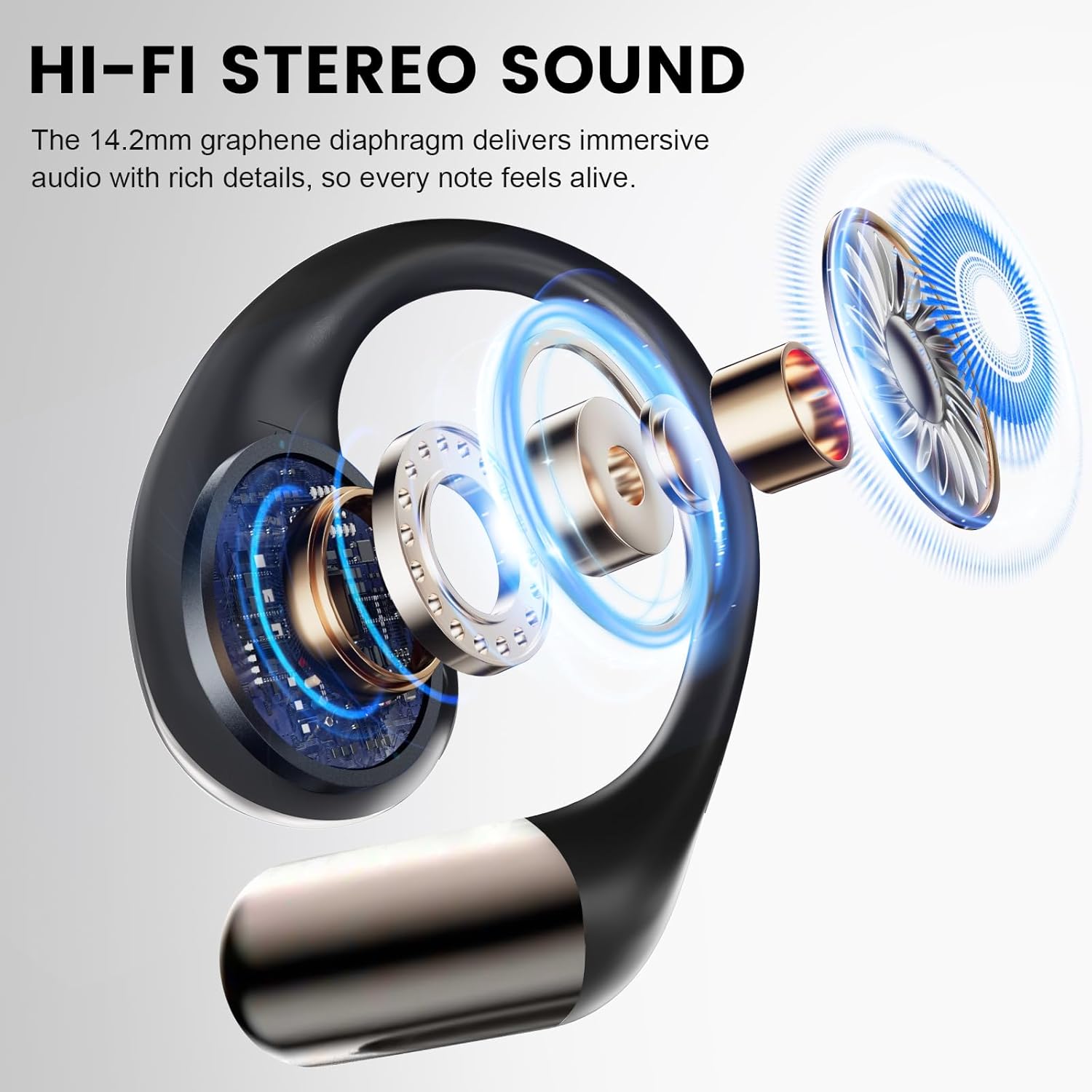
Image: An internal diagram illustrating the 14.2mm dynamic driver responsible for audio output in the Conyat X5S headphones.
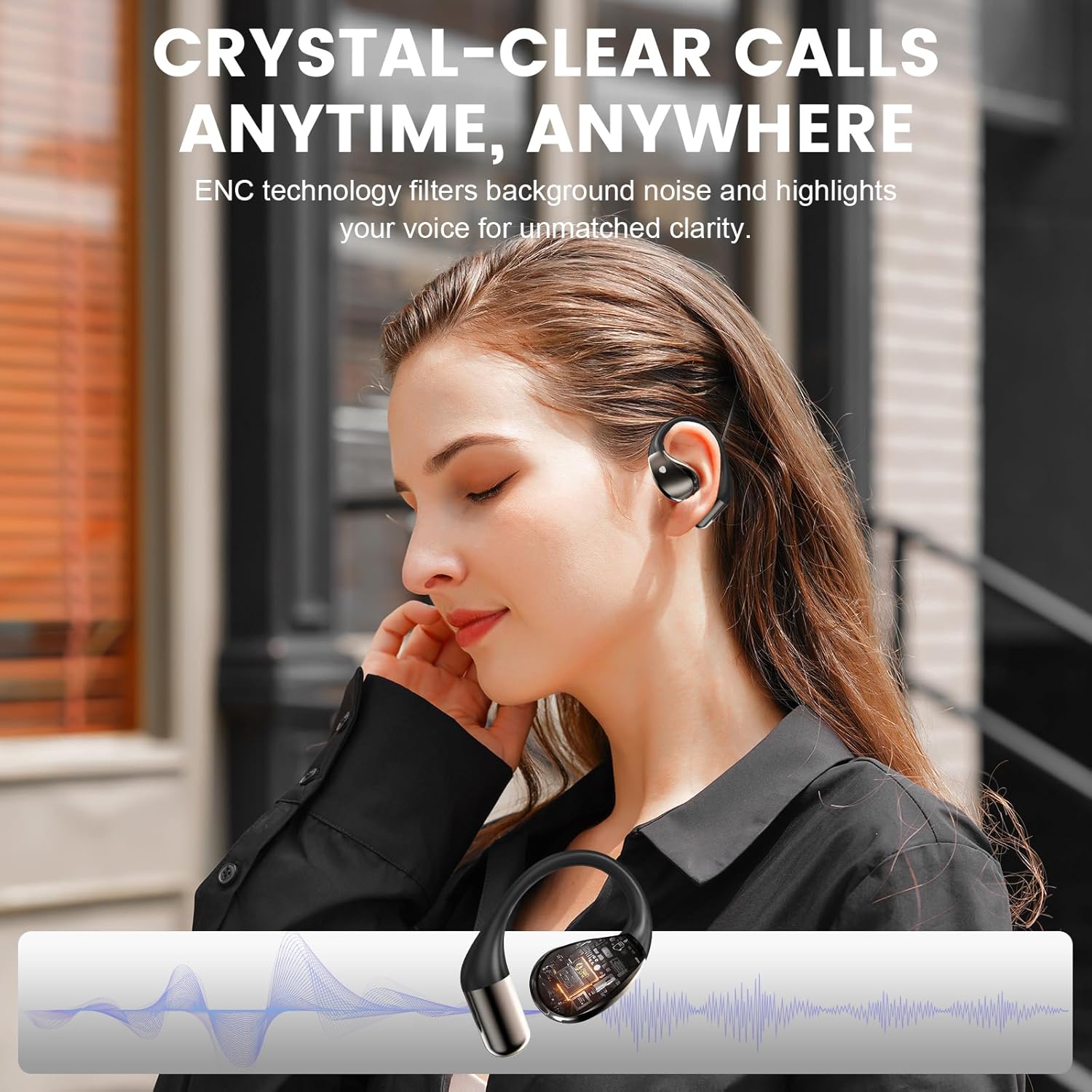
Image: A woman wearing the Conyat X5S headphones, highlighting the clear call quality provided by ENC microphone technology.
4. Wearing Instructions
Properly wearing the Conyat X5S headphones ensures comfort and optimal sound experience. Follow these steps:
- Hook the end of the earphone onto your ear bone.
- Rotate the earphone and slide it behind your ear.
- Adjust the ear hook and pull it down slightly for a secure fit.

Image: A visual guide demonstrating the three steps to correctly wear the Conyat X5S Open-Ear Headphones for a secure and comfortable fit.
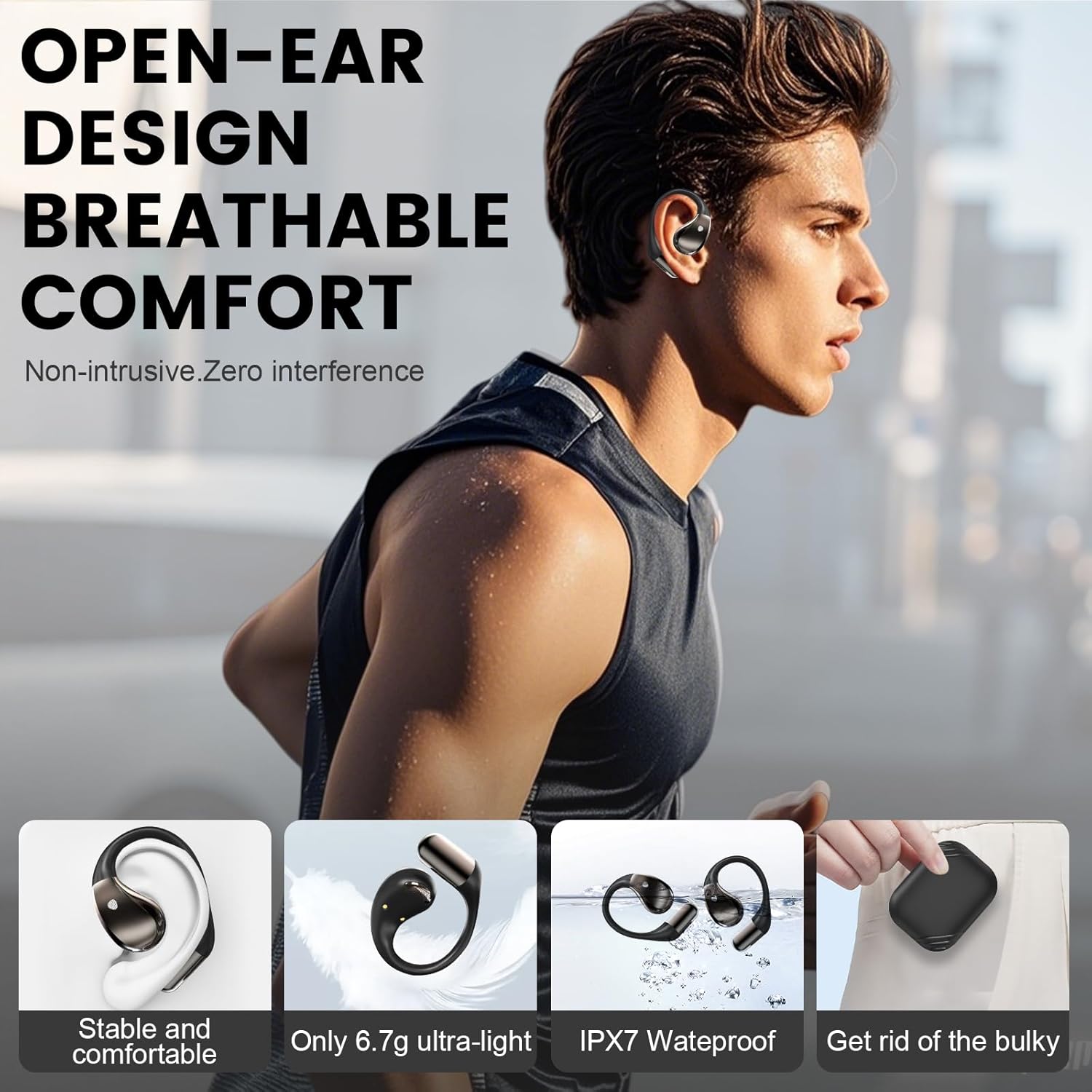
Image: A person wearing the Conyat X5S headphones, illustrating their comfortable open-ear design that allows for environmental awareness.
5. Setup: Bluetooth Pairing
The Conyat X5S headphones utilize Bluetooth 6.0 for a stable and efficient wireless connection. Follow these steps to pair your headphones with a device:
- Initial Pairing: Open the charging case. The earbuds will automatically enter pairing mode.
- Activate Bluetooth: On your device (smartphone, tablet, computer), enable Bluetooth.
- Select Device: In your device's Bluetooth settings, look for "X5S" in the list of available devices and select it to connect.
- Confirmation: Once connected, your device will indicate that the headphones are paired. The earbuds are now ready for use.
The headphones will automatically reconnect to the last paired device when removed from the charging case, provided Bluetooth is enabled on the device.

Image: A smartphone display showing the 'X5S' headphones listed as an available Bluetooth device, illustrating the one-step pairing process.
6. Operating Instructions
6.1. Touch Controls
The Conyat X5S headphones feature intuitive touch controls on each earbud. The functions are as follows:
| Action | Function |
|---|---|
| Double-tap (L/R) | Play/Pause music, Answer/Hang up call |
| Long Tap 2s (L/R) | Refuse Incoming Call, Previous/Next Track |
| One-tap (L/R) | Adjust Volume |
| Triple-tap (L/R) | Activate Voice Assistant (Siri) |

Image: A visual representation of the touch control gestures on the Conyat X5S headphones for various functions like playback, calls, and volume adjustment.
6.2. Charging the Headphones and Case
The headphones provide 8-10 hours of playtime on a single charge, with the charging case extending total playtime to 40 hours. The charging case features an LED display to show its battery status.
- Charging the Earbuds: Place the earbuds into the charging case. They will automatically begin charging.
- Charging the Case: Connect the provided USB-C charging cable to the charging port on the case and to a power source. The LED display on the case will show the charging progress. A full charge for the case takes approximately 1.5 hours.

Image: The Conyat X5S charging case, highlighting its LED battery display and the USB-C charging port.

Image: A graphic depicting the 40-hour total battery life of the Conyat X5S headphones, including 8-10 hours per single charge and fast USB-C charging.
7. Maintenance
To ensure the longevity and performance of your Conyat X5S headphones, follow these maintenance guidelines:
- Cleaning: Regularly wipe the earbuds and charging case with a soft, dry, lint-free cloth. Avoid using abrasive materials or harsh chemicals.
- Water Resistance: The headphones are IP7 water-resistant, meaning they are protected against sweat and rain. However, they are not designed for swimming or submersion in water. Ensure they are dry before placing them back in the charging case.
- Storage: When not in use, store the headphones in their charging case to protect them from dust and damage. Store in a cool, dry place.
- Charging Port: Keep the USB-C charging port free of dust and debris.

Image: The Conyat X5S headphones shown with water splashes, illustrating their IP7 waterproof and sweatproof capabilities for outdoor and workout use.
8. Troubleshooting
If you encounter issues with your Conyat X5S headphones, refer to the following common problems and solutions:
No Sound or Intermittent Connection:
- Ensure the headphones are fully charged.
- Verify that Bluetooth is enabled on your device and the headphones are connected.
- Move closer to your device to avoid interference.
- Try unpairing and re-pairing the headphones with your device.
- Restart your device and the headphones (by placing them in the case and taking them out again).
Headphones Not Charging:
- Ensure the charging cable is securely connected to both the case and the power source.
- Check if the charging contacts on the earbuds and inside the case are clean and free of debris.
- Verify that the power source is functional.
Microphone Not Working:
- Ensure the headphones are properly connected to your device.
- Check your device's audio input settings to confirm the headphones are selected as the microphone.
- Clean any debris from the microphone openings.
Uncomfortable Fit:
- Review the "Wearing Instructions" section to ensure correct placement and adjustment of the ear hooks.
- Adjust the ear hooks slightly to find the most comfortable and secure position for your ear shape.
9. Specifications
| Feature | Detail |
|---|---|
| Model Name | X5S |
| Brand | Conyat |
| Connectivity Technology | Bluetooth |
| Wireless Communication Technology | Bluetooth |
| Bluetooth Version | 6.0 |
| Audio Driver Type | Dynamic Driver |
| Noise Control Features | Environmental Noise Cancellation (ENC) Microphone |
| Control Method | Touch |
| Ear Placement | Open Ear |
| Form Factor | Over Ear |
| Battery Life (Earbuds) | Up to 10 Hours (per charge) |
| Total Playtime (with case) | Up to 40 Hours |
| Charging Time | 1.5 Hours (for case) |
| Charging Interface | USB-C |
| Water Resistance Level | IP7 Waterproof |
| Material | Plastic, Silicone |
| Item Weight | 5.9 ounces |
| Compatible Devices | iOS, Android, and all Bluetooth-enabled devices |
10. Warranty and Support
Conyat is committed to providing quality products and customer satisfaction.
- 30-Day Worry-Free Trial: Enjoy a trial period to ensure your satisfaction with the product.
- 12-Month Quality Guarantee: Your Conyat X5S headphones are covered by a 12-month warranty against manufacturing defects.
- 24-Hour Customer Service: For any questions, concerns, or technical assistance, please contact our customer support team. Refer to the contact information provided in your product packaging or on the official Conyat website.
Related documentsX5S


Ask a question about this manual
Ask about setup, troubleshooting, compatibility, parts, safety, or missing instructions. Manuals+ will review the question and use this page’s manual context to help answer it.