
1. Introduction
The VENTION Mini Wireless Microphone NCD is a compact, plug-and-play lavalier microphone system designed for high-quality audio recording with smartphones and other compatible devices. It features AI noise cancellation, a portable charging case, and broad compatibility, making it ideal for vlogging, video recording, interviews, and live streaming.
This manual provides essential information for setting up, operating, maintaining, and troubleshooting your VENTION Mini Wireless Microphone NCD to ensure optimal performance.
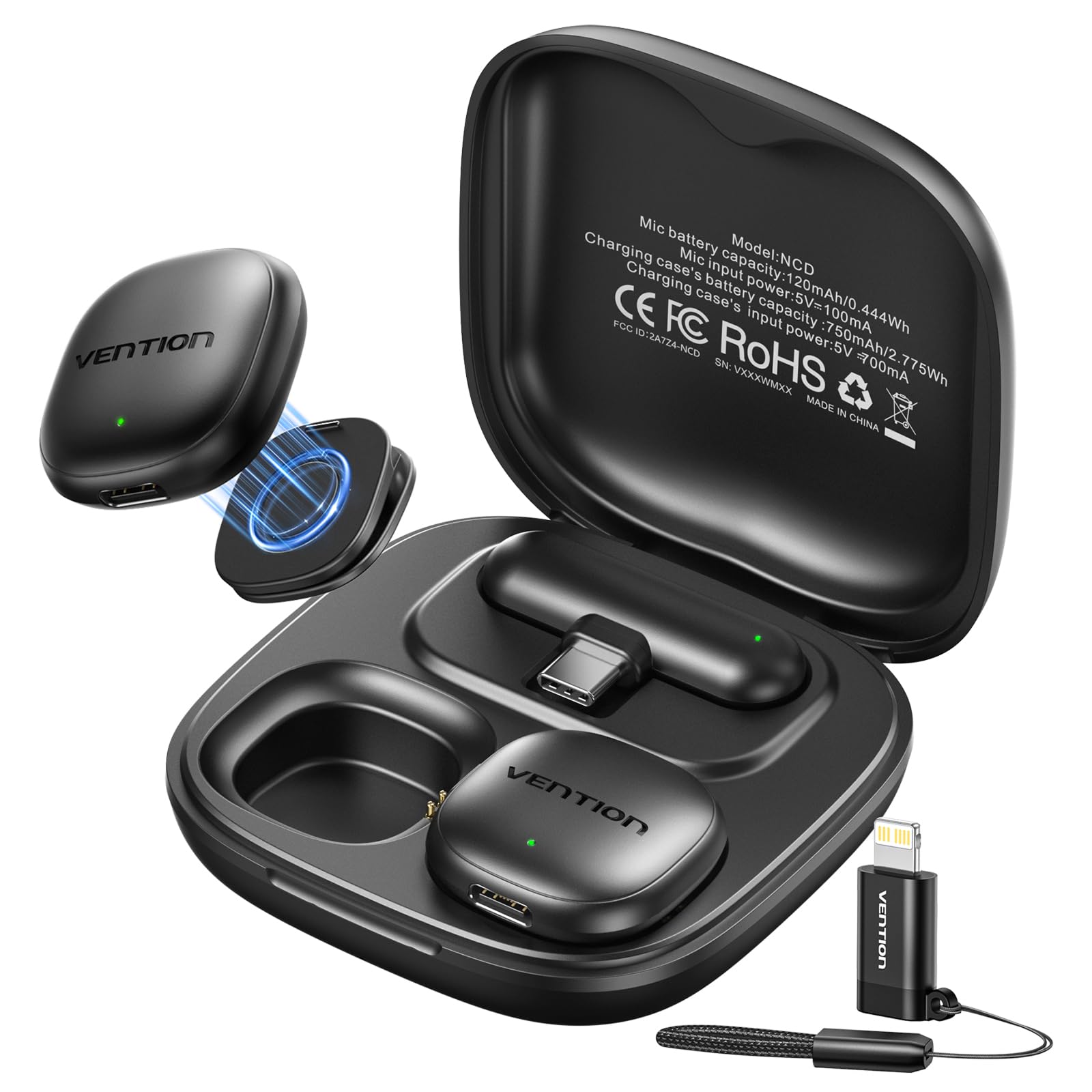
Image 1.1: VENTION Mini Wireless Microphone NCD components.
2. Package Contents
Before use, please verify that all items are present in the package:
- 2 x Wireless Microphones (Transmitters)
- 1 x Receiver (USB-C)
- 1 x Portable Charging Case
- 1 x USB-C Charging Cable
- 1 x Lightning Adapter

Image 2.1: Included accessories and packaging.
3. Setup Guide
3.1 Initial Charging
Before first use, ensure both microphones and the charging case are fully charged. Connect the charging case to a power source using the provided USB-C cable. The charging case has a 750mAh battery, and each microphone has a 120mAh battery. A full charge for the transmitters takes approximately 1.5 hours, and the charging case takes about 2 hours.
3.2 Connecting to Your Device (Plug and Play)
- Identify Receiver Type: The receiver has a USB-C connector. If your device uses a Lightning port (e.g., older iPhones), attach the provided Lightning adapter to the receiver.
- Insert Receiver: Plug the receiver (with or without adapter) into the USB-C or Lightning port of your smartphone or compatible recording device.
- Power On Microphones: Take the microphones out of the charging case. They will automatically power on and attempt to pair with the receiver. A green indicator light on the microphone will confirm successful pairing.
- Start Recording: Once paired, open your recording application (camera app, voice recorder, etc.) and begin recording. No additional apps or complex configurations are required.

Image 3.1: Receiver types and device compatibility.
4. Operating Instructions
4.1 Wearing the Microphone
The VENTION Mini Wireless Microphone can be attached to clothing using its integrated clip or magnetic mount. For optimal audio quality, position the microphone approximately 6-8 inches (15-20 cm) from your mouth, ideally clipped to a collar or lapel.

Image 4.1: Magnetic mount and wearable clip usage.
4.2 AI Noise Cancellation
The microphone is equipped with a high-performance DSP chip that effectively filters background noise and wind. This feature is automatically active to provide clear and professional vocal recordings. There are no manual controls for this function.
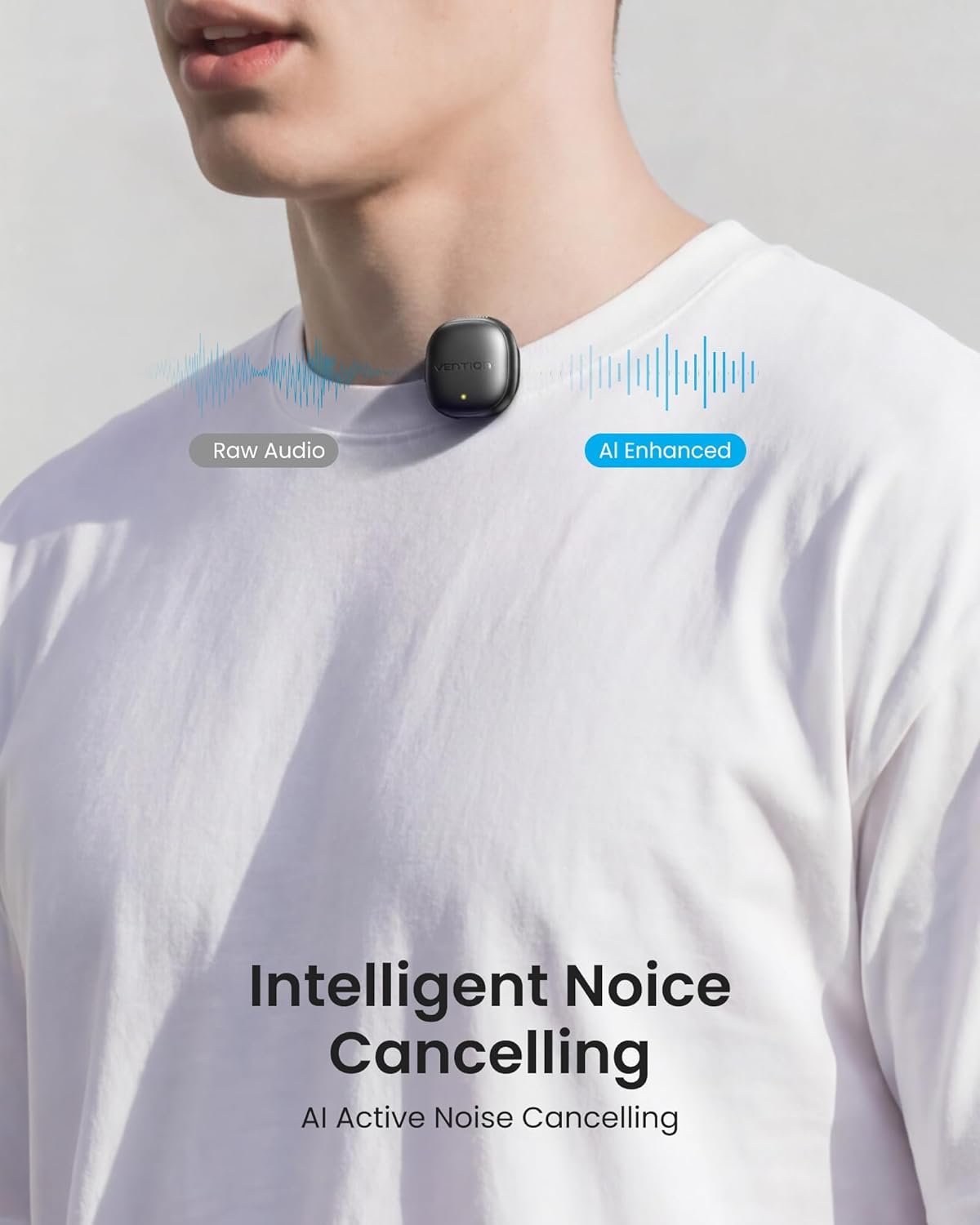
Image 4.2: AI Noise Cancellation in action.
4.3 Mute Function
Each microphone features a mute button. Press the button once to mute the microphone. Press it again to unmute. The indicator light may change to reflect the mute status (refer to the indicator light section for details).
4.4 Dual Microphone Use
The system includes two wireless microphones, allowing for simultaneous recording by two individuals. Both microphones will transmit audio to the single receiver, making it suitable for interviews, duets, or podcasts.
5. Battery and Power Management
5.1 Battery Life
Each wireless microphone provides up to 8 hours of continuous use on a single charge. The portable charging case extends the total usage time to approximately 24 hours for both microphones. If only one microphone is used at a time, the battery life can reach up to 48 hours with the charging case.

Image 5.1: Battery life overview.
5.2 Charging
Place the microphones back into the charging case to recharge them. The case itself is charged via a USB-C cable. The microphones automatically power off after 3 minutes of no connection to conserve battery.
5.3 Battery Indicators
The microphones and charging case feature indicator lights to show battery status and charging progress. Refer to the device's specific light patterns for detailed information.
6. Maintenance
6.1 Cleaning
Wipe the microphones and charging case with a soft, dry cloth. Do not use liquid cleaners or abrasive materials, as this may damage the device.
6.2 Storage
When not in use, store the microphones in their charging case to protect them and keep them charged. Store the device in a cool, dry place, away from direct sunlight and extreme temperatures.
7. Troubleshooting
- No Sound/Microphone Not Detected:
- Ensure the receiver is fully and correctly plugged into your device's port.
- Verify that the microphones are powered on and successfully paired (green indicator light).
- Check if the microphone is muted.
- Confirm your recording application is set to use the external microphone.
- Ensure the device's volume is not set to zero.
- Poor Audio Quality/Excessive Noise:
- Ensure the microphone is positioned correctly, approximately 6-8 inches from the sound source.
- Avoid placing the microphone directly in front of strong air currents or wind.
- Check for obstructions between the microphone and receiver that might interfere with the wireless signal.
- Ensure the microphone is fully charged. Low battery can affect performance.
- Microphone Not Charging:
- Ensure the charging case is connected to a working power source.
- Verify that the microphones are correctly seated in the charging case.
- Check the USB-C charging cable for damage.
- Limited Wireless Range:
- The wireless range is approximately 50 meters under line-of-sight conditions. Obstacles (walls, large objects) can reduce this range.
- Avoid environments with high levels of wireless interference.
8. Specifications
| Feature | Specification |
|---|---|
| Model Name | NCD |
| Modulation | GFSK |
| Audio Frequency Range | 20Hz - 20kHz |
| Signal-to-Noise Ratio (SNR) | ≥ 80dB |
| Audio Latency | ≤ 25ms |
| Wireless Frequency Range | 2400-2480MHz |
| Wireless Transmission Power | ≤ 10dBm |
| Total Operating Current | ≤ 30mA |
| Microphone Type | Omnidirectional |
| Transmitter Battery | 120 mAh |
| Charging Case Battery | 750 mAh |
| Transmitter Charging Input | DC 5V/100 mA |
| Charging Case Charging Input | DC 5V/700 mA |
| Transmitter Charging Time | ~1.5 hours |
| Charging Case Charging Time | ~2 hours |
| Transmitter Usage Time | ~8 hours |
| Total Usage Time (with case) | ~24 hours (2 full charges for 2 transmitters) |
| Wireless Range | About 50 meters (under line-of-sight conditions) |
| Operating Temperature | 0 °C to 55 °C |
| Storage Temperature | -20 °C to +55 °C |
| Dimensions (L x W x H) | 77.8 mm x 77.8 mm x 28.3 mm |
| Total Weight | 89g |

Image 8.1: Detailed technical specifications.
9. Warranty and Support
Warranty information for the VENTION Mini Wireless Microphone NCD is not provided within this manual. Please refer to the product packaging, the point of purchase, or the official VENTION website for details regarding warranty coverage and customer support.
For technical assistance or inquiries, please contact VENTION customer service through their official channels.
