
1. Introduction
Thank you for choosing the Tiksounds S12 Portable Bluetooth Speaker. This manual provides essential information for setting up, operating, and maintaining your speaker to ensure optimal performance and longevity. Please read these instructions carefully before using the product.
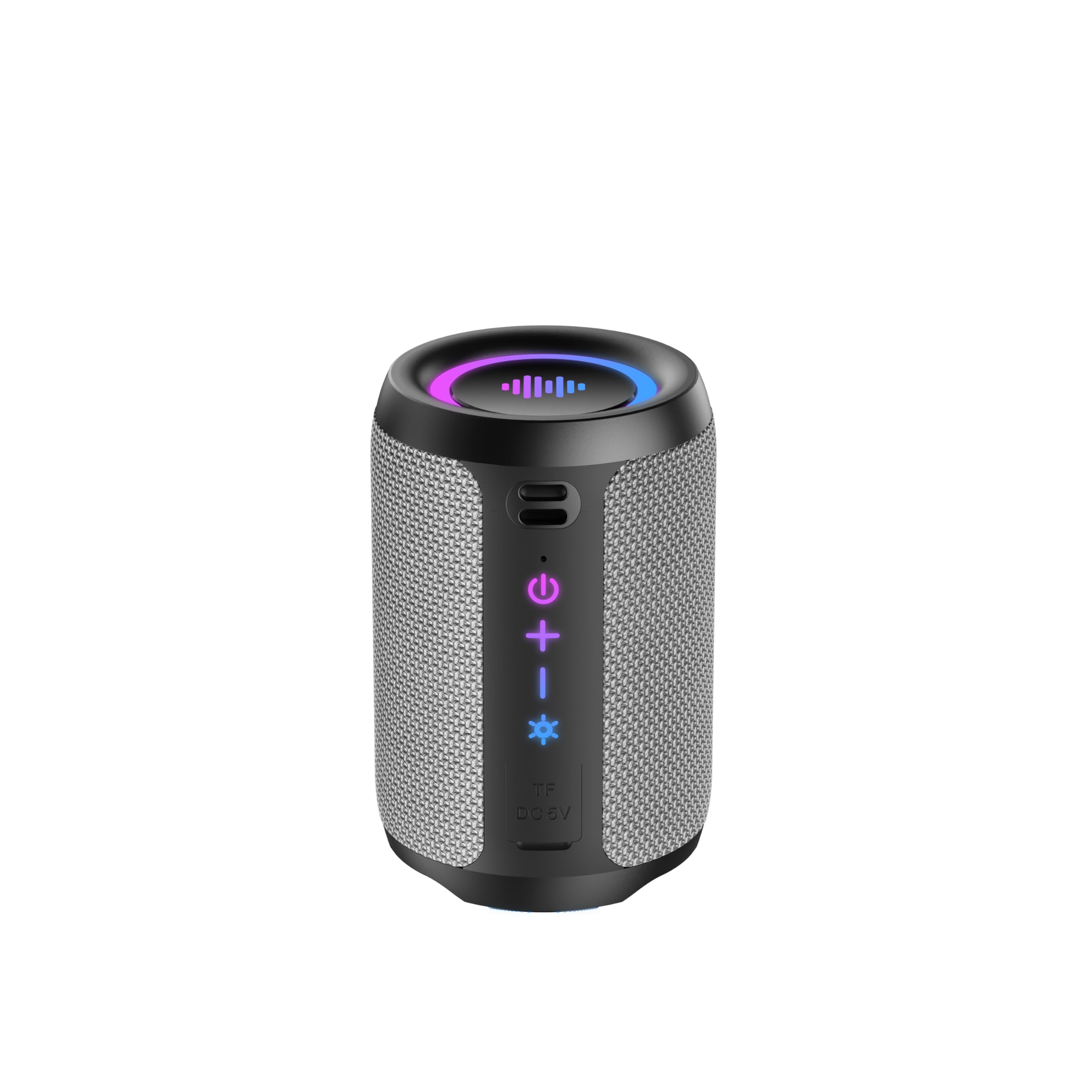
Image 1.1: The Tiksounds S12 Portable Bluetooth Speaker, showcasing its IPX7 waterproof design with water splashes.
2. Product Overview
2.1 What's in the Box
- Tiksounds S12 Portable Bluetooth Speaker
- USB Type-C Charging Cable
- User Manual
2.2 Speaker Components and Controls
Familiarize yourself with the speaker's buttons and ports for easy operation.
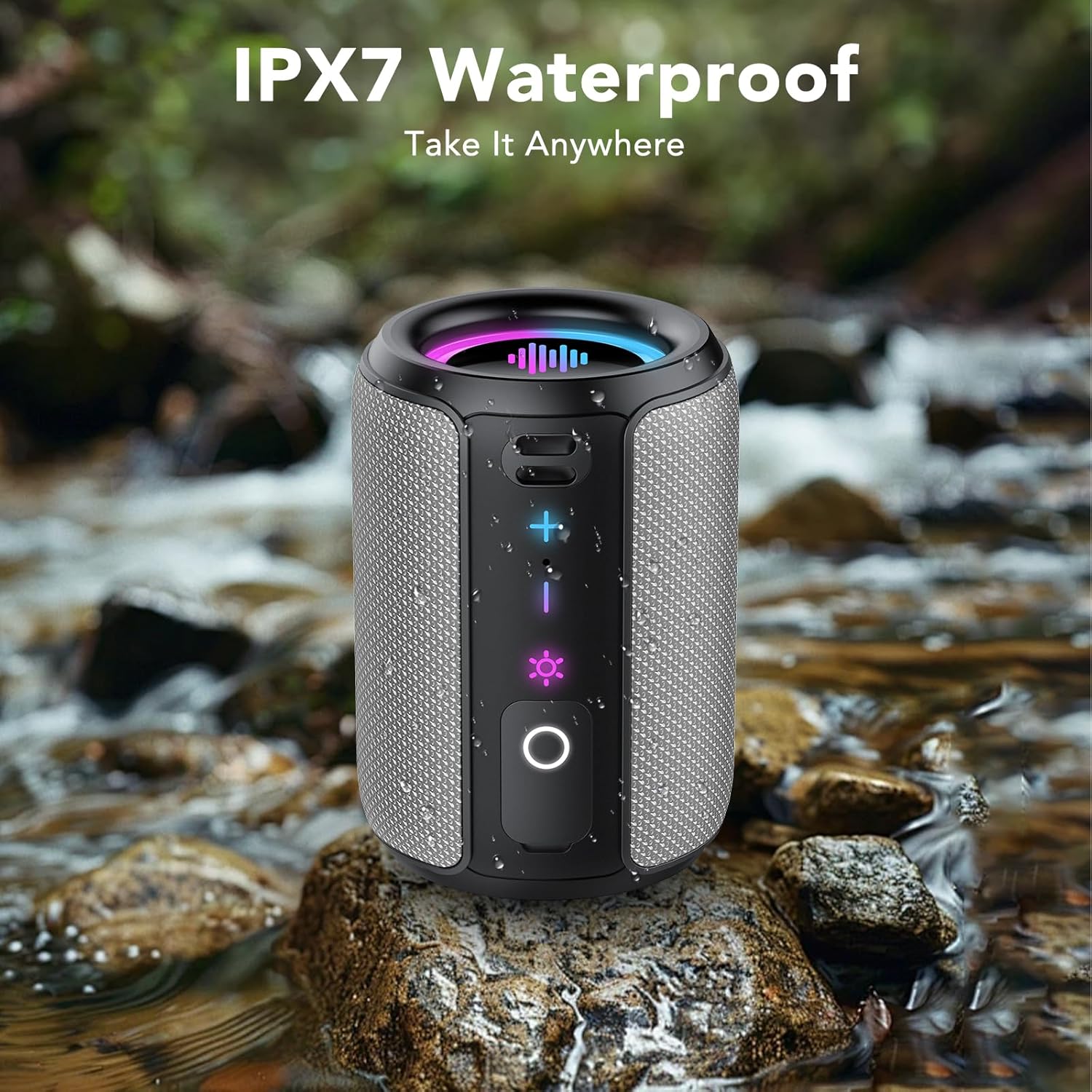
Image 2.1: Front view of the S12 speaker highlighting the Volume Up (+), Volume Down (-), Light Control, and Play/Pause/Call buttons.
- Volume Up (+): Press to increase volume.
- Volume Down (-): Press to decrease volume.
- Light Control (☀): Press to cycle through light modes. Press and hold for 3 seconds to turn lights off.
- Play/Pause/Call (O): Press to play/pause music or answer/end calls. Press and hold for 2 seconds to power on/off. Press for 1.5 seconds to reject a call.
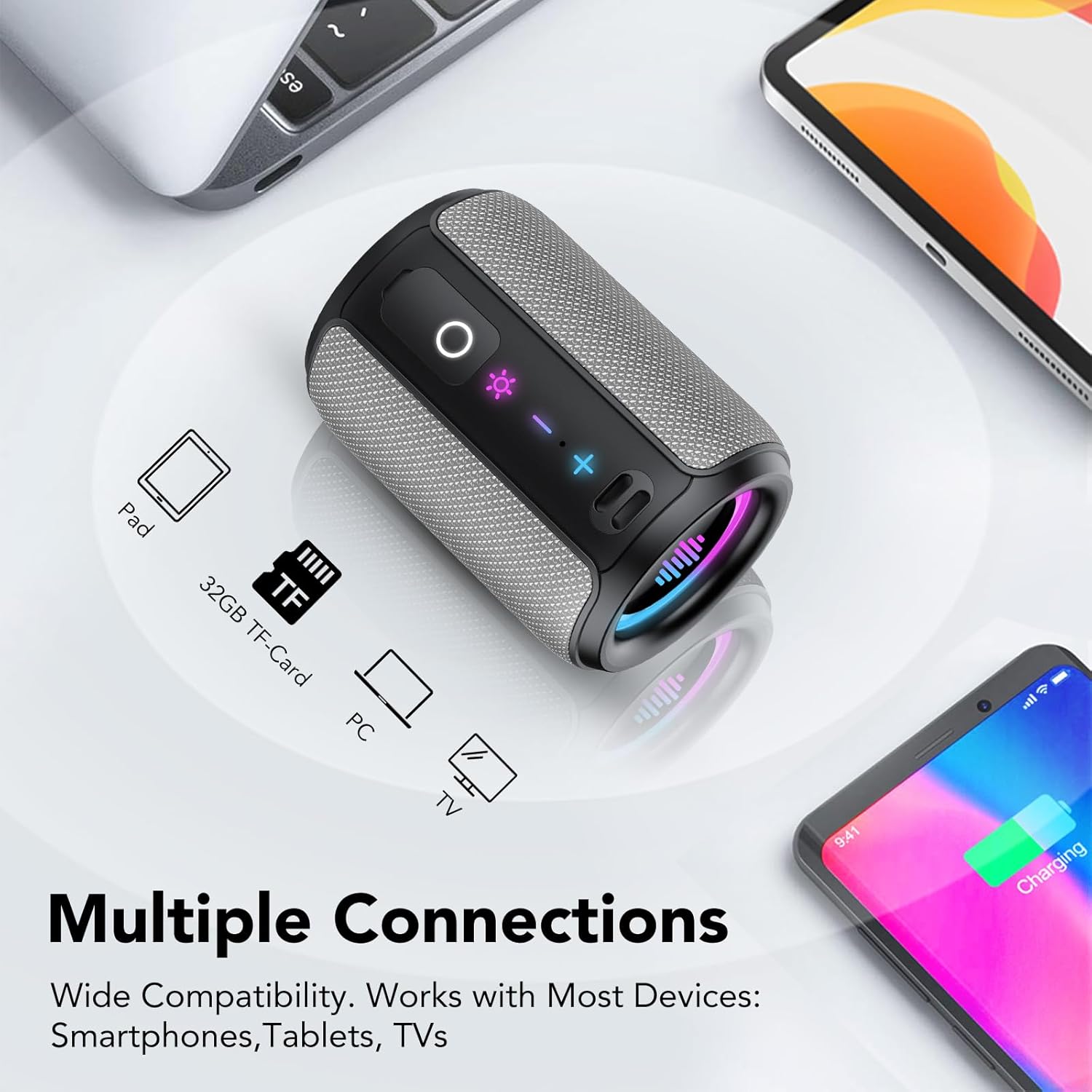
Image 2.2: Side view of the S12 speaker revealing the TF Card Slot and Type-C Charging/Data Port, protected by a waterproof cover.
- TF Card Slot: Supports WAV / MP3 formats for direct music playback.
- Type-C Port: For charging the speaker and data transfer.
3. Setup Instructions
3.1 Charging the Speaker
Before first use, fully charge the speaker. Connect the provided USB Type-C cable to the speaker's Type-C port and a compatible USB power adapter (not included). A full charge typically takes 3-4 hours and provides up to 12-24 hours of playtime depending on volume and light usage.
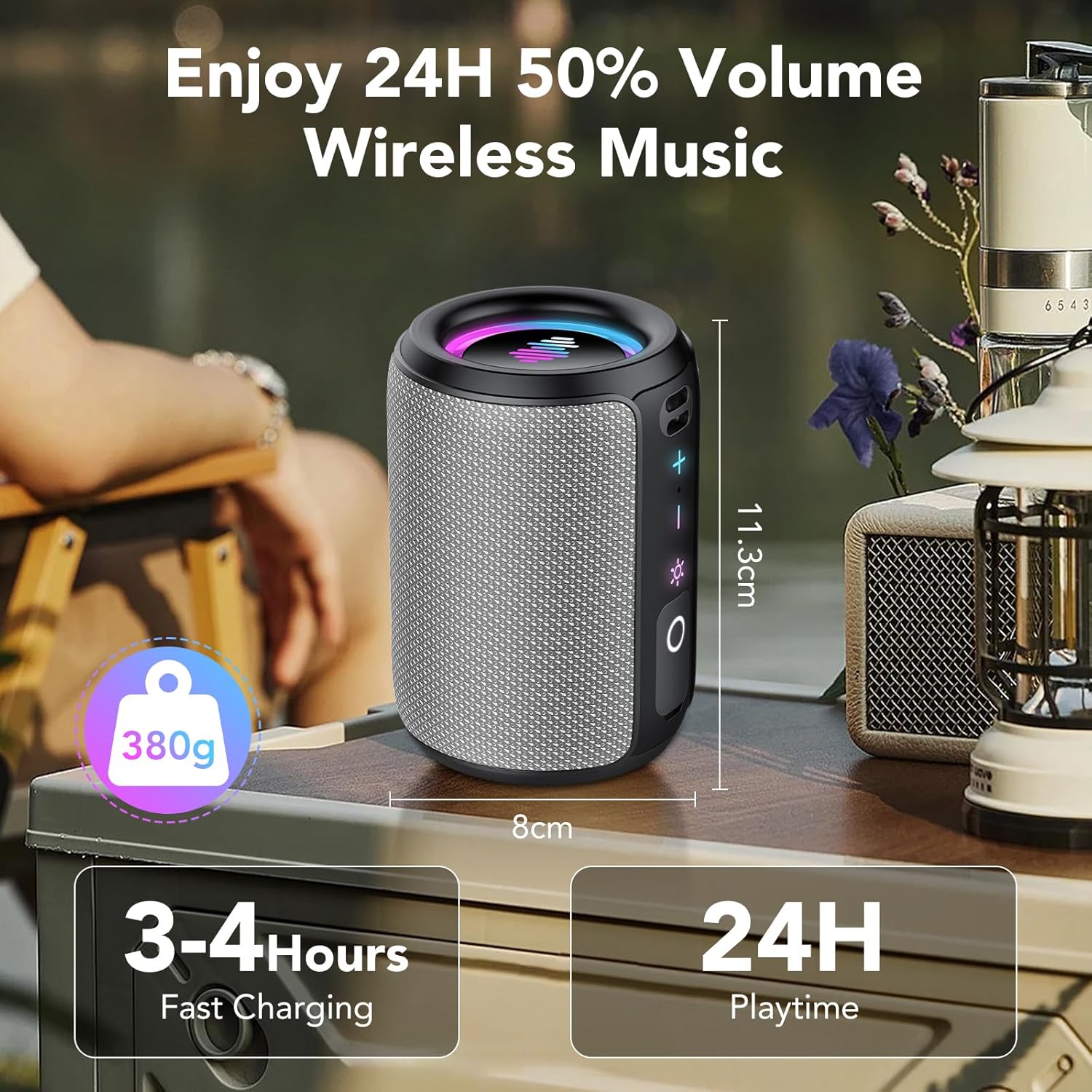
Image 3.1: The S12 speaker highlighting its compact size, 380g weight, 3-4 hours fast charging, and 24 hours playtime.
3.2 Powering On/Off
- To Power On: Press and hold the Play/Pause/Call (O) button for 2 seconds.
- To Power Off: Press and hold the Play/Pause/Call (O) button for 2 seconds.
3.3 Bluetooth Pairing
The S12 speaker features Bluetooth 5.4 for fast and stable connections.
- Ensure the speaker is powered on and in pairing mode (indicated by a flashing light).
- On your device (smartphone, tablet, computer), enable Bluetooth.
- Search for "S12" in the list of available Bluetooth devices and select it to connect.
- Once connected, the speaker will emit a confirmation sound, and the light will stop flashing.
3.4 True Wireless Stereo (TWS) Pairing
For an immersive 360° stereo sound experience, you can pair two S12 speakers together.
- Ensure both S12 speakers are powered on and not connected to any other Bluetooth device.
- On one speaker, double-press the TWS button (often integrated with the Play/Pause button or a dedicated button, refer to Image 2.1 for specific button layout if available, otherwise assume Play/Pause). The speaker will enter TWS pairing mode.
- The two speakers will automatically connect to each other. A confirmation sound will indicate successful TWS pairing.
- Once paired, connect your device to one of the S12 speakers via Bluetooth as described in Section 3.3. Both speakers will now play audio in stereo.
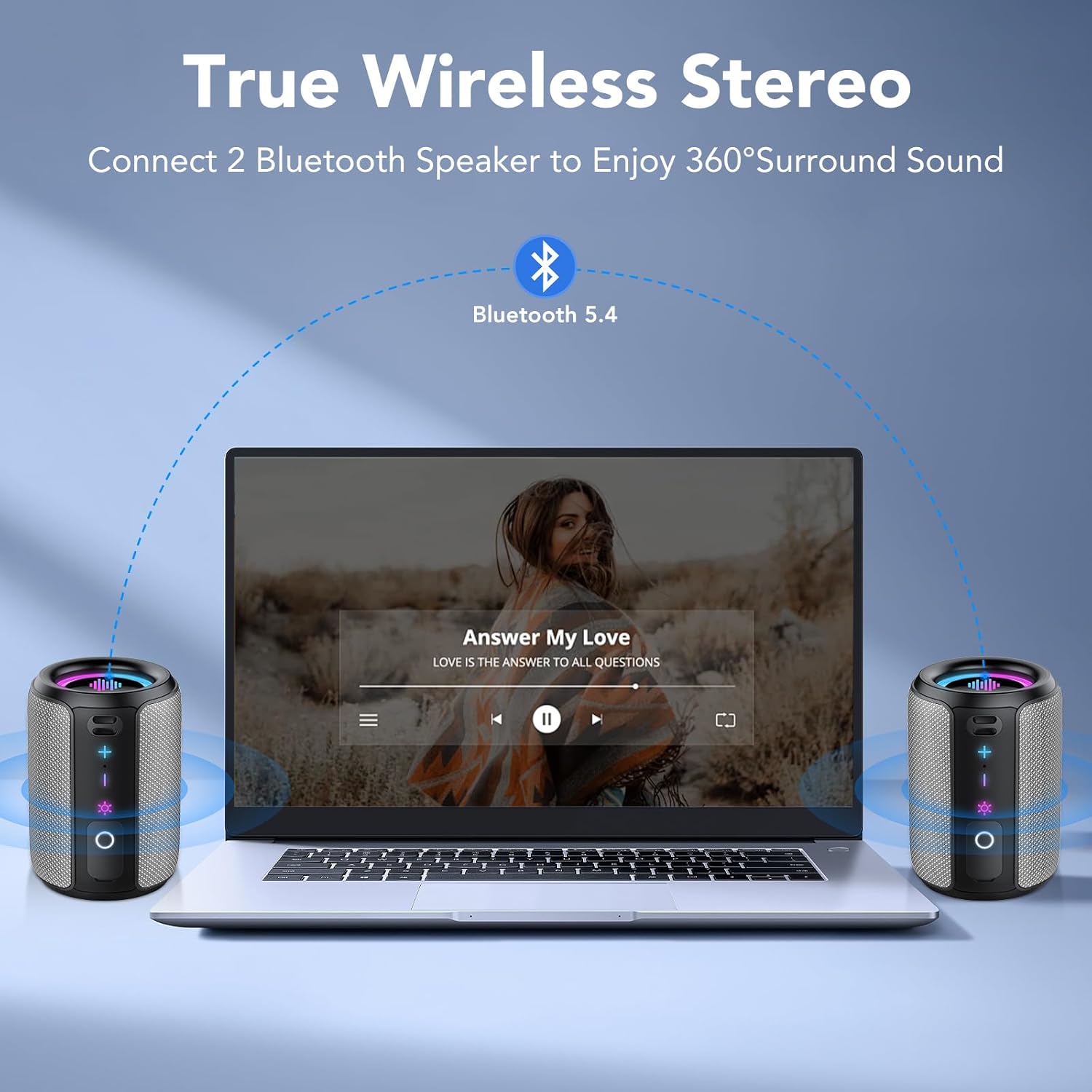
Image 3.2: Two S12 speakers set up for True Wireless Stereo (TWS) pairing with a laptop, providing 360° surround sound.
4. Operating Instructions
4.1 Music Playback
- Play/Pause: Press the Play/Pause/Call (O) button once.
- Volume Up: Press the + button.
- Volume Down: Press the - button.
- Next Track: Press and hold the + button for 2 seconds.
- Previous Track: Press and hold the - button for 2 seconds.
4.2 Call Handling
- Answer/End Call: Press the Play/Pause/Call (O) button once.
- Reject Call: Press and hold the Play/Pause/Call (O) button for 1.5 seconds.
4.3 Dynamic Rhythm Light Show
The S12 speaker features dynamic RGB LED lights that sync with your music. There are six distinct light modes:
- Rainbow Cycle
- Alternating Red, Green, and Blue
- Red, Green, and Blue Alternating
- Rainbow Breathing
- Rainbow Stacking
- Off
Press the Light Control (☀) button to cycle through these modes. Press and hold the Light Control (☀) button for 3 seconds to turn the lights off.

Image 4.1: Multiple S12 speakers demonstrating the vibrant RGB colorful lighting feature.
4.4 TF Card Playback
Insert a TF card (up to 32GB) containing WAV or MP3 audio files into the TF card slot. The speaker will automatically switch to TF card playback mode. Use the playback controls (Section 4.1) to manage your music.
5. Maintenance
5.1 Waterproof Care (IPX7)
The S12 speaker is IPX7 waterproof, meaning it can be immersed in water up to 1 meter (3 feet) for 30 minutes. Ensure the Type-C port and TF card slot cover is securely closed before exposing the speaker to water. After exposure to water, wipe the speaker dry with a soft cloth before charging or opening the port cover.
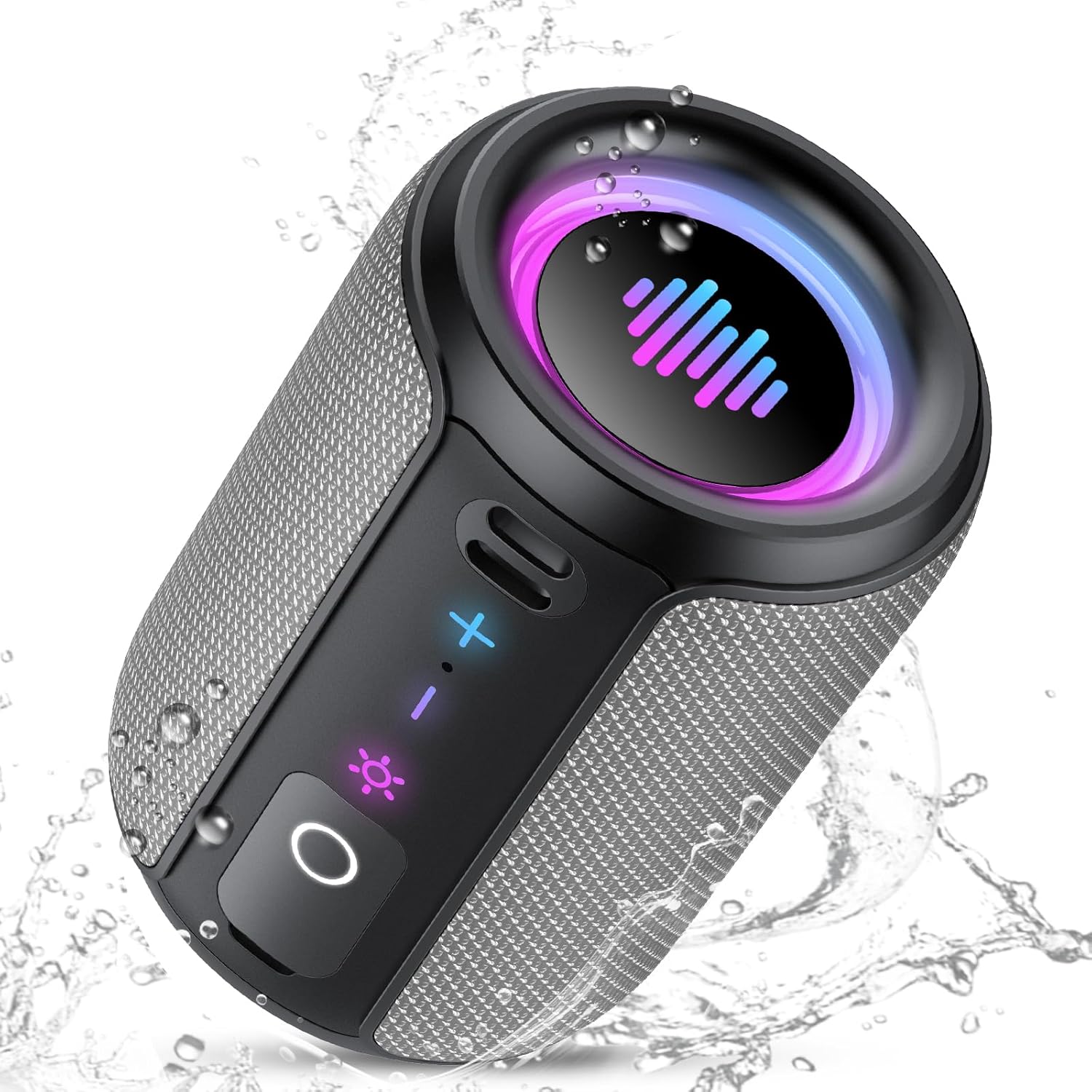
Image 5.1: The S12 speaker in a wet environment, highlighting its IPX7 waterproof capability.
5.2 Cleaning and Storage
- Clean the speaker with a soft, damp cloth. Do not use harsh chemicals or abrasive cleaners.
- Store the speaker in a cool, dry place away from extreme temperatures and direct sunlight.
- If storing for an extended period, charge the battery to approximately 50% every few months to maintain battery health.
6. Troubleshooting
If you encounter issues with your S12 speaker, refer to the following common problems and solutions:
| Problem | Possible Cause | Solution |
|---|---|---|
| Speaker does not power on | Low battery | Charge the speaker for 3-4 hours. |
| Cannot pair via Bluetooth | Speaker not in pairing mode; device Bluetooth off; too far from device | Ensure speaker is on and flashing; enable Bluetooth on device; move speaker closer (within 10m/33ft). |
| No sound | Volume too low; device not connected; incorrect audio source | Increase speaker/device volume; re-pair Bluetooth; check if TF card is inserted. |
| TWS pairing fails | Speakers too far apart; one speaker already connected to a device | Ensure speakers are close; disconnect any Bluetooth devices from both speakers before TWS pairing. |
7. Specifications
| Feature | Detail |
|---|---|
| Model Name | S12 |
| Brand | Tiksounds |
| Speaker Type | Portable Speaker |
| Connectivity Technology | Bluetooth 5.4 |
| Speaker Maximum Output Power | 15 Watts (30W in TWS mode) |
| Special Features | LED Light, IPX7 Waterproof, TWS Pairing, TF Card Slot |
| Color | Gray |
| Product Dimensions | 3.34"D x 4.84"W x 3.34"H (8.5cm D x 12.3cm W x 8.5cm H) |
| Item Weight | 15.5 ounces (approx. 440g) |
| Playtime | Up to 12-24 hours (depending on usage) |
| Charging Time | 3-4 hours |
| TF Card Support | WAV / MP3 formats |
8. Safety Information
- Do not disassemble, repair, or modify the product.
- Keep the speaker away from extreme heat sources, direct sunlight, and open flames.
- Do not expose the speaker to corrosive liquids.
- Ensure the charging port cover is sealed tightly when near water.
- Use only the provided or certified charging cables.
9. Product Video Overview
Watch this official video for a visual guide to the Tiksounds S12 Portable Bluetooth Speaker's features and functions.
Video 9.1: An overview of the Tiksounds S12 Portable Bluetooth Speaker, demonstrating its portable design, 15W stereo sound, 24-hour battery life, RGB dynamic light shows, Bluetooth 5.4 connectivity, IPX7 waterproof rating, TWS pairing, and control interface.
10. Warranty and Support
For warranty information and customer support, please refer to the documentation included with your purchase or visit the official Tiksounds website. You may also contact the seller directly for assistance.

