
Introduction
This manual provides essential information for setting up, operating, maintaining, and troubleshooting your realme C71 4G Smartphone. Please read this guide thoroughly to ensure proper use and to maximize the device's capabilities.
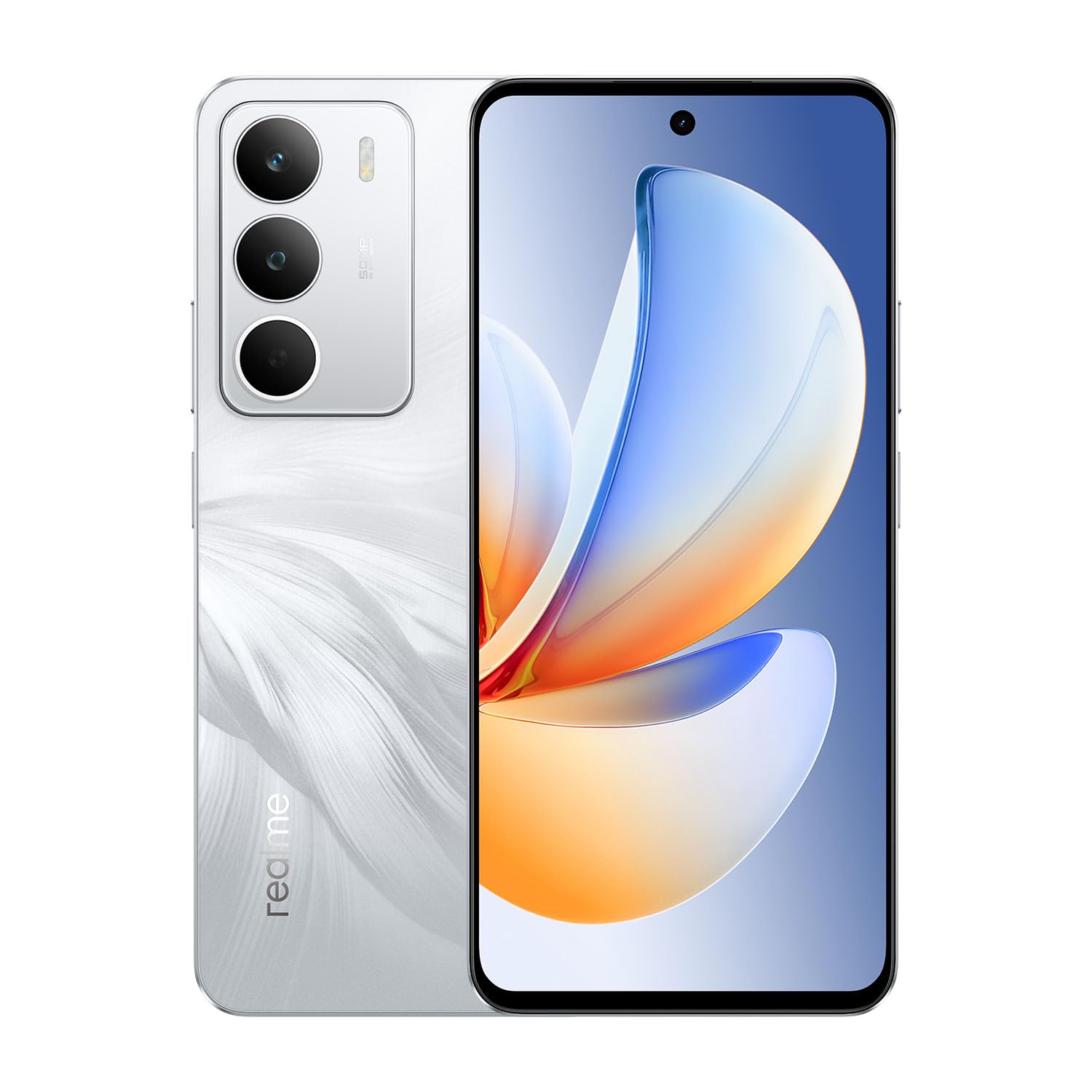
Image: The realme C71 4G Smartphone in White Swan color, showcasing its sleek design.
What's in the Box
Upon unboxing your realme C71, verify that all standard accessories are present:
- realme C71 4G Smartphone
- Phone Case
- SIM Tray Ejector
- USB Cable (Type-C)

Image: The realme C71 smartphone alongside its protective phone case.
Setup
1. SIM Card Installation
- Locate the SIM card tray on the side of your device.
- Insert the SIM tray ejector tool into the small hole next to the tray and press gently until the tray pops out.
- Place your Nano-SIM card(s) and/or microSD card into the designated slots on the tray. The realme C71 supports Triple SIM functionality.
- Carefully reinsert the tray into the phone until it clicks into place.
2. Initial Power On
- Press and hold the Power button (located on the right side) until the realme logo appears.
- Follow the on-screen instructions to complete the initial setup, including language selection, Wi-Fi connection, and Google account login.
3. Charging Your Device
Before first use, it is recommended to fully charge your realme C71.
- Connect the USB Type-C cable to the charging port at the bottom of the phone.
- Connect the other end of the USB cable to a compatible 45W fast charger.
- The device features a 6000mAh battery and supports 45W fast charging for quick power replenishment.

Image: The realme C71 connected to a charger, illustrating its 45W fast charging capability and 6000mAh battery.
Operating Your Device
1. Display and Navigation
The realme C71 features a 6.67-inch display with a 120Hz refresh rate for smooth visuals.
- Touch Gestures: Use standard touch gestures such as tap, swipe, pinch-to-zoom, and long-press to navigate the interface.
- Refresh Rate: The 120Hz refresh rate enhances scrolling and content viewing fluidity.
- Eye Comfort: The display includes features designed to reduce eye strain during prolonged use.

Image: The realme C71 display showcasing its 120Hz refresh rate and eye comfort technology.
2. Camera Usage
The device is equipped with a 50MP main rear camera and a 5MP front camera.
- Launching Camera: Tap the Camera icon on your home screen or lock screen.
- Modes: Switch between various modes like Photo, Video, Portrait, Night, and Pro mode for different shooting scenarios.
- AI Features: The 50MP AI camera optimizes settings for clear and detailed shots.

Image: The realme C71 camera system, highlighting its 50MP AI capabilities and various photographic effects.
3. Performance
The realme C71 is powered by a robust 8-core processor, ensuring smooth multitasking and efficient operation.
- Multitasking: Switch between applications seamlessly.
- Storage: The device comes with 128GB of internal storage and 6GB of RAM, expandable via microSD.

Image: Visual representation of the realme C71's 8-core processor and memory architecture.
4. Battery Management
The 6000mAh battery provides extended usage times. To optimize battery life:
- Adjust screen brightness.
- Close unused applications running in the background.
- Utilize power-saving modes available in settings.
5. Security Features
The realme C71 includes a fingerprint recognition sensor for secure unlocking and authentication.
- Fingerprint Sensor: Register your fingerprints in the Security settings for quick and secure access.
- Face Unlock: Set up face recognition for an alternative unlocking method.
Maintenance
1. Cleaning Your Device
- Use a soft, lint-free cloth to clean the screen and body of the phone.
- Avoid using harsh chemicals or abrasive materials.
2. Software Updates
Regularly check for and install software updates to ensure optimal performance, security, and access to new features.
- Navigate to Settings > About phone > Software update.
- Follow the on-screen prompts to download and install any available updates.
3. Storage Management
To maintain device performance, manage your storage space:
- Regularly delete unnecessary files, photos, and videos.
- Uninstall unused applications.
- Utilize cloud storage services or transfer files to a computer.
Troubleshooting
This section addresses common issues you might encounter with your realme C71.
| Issue | Possible Solution |
|---|---|
| Device not powering on | Ensure the battery is charged. Connect to a charger for at least 10 minutes, then try powering on again. |
| Apps crashing or freezing | Clear the app's cache (Settings > Apps > [App Name] > Storage > Clear cache). If the issue persists, uninstall and reinstall the app. |
| Poor battery life | Reduce screen brightness, disable unused features (Bluetooth, GPS), close background apps, or enable power-saving mode. |
| Cannot connect to Wi-Fi | Restart your phone and Wi-Fi router. Forget the network and reconnect. Ensure Wi-Fi is enabled. |
| Fingerprint sensor not working | Ensure your finger is clean and dry. Re-register your fingerprints in Settings > Security. |
Specifications
Below are the key technical specifications for the realme C71 4G Smartphone:
- Model Name: realme C71
- Operating System: Android 15
- Processor: 8-Core, 1.8 GHz CPU Speed
- RAM: 6 GB
- Internal Storage: 128 GB
- Display: 6.67 Inches LCD, 720 x 1600 Resolution, 120Hz Refresh Rate, 264 PPI
- Rear Camera: 50 MP
- Front Camera: 5 MP
- Battery: 5830 mAh (typical 6000mAh), Lithium-Ion, 20 Watt Hours, 45W Fast Charging
- Connectivity: 4G Cellular Technology, Bluetooth, USB Type-C, Wi-Fi
- SIM Card: Triple SIM Slot
- Biometric Security: Fingerprint Recognition
- Water Resistance: IP54 (Water Resistant)
- Dimensions: 6.53 x 2.99 x 0.31 inches
- Weight: 196 Grams

Image: An exploded view of the realme C71, illustrating its internal structure and military-grade shock resistance features.
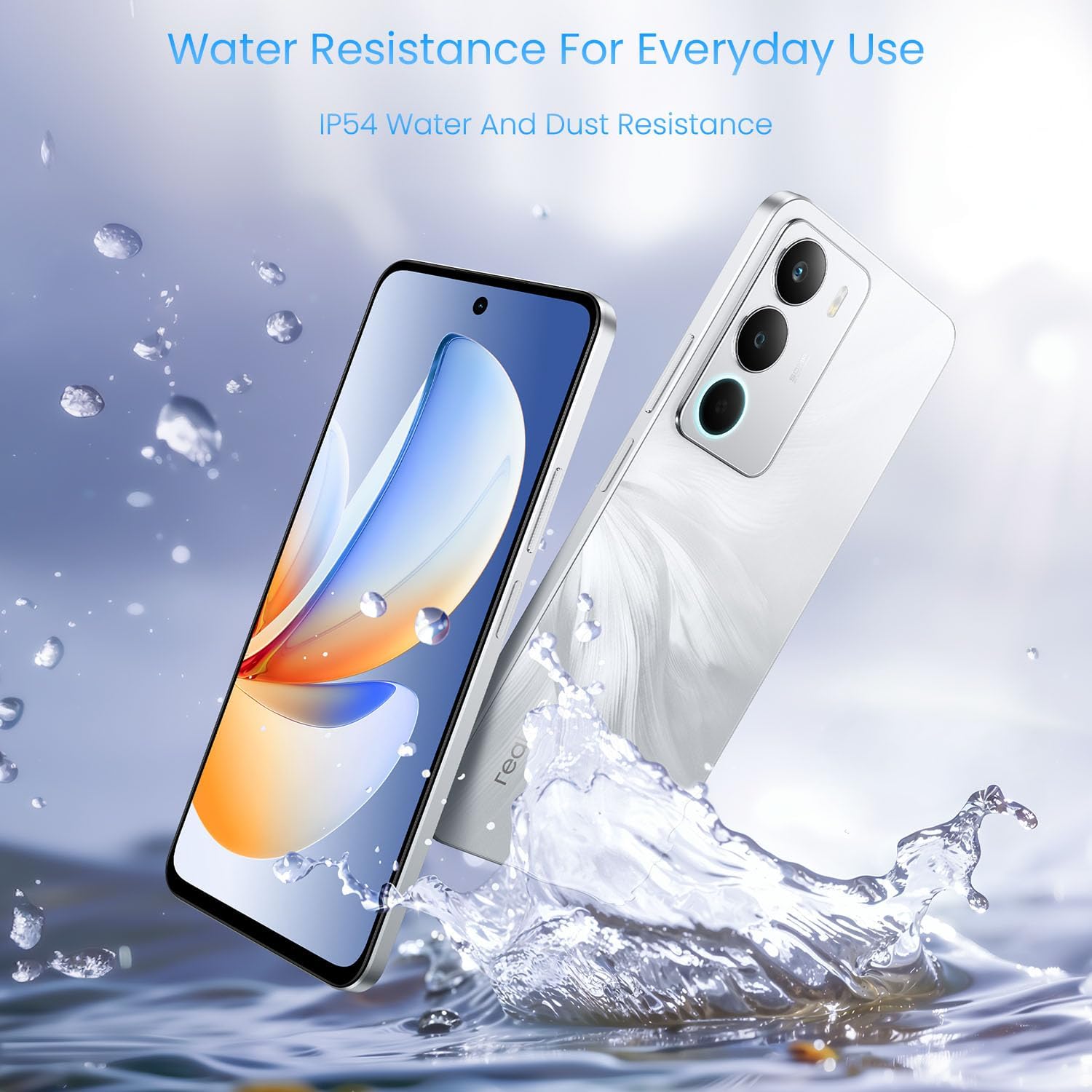
Image: The realme C71 being splashed with water, highlighting its IP54 water and dust resistance.
Warranty and Support
Warranty Information
Your realme C71 4G Smartphone comes with a 1-Year Manufacturer Warranty. This warranty covers defects in materials and workmanship under normal use. It does not cover damage caused by accidents, misuse, unauthorized modifications, or external causes.
For detailed warranty terms and conditions, please refer to the warranty card included with your product or visit the official realme website.
Customer Support
If you encounter any issues not covered in this manual or require further assistance, please contact realme customer support:
- Online Support: Visit the official realme support website for FAQs, troubleshooting guides, and contact options.
- Service Centers: Locate authorized realme service centers in your region for professional repair and assistance.