
Introduction
Thank you for choosing the ocioc 44-inch Ceiling Fan with Lights and Remote. This manual provides essential information for the safe installation, operation, and maintenance of your new ceiling fan. Please read these instructions thoroughly before beginning installation and retain them for future reference.
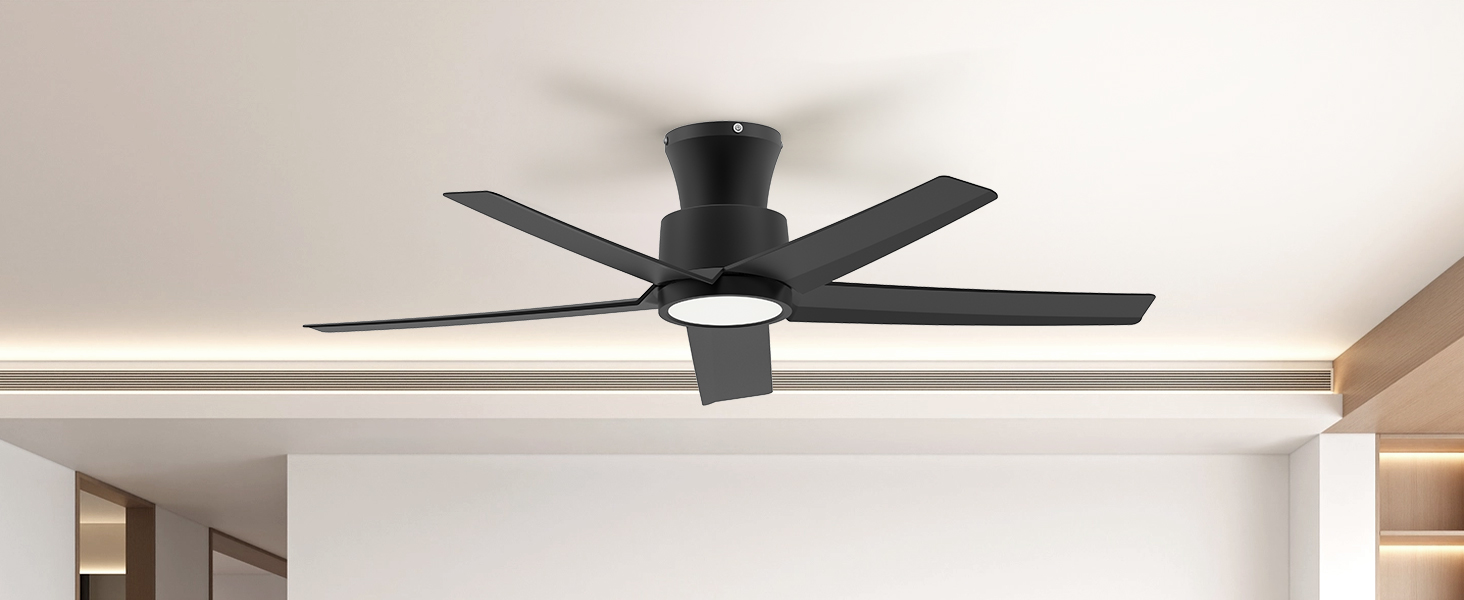
Image: The ocioc 44-inch ceiling fan, highlighting its dimmable light, 6-speed air flow, timer setting, reversible motor, remote control, and easy installation features.
Safety Information
WARNING: To reduce the risk of fire, electric shock, or personal injury, always follow these basic precautions:
- Read all instructions before installing the fan.
- Ensure the installation site is structurally sound and can support the fan's weight (at least 35 lbs).
- All wiring must be in accordance with national and local electrical codes. Consult a qualified electrician if you are unsure.
- Disconnect power at the circuit breaker or fuse box before installation or servicing.
- Do not operate the fan with damaged blades or any visible defects.
- Keep hands, clothing, and other objects clear of the fan blades when the fan is in operation.
- This fan is suitable for indoor and covered outdoor use. Do not expose to direct water spray.
Package Contents
Verify that all components listed below are included in your package:
- Ceiling Fan Motor Assembly
- Fan Blades (5x ABS Plastic)
- Integrated LED Light Kit
- Remote Control with Wall Mount
- Mounting Bracket
- Downrod (if applicable, for flush mount this is minimal)
- Hardware Pack (screws, wire nuts, washers)
- Instruction Manual
Specifications
| Brand | ocioc |
| Model Number | 90141 |
| Size | 44 inch |
| Color | Black |
| Product Dimensions | 44"D x 44"W x 9"H |
| Material | Metal, Plastic (ABS Blades) |
| Motor Type | DC Reversible Motor |
| Number of Blades | 5 |
| Number of Speeds | 6 |
| Noise Level | 28 Decibels |
| Wattage | 45 watts |
| Voltage | 120 Volts (AC) |
| Light Kit | Integrated LED, 3 Color Temperature (3000K, 4000K, 6500K), Dimmable |
| Control Method | Remote Control |
| Installation Type | Flush Mount |
| Indoor/Outdoor Usage | Indoor, Covered Outdoor |
Setup and Installation
Before you begin: Ensure power is OFF at the circuit breaker. Read all safety warnings.
1. Mounting the Bracket
- Secure the mounting bracket to the ceiling junction box using the provided screws and washers. Ensure the junction box is rated for ceiling fan support.
- The mounting bracket includes hooks to temporarily hold the fan motor during wiring, simplifying installation.
2. Attaching Fan Blades
Carefully attach each of the five ABS fan blades to the motor housing using the screws provided. Ensure they are securely fastened.
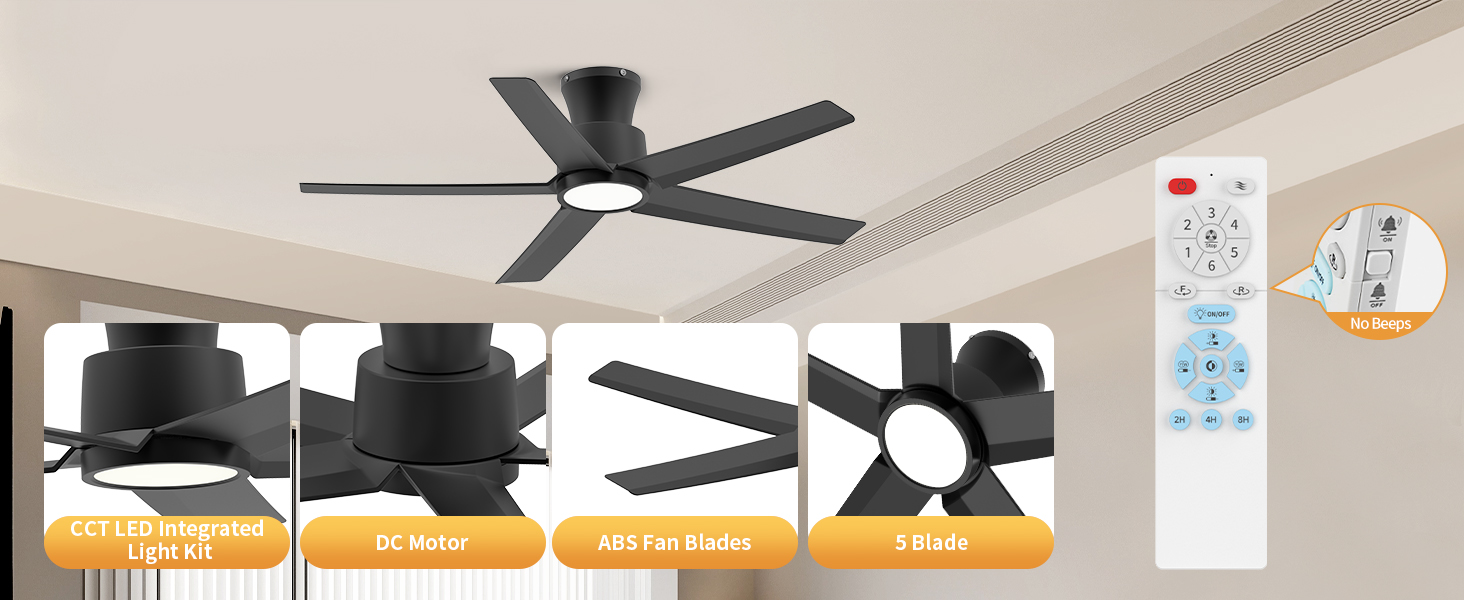
Image: Diagram showing the correct method to fix fan blades to the motor, emphasizing that reversed installation can cause friction and noise.
3. Wiring the Fan
- Hang the fan motor assembly onto the hooks of the mounting bracket.
- Connect the fan's electrical wires to the household wiring according to the wiring diagram in the full manual. Typically, this involves connecting live, neutral, and ground wires. Use wire nuts to secure connections.
4. Securing the Fan
- Once wiring is complete, carefully lift the fan and align it with the mounting bracket.
- Secure the fan to the bracket using the remaining screws. Ensure all connections are tight and the fan is stable.
5. Installing the Light Kit
Connect the wires for the integrated LED light kit and secure the light cover to the fan motor housing. Ensure it is firmly attached.
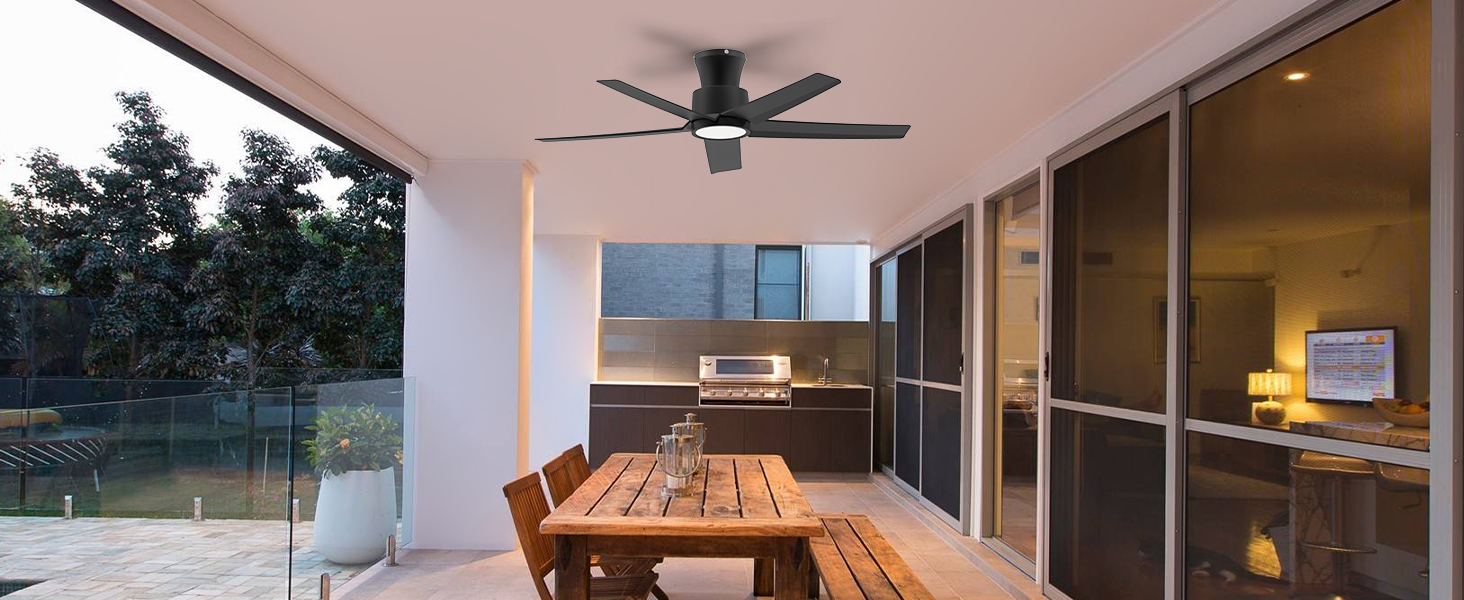
Image: Detailed view of the ocioc ceiling fan's CCT LED integrated light kit, DC motor, ABS fan blades, 5-blade design, and the remote control.
Operating Instructions
Your ocioc ceiling fan is operated via the included remote control.
Remote Control Functions:
- Power ON/OFF: Turns the fan and light on or off.
- Fan Speed: Select from 6 fan speeds. Speeds 1-2 provide a soft breeze, 3-4 a comfortable wind, and 5-6 a strong cooling airflow.
- Light ON/OFF: Controls the integrated LED light independently.
- Color Temperature (CCT) Adjustment: Cycle through 3 color temperatures: Warm Light (3000K), Natural Light (4000K), and Cool White (6500K).
- Dimming: Adjust the brightness of the LED light from 10% to 100%.
- Timer: Set the fan to turn off automatically after 2, 4, or 8 hours.
- Reversible Motor: Change the direction of blade rotation for seasonal use.
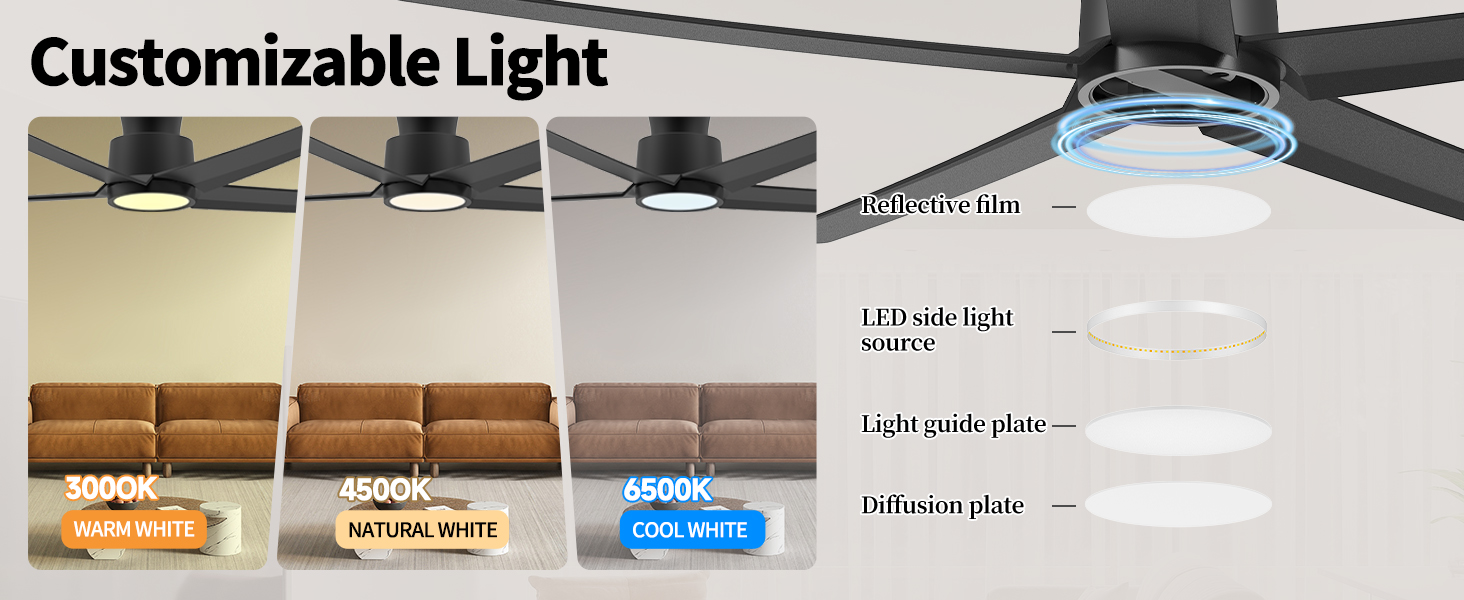
Image: Illustration demonstrating the three color temperature options (3000K Warm White, 4000K Natural White, 6500K Cool White) available for the fan's integrated LED light.
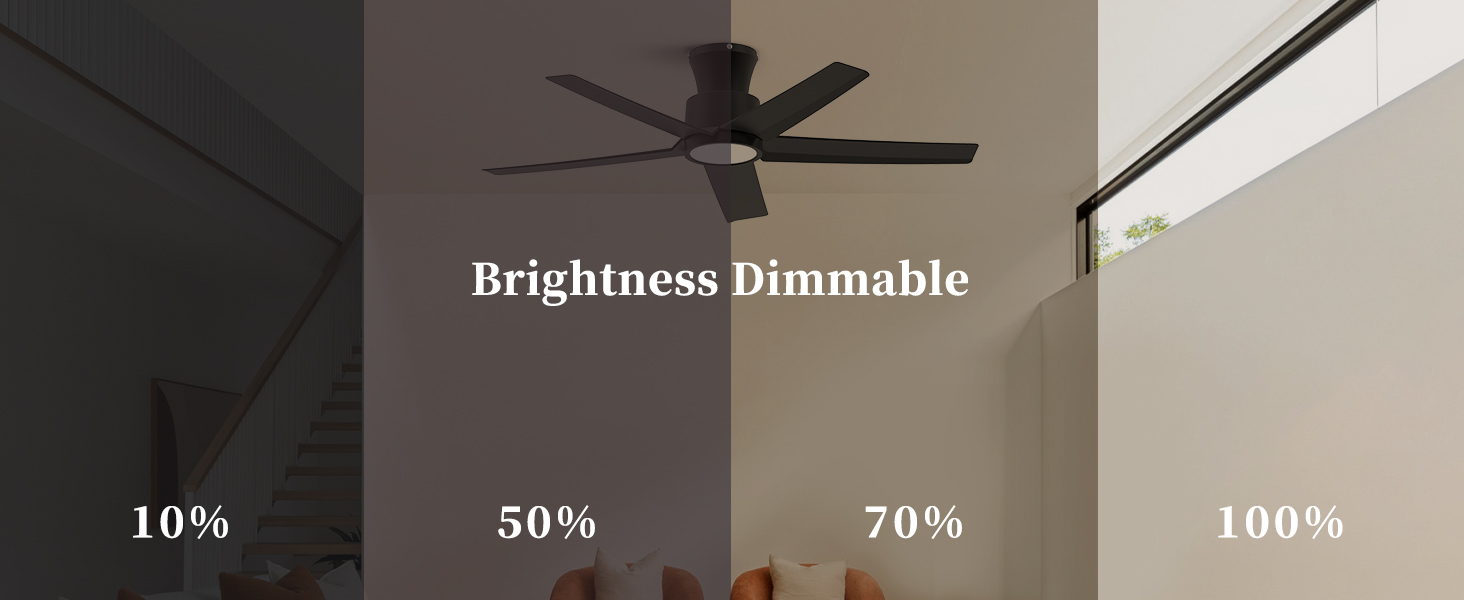
Image: Visual representation of the dimmable light feature, showing brightness levels from 10% to 100%.
Reversible Motor Function:
The DC reversible motor allows for year-round comfort:
- Summer Mode (Clockwise): Pushes air downwards, creating a cooling breeze.
- Winter Mode (Counter-clockwise): Draws air upwards, circulating warm air trapped near the ceiling to balance indoor heating.
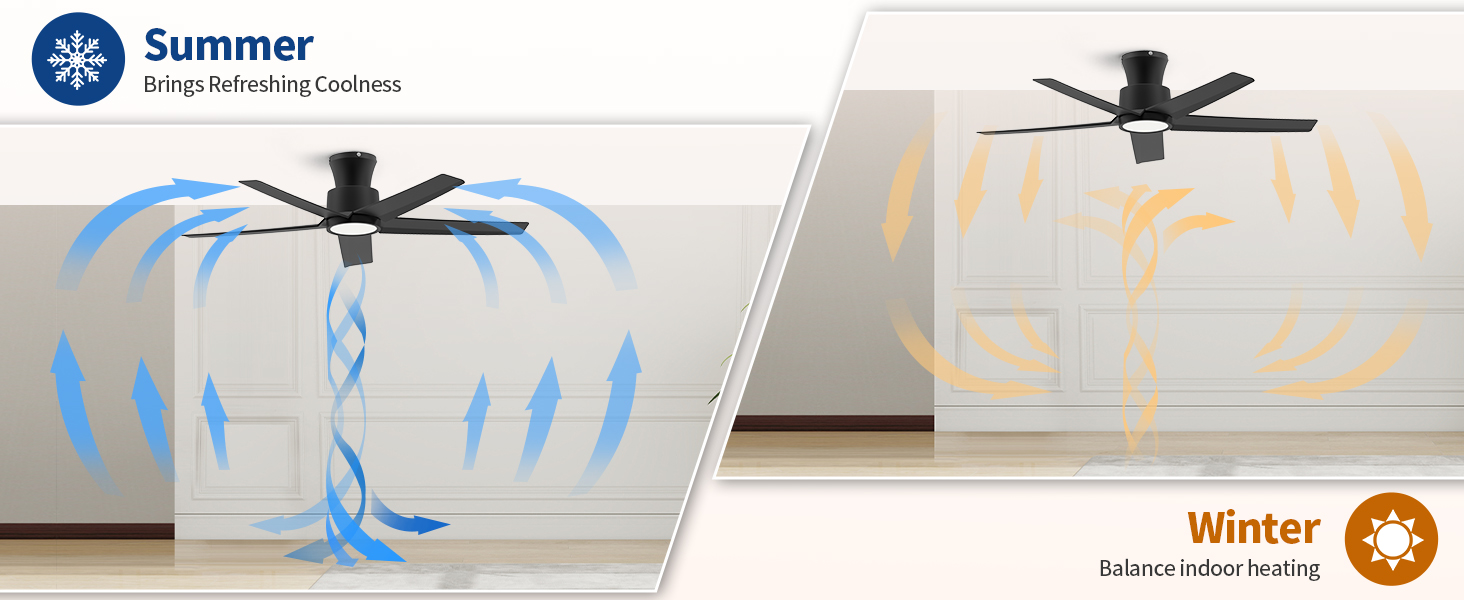
Image: Diagram illustrating the reversible DC motor, showing clockwise rotation for summer cooling and counter-clockwise rotation for winter heat circulation.
Maintenance
Regular maintenance ensures optimal performance and longevity of your ceiling fan.
- Cleaning: Dust the fan blades and motor housing periodically with a soft, damp cloth. Do not use abrasive cleaners or solvents.
- Blade Inspection: Check fan blades for any cracks or damage. Replace damaged blades immediately.
- Tightness: Periodically check all screws and connections to ensure they are secure.
- Light Kit: The LED light kit is integrated and designed for long life. No bulb replacement is necessary.
Troubleshooting
If you encounter issues with your fan, refer to the following common problems and solutions:
| Problem | Possible Cause | Solution |
|---|---|---|
| Fan does not start | No power; Loose wiring; Remote control issue | Check circuit breaker; Verify all wire connections; Replace remote batteries or re-pair remote. |
| Light does not work | Loose wiring; Remote control issue | Check light kit wiring; Replace remote batteries or re-pair remote. |
| Fan makes noise | Loose screws; Unbalanced blades; Reversed blade installation | Tighten all mounting screws; Ensure blades are balanced and correctly installed (refer to installation section). |
| Remote not responding | Dead batteries; Not paired correctly | Replace batteries; Refer to the full manual for remote pairing instructions. |
If problems persist after attempting these solutions, please contact customer support.
Warranty and Support
Your ocioc 44-inch Ceiling Fan comes with a 5-year worry-free warranty. Additionally, we offer a lifetime motor replacement service. Should any accessories be damaged within 5 years of purchase, free replacements are available.
For technical assistance, warranty claims, or to order replacement parts, please contact ocioc customer support through the retailer's platform or the official ocioc website. Please have your model number (90141) and purchase date ready when contacting support.