1. Introduction
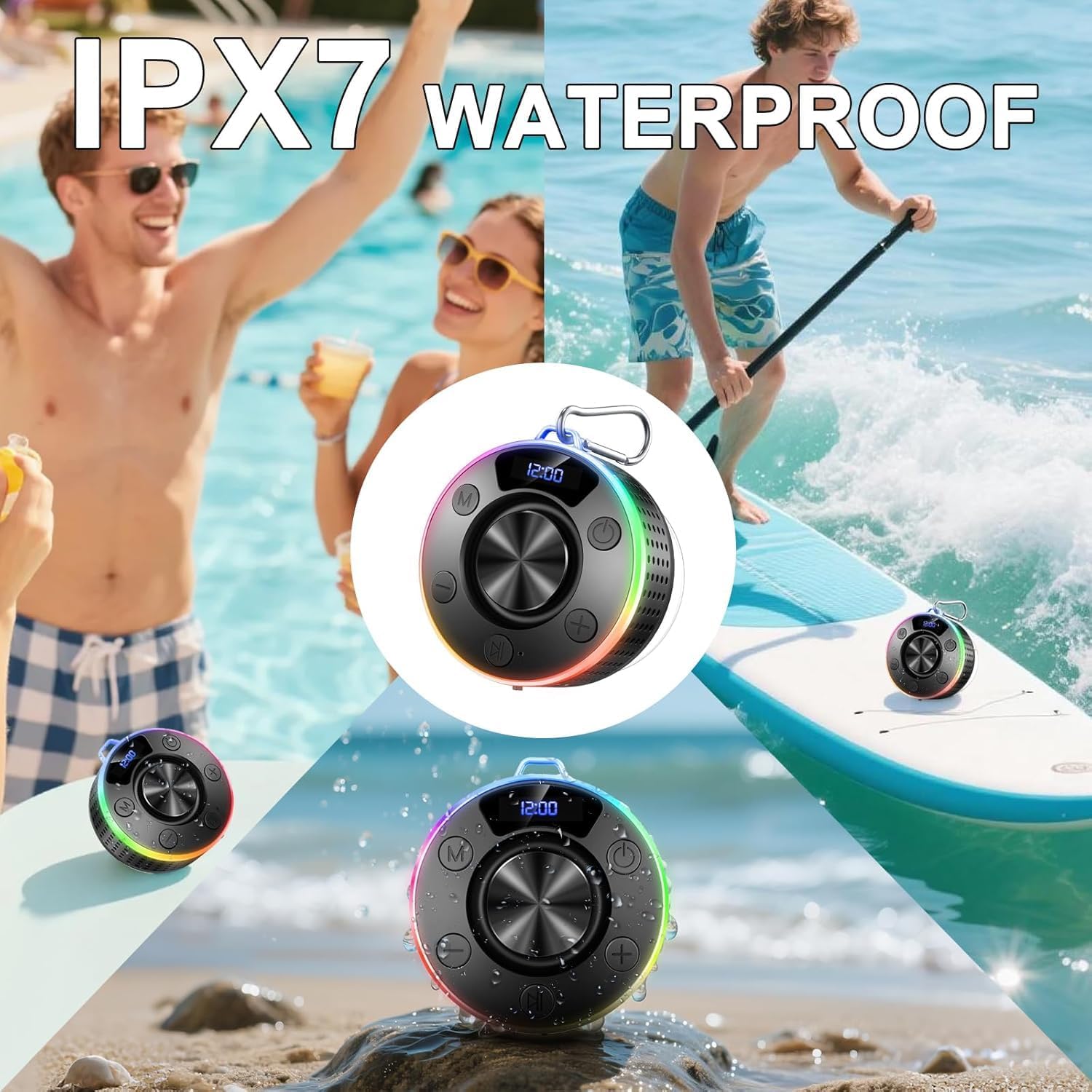
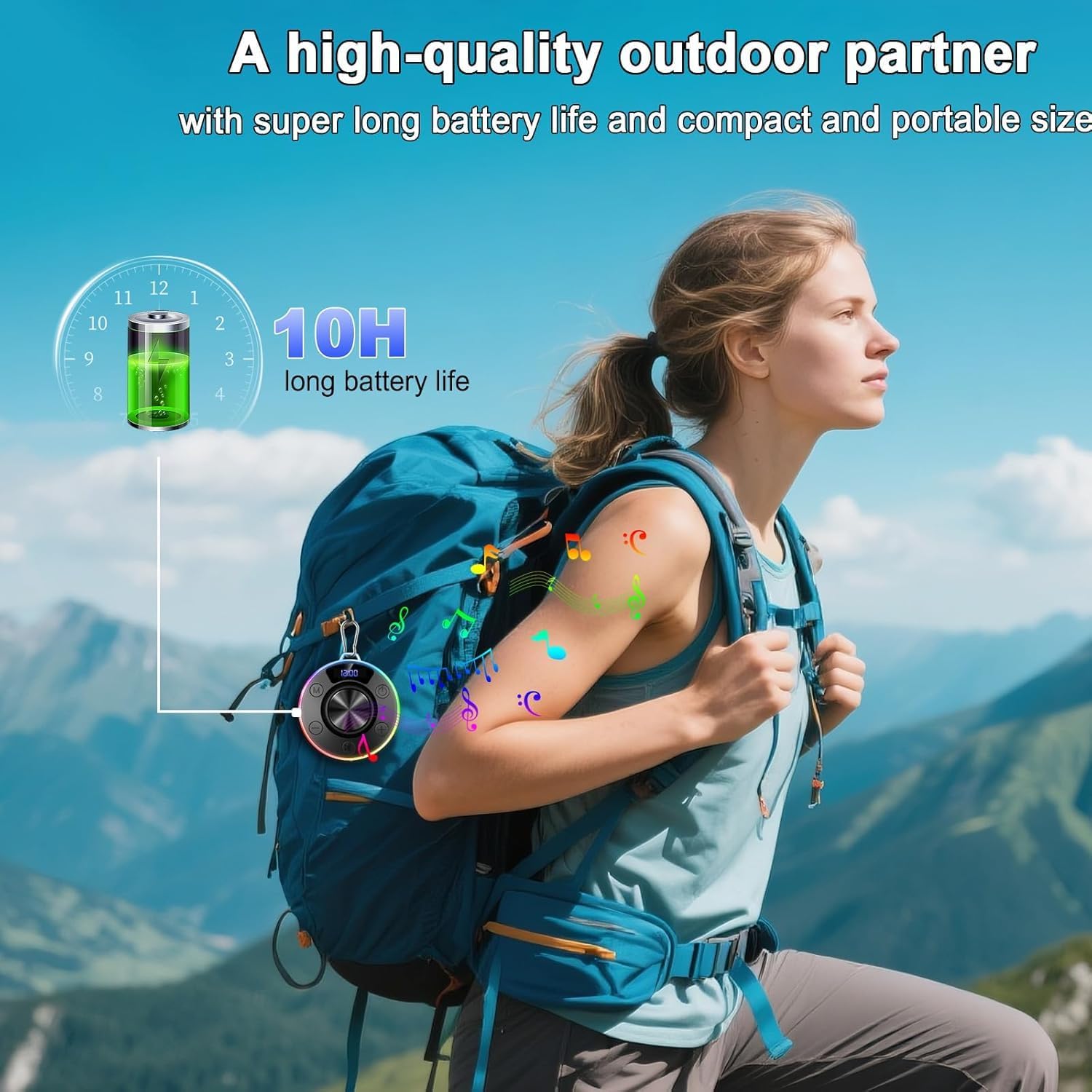
Thank you for choosing the Donerton T7C Bluetooth Shower Speaker. This portable, waterproof speaker is designed to provide high-quality audio in various environments, including showers, pools, and outdoor activities. Featuring Bluetooth 5.4, 360° HD stereo sound, LED lighting, and a built-in microphone, it offers a versatile audio experience.
2. What's in the Box
- Donerton T7C Bluetooth Shower Speaker
- USB-C Charging Cable
- Suction Cup
- Carabiner
- Quick Start Guide
3. Product Overview
The Donerton T7C speaker features an intuitive control layout and a durable, waterproof design. Below is a diagram illustrating its main components and controls.
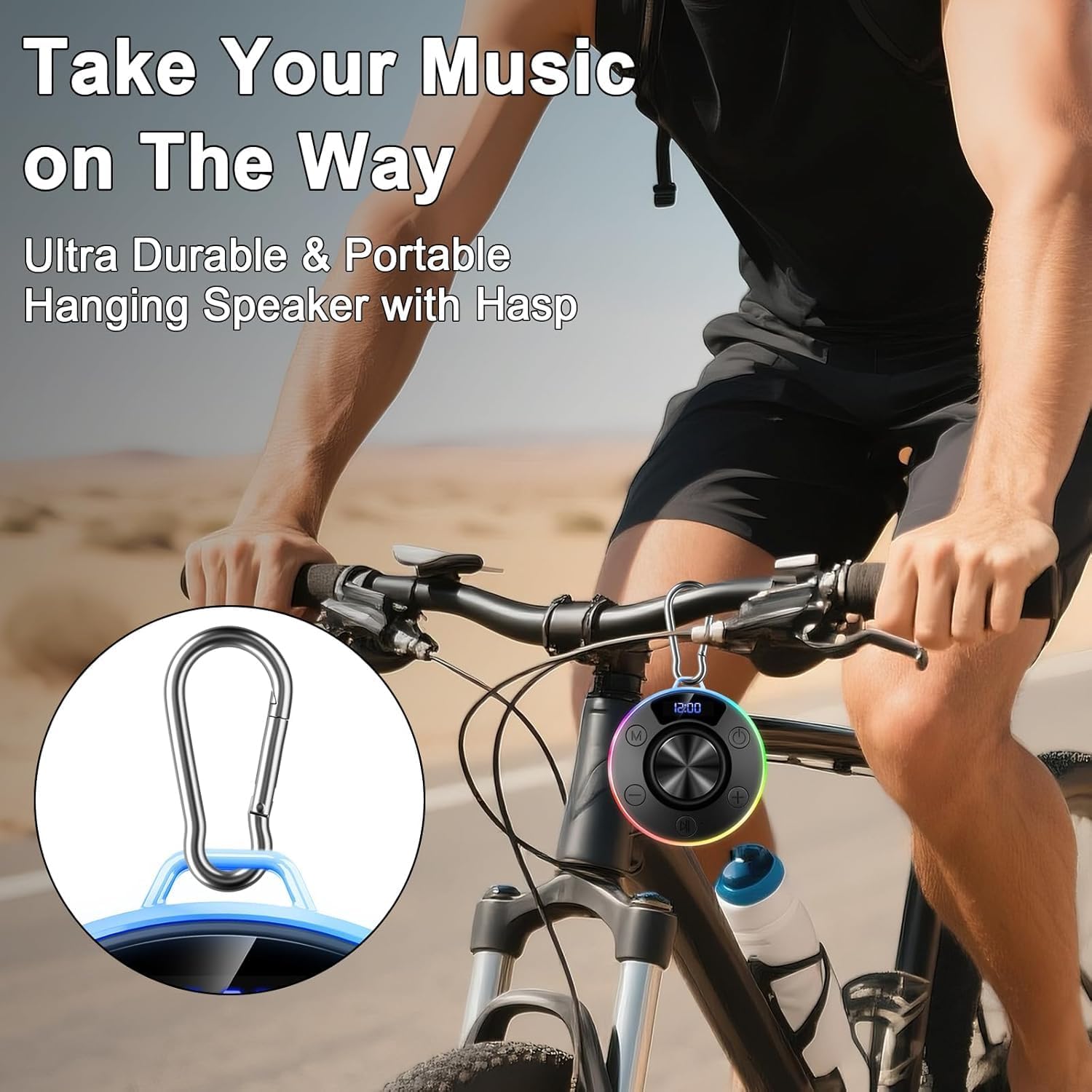
Figure 1: Donerton T7C Speaker Controls and Features
- Power Button (On/Off/Switch Lights): Press and hold to power on/off. Short press to switch LED light modes.
- Volume Down / Previous Song: Short press for volume down. Long press for previous song.
- Play/Pause / Answer/End Call: Short press to play/pause music or answer/end calls.
- Volume Up / Next Song: Short press for volume up. Long press for next song.
- Switching Mode (M): Short press to switch between different modes (e.g., Bluetooth, FM radio if available).
- LED Display: Shows time, battery level, and volume.
- USB-C Charging Port: For charging the speaker. Covered by a silicone flap for waterproofing.
- Suction Cup: Located on the bottom for secure attachment to smooth surfaces.
- Carabiner Loop: For attaching the speaker to bags or other items.
4. Setup
4.1 Charging the Speaker
- Locate the USB-C charging port on the side of the speaker, protected by a silicone flap.
- Gently open the silicone flap.
- Connect the provided USB-C cable to the speaker and the other end to a USB power adapter (not included).
- The LED display will indicate charging status. A full charge takes approximately 3 hours.
- Once fully charged, disconnect the cable and securely close the silicone flap to maintain waterproofing.
4.2 Bluetooth Pairing
- Press and hold the Power Button for 3 seconds to turn on the speaker. The LED display will show "BLUE" and the lights will flash, indicating it's in pairing mode.
- On your smartphone or Bluetooth-enabled device, go to Bluetooth settings.
- Search for "T7C" in the list of available devices and select it to pair.
- Once successfully paired, the speaker will emit a confirmation tone, and the LED display will show "CONNECTED". The lights will stop flashing and display the current time.
- The speaker will automatically reconnect to the last paired device when powered on, if within range.
4.3 Attaching the Speaker
The speaker can be attached using its suction cup or carabiner.
- Using the Suction Cup: Ensure the desired surface (e.g., shower tile, glass) is clean, smooth, and dry. Press the suction cup firmly against the surface for 10-15 seconds to create a vacuum seal.
- Using the Carabiner: Attach the carabiner to the speaker's loop and then hook it onto a backpack, bicycle, or tent.

Figure 2: Speaker attached to a shower wall
5. Operating Instructions
5.1 Music Playback
- Play/Pause: Short press the Play/Pause button.
- Volume Up/Down: Short press the Volume Up (+) or Volume Down (-) buttons.
- Next/Previous Track: Long press the Volume Up (+) button for the next track or the Volume Down (-) button for the previous track.
5.2 Call Management
With the built-in microphone, you can manage calls directly from the speaker.
- Answer/End Call: Short press the Play/Pause button.
- Reject Call: Press and hold the Play/Pause button for 2 seconds.
5.3 LED Lighting Modes
The speaker features multiple LED lighting effects to enhance your experience.
- Switch Light Mode: Short press the Power Button to cycle through different lighting effects.
- Turn Lights On/Off: Press and hold the Light Button for 2 seconds to turn the LED lights on or off.

Figure 3: RGB Lighting Adjustment Options
6. Maintenance
- Cleaning: Wipe the speaker with a soft, damp cloth. Do not use harsh chemicals or abrasive cleaners.
- Waterproofing: Always ensure the USB-C charging port's silicone flap is securely closed when not charging to maintain IPX7 waterproofing.
- Suction Cup Care: For optimal adhesion, periodically clean the suction cup and the surface it attaches to. If the suction cup loses grip, reattach it firmly.
- Storage: Store the speaker in a cool, dry place away from direct sunlight and extreme temperatures.
7. Troubleshooting
| Issue | Solution |
|---|---|
| Speaker does not power on. | Ensure the speaker is charged. Connect to a power source using the USB-C cable. |
| Cannot pair via Bluetooth. | Ensure the speaker is in pairing mode (flashing blue light). Check your device's Bluetooth settings and try reconnecting. Forget previous pairings if necessary. |
| No sound or distorted audio. | Adjust the volume on both the speaker and your connected device. Ensure the speaker is within Bluetooth range (up to 30 meters). |
| Suction cup loses grip. | Clean both the suction cup and the surface with a mild detergent or alcohol wipe. Ensure the surface is completely dry before reattaching. |
| LED lights not working. | Short press the Power Button to cycle through light modes. Press and hold the Light Button for 2 seconds to turn lights on/off. |
8. Specifications
- Model: T7C
- Brand: Donerton
- Speaker Type: Portable Bluetooth Speaker
- Connectivity: Bluetooth 5.4
- Waterproof Rating: IPX7 (submersible up to 1 meter for 30 minutes)
- Output Power: Up to 10W RMS
- Battery: 850 mAh rechargeable
- Playtime: Up to 10 hours
- Charging Time: Approximately 3 hours
- Charging Port: USB-C
- Dimensions: 3.35 x 3.35 x 1.34 inches (approx. 1"D x 1"W x 1"H)
- Weight: 7.8 ounces
- Features: 360° HD Stereo Sound, Robust Bass, LED Light, Built-in Mic for Hands-Free Calls, Magnetic Design, Carabiner
9. Warranty and Support
For warranty information and customer support, please refer to the documentation included in your product packaging or visit the official Donerton website. Keep your purchase receipt for any warranty claims.
10. Product Images