
1. Introduction
The M-AUDIO BX5BT 5-inch Desktop Studio Monitor Speakers are designed to provide a professional studio-quality audio experience in a compact form factor. These bi-amplified speakers are suitable for various applications including music production, video editing, content creation, and podcasting. They feature DSP-tuned crossovers for accurate sound reproduction, Kevlar woofers for rich bass, and silk dome tweeters for clear highs. Advanced control options are available via the M-Audio Studio Control App and Bluetooth 5.0 connectivity.

Image: A pair of M-AUDIO BX5BT 5-inch Desktop Studio Monitor Speakers, showcasing their compact design.
2. Package Contents
Ensure all items listed below are present in your package:
- BX5BT Speakers (Pair)
- Speaker Interconnect Cable
- Isolation Pads (2)
- Power Cable
- Quickstart Guide
- Safety & Warranty Manual
3. Key Features
- Pro-Grade Sound: 240W of bi-amplified power for studio-quality clarity.
- DSP-Tuned Precision: Built-in DSP crossover for accurate, balanced sound. Features FLAT, HYPE, and CUSTOM reference modes.
- App Control: M-Audio Studio Control App for 5-band EQ adjustment and custom presets.
- Bluetooth 5.0: Wireless audio streaming with ultra-low latency and up to 100 ft range.
- Premium Components: 5-inch Kevlar woofer for tight bass and 1-inch silk dome tweeter with waveguide for crisp highs.
- Burr-Brown A-D Converters: For stunning detail and dynamic range.
- Optimized Connectivity: Rear-panel TRS inputs and trim controls for easy integration.
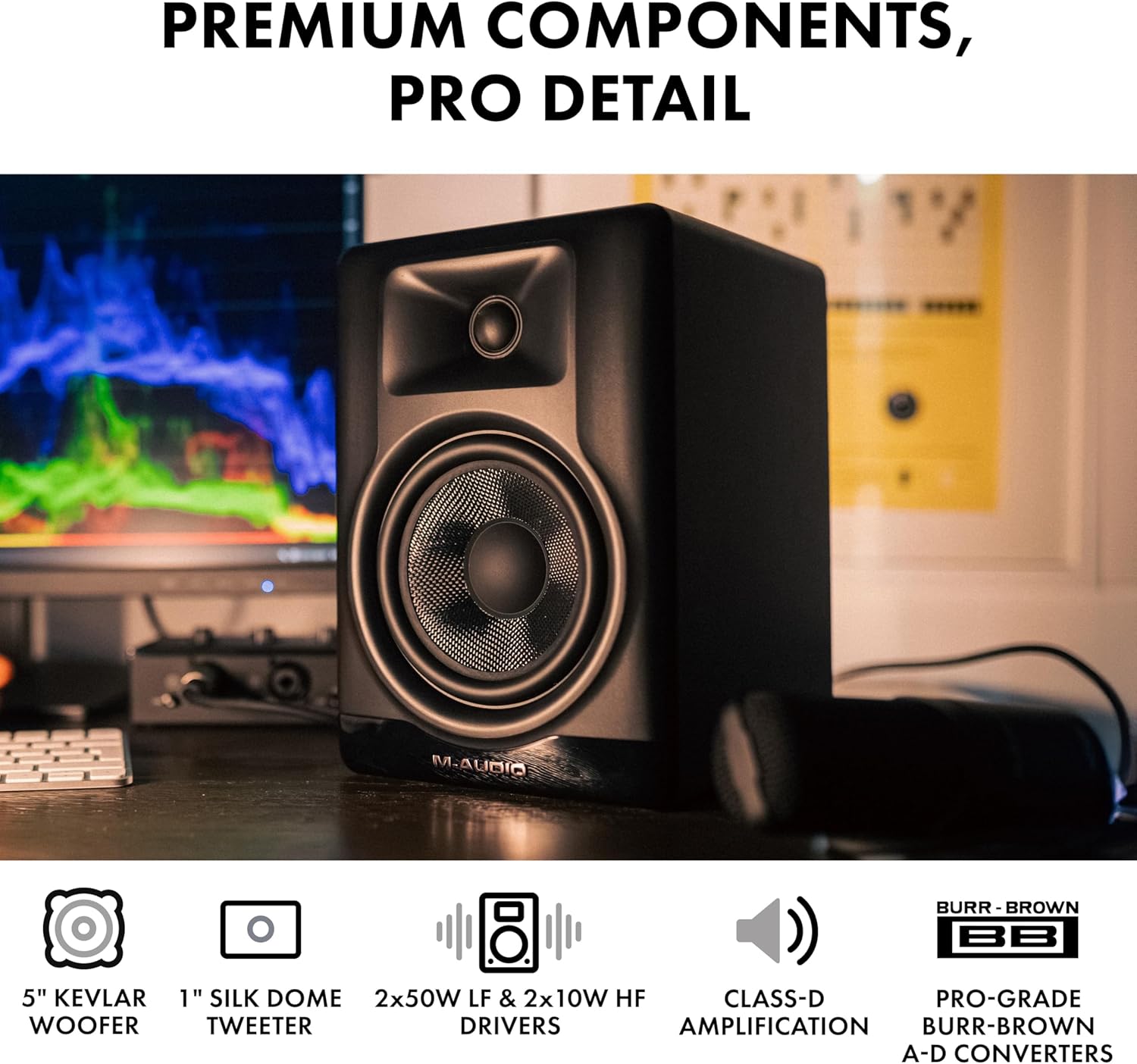
Image: Close-up view of the M-AUDIO BX5BT speaker, highlighting the 5-inch Kevlar woofer and 1-inch silk dome tweeter.
4. Setup Instructions
- Placement: Position the speakers on a stable, flat surface, ideally at ear level and equidistant from your listening position. Use the included isolation pads to minimize vibrations.
- Power Connection: Connect the power cable to each BX5BT monitor and then to a power outlet.
- Speaker Interconnection: Use the provided speaker interconnect cable to link the active speaker (with all controls) to the passive speaker.
- Audio Input Connection: Connect your audio source (e.g., audio interface, computer, mixer) to the active speaker using the appropriate TRS or RCA cables.
- Bluetooth Pairing (Optional): If desired, pair your Bluetooth-enabled device with the speakers for wireless audio streaming. Refer to the "Bluetooth Operation" section for detailed instructions.
- Power On: Flip the power switch on the rear panel of the active speaker to the "ON" position.
- Volume Adjustment: Start with the volume knob set to minimum and gradually increase it to a comfortable listening level.

Image: Rear panel of the active M-AUDIO BX5BT speaker, showing the input, output, and power connections.
5. Operation
5.1 Power On/Off
To power on or off the speakers, use the switch located on the rear panel of the active speaker.
5.2 Volume Control
Adjust the overall output volume using the dedicated volume knob on the rear panel of the active speaker.
5.3 Speaker Mode Selection
The front panel features a "Speaker Mode" button to cycle through different sound profiles:
- FLAT: Provides a neutral, uncolored frequency response, ideal for critical listening and mixing.
- HYPE: Enhances bass and treble for a more pronounced sound, suitable for casual listening or gaming.
- CUSTOM: Activates custom EQ settings configured via the M-Audio Studio Control App.

Image: Front panel of the M-AUDIO BX5BT speaker showing the Speaker Mode switch, alongside a smartphone screen displaying the M-Audio Studio Control App's EQ interface.
6. Connectivity
The BX5BT speakers offer versatile connectivity options:
- TRS Inputs: Balanced 1/4-inch TRS inputs (Left/Right) for professional audio equipment.
- RCA Inputs: Unbalanced RCA inputs (Left/Right) for consumer audio devices.
- Bluetooth 5.0: Wireless connection for streaming audio from compatible devices.
6.1 Bluetooth Operation
- Ensure Bluetooth is enabled on your audio device.
- Press the Bluetooth pairing button on the front panel of the active speaker. The Bluetooth indicator will flash.
- Select "M-AUDIO BX5BT" from the list of available devices on your audio device.
- Once paired, the Bluetooth indicator will glow solid blue.
- You can now stream audio wirelessly to your BX5BT speakers. The Bluetooth 5.0 technology provides ultra-low latency and a range of up to 100 feet.

Image: M-AUDIO BX5BT speaker with a prominent Bluetooth logo, indicating wireless connectivity.
7. DSP and App Control
The BX5BT speakers incorporate Digital Signal Processing (DSP) for precise sound tuning. Further customization is available through the M-Audio Studio Control App.
7.1 M-Audio Studio Control App
Download the M-Audio Studio Control App to your smartphone or tablet to unlock advanced sound sculpting capabilities:
- 5-Band EQ: Adjust the frequency response to match your room acoustics or personal preference.
- Custom User Presets: Save and recall your preferred EQ settings for different listening scenarios.
- Voicing Optimization: Fine-tune playback for specific creative styles or room environments.
Ensure your device is connected via Bluetooth to the BX5BT speakers to use the app's control features.
Video: An official M-Audio video demonstrating the BX5BT studio monitors, highlighting their features and design.
8. Troubleshooting
8.1 No Sound
- Ensure both speakers are powered on and the power indicator is lit.
- Check all audio cables (TRS, RCA, interconnect) for secure connections.
- Verify the volume knob on the active speaker is turned up.
- Confirm the audio source is playing and its volume is adequate.
- If using Bluetooth, ensure the speakers are correctly paired and selected as the output device on your source.
8.2 Distorted Sound
- Reduce the volume on both the speakers and your audio source.
- Check for damaged audio cables and replace if necessary.
- Ensure the audio source output level is not too high, causing clipping.
8.3 Bluetooth Connection Issues
- Ensure the speakers are in pairing mode (Bluetooth indicator flashing).
- Move your Bluetooth device closer to the speakers (within 100 ft).
- Try unpairing and re-pairing the speakers from your device's Bluetooth settings.
- Avoid sources of interference such as Wi-Fi routers or other wireless devices.
9. Technical Specifications
| Feature | Specification |
|---|---|
| Speaker Type | Desktop Studio Monitor |
| Woofer Diameter | 5 Inches (Kevlar) |
| Tweeter Diameter | 1 Inch (Silk Dome with Waveguide) |
| Speaker Maximum Output Power | 240 Watts (Bi-amplified) |
| Frequency Response | 49 Hz - 22 kHz |
| Connectivity Technology | Bluetooth 5.0, TRS, RCA |
| Bluetooth Range | 100 Feet |
| Control Method | App, Push Button |
| Special Features | DSP, 5-band EQ, Custom Presets, App Control |
| Product Dimensions (each) | 7.96 x 6.92 x 10 inches |
| Item Weight (pair) | 15.71 pounds (7.14 kg) |
| Material | Engineered Wood |
| Power Source | AC |

Image: M-AUDIO BX5BT speaker positioned on a desk, illustrating its size and weight in context.
10. Maintenance
- Cleaning: Use a soft, dry cloth to clean the exterior of the speakers. Avoid using abrasive cleaners, solvents, or harsh chemicals.
- Dust: Regularly dust the speaker grilles and surfaces to prevent accumulation that could affect sound quality or internal components.
- Ventilation: Ensure adequate airflow around the speakers to prevent overheating. Do not block the rear ports.
- Storage: If storing the speakers for an extended period, place them in their original packaging or a protective cover in a cool, dry environment.
11. Warranty and Support
The M-AUDIO BX5BT speakers come with a manufacturer's warranty. Please refer to the included Safety & Warranty Manual for detailed information regarding warranty terms, conditions, and registration procedures.
For technical support, product registration, or further inquiries, please visit the official M-AUDIO website or contact their customer service department. Keep your purchase receipt as proof of purchase for warranty claims.
You can find more information and support resources at the M-AUDIO Store on Amazon.


