Introduction
The Yunseity LX-80 Language Translator Earbuds are designed to facilitate real-time communication across multiple languages. These earbuds offer 144 language translations and 14 voice simultaneous translations, powered by advanced translation engines for high accuracy. Featuring 4 distinct translation modes and HiFi stereo sound, they are suitable for various environments including travel, business, and daily use. The ergonomic design ensures comfortable wear, and the long-lasting battery provides extended usage.
Package Contents
Please verify that all items listed below are included in your package:
- 2 x Language Translation Earbuds (inside the Charging Case)
- 1 x Charging Case
- 1 x Charging Cable
- 1 x User Manual

Image: The Yunseity LX-80 Language Translator Earbuds and their charging case, as typically found in the package.
Specifications
| Feature | Detail |
|---|---|
| Item Type | Language Translation Earbuds |
| Material | ABS |
| Charging Case Battery Type | Lithium Cell (Built-in) |
| Charging Case Battery Capacity | 600mAh |
| Earphone Battery Type | Lithium Cell (Built-in) |
| Single Earphone Battery Capacity | 45mAh |
| Continuous Work Time | Up to 6 hours |
| Standby Time | Up to 120 hours |
| Translation Languages | 144 languages supported |
| Voice Simultaneous Translations | 14 languages |
| Translation Accuracy | 97% (powered by top translation engines) |
| Low Latency Translation | 0.5 seconds (via 15 worldwide servers) |
| Item Weight | 5.6 ounces |
| Package Dimensions | 4.72 x 4.33 x 1.97 inches |

Image: The earbuds in their charging case, highlighting the long battery life capabilities.
Setup
- Charge the Earbuds and Case: Before first use, ensure both the earbuds and the charging case are fully charged using the provided charging cable.
- Download the App: Download the "AI Library" application from your device's app store (e.g., Apple App Store for iOS, Google Play Store for Android).
- Pair the Earbuds:
- Open the charging case.
- Enable Bluetooth on your smartphone or tablet.
- Select "LX-80" (or similar name) from the list of available Bluetooth devices to pair.
- Bind to App: Open the "AI Library" app and follow the on-screen instructions to bind the earbuds to the application. This step is crucial for accessing the translation features.

Image: The earbuds in their charging case, illustrating the multi-language support feature which is enabled through the app.
Operating Instructions
The Yunseity LX-80 earbuds offer four distinct translation modes to suit various communication needs. These modes are managed through the "AI Library" application.
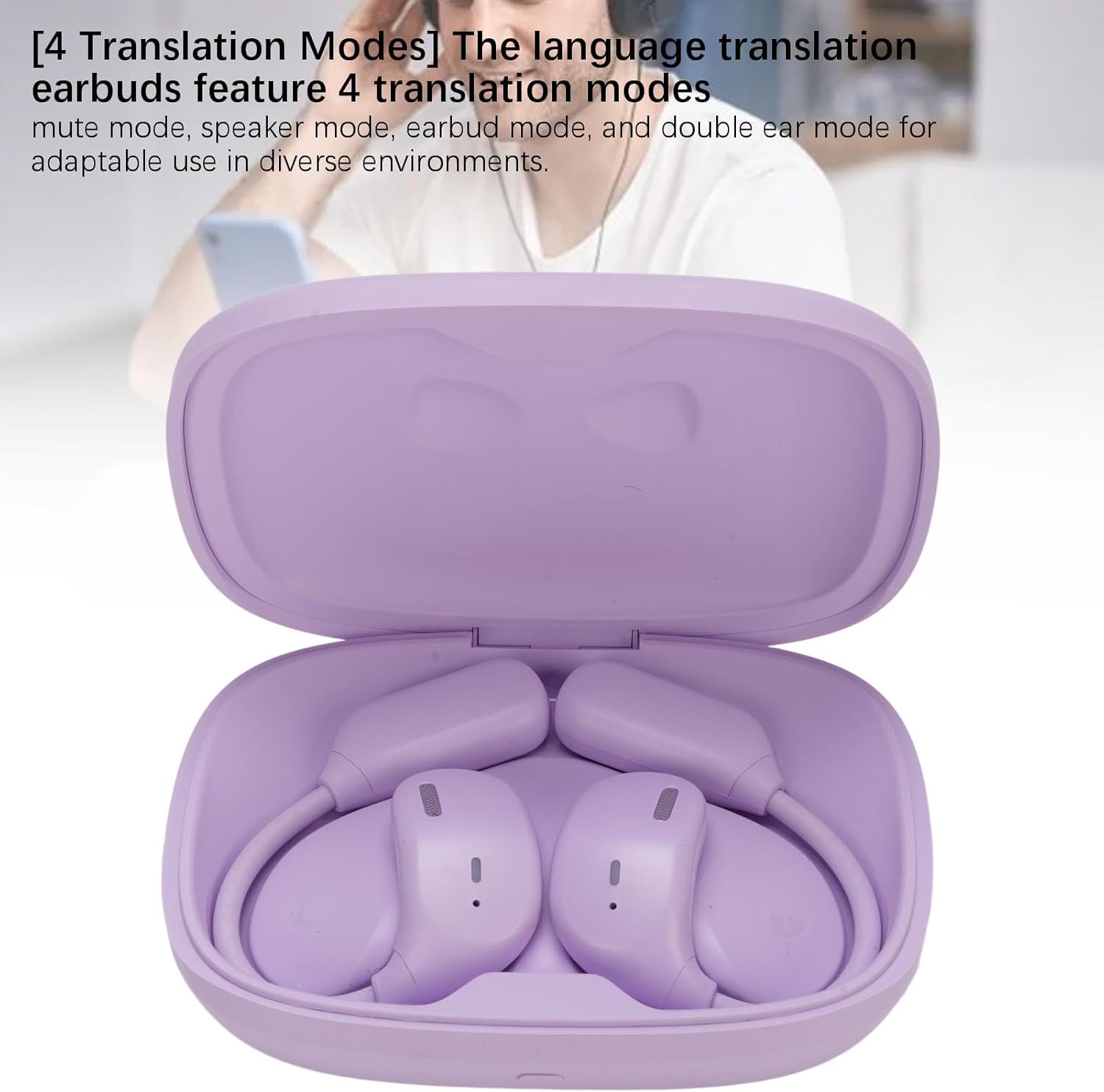
Image: The earbuds in their charging case, visually representing the availability of four translation modes.
1. Mute Mode
In Mute Mode, the earbuds will translate and display the text on your connected device's screen without producing any audio output from the earbuds. This mode is useful for discreet translation in quiet environments or when you prefer to read the translation.
2. Speaker Mode
Speaker Mode allows the earbuds to translate and play the audio translation through your phone's speaker. This is ideal for group conversations or when you need others to hear the translation without wearing the earbuds themselves.
3. Earbud Mode
Earbud Mode is designed for one-on-one conversations. One person wears an earbud, and the other person speaks into the connected smartphone. The translation is heard by the person wearing the earbud, and their speech is translated and played through the phone's speaker for the other person.
4. Double Ear Mode
In Double Ear Mode, both earbuds are worn by the same user. This mode is suitable for personal use, such as listening to translated audio from a video, a lecture, or for self-study. It provides an immersive audio experience for the translated content.
General Operation Tips:
- Ensure a stable internet connection for optimal translation performance.
- Speak clearly and at a moderate pace for accurate translation.
- Adjust volume settings through your connected device.
- The earbuds can also be used for music playback and calls when not in translation mode, offering HiFi stereo sound.

Image: The earbuds in their charging case, illustrating diverse application scenarios such as learning, education, business meetings, and shopping.
Maintenance
- Cleaning: Gently wipe the earbuds and charging case with a soft, dry, lint-free cloth. Do not use abrasive cleaners, alcohol, or chemical solvents.
- Storage: Store the earbuds in their charging case when not in use to protect them and keep them charged. Avoid extreme temperatures.
- Water Resistance: The earbuds are not waterproof. Avoid exposure to water, moisture, or excessive humidity.
- Charging: Use only the provided charging cable or a certified equivalent. Avoid overcharging.
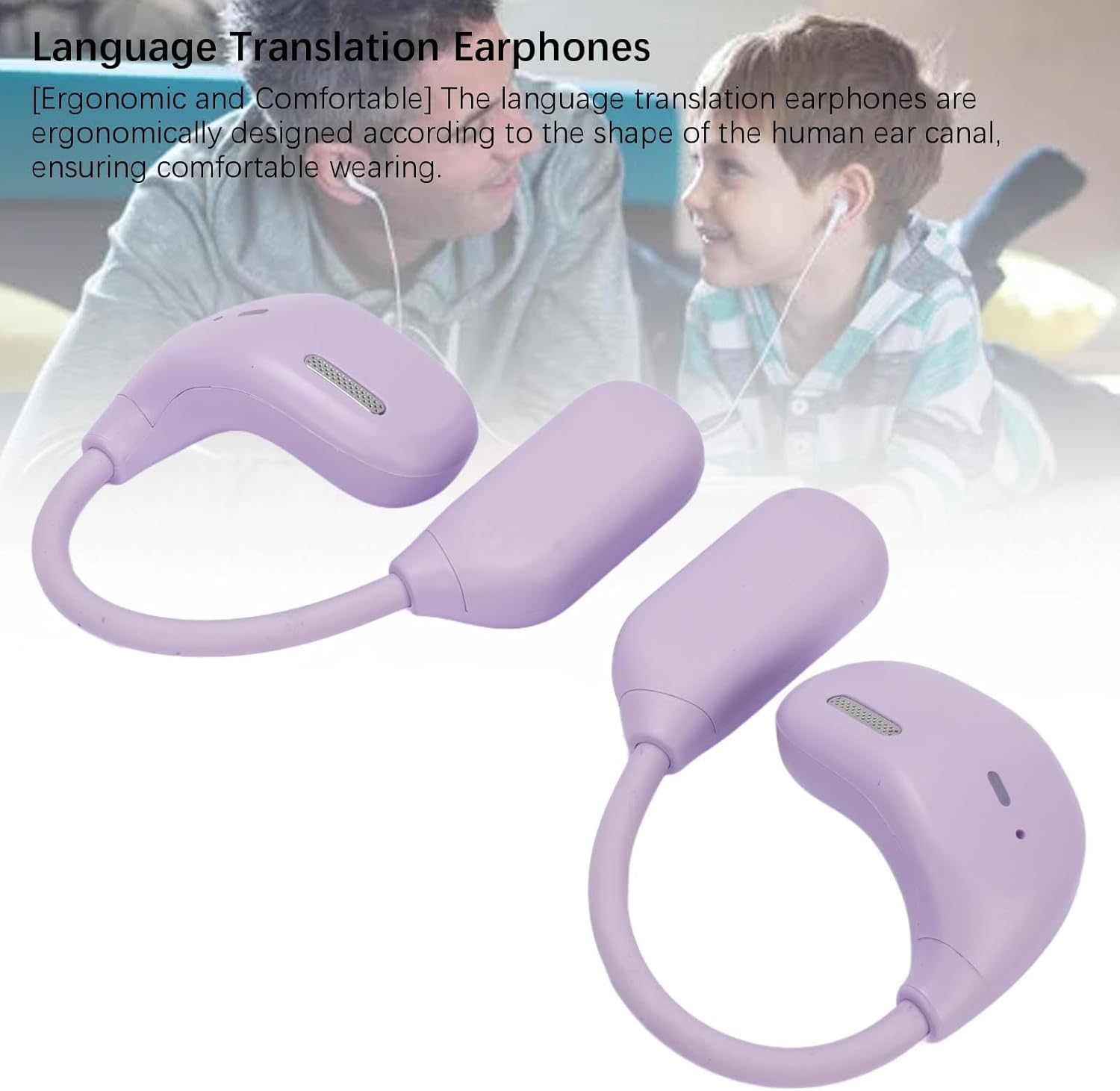
Image: A close-up view of the Yunseity LX-80 earbuds, emphasizing their ergonomic design for comfortable wear and ease of maintenance.
Troubleshooting
- Earbuds not pairing:
- Ensure earbuds are charged.
- Turn off and on Bluetooth on your device.
- Restart your device.
- Reset the earbuds (refer to app for specific instructions if available).
- Translation not working or inaccurate:
- Check your internet connection; a stable connection is required for translation.
- Ensure the "AI Library" app is open and the earbuds are correctly bound.
- Verify the selected source and target languages in the app.
- Speak clearly and directly into the microphone.
- Update the "AI Library" app to the latest version.
- No sound from earbuds:
- Check the volume level on your connected device.
- Ensure earbuds are properly seated in your ears.
- Confirm earbuds are paired and connected.
- Short battery life:
- Ensure earbuds and charging case are fully charged before use.
- Battery performance can degrade over time with usage.
Warranty Information
Yunseity products are typically covered by a limited warranty against defects in materials and workmanship. Please refer to the warranty card included in your product packaging or visit the official Yunseity website for detailed warranty terms and conditions, including duration and claim procedures. Keep your proof of purchase for warranty service.
Customer Support
For further assistance, technical support, or inquiries regarding your Yunseity LX-80 Language Translator Earbuds, please contact Yunseity customer service. Contact information can usually be found on the official Yunseity website or in the documentation provided with your product.
Online Resources: For FAQs, software updates, and additional support, please visit the official Yunseity support page.


