
Introduction
Thank you for choosing the Feihe 22-inch Smart TV. This compact television is designed for versatile use in various spaces such as kitchens, bedrooms, RVs, and offices. It features a Full HD 1080p display, integrated Wi-Fi for streaming, and dual stereo speakers for clear audio. This manual provides essential information for setting up, operating, and maintaining your new television.
Front view of the Feihe 22-inch Smart TV, showcasing its sleek design.
Package Contents
Please check the box for the following items:
- Feihe 22-inch Smart TV
- Power Adapter
- TV Stand (2 pieces)
- Remote Control
- User Manual (this document)
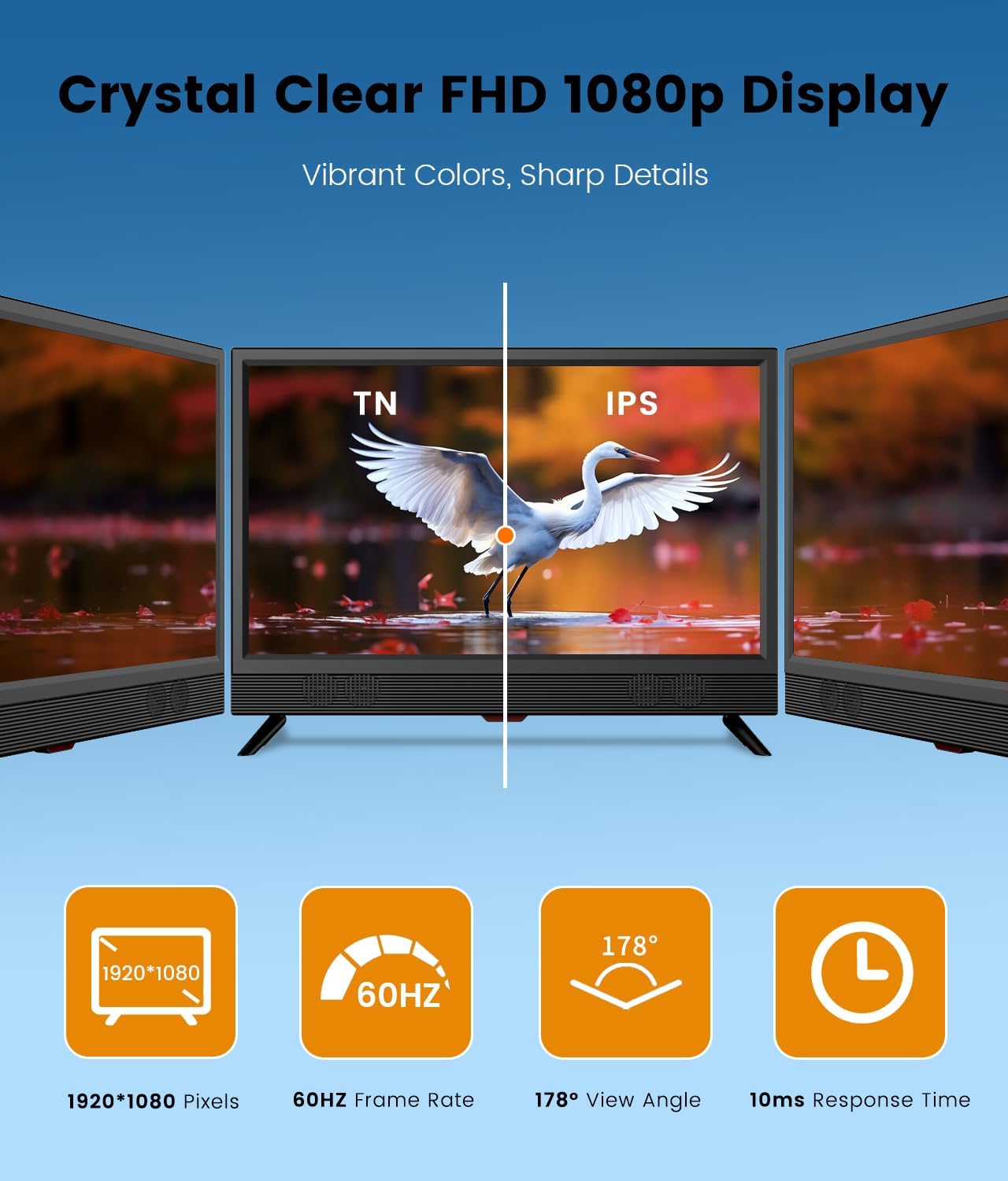
Image showing the Feihe 22-inch Smart TV, remote control, and power adapter.
Setup
1. Attaching the Stand
- Carefully place the TV screen-down on a soft, clean surface to prevent scratches.
- Align the stand pieces with the mounting holes on the bottom of the TV.
- Secure the stand using the provided screws. Ensure the stand is firmly attached before proceeding.
2. Power Connection
- Connect the power adapter to the TV's power input port.
- Plug the power adapter into a standard electrical outlet.
3. Initial Setup and Network Connection
- Press the power button on the remote control to turn on the TV.
- Follow the on-screen instructions to select your language, region, and time zone.
- When prompted, select your Wi-Fi network from the list and enter the password. The TV supports Dual 2.4/5 GHz Wi-Fi.
- Alternatively, connect an Ethernet cable to the RJ45 port for a wired network connection.

Rear view of the Feihe Smart TV highlighting various connectivity ports including HDMI, USB, RJ45, and RCA.
Operating Instructions
1. Remote Control Functions
Use the provided remote control to navigate the TV's interface. Common functions include power on/off, volume control, channel selection, input source selection, and smart app access.
2. Smart Platform Navigation
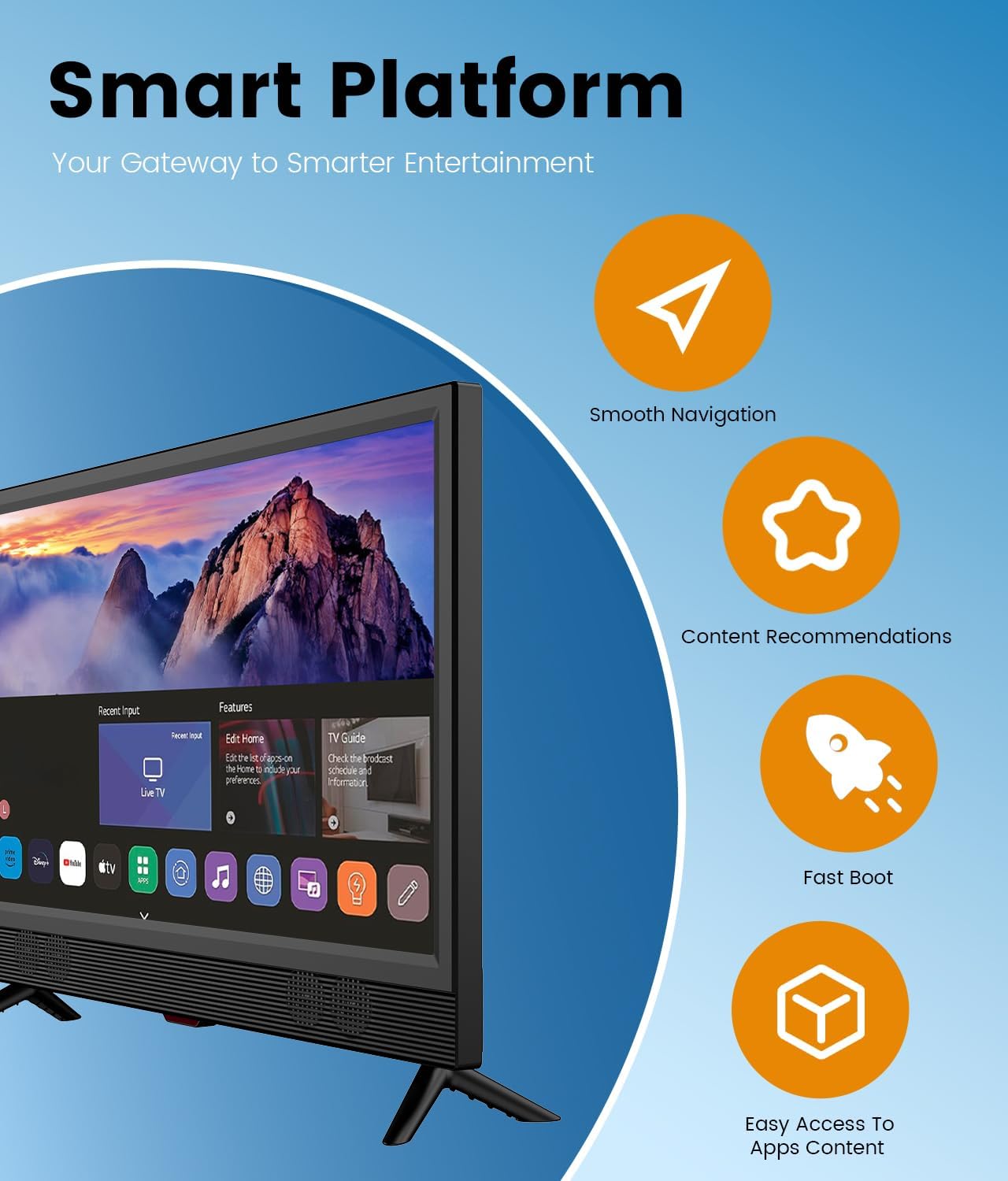
Your Feihe Smart TV runs on a smart platform (WebOS) that provides access to various streaming applications. Use the directional buttons and OK button on your remote to browse and select apps. The platform offers smooth navigation, content recommendations, and quick boot times.

The smart platform interface of the Feihe TV, showing various streaming app icons and navigation options.
3. Streaming Applications
Access popular streaming services directly from your TV. Ensure a stable internet connection for optimal performance. The TV provides built-in access to many top streaming apps and over 300 free live channels.

The Feihe Smart TV screen showing logos of popular streaming services like Prime Video, Max, YouTube TV, and Paramount+.
4. Connecting External Devices
The TV is equipped with multiple ports for connecting external devices:
- HDMI (x3): Connect gaming consoles, Blu-ray players, laptops, or other HDMI-enabled devices.
- USB (x1): Play media files from a USB drive.
- RCA (AV): Connect older devices using composite video and stereo audio cables.
- Earphone: Connect headphones for private listening.
- SPDIF_OUT: For digital audio output.
- TV Tuner: Connect an external antenna for over-the-air broadcasts.
The TV also supports Bluetooth for connecting wireless headphones or speakers, and Miracast for screen mirroring from compatible mobile devices.

A Feihe Smart TV connected to a laptop, demonstrating HDMI connectivity.
Maintenance
- Cleaning the Screen: Use a soft, lint-free cloth specifically designed for electronics. Do not use harsh chemicals or abrasive cleaners.
- Cleaning the Body: Wipe the TV's exterior with a soft, dry cloth.
- Ventilation: Ensure the TV's ventilation openings are not blocked to prevent overheating.
- Power Off: Unplug the TV from the power outlet during lightning storms or when it will be unused for extended periods.
Troubleshooting
| Problem | Possible Solution |
|---|---|
| No power | Check if the power adapter is securely connected to both the TV and the power outlet. Ensure the outlet is functional. |
| No picture, but sound is present | Verify the correct input source is selected. Check all cable connections (HDMI, AV). |
| No sound, but picture is present | Check the volume level and ensure the TV is not muted. If using external speakers, check their connections and power. |
| Cannot connect to Wi-Fi | Ensure the Wi-Fi password is correct. Restart your router and the TV. Move the TV closer to the router if possible. |
| Remote control not working | Replace the batteries (AAA x 2). Ensure there are no obstructions between the remote and the TV's IR sensor. |
| Cannot access traditional cable TV services | Important Note: This television is primarily a smart streaming device. It is not compatible with traditional cable TV services from major providers such as Xfinity, Direct TV, Comcast, Spectrum, or Verizon cable TV APP. It functions best using its Smart Wi/Fi capabilities or an external antenna for over-the-air content. |
Specifications
| Feature | Detail |
|---|---|
| Brand | Feihe |
| Model Name | SR-22WST |
| Screen Size | 22 Inches |
| Display Technology | LED |
| Resolution | 1080p (1920x1080) |
| Refresh Rate | 60 Hz |
| Aspect Ratio | 16:9 |
| Viewing Angle | 178° |
| Operating System | WebOS |
| Connectivity Technology | HDMI (x3), USB (x1), Ethernet, Wi-Fi (Dual 2.4/5 GHz), Bluetooth, S/PDIF, RCA |
| Special Features | Browser, Built-In Speaker, Flat, Miracast, Wide Viewing Angle |
| Audio Output Power | 10 Watts (Dual Stereo Speakers) |
| Product Dimensions (D x W x H) | 1.97"D x 20.28"W x 14.96"H |
| VESA Mount Standard | 100 x 100 mm |
| Included Components | Power Adapter |

Diagram illustrating the dimensions of the Feihe 22-inch Smart TV and its VESA mount compatibility.
Warranty and Support
Feihe provides a one-year limited warranty for this product. For any issues or support inquiries, please contact Feihe customer service. Refer to the contact information provided on the Feihe official website or your purchase documentation.
Warranty Type: Limited
Warranty Description: 1 YEAR
For further assistance, you may visit the Feihe Store on Amazon.