
1. Product Overview
The XikeStor SKN-U310GT is a portable USB to 10 Gigabit Ethernet adapter designed to provide high-speed wired network connectivity to your devices. It features a USB 3.2 (Type-C) port and a 10GbE RJ45 port, utilizing a high-quality Realtek RTL8159 professional chip for stable data transfer. Its compact aluminum alloy body ensures efficient heat dissipation and portability.

Image 1: XikeStor SKN-U310GT Portable USB to 10 Gigabit Ethernet Adapter.
Package Contents:
- SKN-U310GT Adapter x1
- 10GbE Dual Type-C Cable x1
- Warranty Card x1
- Instruction Manual x1
2. Setup Instructions
Follow these steps to set up your XikeStor SKN-U310GT adapter:
- Connect the Adapter to your Device: Use the included high-quality dual Type-C cable to connect the SKN-U310GT adapter to a compatible USB 3.2 (Type-C) or Thunderbolt 3/4/5 port on your laptop, desktop PC, smartphone, or tablet.
- Connect to Network: Connect a Cat6A or higher Ethernet cable from your router or network switch to the RJ45 port on the SKN-U310GT adapter.
- Driver Installation:
- For Windows 10/11: Drivers are typically installed automatically via Windows Update.
- For Linux and MacOS: Drivers may also install automatically.
- If automatic installation does not occur or if speeds are not as expected, you may need to manually download and install the latest drivers from the official Realtek website. Refer to the troubleshooting section for more details.
- Verify Connection: Once connected, check the indicator lights on the adapter. A power indicator light and a port speed indicator light will confirm the connection status.

Image 2: Connection diagram showing the adapter connected to a device and a network.
3. Operating Instructions
The SKN-U310GT adapter is designed for plug-and-play operation on most compatible systems. Once connected and drivers are installed, your device should automatically detect the wired network connection.
Understanding Data Transfer Rates:
The actual data transfer speed can vary based on the USB port standard of your host device. For optimal performance, connect to a USB 3.2 Gen2x2 port if available.
- USB 3.2 Gen1 (5Gbps bandwidth) connection: 10G speed is not achieved.
- USB 3.2 Gen2x1 (10Gbps bandwidth) connection: Approximately 7Gbps actual measurement.
- USB 3.2 Gen2x2 (20Gbps bandwidth) connection: Approximately 9.6Gbps actual measurement (recommended for optimal experience).

Image 3: Visual representation of 10Gbps high-speed data transfer.
4. Maintenance
To ensure the longevity and optimal performance of your SKN-U310GT adapter:
- Cleaning: Use a soft, dry cloth to clean the adapter. Avoid liquid cleaners or abrasive materials.
- Storage: Store the adapter in a cool, dry place away from direct sunlight and extreme temperatures.
- Handling: Handle the adapter with care. Avoid dropping it or subjecting it to strong impacts.
- Cable Care: Ensure the Type-C cable is not bent sharply or tangled, as this can damage the internal wires.
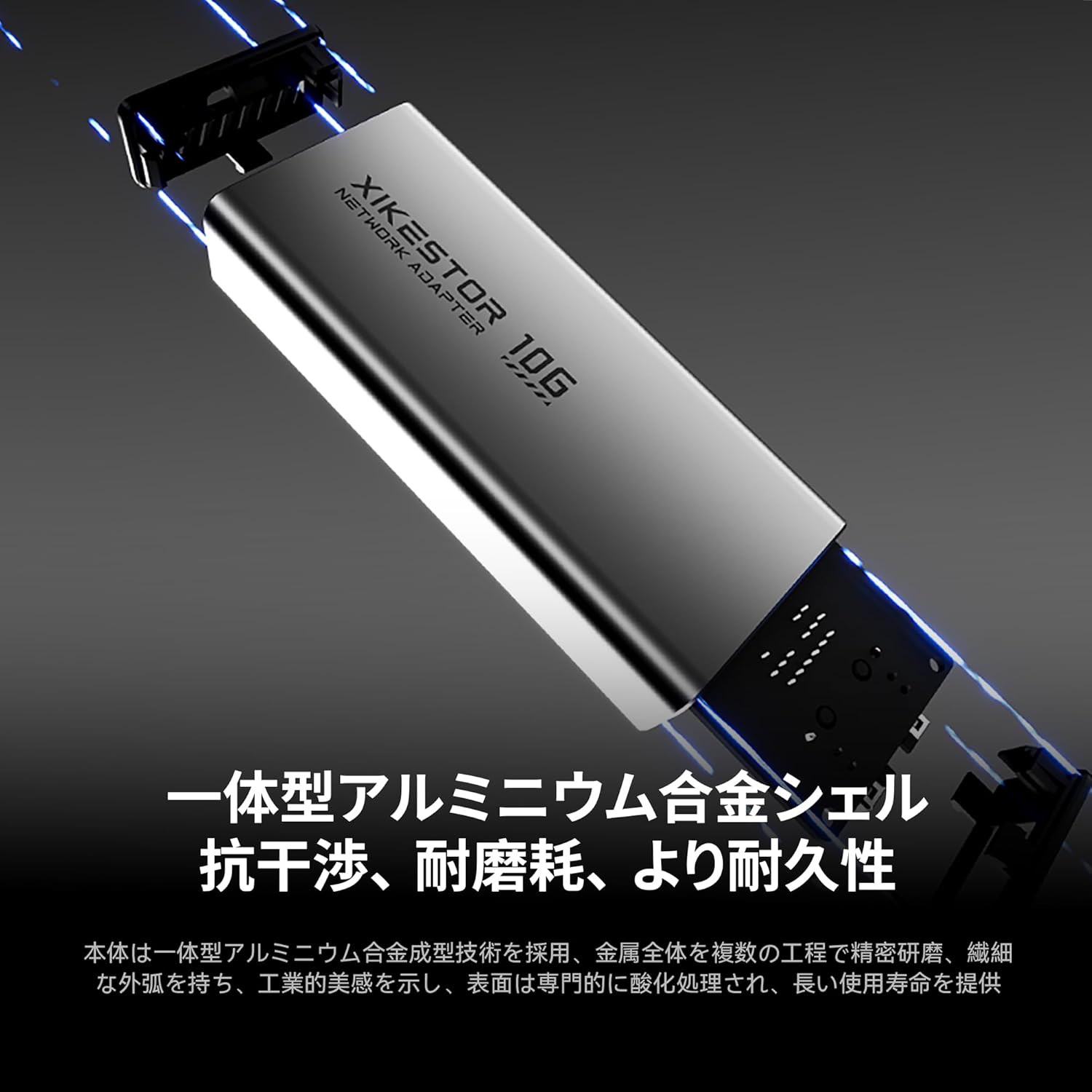
Image 4: The aluminum alloy body of the adapter, designed for durability and heat dissipation.
5. Troubleshooting
If you encounter issues with your SKN-U310GT adapter, please refer to the following common solutions:
- No Network Connection:
- Ensure the Type-C cable is securely connected to both the adapter and your device.
- Verify the Ethernet cable is properly connected to the adapter and your router/switch.
- Check your device's network settings to ensure the wired connection is enabled.
- Try connecting the adapter to a different USB-C port on your device.
- Slow Speeds / Not Reaching 10Gbps:
- Confirm your device's USB-C port supports USB 3.2 Gen2x2 (20Gbps bandwidth) for optimal performance. Speeds will be lower on Gen1 or Gen2x1 ports.
- Ensure your router/switch and Ethernet cable (Cat6A or higher) support 10 Gigabit Ethernet.
- Driver Update: If speeds are not as expected, manually download and install the latest drivers for the Realtek RTL8159 chip from the Realtek official website.
- Mac OS Specific Note: Due to current driver display limitations, your Mac OS may show "5G" even if the actual transfer speed exceeds 5Gbps. Realtek is working on a driver update to correct this display.
- Adapter Not Recognized:
- Restart your computer or device.
- Try connecting the adapter to a different USB-C port.
- Ensure your operating system is up to date.
6. Specifications

Image 5: Detailed product diagram including dimensions and port information.
| Feature | Description |
|---|---|
| Model Number | SKN-U310GT |
| Interface | USB 3.2 (Type-C) to 10GbE RJ45 |
| Chipset | Realtek RTL8159 Professional Chip |
| Data Transfer Rate | Up to 10 Gigabits per second (Gbps) |
| Power Consumption | Approx. 1.95W (typical value) |
| Body Material | Aluminum Alloy + Plastic Components |
| Dimensions (L x W x H) | 99 x 42 x 22 mm |
| Weight | 180 g |
| Indicator Lights | Power Indicator, Port Speed Indicator |
| Operating System Compatibility | Windows (10, 11), Linux, MacOS (14 Sonoma and above), Thunderbolt 3/4/5 interfaces |
7. Warranty and Support
Warranty:
This product comes with a warranty. Please refer to the included warranty card for specific terms and conditions, including the warranty period.
Customer Support:
If you have any questions, concerns, or require technical assistance, please do not hesitate to contact our customer support. We typically respond within 24 hours.
For driver downloads and further information, please visit the official Realtek website.


