
1. Introduction
This manual provides essential information for the safe and effective operation and maintenance of your FreAire HAP605 HEPA Air Purifier. Please read this manual thoroughly before using the appliance and retain it for future reference.
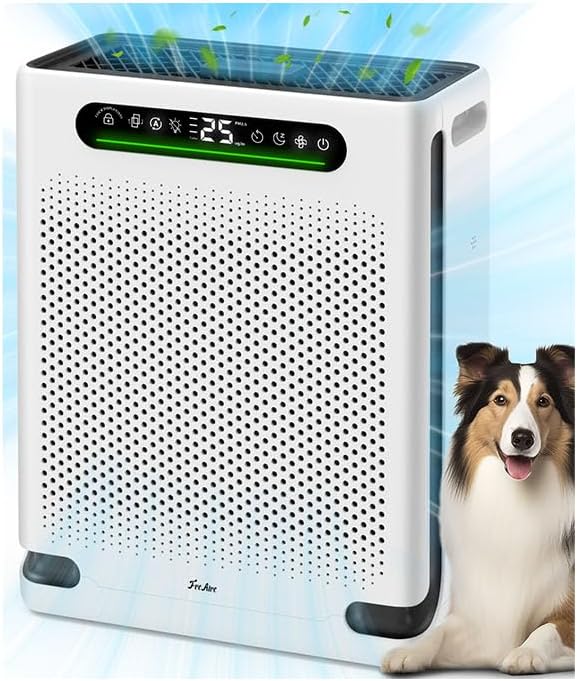
Figure 1: FreAire HAP605 Air Purifier, designed for homes with pets.
2. Safety Instructions
- Always unplug the air purifier before cleaning or performing any maintenance.
- Do not operate the appliance with a damaged cord or plug.
- Keep the air inlet and outlet clear of obstructions.
- Ensure the main filter packaging is removed before first use. The power adapter is located under the air purifier.
- Do not use the appliance in wet or damp environments.
- Keep out of reach of children and pets to prevent accidental operation.
3. Product Overview and Features
The FreAire HAP605 is designed to provide clean air for large rooms up to 2600 sq. ft. It incorporates advanced features for enhanced air purification.
- Dual Air Inlets: Features ultra-wide dual side inlets for accelerated air circulation and maximum coverage.
- Powerful Turbo Mode: Boosts purification power to quickly capture pet hair, dander, and odors.
- Real-Time Air Quality Display: Built-in PM2.5 sensor monitors and displays air quality.
- Smart Auto Mode: Automatically adjusts fan speed based on detected air quality.
- Washable Pre-Filter: Captures large particles like dust, hair, and pet dander, extending main filter life.
- Main Filter Replacement Reminder: Indicator notifies when it's time to replace the main filter.
- Ultra-Quiet 20dB Sleep Mode: Turns off lights and reduces noise for undisturbed sleep.
- Separate Fragrance Box: Allows for the addition of essential oils for aromatherapy.
- Child and Pet Safety Lock: Prevents accidental operation of the control panel.
- Flexible 1–24H Timer Control: Customize operating times for energy efficiency.
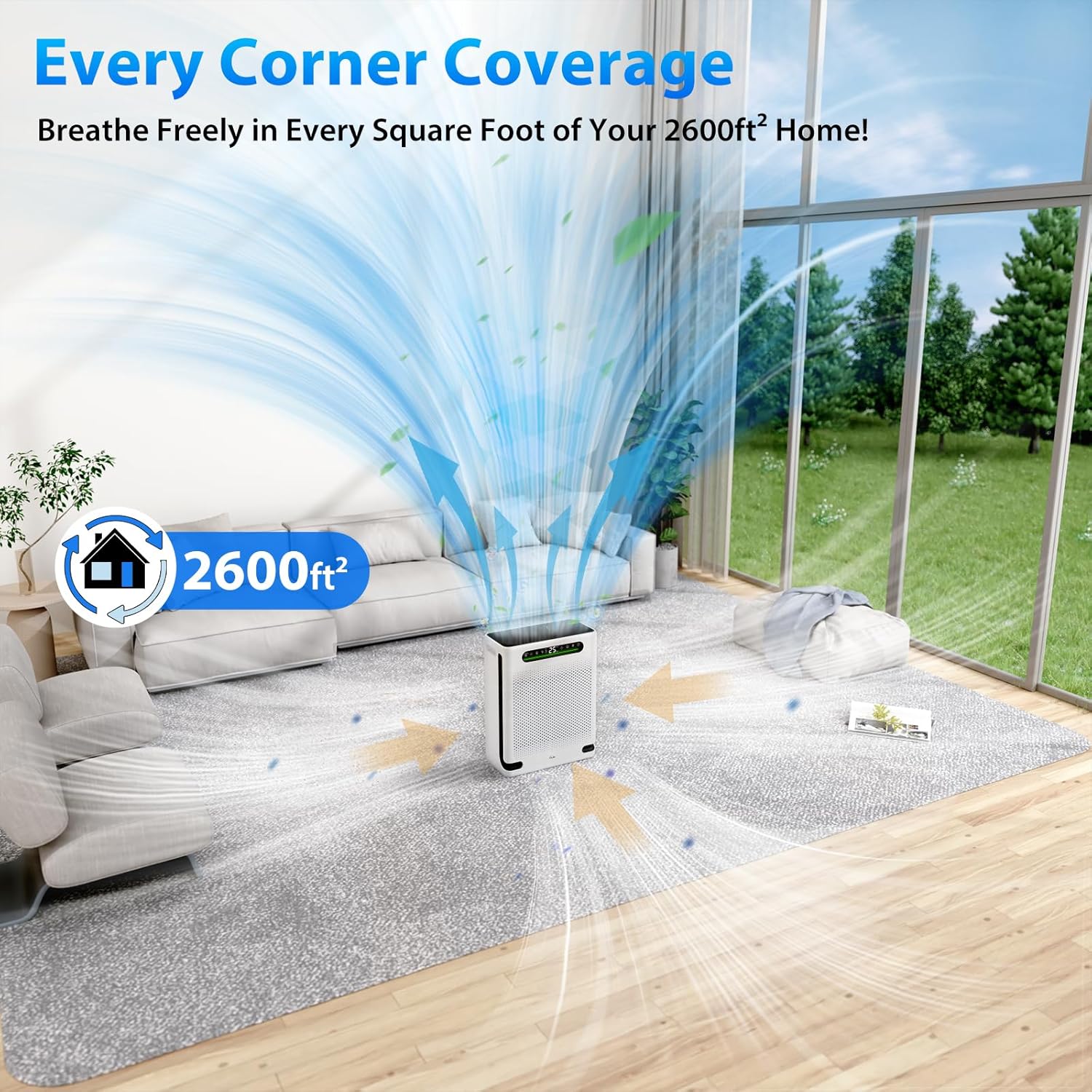
Figure 2: Wide coverage for large rooms up to 2600 sq. ft.
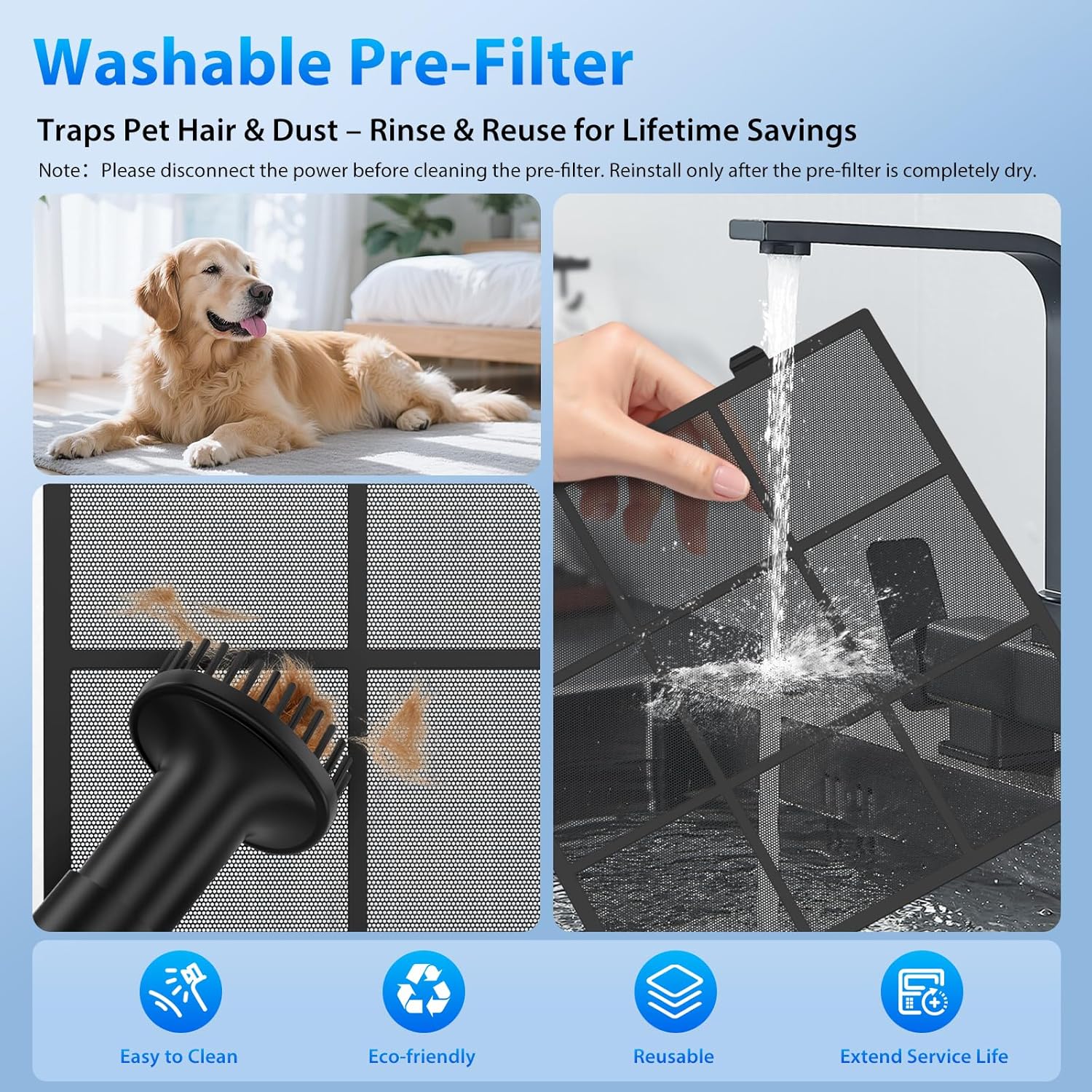
Figure 3: TurboDrive Motor System for powerful air circulation.

Figure 4: Three-stage filtration system for comprehensive air purification.
4. Setup
- Unpack: Carefully remove the air purifier from its packaging.
- Remove Filter Packaging: Open the front panel of the air purifier. Locate and remove the main filter, then remove any plastic packaging from the filter. Reinsert the filter correctly.
- Placement: Place the air purifier on a flat, stable surface, ensuring adequate space around the air inlets and outlets for optimal airflow.
- Power Connection: Connect the power adapter to the air purifier and then plug it into a suitable electrical outlet. The power adapter is located under the air purifier.
Video 1: This video demonstrates the unpacking, filter preparation, and initial setup of the FreAire HAP605 air purifier, including how to access and remove the filter for plastic packaging removal.
5. Operating Instructions
- Power On/Off: Press the power button (⏻) to turn the unit on or off. Upon startup, the purifier enters a 30-second detection phase, during which the indicator light will flash.
- Fan Speed Adjustment: Press the fan speed button (✇) repeatedly to cycle through Low, Medium, High, and Turbo modes.
- Smart Auto Mode: Press the Auto Mode button (A) to activate. The PM2.5 sensor will monitor air quality and automatically adjust the fan speed.
- Sleep Mode: Press the Sleep Mode button (☾) to enter ultra-quiet operation. The display lights will turn off after 3 seconds, and the fan speed will reduce to 20dB.
- Timer Function: Press the Timer button (◷) repeatedly to set the operating time from 1 to 24 hours.
- Child and Pet Safety Lock: Press and hold the Lock button (🔒) for 3 seconds to activate or deactivate the control panel lock.
- Air Quality Indicator: The LED light bar on the control panel changes color to indicate current air quality:
- Green: Very Good (0-50 µg/m³)
- Blue: Good (50-100 µg/m³)
- Orange: Moderate (100-150 µg/m³)
- Red: Bad (>150 µg/m³)
- Fragrance Box: Open the small compartment on top of the unit. Add a few drops of your preferred essential oil to the felt pad inside. Close the compartment.
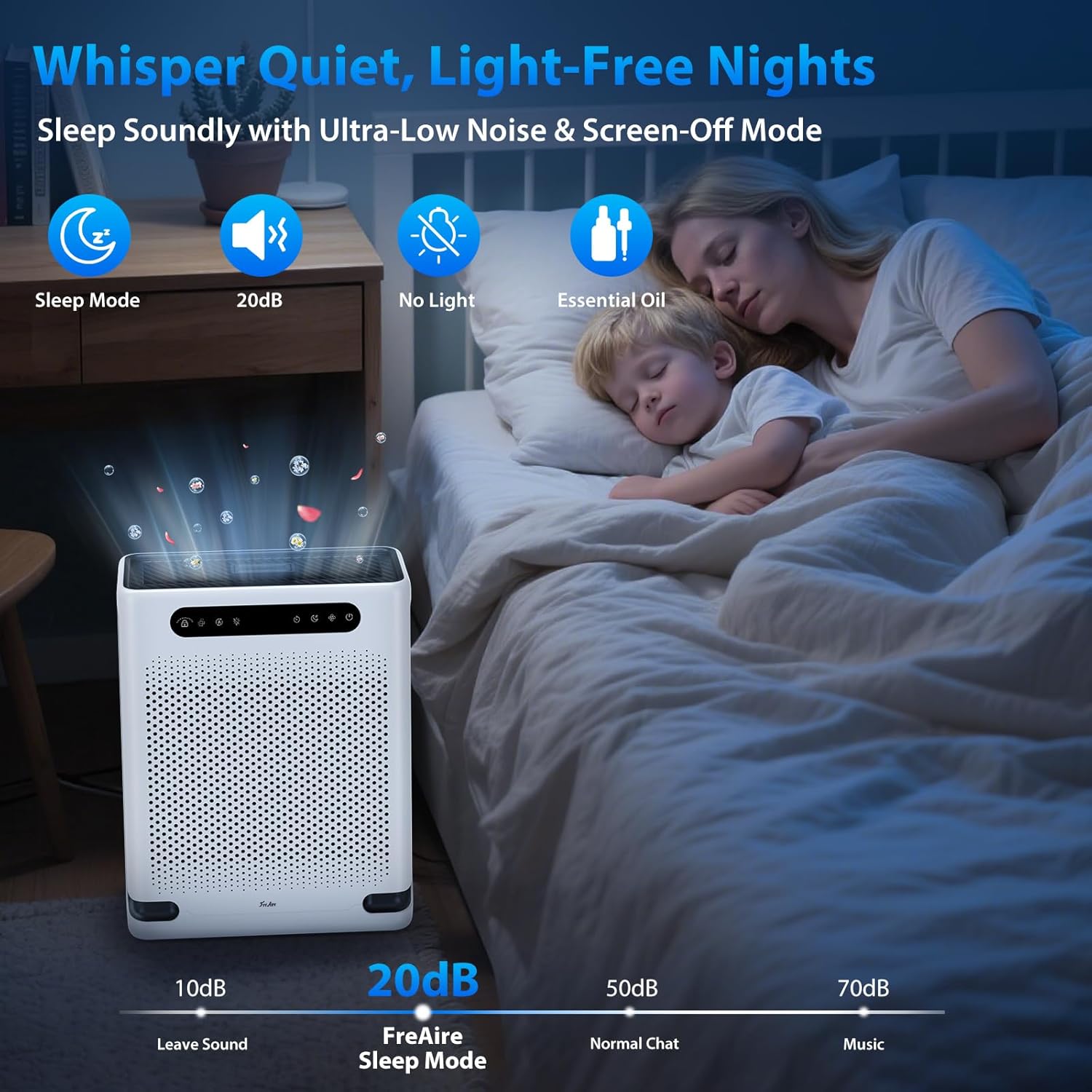
Figure 5: Sleep Mode provides quiet operation for peaceful nights.

Figure 6: Child and Pet Safety Lock prevents unintended changes to settings.

Figure 7: Integrated fragrance box for essential oils.
6. Maintenance
- Washable Pre-Filter: The pre-filter can be removed and rinsed under warm water. Ensure it is completely dry before reinstallation.
- Main Filter Replacement: The filter change indicator will light up when it's time to replace the main filter.
- Filter Reset: After replacing the main filter, press and hold the filter reset button for 3 seconds until the indicator flashes and beeps twice, then turns off.

Figure 8: Washable pre-filter for easy cleaning and extended filter life.
Video 2: This video demonstrates the unpacking, filter preparation, and initial setup of the FreAire HAP605 air purifier, including how to access and remove the filter for plastic packaging removal and how to clean the washable pre-filter.
7. Troubleshooting
- Unit not turning on: Ensure the power adapter is securely connected to both the unit and the wall outlet. Check if the outlet is functional.
- Poor airflow/purification: Check if the filter packaging has been removed. Clean the pre-filter. Replace the main filter if the indicator is lit. Ensure air inlets/outlets are not blocked.
- Unusual noise: Check for any foreign objects inside the unit or if the filters are installed correctly.
- Display lights are off: If in Sleep Mode, this is normal. Tap any button to temporarily reactivate the display.
8. Specifications
| Feature | Detail |
|---|---|
| Model Number | HAP605 |
| Product Dimensions | 12.06"D x 6.1"W x 16.06"H |
| Item Weight | 6.7 Pounds |
| Power Source | AC |
| Coverage Area | Up to 2600 Sq. Ft. |
| Noise Level (Sleep Mode) | As low as 20dB |
9. Warranty and Support
FreAire offers protection plans for your air purifier. Please refer to your purchase documentation for specific warranty details and terms. For technical support or further assistance, please contact FreAire customer service.
