
Introduction
The Fuzion Ultra Mini Scale MT-1000-N is a compact and precise digital pocket scale designed for accurate weighing of small items up to 1000 grams with 0.1 gram readability. Its portable design and multiple unit options make it suitable for various applications, including weighing jewelry, coins, food portions, and other small objects.
Package Contents
Please check the package for the following items:
- 1 x Fuzion Ultra Mini Scale (Model MT-1000-N)
- 1 x Weighing Tray
- 2 x AAA Batteries
Key Features
- Ultra Mini Design: Compact and lightweight for portability.
- High Precision: 1000g capacity with 0.1g readability.
- Multiple Weigh Modes: Supports 6 units (g, oz, gn, ct, dwt, ozt).
- Tare Function: Allows for weighing items in a container by subtracting the container's weight.
- LCD Backlit Display: Provides clear readings in various lighting conditions.
- Quality Materials: Constructed with high-quality stainless steel and durable ABS.
- Auto-Off Function: Conserves battery life.
- Low Battery Indication: Alerts when batteries need replacement.
- Overload Indication: Warns if the scale is overloaded.

Image: The Fuzion Ultra Mini Scale displaying its key features including battery indication, unit conversion, overload warning, auto-off, and low battery alert.
Setup
- Battery Installation:
Open the battery compartment cover located on the bottom of the scale. Insert the two AAA batteries, ensuring correct polarity (+/-). Close the battery compartment cover securely.

Image: An exploded view of the Fuzion Ultra Mini Scale showing the battery compartment with AAA batteries, the stainless steel weighing pan, and the backlit LCD display.
- Placement:
Place the scale on a hard, flat, and stable surface. Avoid placing it on soft or uneven surfaces, as this can affect accuracy. Ensure the scale is away from strong electromagnetic interference or vibrations.
Operating Instructions
- Power On/Off:
Press the [⑂] button to turn the scale on. The display will show "88888" and then "0.0g". To turn the scale off, press and hold the [⑂] button for a few seconds, or it will automatically turn off after a period of inactivity.
- Unit Conversion:
With the scale on, press the [M] button to cycle through the available weighing units: grams (g), ounces (oz), grains (gn), carats (ct), pennyweights (dwt), and troy ounces (ozt). Select the desired unit before weighing.

Image: The Fuzion Ultra Mini Scale showing a diamond on its platform and examples of the six different measurement units (g, oz, gn, ozt, dwt, ct) displayed on the screen.
- Tare Function:
The tare function allows you to subtract the weight of a container, so only the contents are weighed.
- Turn on the scale.
- Place an empty container (e.g., the included tray) on the weighing platform.
- Press the [T] button. The display will reset to "0.0g".
- Add the item(s) to be weighed into the container. The display will show only the net weight of the item(s).

Image: A four-step visual guide demonstrating the tare function: 1) Turn on the scale, 2) Place the cover as a container, 3) Press the 'T' button to zero the scale, 4) Add items to the container for weighing.
- Weighing Procedure:
After setting up the scale and selecting the desired unit (and taring if using a container), gently place the item(s) to be weighed onto the center of the weighing platform. Wait for the display to stabilize, and then read the weight. Avoid dropping items onto the scale or applying excessive force.
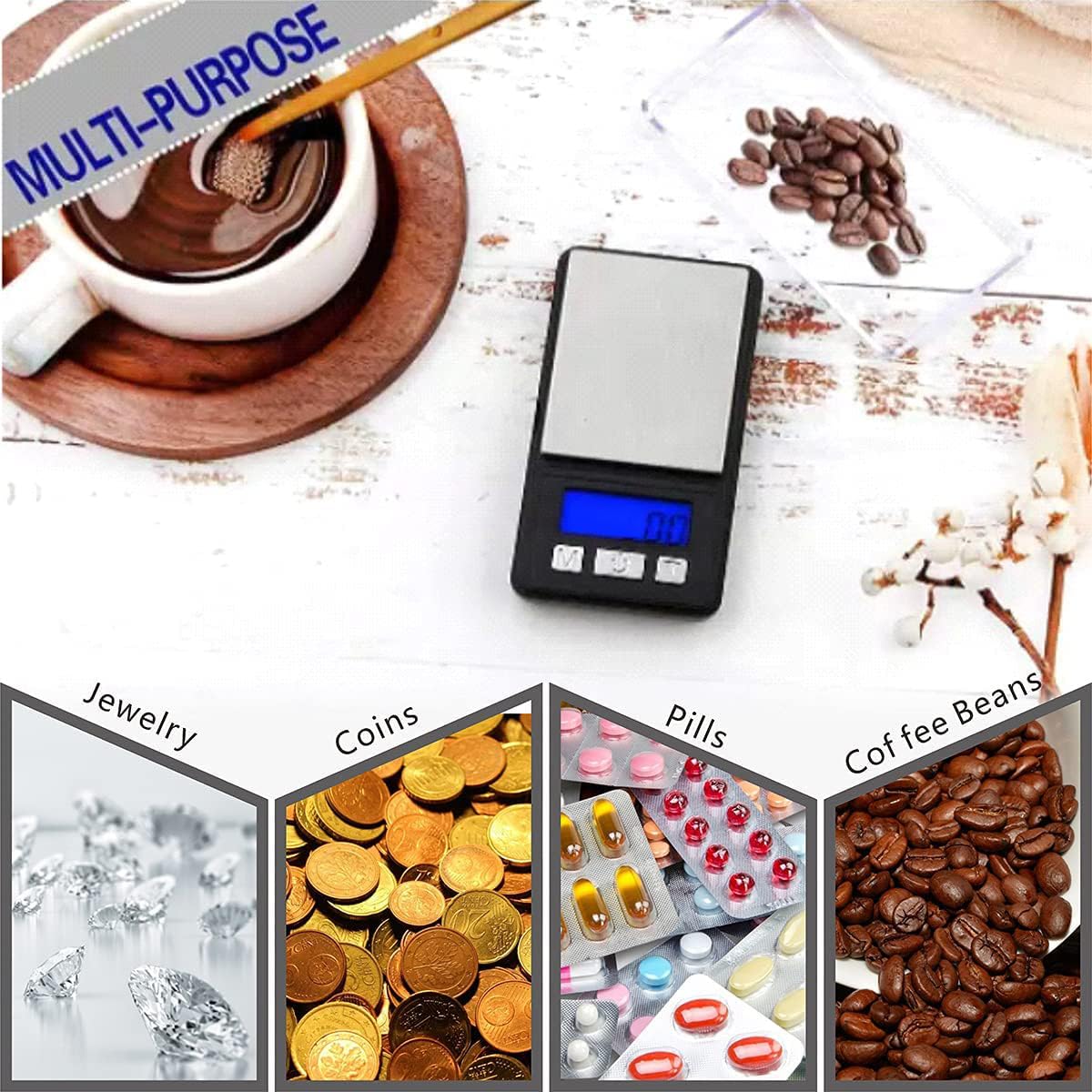
Image: The Fuzion Ultra Mini Scale shown in various applications, including weighing jewelry, coins, pills, and coffee beans, highlighting its multi-purpose utility.
Maintenance
- Cleaning: Wipe the scale with a slightly damp cloth. Do not use abrasive cleaners or immerse the scale in water.
- Storage: Store the scale in a clean, dry environment at room temperature. Avoid extreme temperatures or humidity.
- Calibration: While the scale is factory calibrated, if you suspect inaccuracies, refer to the manufacturer's website or contact support for calibration instructions.
Troubleshooting
| Problem | Possible Cause | Solution |
|---|---|---|
| Scale does not turn on | Dead or incorrectly installed batteries | Replace batteries or ensure correct polarity. |
| Inaccurate readings | Uneven surface, overload, or interference | Place on a flat, stable surface. Do not exceed maximum capacity. Avoid strong electromagnetic fields. |
| "O-Ld" or "EEEE" displayed | Overload indication | Remove the item immediately. The scale's capacity has been exceeded. |
| "Lo" displayed | Low battery indication | Replace the batteries. |
Specifications
| Feature | Detail |
|---|---|
| Brand | Fuzion |
| Model Number | MT-1000-N |
| Maximum Weight Capacity | 1000 Grams |
| Readout Accuracy | 0.1 Grams |
| Measurement Units | g, oz, gn, ct, dwt, ozt |
| Display Type | LCD with Backlight |
| Material | Acrylonitrile Butadiene Styrene (ABS), Stainless Steel |
| Item Weight | 0.06 Kilograms |
| Power Source | 2 x AAA Batteries (Included) |
| Special Features | Ultra Mini, Tare Function, Portable, Precision Balanced, Backlit Display |
Warranty & Support
This Fuzion Ultra Mini Scale MT-1000-N comes with a 10-year warranty from the manufacturer, Fuzion. For warranty claims, technical assistance, or any product-related inquiries, please contact Fuzion customer support through their official website or the retailer where the product was purchased. Please retain your proof of purchase for warranty validation.