
Homall H0250844
Homall Electric Standing Desk H0250844 User Manual
Model: H0250844
Introduction
This manual provides detailed instructions for the assembly, operation, and maintenance of your Homall Electric Standing Desk, Model H0250844. Please read this manual thoroughly before assembly and use to ensure proper function and safety.
Safety Information
For your safety and to prevent damage to the product, please adhere to the following guidelines:
- Always follow the assembly instructions provided.
- Keep the desk away from heat sources and liquids.
- Do not use the desk if the motor or lifting mechanism is damaged.
- Always use the desk within its weight limit of 155 lbs (70.31 kg).
- Ensure the desk is properly anchored to prevent tipping, especially when at maximum height.
- Keep children and pets away from the moving parts of the desk.
- Do not place hands or other objects near the lifting columns during operation.
Package Contents
Verify that all components are present before beginning assembly. If any parts are missing or damaged, contact Homall customer support.
- Desktop (Splice Board)
- Desk Legs (2)
- Crossbar/Connecting Rod
- Motor and Control Box
- Control Panel/Keypad
- Monitor Shelf
- Felt Drawers (2)
- Felt Fence/Partition
- Assembly Hardware (screws, bolts, etc.)
- Tools for Assembly (Allen wrench, screwdriver)
- Cable Grommets
- Instruction Manual

Image: Overview of the Homall Electric Standing Desk components.
Setup and Assembly
The Homall Electric Standing Desk is designed for quick installation, typically within 20 minutes. Follow the detailed instructions provided in the included assembly manual. Pre-embedded nuts simplify the process.
- Unpack Components: Carefully remove all parts from the packaging and lay them out on a clean, flat surface. Verify against the package contents list.
- Assemble Desk Legs: Attach the desk legs to the crossbar and motor mechanism. Ensure both legs are level before securing the connecting rod to prevent uneven lifting.
- Attach Desktop: Secure the desktop to the assembled frame using the provided hardware. The pre-embedded nuts will guide the screws for a stable connection.
- Install Monitor Shelf and Drawers: Place the monitor shelf onto the desktop. Insert the felt drawers into their designated slots.
- Connect Control Panel: Plug the control panel into the control box, and then connect the control box to the motor and power supply.
- Cable Management: Use the included cable grommets to organize power cords and other cables for a tidy workspace.

Image: Product dimensions and weight capacity of the desk.

Image: Details of the desk's features, including the felt baffle and drawer design.
Operating Instructions
Your Homall Electric Standing Desk features an intuitive control panel for height adjustment and memory settings.

Image: The multi-function intelligent keypad with LED display.
Control Panel Functions:
- LED Display: Shows the current desk height in inches.
- "M" (Menu Button): Used for entering programming mode for memory settings.
- "+" and "-" (Desk Lift Buttons): Press and hold to adjust the desk height up or down. The desk adjusts smoothly and quietly (≤55 dB) from 28.3 inches to 46.5 inches.
- "1", "2", "3" (Memory Position Buttons):
- To Set a Memory Position: Adjust the desk to your desired height using the "+" or "-" buttons. Press "M", then press one of the memory buttons ("1", "2", or "3") until the LED display shows "S-" followed by the number, indicating the position is saved.
- To Use a Memory Position: Press the corresponding memory button ("1", "2", or "3"). The desk will automatically move to the saved height.
- Alarm Clock Button: Activates an alarm function to remind you to change posture and avoid prolonged sitting. Refer to the detailed assembly manual for setting the alarm duration.
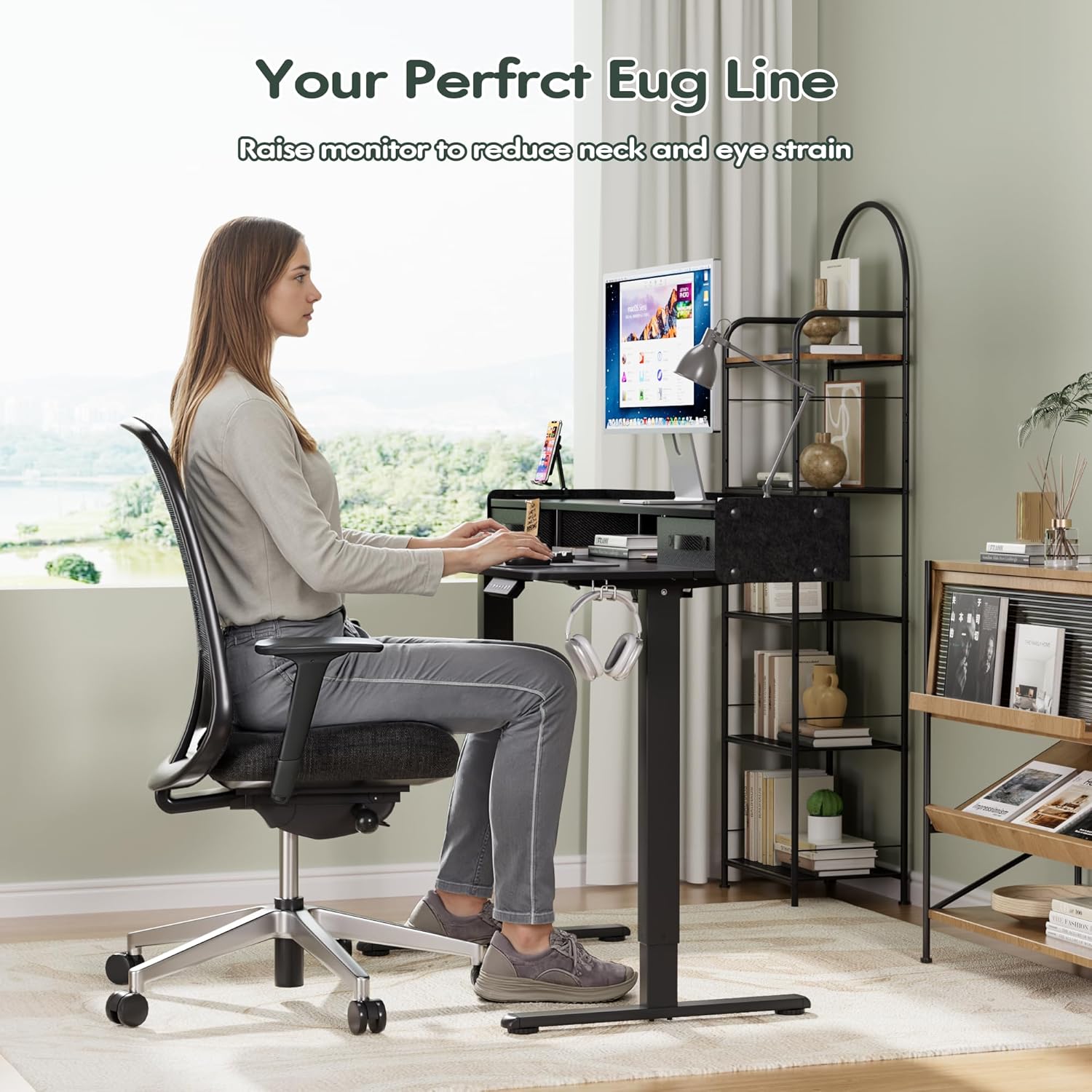
Image: Proper ergonomic posture at the desk, with the monitor shelf raising the screen.
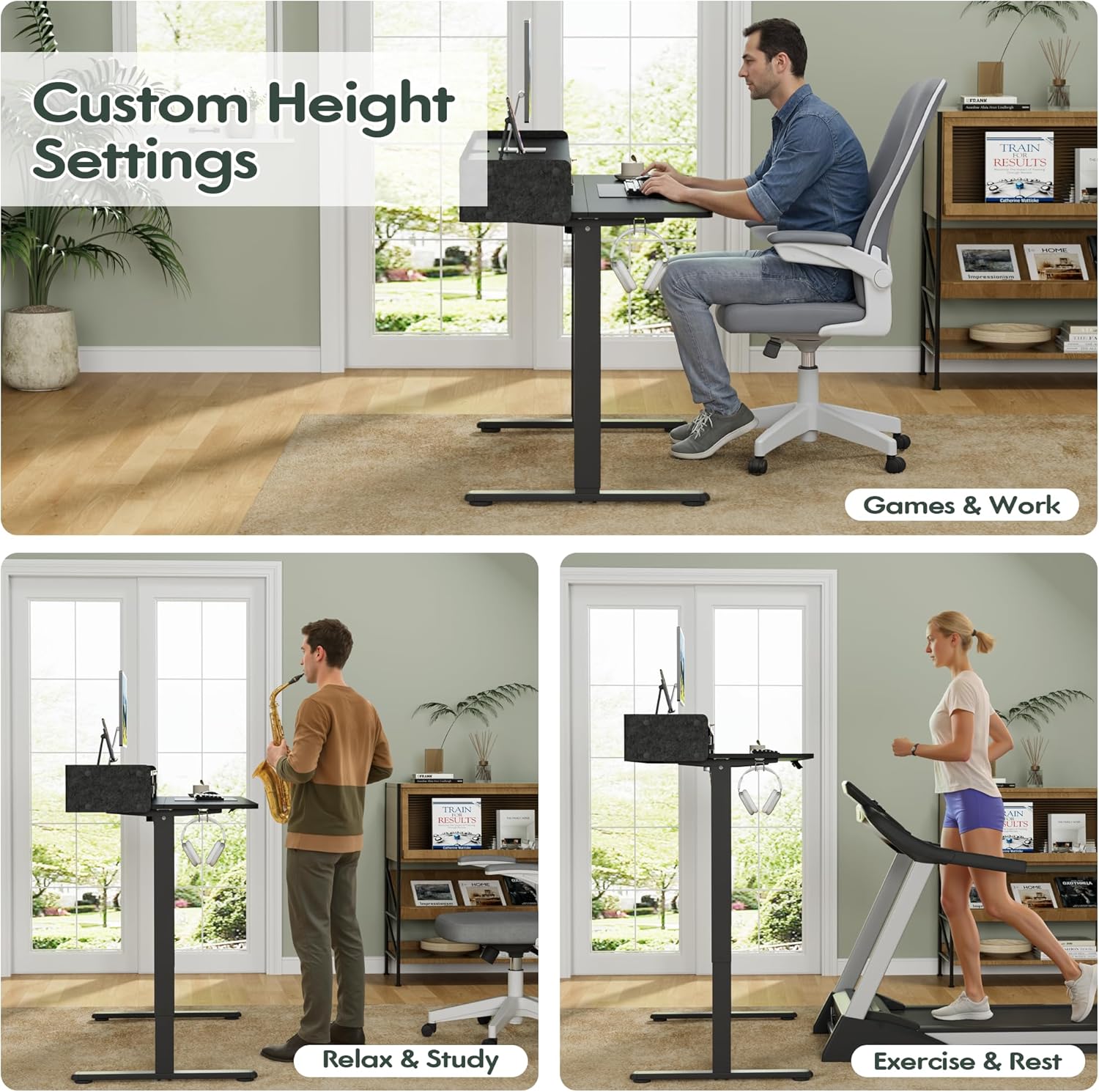
Image: Demonstrating various custom height settings for different activities like working, relaxing, and exercising.
Maintenance
Regular maintenance ensures the longevity and optimal performance of your standing desk.
- Cleaning: Wipe the desk surfaces with a soft, damp cloth. Avoid abrasive cleaners or harsh chemicals that may damage the finish.
- Motor Care: The motor is designed for long-lasting performance (50,000 lift tests). No specific user maintenance is required for the motor itself.
- Cable Management: Periodically check cables for wear or damage. Ensure they are neatly organized to prevent snagging or tripping hazards.
- Fastener Check: Occasionally check all screws and bolts to ensure they are tight. Do not overtighten.
Troubleshooting
If you encounter issues with your Homall Electric Standing Desk, refer to the following common solutions:
- Desk Not Moving:
- Ensure the power cord is securely plugged into both the desk and a working power outlet.
- Check all cable connections between the control panel, control box, and motor.
- If an error code appears on the LED display, consult the full assembly manual for specific error code meanings and solutions.
- Uneven Lifting:
- During assembly, ensure both desk legs are level before securing the connecting rod. An uneven rod can cause leaning.
- Verify that the desk is placed on a flat, stable surface.
- Ensure the weight distribution on the desk is balanced and does not exceed the 155 lbs (70.31 kg) weight capacity.
- Memory Settings Not Working:
- Re-program the memory positions by following the instructions in the "Operating Instructions" section.
- Unusual Noises:
- A slight hum during operation is normal. If you hear grinding or loud noises, stop using the desk immediately and contact customer support.
If these steps do not resolve the issue, please contact Homall customer support for further assistance.
Specifications
| Feature | Detail |
|---|---|
| Model Number | H0250844 |
| Brand | Homall |
| Desk Design | Writing Desk |
| Dimensions (D x W x H) | 59.9D x 121.9W x 119.4H cm (23.6D x 48W x 47H inches) |
| Adjustable Height Range | 28.3 inches - 46.5 inches |
| Maximum Weight Capacity | 155 lbs (70.31 kg) |
| Material Type | Metal (Frame), Wood (Top) |
| Number of Drawers | 2 (Felt) |
| Motor Noise Level | ≤55 dB |
| Assembly Required | Yes (Tools included) |
| Color | Black |
Warranty and Support
For warranty information and customer support, please refer to the documentation included with your purchase or visit the official Homall website. Contact details for support are typically found on the manufacturer's website or in the product packaging.
Homall Store Link: Visit the Homall Store on Amazon
Related documentsH0250844


Ask a question about this manual
Ask about setup, troubleshooting, compatibility, parts, safety, or missing instructions. Manuals+ will review the question and use this page’s manual context to help answer it.