1. Important Safety Information
Please read all instructions carefully before assembly and use. Keep this manual for future reference.
- Use this chair only for its intended purpose as a home office computer chair.
- Do not exceed the maximum weight capacity of 250 pounds (113 kg).
- Ensure all bolts and screws are securely tightened before use. Periodically check and re-tighten as necessary.
- Keep children and pets away during assembly. Small parts may pose a choking hazard.
- Avoid standing on the chair or using it as a step stool.
- This product meets or exceeds BIFMA standards for safety and stability.
2. Product Overview
The DUMOS Home Office Computer Chair is designed for ergonomic comfort and versatility. It features a mid-back design with lumbar support, adjustable height, a rocking mode, and convenient flip-up armrests. The breathable mesh back promotes air circulation, while the high-resilience foam seat cushion provides lasting comfort.
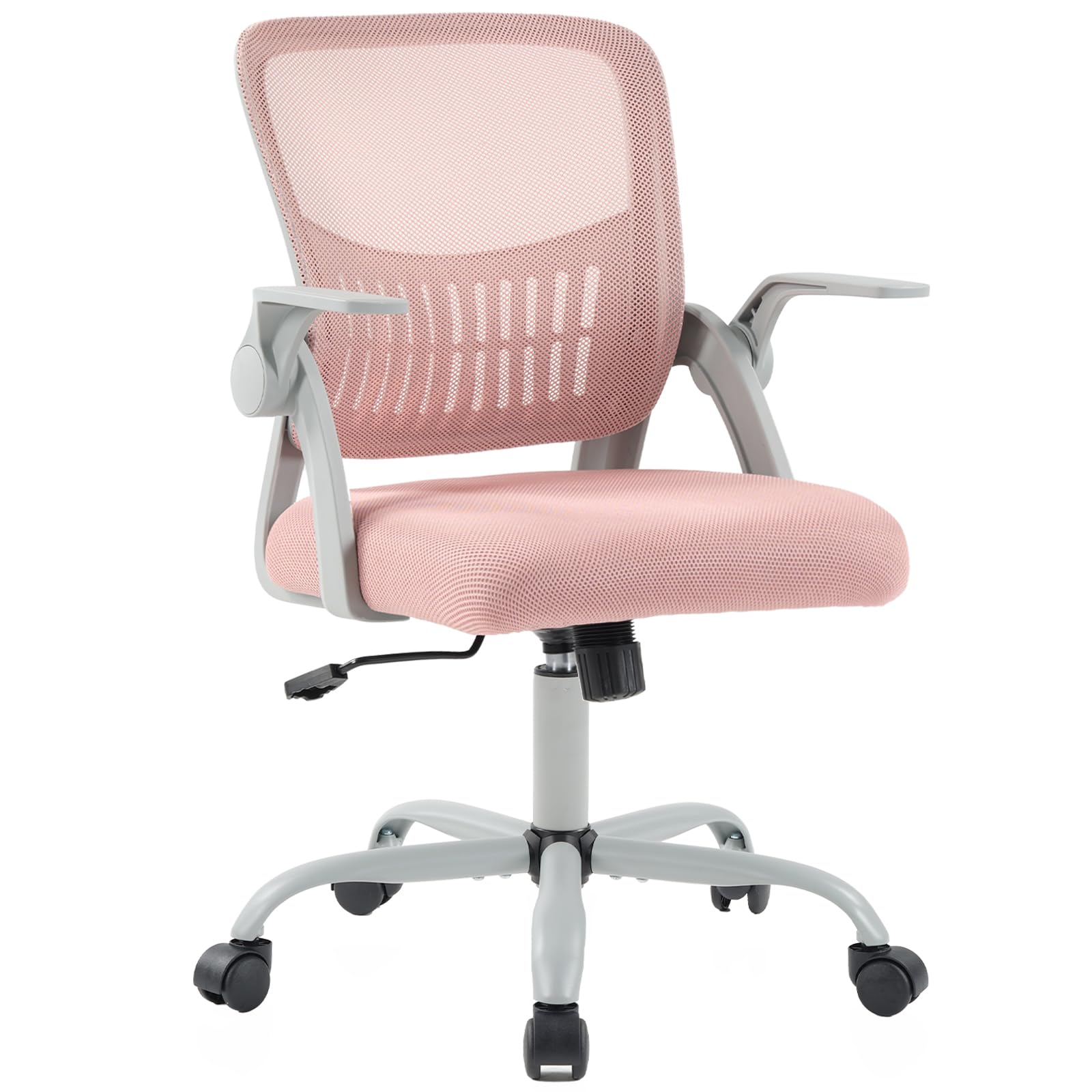
Figure 2.1: DUMOS Home Office Computer Chair in use.
Key Features:
- Ergonomic Lumbar Support: Mid-back design with contoured lumbar support to align with the natural curve of your spine.
- Adjustable Height: Easily adjust the seat height to suit your preference.
- Rocking Mode: Engage a 90°-120° tilt mechanism with adjustable tension for relaxation.
- Flip-up Armrests: Provides flexibility for various desk heights and space-saving storage.
- Breathable Mesh Back: Promotes air circulation to keep you cool.
- High-Resilience Foam Seat: Offers cloud-like comfort without collapsing over time.
- 360° Swivel Casters: Smooth-gliding, silent casters designed to protect floors.
- Convenient Storage: Integrated pocket at the backrest for small items.
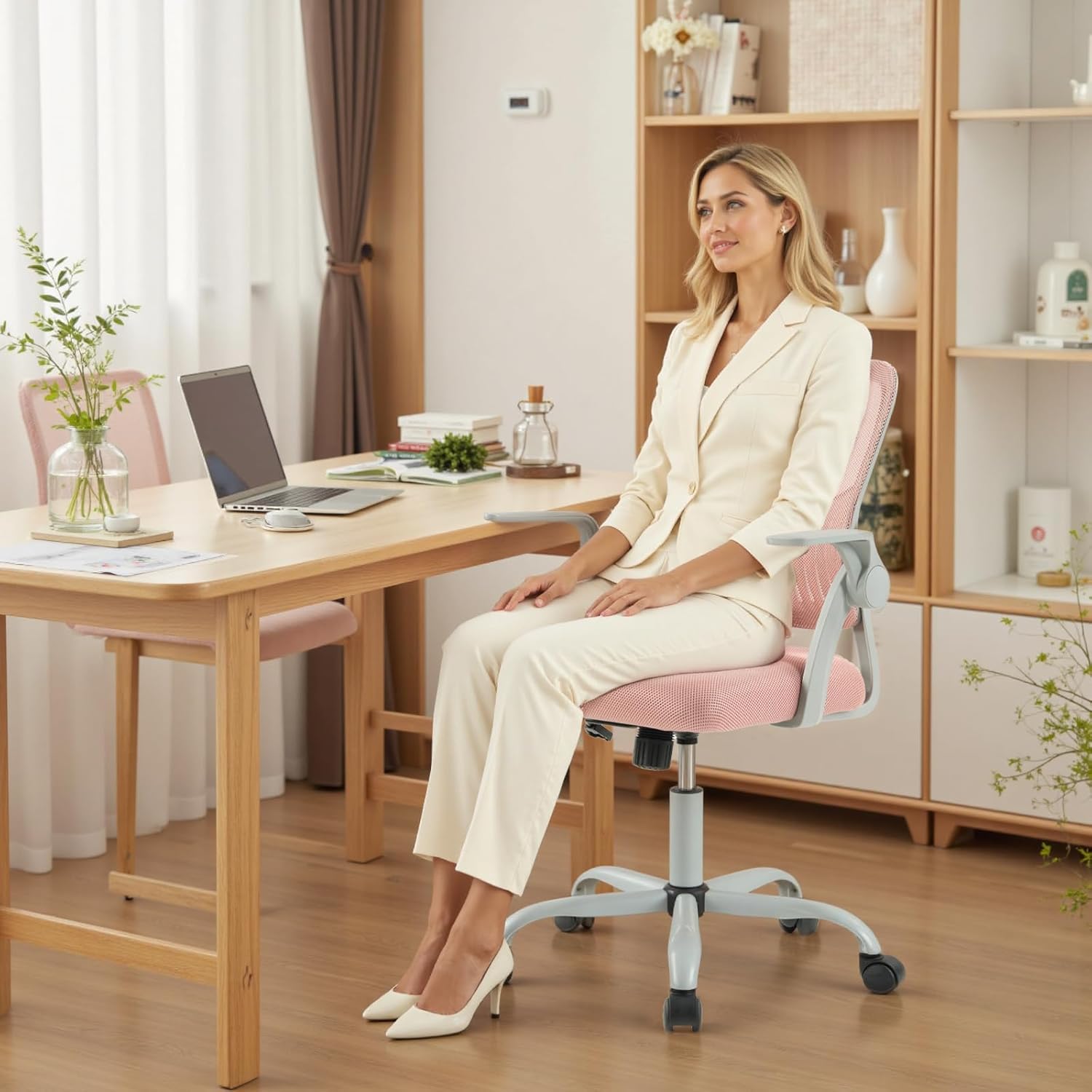
Figure 2.2: Detailed product dimensions.
3. Setup and Assembly
The DUMOS Home Office Computer Chair is designed for quick and easy self-assembly, typically completed within 15 minutes. All necessary hardware and tools are included. Follow the steps below or refer to the assembly video for visual guidance.
Video 3.1: DUMOS Home Office Computer Chair Assembly Guide. This video demonstrates the step-by-step process of assembling your chair, including attaching the base, armrests, and seat.
Assembly Steps:
- Assemble the Base: Attach the five legs to the central hub of the chair base using the provided screws and Allen wrench. Ensure they are securely fastened.
- Install Casters and Gas Lift: Insert the five casters into the holes at the end of each leg. Then, place the gas lift cylinder into the central hole of the assembled base.
- Attach Armrests to Backrest: Secure the armrests to the backrest using the designated screws. Note: Do not fully tighten bolts until all parts are assembled.
- Attach Backrest Assembly to Seat: Align the backrest and armrest assembly with the seat cushion. Secure it with screws, again, do not fully tighten bolts yet.
- Install Mechanism Plate: Attach the mechanism plate to the underside of the seat cushion using the provided screws. Ensure the "FRONT" indicator on the mechanism faces the front of the seat.
- Connect Seat to Gas Lift: Carefully place the assembled seat onto the gas lift cylinder, ensuring it is properly seated.
- Final Tightening: Once all components are in place, fully tighten all screws on the armrests and seat mechanism.
Important: After assembly, sit on the chair to ensure the gas lift is properly engaged and all connections are stable.
4. Operating Instructions
Your DUMOS Home Office Computer Chair offers several adjustable features to customize your seating experience.
4.1. Height Adjustment

Figure 4.1: Height adjustment lever and tension control knob.
- To raise the seat height, lift the adjustment lever (typically on the right side, under the seat) while standing. The seat will rise automatically.
- To lower the seat height, lift the adjustment lever while seated. The seat will lower under your weight.
- Release the lever to lock the seat at the desired height. The seat height is adjustable from approximately 16.7 inches to 19.7 inches.
4.2. Rocking Mode and Tilt Tension
- To activate the rocking mode, pull the height adjustment lever outwards. The chair back will now recline between 90° and 120°.
- To lock the chair in an upright position, push the height adjustment lever inwards.
- The tilt tension knob (located under the front of the seat) allows you to adjust the resistance of the rocking motion. Turn clockwise to increase tension (making it harder to recline) or counter-clockwise to decrease tension (making it easier to recline).
4.3. Flip-up Armrests

Figure 4.2: Flip-up armrest in action.
- The armrests can be flipped up to allow the chair to slide further under a desk, saving space, or to accommodate different seating preferences.
- Simply lift the armrests upwards until they lock into the vertical position. Push them down to return to the horizontal position.
4.4. 360° Swivel and Casters

Figure 4.3: Silent 360° swivel casters and sturdy base.
- The chair features 360° swivel functionality, allowing for easy rotation.
- The silent casters are designed for smooth movement across various floor types, including hardwood and tile, without causing damage.
4.5. Lumbar Support and Backrest

Figure 4.4: Ergonomic lumbar support for spinal alignment.
- The mid-back design with integrated lumbar support is engineered to conform to the natural curve of your spine, providing comfort and reducing back strain during long periods of sitting.
- The breathable mesh backrest enhances air circulation, keeping you comfortable.
4.6. Backrest Storage Space

Figure 4.5: Convenient storage space behind the backrest.
- A convenient storage space is located at the back of the chair, ideal for holding books, newspapers, or tablets.
5. Maintenance
Regular maintenance will help prolong the life and appearance of your DUMOS Home Office Computer Chair.
- Cleaning:
- For the mesh back and fabric seat, use a soft brush or vacuum cleaner to remove dust and loose debris.
- For spills, gently blot with a clean, damp cloth and mild soap. Avoid harsh chemicals or abrasive cleaners.
- Wipe plastic and metal parts with a soft, damp cloth.
- Hardware Check: Periodically check all screws and bolts to ensure they remain tight. Re-tighten as needed to maintain stability and safety.
- Caster Care: Inspect casters regularly for hair, dust, or other debris that may impede smooth rolling. Clean as necessary.
- Gas Lift: The BIFMA-certified gas lift is designed for durability. If you experience issues with height adjustment, refer to the troubleshooting section.
6. Troubleshooting
If you encounter any issues with your chair, refer to the following common problems and solutions.
| Problem | Possible Cause | Solution |
|---|---|---|
| Chair does not adjust height. | Gas lift not engaged or faulty. | Ensure the height adjustment lever is fully engaged. If the issue persists, contact customer support. |
| Casters do not roll smoothly. | Debris caught in casters; casters are dirty. | Turn the chair over and remove any hair, dust, or debris from the caster wheels. Clean with a damp cloth. |
| Chair is unstable or wobbly. | Loose bolts; uneven assembly. | Check and fully tighten all assembly bolts, especially those connecting the seat, backrest, and base. Ensure the chair is on a flat, even surface. |
| Chair makes squeaking noises. | Loose connections; friction between parts. | Tighten all bolts. If squeaking continues, a small amount of silicone lubricant can be applied to moving parts or connection points, avoiding contact with fabric. |
7. Specifications
| Feature | Detail |
|---|---|
| Brand | DUMOS |
| Model Name | DUMOS Home Office Computer Chair |
| Model Number | 5512PK-1B-H3DU |
| Color | Pink |
| Product Dimensions (D x W x H) | 23.6"D x 21.7"W x 38.4"H |
| Seat Height Adjustment Range | 16.7" to 19.7" |
| Maximum Weight Recommendation | 250 Pounds (113 kg) |
| Back Style | Mesh Back |
| Arm Style | Flip-up Armrest |
| Special Features | Adjustable Height, Arm Rest, Back Support, Ergonomic, Rolling, Rocking Mode |
| Fill Material | Foam, Mesh |
| Item Weight | 21.8 pounds (9.9 kg) |
| UPC | 751074075967 |
8. Warranty and Support
For specific warranty details, please refer to the documentation included with your purchase or contact the retailer. DUMOS is committed to providing quality products and customer satisfaction.
If you have any questions, require assistance with assembly, or need troubleshooting support not covered in this manual, please contact our professional customer service team.
- Customer Service: Refer to your purchase receipt or the DUMOS official website for contact information.
- Protection Plans: Additional protection plans may be available for purchase. Check with your retailer for options.


