
1. Introduction
The COOSPO TR70 Bike Radar Tail Light is designed to enhance cycling safety by providing intelligent radar detection and high-visibility lighting. This manual provides detailed instructions for the proper setup, operation, and maintenance of your TR70 device.

Figure 1: COOSPO TR70 Bike Radar Tail Light
2. What's in the Box
Upon unboxing your COOSPO TR70, please verify that all components are present:

Figure 2: Package Contents
- TR70 Bike Radar Tail Light (Main Unit) x1
- Mount x1
- Rubber Pad x2 (for different seatpost shapes)
- Charging Cable (Type-C) x1
- User Manual x1
- Lanyard x1
3. Product Features
- Intelligent Radar & Brake Light: Automatically flashes for approaching vehicles and activates a high-beam alert during sudden braking. Offers 220° ultra-wide visibility.
- High-Visibility & Adaptive Lighting: 70 lumens brightness with 7 lighting modes: Low, High, Breathing, Day Flash, Night Flash, Group Ride, and Radar-Only.
- Long-Lasting Battery: Up to 40 hours of continuous use. Features a Type-C port for quick recharging.
- Seamless Compatibility: Pairs with Garmin/COOSPO cycling computers or the COOSPORIDE app for real-time radar data (distance and speed of approaching vehicles).
- All-in-One Safety Solution: Combines tail light and smart radar functions.
- Quick-Release Mount: Tool-free installation supporting round, D-shaped, and aero seat posts.
- Robust & Weatherproof Design: IPX7 waterproof rating for various riding conditions.
4. Setup and Installation
4.1 Initial Activation and Charging
The TR70 must be charged for activation before its first use. Use the provided Type-C charging cable. Avoid fast charging to preserve battery health.
4.2 Mounting the Device
The quick-release mount system allows for easy installation on various seat post types.

Figure 3: Mounting on various seatpost types
- Select the appropriate rubber pad(s) based on your bicycle's seat post shape (round, D-shaped, or aero).
- Attach the mount to the seat post using the selected rubber pad(s) and secure it firmly.
- Slide the TR70 main unit onto the mount until it clicks securely into place.
- Attach the lanyard to the TR70 and secure it to your bike to prevent loss.
5. Operating Instructions
5.1 Power On/Off
To power on the TR70, press and hold the power button located on the device until the light illuminates. To power off, press and hold the power button again.
5.2 Lighting Modes
The TR70 offers 7 distinct lighting modes to suit various riding conditions. Short press the power button to cycle through the modes:

Figure 4: Available Lighting Modes and approximate battery life
- Low Brightness: Approximately 23 hours battery life.
- High Brightness: Approximately 14 hours battery life.
- Breathing: Approximately 22 hours battery life.
- Day Flash: Approximately 30 hours battery life.
- Night Flash: Approximately 30 hours battery life.
- Group Ride: Approximately 26 hours battery life.
- Radar-Only: Approximately 40 hours battery life.
5.3 Radar Functionality
The TR70's radar system detects approaching vehicles from up to 140 meters away, providing alerts to the cyclist.

Figure 5: Radar Detection Range and Angle
The intelligent brake-detection technology activates an instant high-beam alert when sudden braking is detected, warning drivers behind you.

Figure 6: Enhanced Visibility for Night Riding
5.4 App and Cycling Computer Connectivity
The TR70 can seamlessly pair with compatible Garmin/COOSPO cycling computers or the COOSPORIDE app to display real-time radar data.

Figure 7: Real-time Warning Display on Cycling Computer

Figure 8: COOSPORIDE App Control Interface
For detailed pairing instructions, refer to your cycling computer's manual or the COOSPORIDE app's help section.
5.5 Official Product Video
Watch this video for a visual overview of the COOSPO TR70 Radar Tail Light's features and functionality.
Video 1: COOSPO TR70 Radar Tail Light Overview
6. Maintenance
6.1 Charging
The TR70 offers up to 40 hours of battery life depending on the selected mode. Recharge the device using the provided Type-C cable. A full charge typically takes a few hours. Avoid using fast chargers that exceed the recommended voltage to prevent damage.
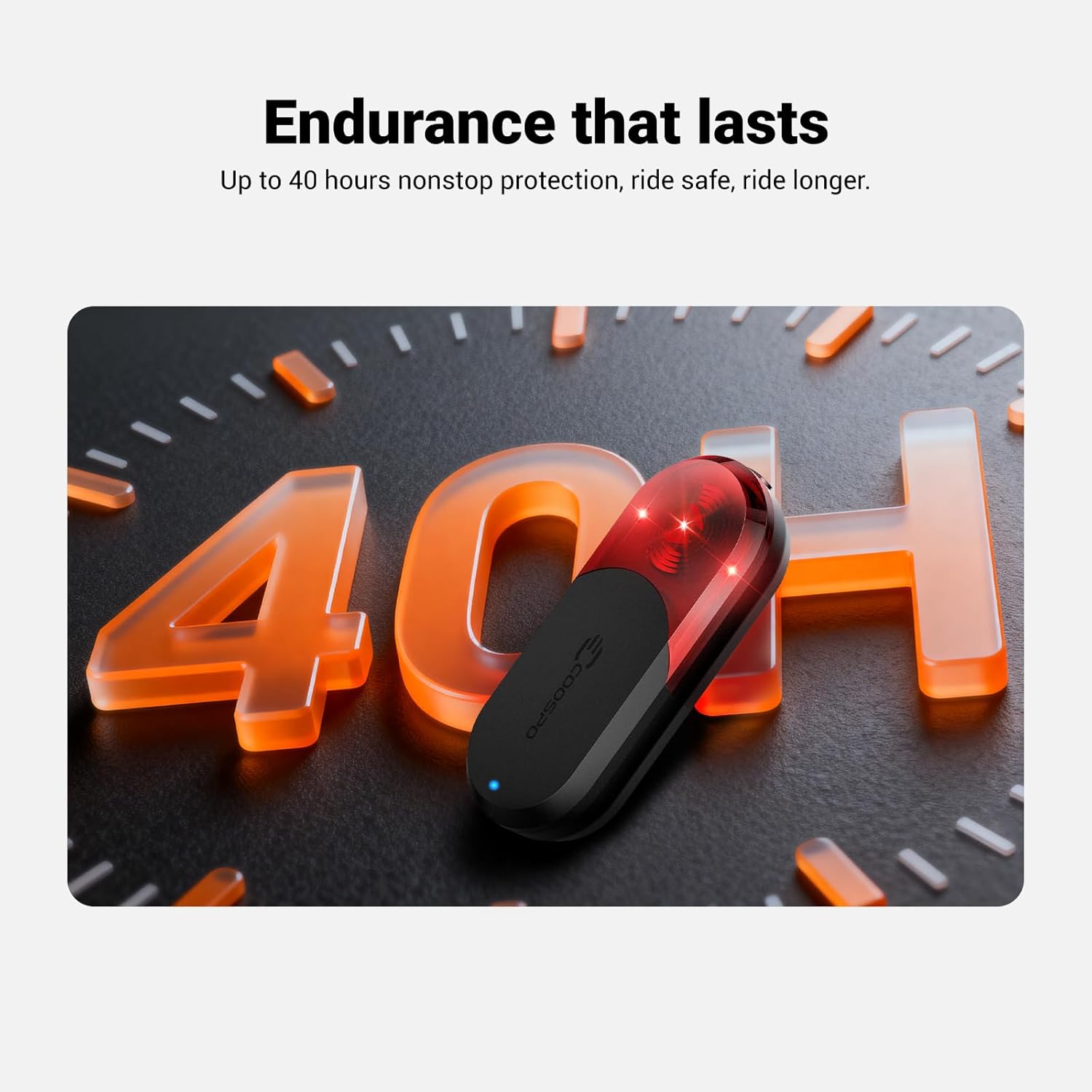
Figure 9: Extended Battery Life
6.2 Cleaning and Storage
Wipe the device with a soft, damp cloth to remove dirt and debris. Do not use harsh chemicals or abrasive cleaners. Store the TR70 in a cool, dry place when not in use.
6.3 Water Resistance
The TR70 is rated IPX7 waterproof, meaning it can withstand rain, splashes, and temporary immersion in water. Ensure the charging port cover is securely closed to maintain water resistance.
7. Troubleshooting
- Device not turning on: Ensure the device is fully charged. The TR70 requires initial charging for activation.
- Radar not detecting vehicles: Check if the radar function is enabled in the app or cycling computer. Ensure the device is mounted correctly and not obstructed.
- Difficulty pairing: Ensure Bluetooth/ANT+ is enabled on your cycling computer or smartphone. Bring the devices closer together and try pairing again.
- Short battery life: Verify the selected lighting mode. Higher brightness or constant modes consume more power. Ensure the device is fully charged before each ride.
If issues persist, please contact CooSpo customer support for further assistance.
8. Specifications
| Attribute | Value |
|---|---|
| Brand | CooSpo |
| Model Name | TR70 Bike Tail Radar Light |
| Color | Black |
| Material | Acrylonitrile Butadiene Styrene |
| Power Source | Battery Powered |
| Water Resistance Level | IPX7 Waterproof |
| Item Weight | 100 Grams |
| Mounting Type | Seatpost Mount |
| Brightness | 70 Lumens (up to 80 Lumens peak) |
| Battery Life | Up to 40 hours (Radar-Only mode) |
9. Warranty and Support
The COOSPO TR70 Bike Radar Tail Light comes with a 12-month warranty from the date of purchase. For warranty claims, technical support, or any inquiries, please contact CooSpo customer service through their official website or the retailer where the product was purchased.
Please retain your proof of purchase for warranty validation.


