
Introduction
The Nobsound NS-05P PRO is a versatile bi-directional audio converter designed to bridge the gap between consumer Hi-Fi equipment and professional audio systems. It facilitates seamless conversion between RCA (unbalanced) and XLR (balanced) signals in both directions, ensuring high-fidelity audio transmission with minimal interference. This manual provides detailed instructions for the setup, operation, and maintenance of your NS-05P PRO converter.
Key Features
- Bi-Directional RCA & XLR Conversion: Transforms RCA to XLR and XLR to RCA, offering full flexibility for various audio setups.
- True Balanced Circuitry: Converts RCA signals to true balanced XLR, effectively reducing hum, buzz, and ground loop noise for a cleaner sound.
- Dual-Path with Independent Control: Features two independent conversion paths, each with its own volume knob for precise level matching. Both paths can operate simultaneously.
- Wide Audio Compatibility: Integrates with mixers, audio interfaces, active studio monitors, power amplifiers, DACs, and more.
- Premium Aluminum Build: Constructed from a solid aluminum chassis for durability, effective shielding against interference, and a sleek design.
Package Contents
Verify that all items are present in the package:
- NS-05P PRO Converter × 1
- USB Cable × 1
- User Manual × 1

Figure 1: Contents of the NS-05P PRO package, including the converter unit, USB cable, and user manual.
Device Layout and Controls
Familiarize yourself with the various inputs, outputs, and controls on the NS-05P PRO unit.

Figure 2: Front and rear panel overview of the NS-05P PRO.
- Volume Knob (XLR input → RCA output): Adjusts the output level for the XLR to RCA conversion path.
- Power Button: Turns the unit on or off.
- Volume Knob (RCA input → XLR output): Adjusts the output level for the RCA to XLR conversion path.
- RCA Input: Connect RCA source devices for conversion to XLR output.
- XLR Output: Connect XLR receiving devices from RCA input.
- XLR Input: Connect XLR source devices for conversion to RCA output.
- RCA Output: Connect RCA receiving devices from XLR input.
- DC 5V (≥1A) Power Interface (USB Type-C): Connect the provided USB cable to a 5V power source.
- GND Terminal: Connect to an earth ground or metal chassis of other equipment to reduce hum or noise.
Setup
Follow these steps to set up your Nobsound NS-05P PRO converter:
- Power Connection: Connect the supplied USB cable to the USB Type-C power interface on the NS-05P PRO. Connect the other end of the USB cable to a DC 5V (≥1A) power adapter (not included) or a suitable USB power source. The unit requires power to function.
- Audio Input/Output Connections:
- RCA to XLR Conversion: Connect your RCA source device (e.g., CD player, PC) to the RCA Input ports on the left side of the unit. Connect your XLR receiving device (e.g., active speaker, amplifier) to the XLR Output ports on the left side.
- XLR to RCA Conversion: Connect your XLR source device (e.g., mixer, audio interface) to the XLR Input ports on the right side of the unit. Connect your RCA receiving device (e.g., preamplifier, amplifier) to the RCA Output ports on the right side.
Important: The NS-05P PRO does not support RCA-to-RCA or XLR-to-XLR connections. Ensure connections are made correctly for the desired conversion path.
- Grounding (Optional but Recommended): If you experience hum or background noise, connect a wire from the GND terminal on the NS-05P PRO to a real earth ground or to the metal chassis of another audio component in your system.
- Power On: Press the power button to turn on the NS-05P PRO.
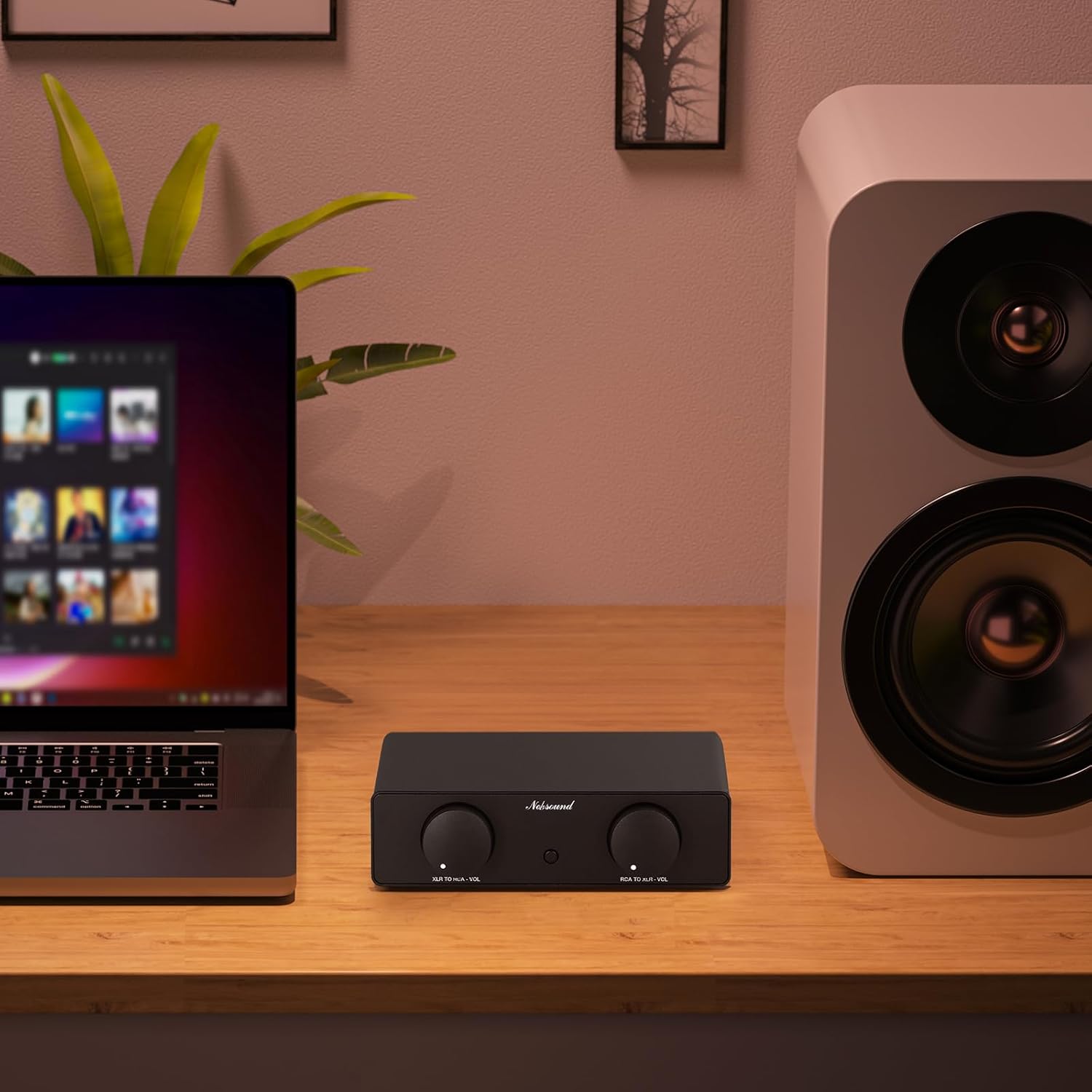
Figure 3: Example setup with the NS-05P PRO integrating a laptop and an active speaker.
Operating Instructions
Once the NS-05P PRO is set up and powered on, you can begin using it to convert audio signals.
- Volume Adjustment: Use the dedicated volume knobs for each conversion path (XLR input → RCA output and RCA input → XLR output) to adjust the audio level. These knobs act as mini-preamps, allowing for precise level matching between your connected devices.
- Simultaneous Operation: The two conversion paths are fully independent. You can use both RCA to XLR and XLR to RCA conversions simultaneously without interference.
- Gain Characteristics: Note that the maximum gain differs between modes:
- XLR to RCA Mode: Provides a maximum gain of +5dB when the volume knob is turned to maximum, resulting in a potentially louder output.
- RCA to XLR Mode: Provides a maximum gain of 0dB.
Maintenance
To ensure the longevity and optimal performance of your NS-05P PRO:
- Keep the unit clean by wiping it with a soft, dry cloth. Avoid using harsh chemicals or abrasive cleaners.
- Do not expose the unit to excessive moisture, direct sunlight, or extreme temperatures.
- Ensure proper ventilation around the unit to prevent overheating.
- Handle with care to avoid physical damage.
Troubleshooting
If you encounter issues with your NS-05P PRO, refer to the following common problems and solutions:
- Unit is not working / No signal output:
- Ensure the NS-05P PRO is properly powered by a DC 5V (≥1A) supply via the USB Type-C port. Check if the power supply is functional.
- Verify that the RCA and XLR ports are connected correctly for the desired conversion path (RCA IN → XLR OUT or XLR IN → RCA OUT). Incorrect connections (e.g., RCA-to-RCA or XLR-to-XLR) will result in no signal.
- Hum or background noise:
- Connect a wire from the GND terminal on the NS-05P PRO to a real earth ground or to the metal chassis of another piece of equipment in your audio chain. This can help eliminate ground loop issues.
- Ensure all audio cables are of good quality and properly shielded.
- Output volume difference between RCA-to-XLR and XLR-to-RCA modes:
- This is normal behavior due to differing gain structures. XLR-to-RCA mode has a maximum gain of +5dB, while RCA-to-XLR mode has a maximum gain of 0dB. Adjust the independent volume knobs to achieve desired levels.
If the issue persists after attempting these solutions, please contact Nobsound customer support for further assistance.
Specifications
| Parameter | Value |
|---|---|
| Brand | Nobsound |
| Model | NS-05P PRO |
| Audio Input | RCA / XLR |
| Audio Output | XLR / RCA |
| Work Modes | RCA IN → XLR OUT / XLR IN → RCA OUT |
| Power Required | Yes |
| Gain (XLR → RCA) | 5dB |
| Gain (RCA → XLR) | 0dB |
| THD+N | 0.008% |
| THD | 0.00007% |
| SNR | ≥89dB |
| Channel Balance (L/R) | ≤0.01dB |
| Frequency Response | 20Hz-20kHz |
| Input Impedance | 20kΩ |
| Output Impedance | 100Ω |
| RCA Output Level (max) | 2Vms |
| Separate Volume Control | Supported |
| Input Voltage | DC 5V (≥1A) |
| Power Interface | USB Type-C |
| Dimensions (W*D*H) | 155*70*42mm / 6.10*2.76*1.65in |
| Net Weight | 420g / 0.92lb |
| Package Weight | 600g / 1.32lb |
Warranty and Support
Nobsound products are designed for reliability and performance. For warranty information, technical support, or any questions not covered in this manual, please refer to the official Nobsound website or contact your authorized dealer. You can also visit the Nobsound Store on Amazon for more information and support resources.
