
1. Introduction
Thank you for choosing the MINIX P30 30W USB-C GaN Wall Charger. This compact and efficient charger is designed to provide fast and reliable power delivery for a wide range of USB-C compatible devices. This manual provides essential information for safe and optimal use of your charger.
2. Safety Information
Please read all safety instructions carefully before using the product. Failure to follow these instructions may result in fire, electric shock, or other injuries.
- Do not expose the charger to liquids, moisture, or extreme temperatures.
- Do not disassemble, modify, or attempt to repair the charger.
- Avoid dropping or subjecting the charger to strong impacts.
- Ensure the charger is plugged into a properly grounded wall outlet.
- Disconnect the charger from the power outlet when not in use or during electrical storms.
- This charger features built-in protection against overheating, short circuits, and voltage surges to ensure safe and reliable charging.
- The charger meets global energy standards (DOE VI) for high efficiency.

Image: The MINIX P30 charger illustrating its multiple safety protections, including over-voltage, over-temperature, over-current, and short-circuit protection, ensuring device safety during charging.
3. Package Contents
The MINIX P30 package includes the following items:
- 2 x MINIX P30 30W USB-C Wall Charger
- 1 x User Manual (this document)
4. Product Overview
The MINIX P30 is an ultra-compact 30W USB-C wall charger utilizing advanced GaN (Gallium Nitride) technology. This technology allows for a significantly smaller and lighter design compared to traditional silicon-based chargers, while maintaining high power output and efficiency.
Key Features:
- Ultra-Compact Design: Approximately 80% smaller than standard 30W chargers, weighing only 38g, making it ideal for travel.
- Fast Charging: Delivers up to 30W of power, capable of charging an iPhone 16 to 60% in approximately 32 minutes.
- Universal Compatibility: Supports a wide range of devices including iPhone 17/16/15/14 Pro Max, iPad Pro, MacBook Air, Samsung Galaxy S24/S23 series, earbuds, and other USB-C smartphones and tablets.
- Multiple Fast Charging Standards: Compatible with QC2.0, QC3.0, PD2.0, PD3.0, PPS, BC1.2, FCP, AFC, and Apple 2.4A.
- GaN Technology: Enhances energy efficiency and heat dissipation for a safer and more reliable charging experience.

Image: The MINIX P30 charger demonstrating its compact and portable design, shown next to larger traditional chargers to emphasize its small footprint.

Image: A transparent view of the MINIX P30 charger, highlighting the integrated GaN chip which contributes to its efficiency and compact size.
5. Setup
Setting up your MINIX P30 charger is straightforward:
- Connect USB-C Cable: Obtain a compatible USB-C charging cable (not included) and plug one end into the USB-C port on the MINIX P30 charger.
- Plug into Wall Outlet: Insert the charger's prongs into a standard electrical wall outlet (AC 100-240V, 50/60Hz).
- Connect to Device: Plug the other end of the USB-C cable into your compatible device (e.g., smartphone, tablet, laptop).
The device should begin charging automatically. Ensure all connections are secure.
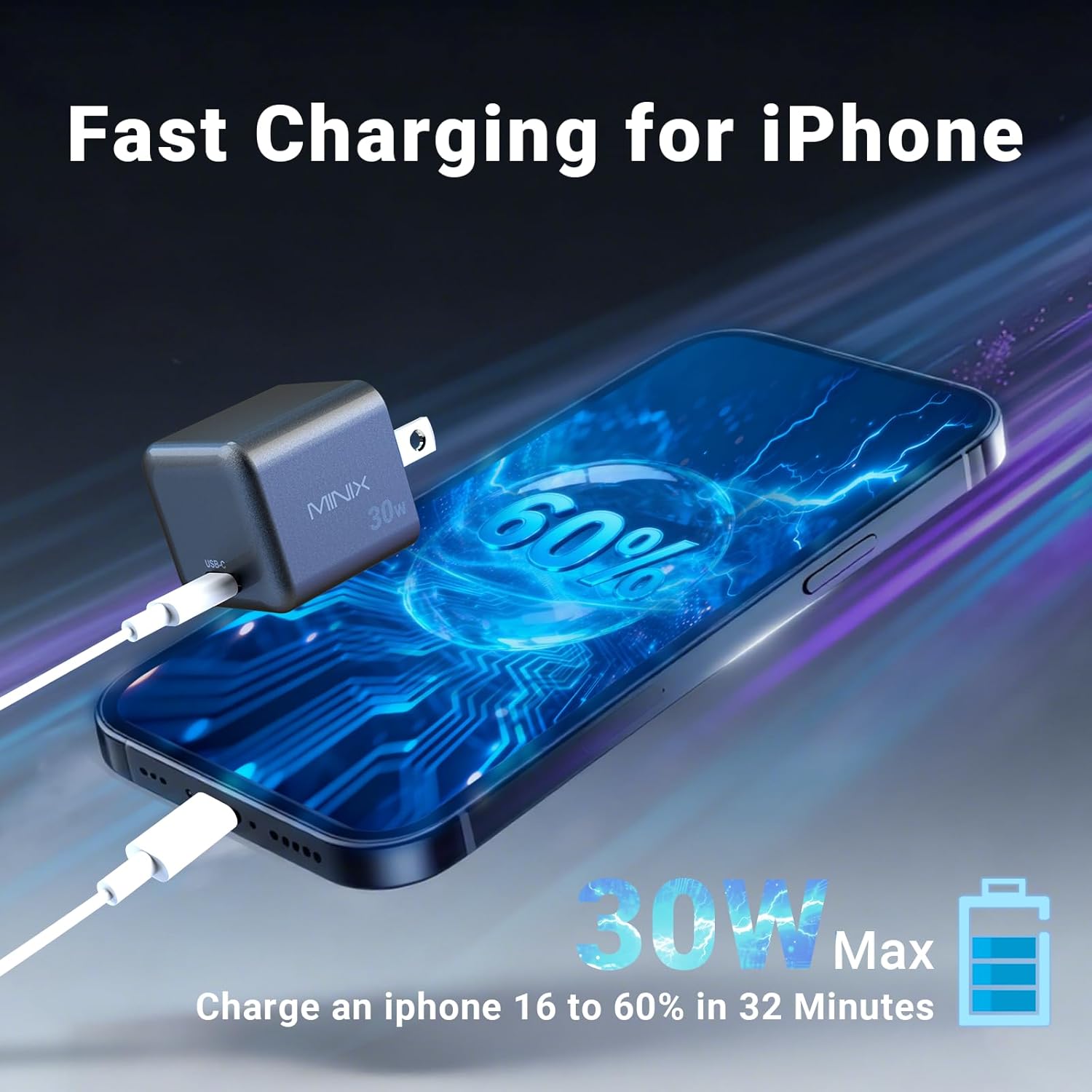
Image: The MINIX P30 charger connected to a wall outlet and a smartphone via a USB-C cable, demonstrating the charging process.
6. Operating Instructions
The MINIX P30 charger operates automatically once connected. It intelligently detects the connected device and delivers the optimal charging power up to 30W.
- For best fast charging performance, use a high-quality USB-C to USB-C cable or USB-C to Lightning cable that supports fast charging protocols.
- The charger is designed for continuous use but should be unplugged when not actively charging a device.
- Avoid covering the charger during operation to ensure proper heat dissipation.
Compatibility:
The MINIX P30 charger is compatible with a wide range of devices, including but not limited to:
- iPhones: iPhone 17, 16, 15, 14, 13 Pro/Pro Max/Mini, 12, 11, XS, XR, X, 8 Plus, 8, 7, 6
- iPads: iPad Pro, iPad Air, iPad Mini
- MacBooks: MacBook Air, MacBook Pro (models supporting 30W charging)
- Samsung Galaxy: S24, S23, S20 Ultra, S20+, S20, S10+, S10, S10e, S9+, S9, S8, Note 10, 9, 8, 7 series
- Google Pixel: Pixel 4, 4 XL, 3a, 3a XL, 3, 3 XL, 2, 2 XL, Pixel C
- Other Devices: AirPods, various earbuds, smartphones, tablets, and other USB-C powered devices.

Image: The MINIX P30 charger displayed with a variety of compatible devices, including smartphones, tablets, laptops, and wireless earbuds, illustrating its broad compatibility.
7. Specifications
| Brand | MINIX |
| Model Name | P30 (30W USB-C GaN Charger) |
| Model Number | PST-30C-LB-PRO, MX-P30-2PC |
| Connector Type | USB Type C |
| Input Voltage | 100-240V~, 50/60Hz, 1.8A |
| Output Voltage/Current | 5V⎓3.0A, 9V⎓3.0A, 12V⎓3.0A, 15V⎓2.5A, 20V⎓1.5A (Max 30W) PPS: 5~16V⎓3A Max |
| Wattage | 30 Watts |
| Total USB Ports | 1 |
| Color | Gray |
| Item Weight | 38 Grams |
| Plug Type | Type A - 2 pin (North American) |
8. Troubleshooting
If you encounter issues with your MINIX P30 charger, please refer to the following common solutions:
- Device not charging:
- Ensure the charger is securely plugged into a working wall outlet.
- Verify that the USB-C cable is firmly connected to both the charger and your device.
- Try using a different USB-C cable to rule out cable malfunction.
- Test the charger with a different compatible device to confirm charger functionality.
- Slow charging:
- Ensure your device and cable support fast charging protocols (e.g., Power Delivery).
- Close background applications on your device that may consume significant power.
- Avoid using the device extensively while it is charging.
- Charger feels warm:
- It is normal for the charger to become warm during operation, especially during fast charging.
- If the charger becomes excessively hot, disconnect it immediately and contact support. Ensure adequate ventilation around the charger.
9. Maintenance
To ensure the longevity and optimal performance of your MINIX P30 charger, follow these maintenance guidelines:
- Cleaning: Disconnect the charger from the power outlet before cleaning. Use a soft, dry cloth to wipe the surface. Do not use liquid cleaners or aerosols.
- Storage: Store the charger in a cool, dry place away from direct sunlight and extreme temperatures.
- Handling: Handle the charger with care. Avoid bending the prongs or stressing the USB-C port.
10. Warranty and Support
Your MINIX P30 30W USB-C GaN Wall Charger comes with a 1-Year Manufacturer Warranty.
Customer Support:
For any questions, technical assistance, or warranty claims, please contact MINIX customer support through the following channels:
- Amazon Orders: Log in to your Amazon account, navigate to "Your Orders," locate your MINIX P30 purchase, and select "Ask Product Question."
- Official Website: Visit the official MINIX website for additional support resources and contact information.


