Introduction
Thank you for choosing the Infinix XE37 AI Hybrid HD Bluetooth Earbuds. This manual provides essential information for setting up, operating, and maintaining your earbuds to ensure optimal performance and longevity. Please read this manual thoroughly before use.
The Infinix XE37 earbuds feature advanced Bluetooth V5.4 connectivity, Hybrid Environmental Noise Cancellation (ENC) with 45dB Active Noise Cancellation (ANC), HD sound quality, dual microphones for clear calls, and IPX4 water resistance. Enjoy up to 36 hours of total playtime with the charging case.
Safety Information
- Avoid prolonged exposure to high volume levels to prevent hearing damage.
- Do not use the earbuds in situations where inability to hear ambient sounds could be dangerous (e.g., driving, cycling, walking in traffic).
- Keep the earbuds and charging case away from extreme temperatures, humidity, and liquids.
- Clean the earbuds and charging case regularly with a soft, dry cloth. Do not use harsh chemicals.
- Dispose of the product and its battery responsibly according to local regulations.
Setup Guide
Package Contents
Verify that your package contains the following items:
- Infinix XE37 AI Hybrid HD Bluetooth Earbuds
- Charging Case
- USB Charging Cable
- Quick Start Guide
- Safety Information
- Warranty Card
Charging the Earbuds and Case
Before first use, fully charge the earbuds and the charging case. The charging case has a battery capacity of 620 mAh, and each earbud has a 45 mAh battery, providing up to 36 hours of total playtime.
- Place the earbuds into the charging case. Ensure they are correctly seated.
- Connect the USB charging cable to the charging port on the back of the case and to a power source.
- The indicator lights on the case will show the charging status. Once fully charged, the lights will indicate completion or turn off.
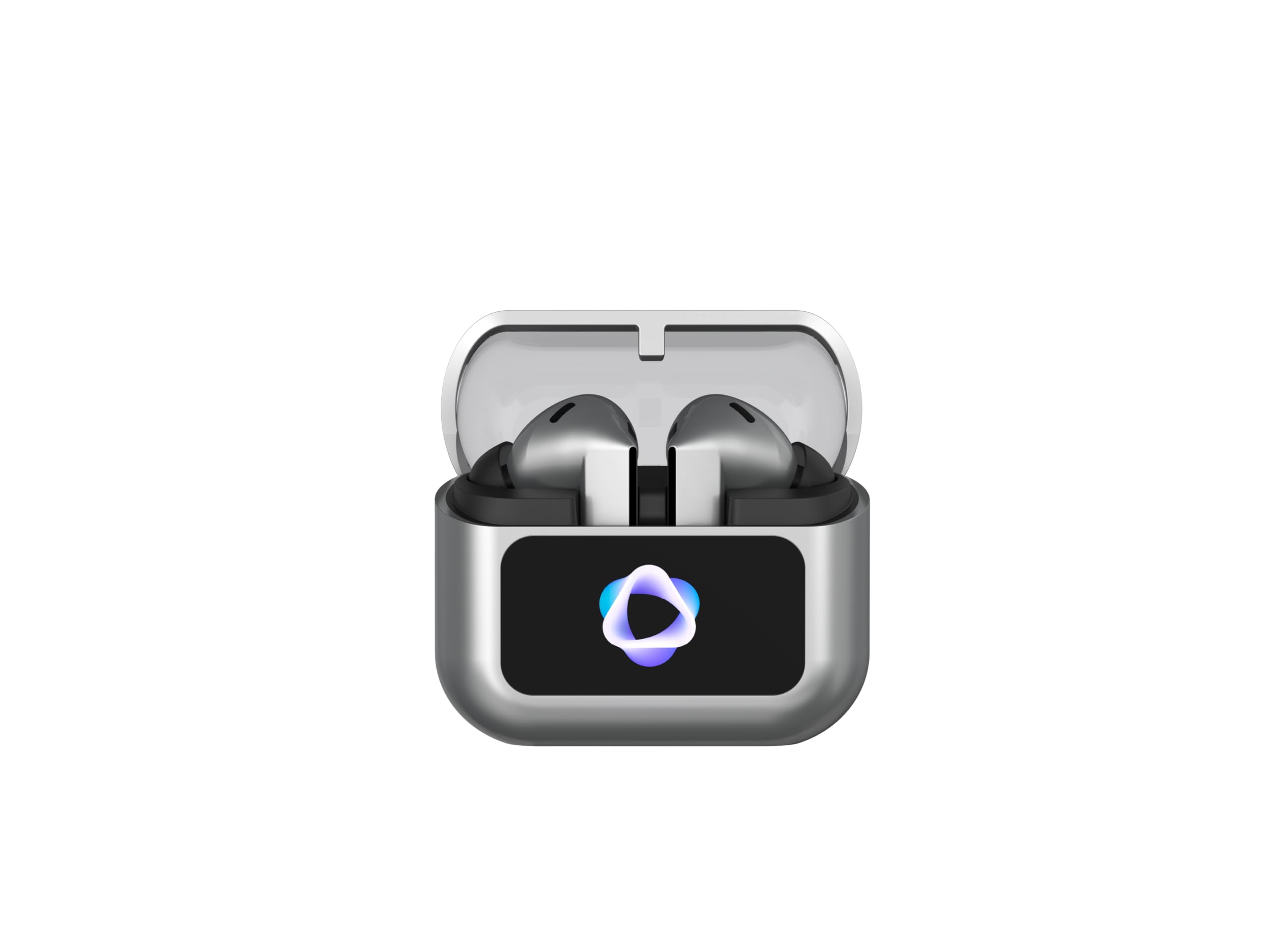
Image: Infinix XE37 charging case with earbuds inside, front view. The case is grey with a transparent lid and a display showing a stylized 'AI' logo.

Image: Back view of the Infinix XE37 charging case. It shows the USB-C charging port, serial number, model number (XE37), input/output specifications, and regulatory compliance marks.
Pairing with a Device
The earbuds use Bluetooth V5.4 for a stable and efficient wireless connection.
- Open the charging case. The earbuds will automatically enter pairing mode (if it's the first time or if they are not connected to a device).
- On your device (smartphone, tablet, laptop), enable Bluetooth and search for new devices.
- Select "Infinix XE37" from the list of available devices.
- Once connected, you will hear an audible confirmation, and the indicator lights on the earbuds/case may change.
For subsequent use, the earbuds will automatically connect to the last paired device when removed from the case, provided Bluetooth is enabled on your device.
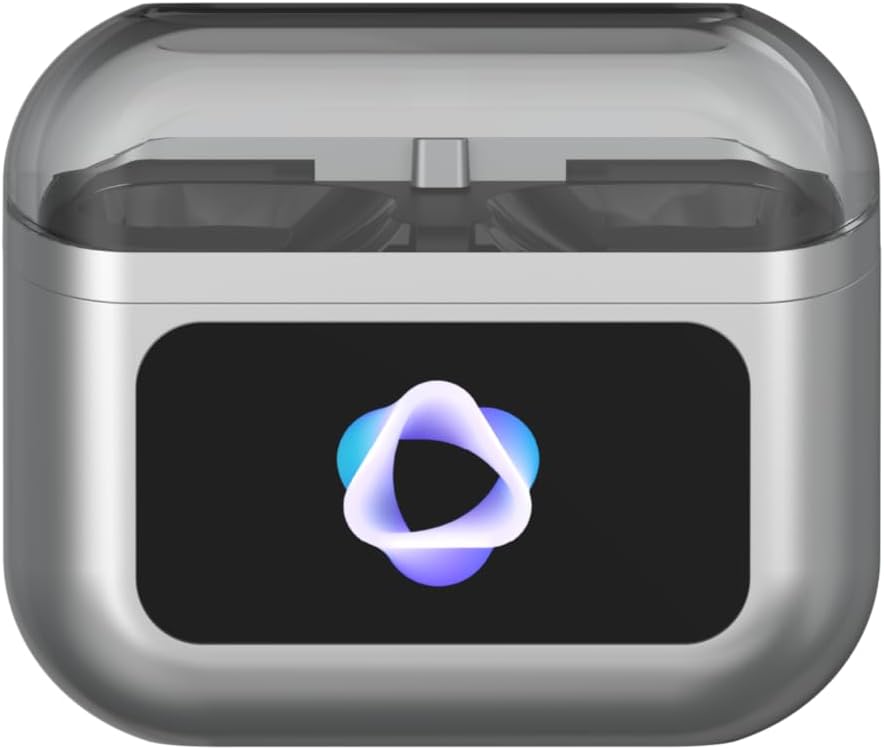
Image: Front view of the Infinix XE37 charging case with both earbuds securely placed inside. The case is grey with a transparent lid, and a glowing 'AI' logo is visible on the front panel.
Operating Instructions
Touch Controls
The Infinix XE37 earbuds feature intuitive touch controls for managing audio playback, calls, and noise control modes. Specific functions may vary slightly depending on your device and application.
- Play/Pause: Single tap on either earbud.
- Next Track: Double tap on the right earbud.
- Previous Track: Double tap on the left earbud.
- Answer/End Call: Single tap on either earbud.
- Reject Call: Press and hold either earbud for 2 seconds.
- Activate Voice Assistant: Triple tap on either earbud.
- Toggle ANC/Transparency Mode: Press and hold either earbud for 2 seconds (during music playback or standby).

Image: The Infinix XE37 earbuds removed from their charging case, shown at an angle. The sleek grey design and in-ear form factor are visible.
Active Noise Cancellation (ANC) and Transparency Mode
The earbuds are equipped with 45dB Active Noise Cancellation (ANC) and Hybrid ENC technology to reduce ambient noise, providing an immersive listening experience. Transparency Mode allows you to hear your surroundings without removing the earbuds.
- To switch between ANC, Normal, and Transparency modes, press and hold the touch area on either earbud for approximately 2 seconds.
Call Functions
With dual microphones, the XE37 earbuds ensure clear voice pickup during calls.
- Answering/Ending Calls: Use the single tap gesture as described in the Touch Controls section.
- Rejecting Calls: Use the press and hold gesture as described in the Touch Controls section.
Sound Equalizer Support
The earbuds support sound equalizer adjustments, allowing you to customize your audio experience. Refer to your device's audio settings or a compatible Infinix application for equalizer options.
Maintenance
Cleaning
- Regularly clean the earbuds and charging case with a soft, dry, lint-free cloth.
- Do not use abrasive cleaners, alcohol, or chemical solvents.
- Gently remove any earwax or debris from the ear tips and speaker mesh using a small, soft brush or cotton swab.
- Ensure the charging contacts on both the earbuds and the case are clean and dry.
Storage
- When not in use, store the earbuds in their charging case to protect them and keep them charged.
- Store the device in a cool, dry place, away from direct sunlight and extreme temperatures.
Water Resistance (IPX4)
The Infinix XE37 earbuds are rated IPX4 water resistant, meaning they are protected against splashing water from any direction. This makes them suitable for workouts and light rain. They are not designed for swimming, showering, or submersion in water.
Troubleshooting
| Issue | Possible Solution |
|---|---|
| Earbuds not pairing |
|
| No sound from one earbud |
|
| Charging issues |
|
| Poor call quality |
|
Product Specifications
| Model Name | AI Earbuds (XE37) |
| Brand | Infinix |
| Connectivity Technology | Wireless (Bluetooth V5.4) |
| Headphone Form Factor | In-Ear |
| Noise Control | Active Noise Cancellation (45dB) |
| Special Features | Hybrid ENC HD Sound, 45dB (ANC), IPX4 Water Resistant, Dual Microphone, Equalizer Support |
| Water Resistance Level | IPX4 (Water Resistant) |
| Control Method | Touch |
| Battery Capacity | Earbuds: 45 mAh, Charging Case: 620 mAh |
| Playtime | Up to 36 hours (with charging case) |
| Compatible Devices | Smartphones, Tablets, Laptops, Desktop Computers |
| Materials | Plastic |
| Item Weight | 61 grams |
| Color | Grey |
| Included Components | Earbuds, Charging Case, USB Cable, Quick Start Guide, Safety Information, Warranty Card |
Warranty and Support
The Infinix XE37 AI Hybrid HD Bluetooth Earbuds come with a 12-month manufacturer's warranty. Please refer to the included Warranty Card for detailed terms and conditions.
For technical support, warranty claims, or further assistance, please visit the official Infinix website or contact their customer service. Contact information can typically be found on the product packaging or the official brand website.


