
Welcome to Your YOTON WS01 Indoor Security Camera
The YOTON WS01 Indoor Security Camera is designed to provide reliable monitoring for your home. It functions as a baby monitor, pet camera, or general indoor surveillance device, offering features such as 1080p HD video, night vision, two-way audio, and motion detection. This manual will guide you through the setup, operation, and maintenance of your camera to ensure optimal performance.
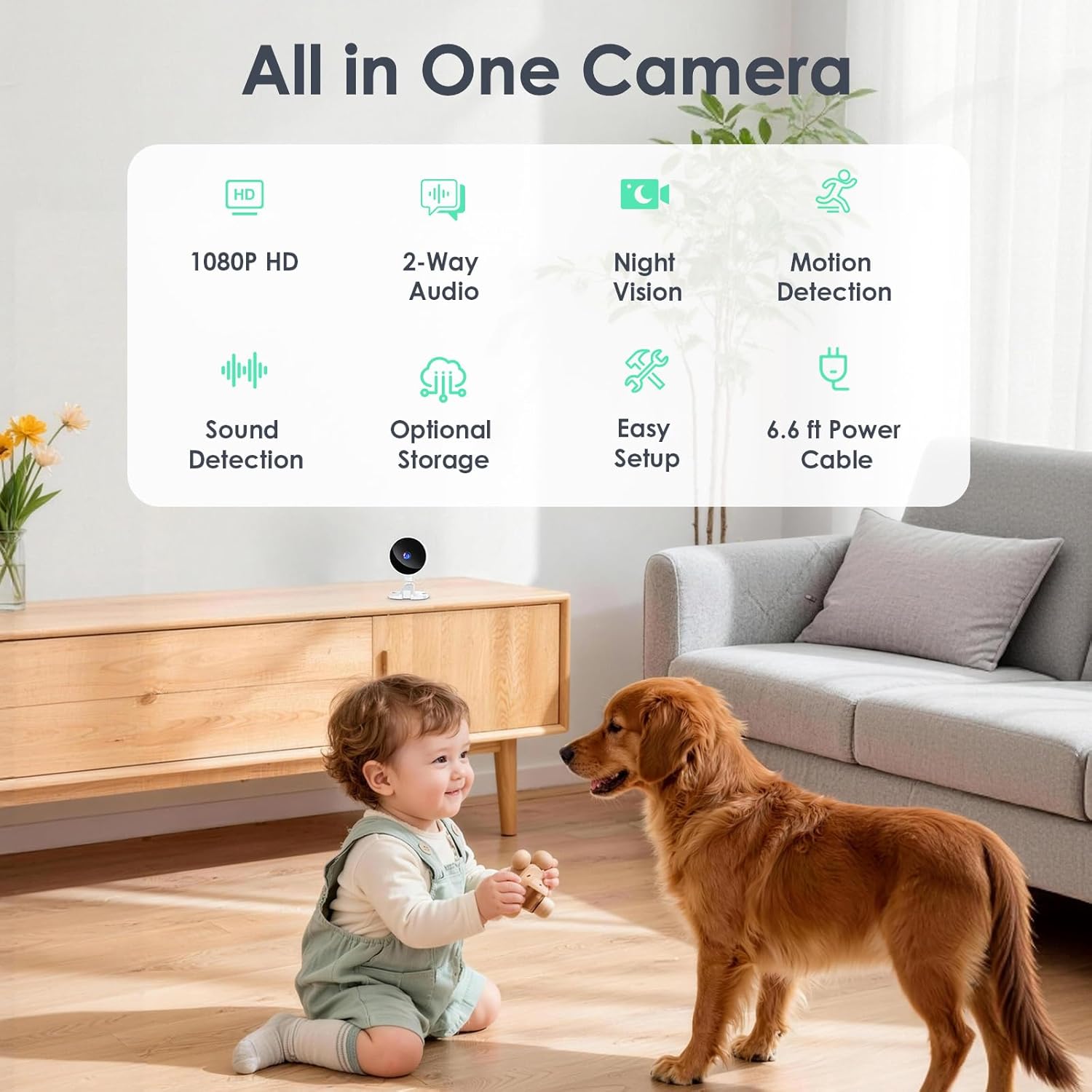
Image: YOTON Indoor Security Camera showcasing its key features and versatility in a home environment.
Package Contents
Please check the box for the following items:
- WS01 Indoor Camera (2 units for 2-pack)
- Instruction Manual
- Power Adapter (2 units for 2-pack)
- Charging Cable (6.6 ft, 2 units for 2-pack)
- Wall Mounting Kit (2 units for 2-pack)
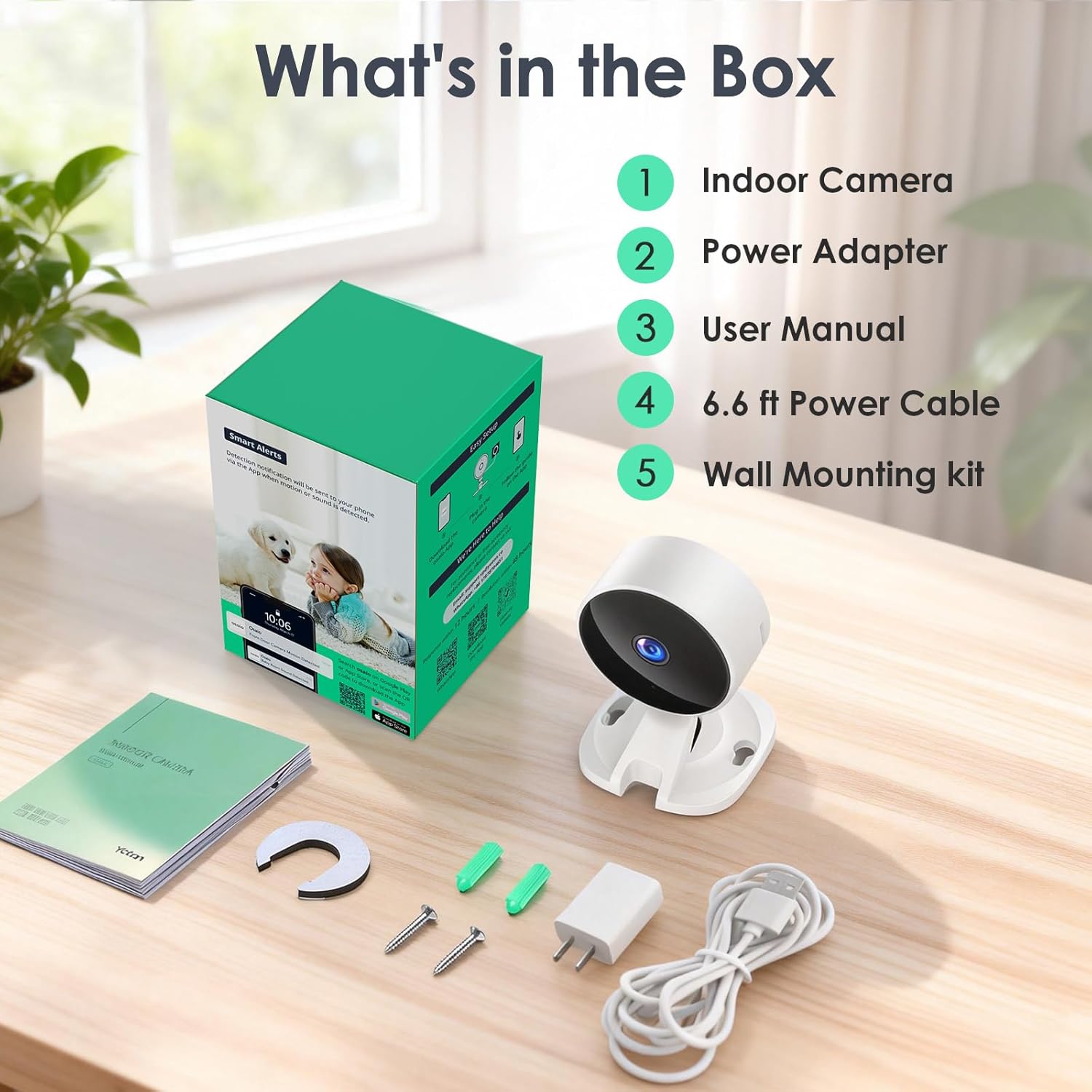
Image: All components included in the YOTON Indoor Security Camera package.
Initial Setup
Setting up your YOTON WS01 camera is a straightforward process:
- Download the Osaio App: Search for "Osaio" in your smartphone's app store and install it.
- Plug in the Camera: Connect the camera to a power source using the provided power adapter and cable. The camera's indicator light should begin flashing.
- Connect to 2.4GHz Wi-Fi: Open the Osaio app, sign up or log in, and follow the on-screen instructions to add your device. Ensure your phone's Bluetooth is enabled for automatic detection. The camera requires a 2.4GHz Wi-Fi network.
- Name Your Camera: Assign a name to your camera for easy identification within the app (e.g., Living Room, Nursery).

Image: Visual guide for connecting the camera to the Osaio app.
Mounting Options
Your YOTON WS01 camera offers flexible mounting options:
- Adhesive Stickers: For temporary placement on smooth surfaces, use the provided double-sided adhesive pieces.
- Wall Mounting Kit: For a more permanent and secure installation, use the included screws and anchors to mount the camera on a wall or ceiling.

Image: Examples of desk, wall, and ceiling mounting for the camera.
Connecting Multiple Cameras
You can connect multiple YOTON cameras to the same Osaio app for comprehensive home monitoring. The app allows you to view multiple live feeds simultaneously.
Video: This video demonstrates the process of connecting multiple YOTON cameras to the Osaio app for expanded surveillance.
Operating Your Camera
Live View and Two-Way Audio
Access a live feed of your camera from anywhere using the Osaio app. The built-in microphone and speaker enable two-way communication, allowing you to speak to and hear from anyone near the camera.

Image: Demonstrating the clear two-way audio feature of the camera.
Video: This video illustrates the two-way audio functionality of the YOTON WS01 camera.
Night Vision
The 1080p HD camera features IR Night Vision with a range of up to 33 feet, providing clear monitoring even in low-light conditions. The IR LED lights can be manually turned off via the app if desired.
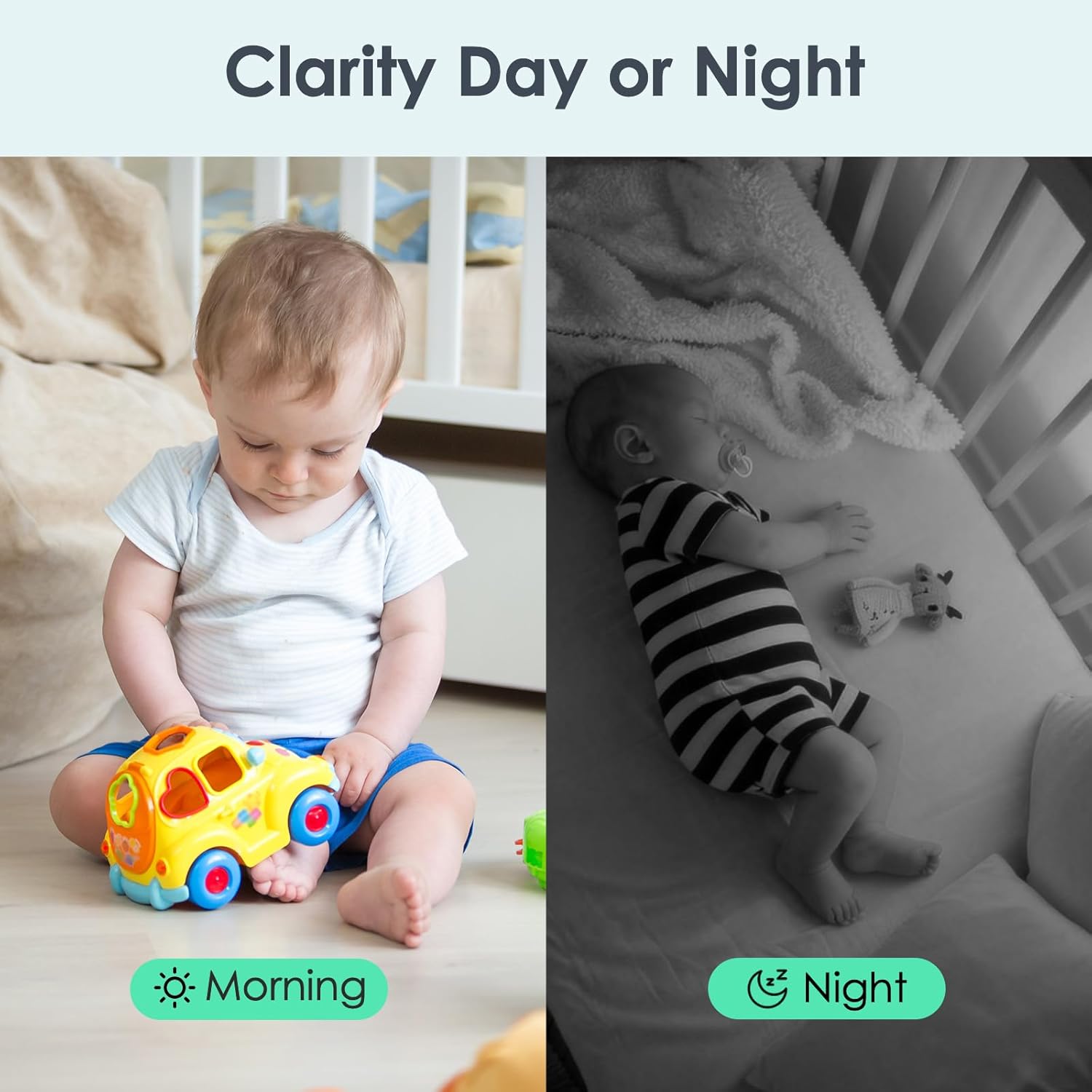
Image: Day and night clarity of the camera's vision.
Motion Detection & Sound Alerts
Receive instant notifications on your app when motion or sound is detected. You can customize the sensitivity of these alerts and even enable AI recognition to filter alerts for specific events like people, pets, packages, or vehicles.

Image: Smart motion and sound alert features in action.
Storage Options
Choose your preferred storage method for recordings:
- Local Storage: Insert a TF card (up to 128GB, sold separately) into the camera for subscription-free local recording.
- Cloud Storage: Utilize the optional cloud storage service, which includes a 14-day free trial.

Image: Overview of optional storage methods: TF card and cloud storage.
Privacy Mode
For enhanced privacy, you can easily turn the camera off completely with a single tap within the Osaio app. This stops all recording and monitoring.

Image: The privacy mode feature, allowing users to turn off the camera via the app.
Smart Home Integration (Alexa & Google Home)
The YOTON WS01 camera is compatible with Amazon Alexa and Google Home, allowing for convenient voice control and integration into your smart home ecosystem.

Image: The camera's compatibility with Alexa and Google Home for hands-free checking.
Connecting to Google Home
Video: This video provides instructions on how to connect your YOTON camera to Google Home.
Connecting to Alexa
Video: This video demonstrates the steps to connect your YOTON camera with Amazon Alexa.
Digital Zoom Function
Video: This video shows how to use the digital zoom feature on the camera's image.
Technical Specifications
| Feature | Specification |
|---|---|
| Model Name | WS01 |
| Connectivity Technology | Wired (Wi-Fi 2.4GHz) |
| Video Capture Resolution | 1080p |
| Frame Rate | 15 frames per second |
| Viewing Angle | 88 Degrees |
| Digital Zoom | 4x |
| Night Vision Range | 33 Feet |
| Two-Way Audio | Yes |
| Motion Detection | Yes (with AI recognition options) |
| Sound Alerts | Yes |
| Local Storage | TF Card (up to 128GB, not included) |
| Cloud Storage | Optional (14-day free trial included) |
| Compatible Devices | Smartphone (Android/iOS) |
| Controller Type | Amazon Alexa, Google Assistant |
| Indoor Outdoor Usage | Indoor |
| Item Dimensions | 2.6 x 2.8 x 3.5 inches |
| Item Weight | 0.35 Kilograms |
Troubleshooting
If you encounter any issues with your YOTON WS01 camera, please refer to the following common solutions:
- Connectivity Issues: Ensure your camera is powered on and within range of your 2.4GHz Wi-Fi network. Verify your Wi-Fi password is correct in the Osaio app.
- No Live Feed: Check your internet connection and ensure the camera is not in privacy mode. Restart the camera and the Osaio app.
- Alerts Not Received: Confirm that motion and sound detection are enabled in the app settings and that app notifications are allowed on your smartphone. Adjust sensitivity settings if necessary.
- Poor Video Quality: Ensure the camera lens is clean and free from obstructions. Check your Wi-Fi signal strength.
- Two-Way Audio Problems: Verify that the microphone and speaker functions are enabled in the app and that your phone's volume is up.
For more detailed troubleshooting or persistent issues, please contact customer support.
Warranty and Customer Support
YOTON offers a 24-month warranty for your WS01 Indoor Camera. Our dedicated customer support team is available round-the-clock to provide expert guidance and assistance with setup, operation, and any questions you may have.
For support, please refer to the contact information provided in your package or visit the official YOTON store on Amazon: YOTON Store.