
1. Introduction
The Kuulaa 10000mAh MagSafe Portable Charger is a compact and powerful solution for keeping your devices charged on the go. Featuring 15W wireless magnetic charging and a 20W USB-C output, this slim battery pack is designed for efficiency and convenience. It is compatible with iPhone 12 series and newer, as well as other devices that support wireless charging or can be charged via USB-C.
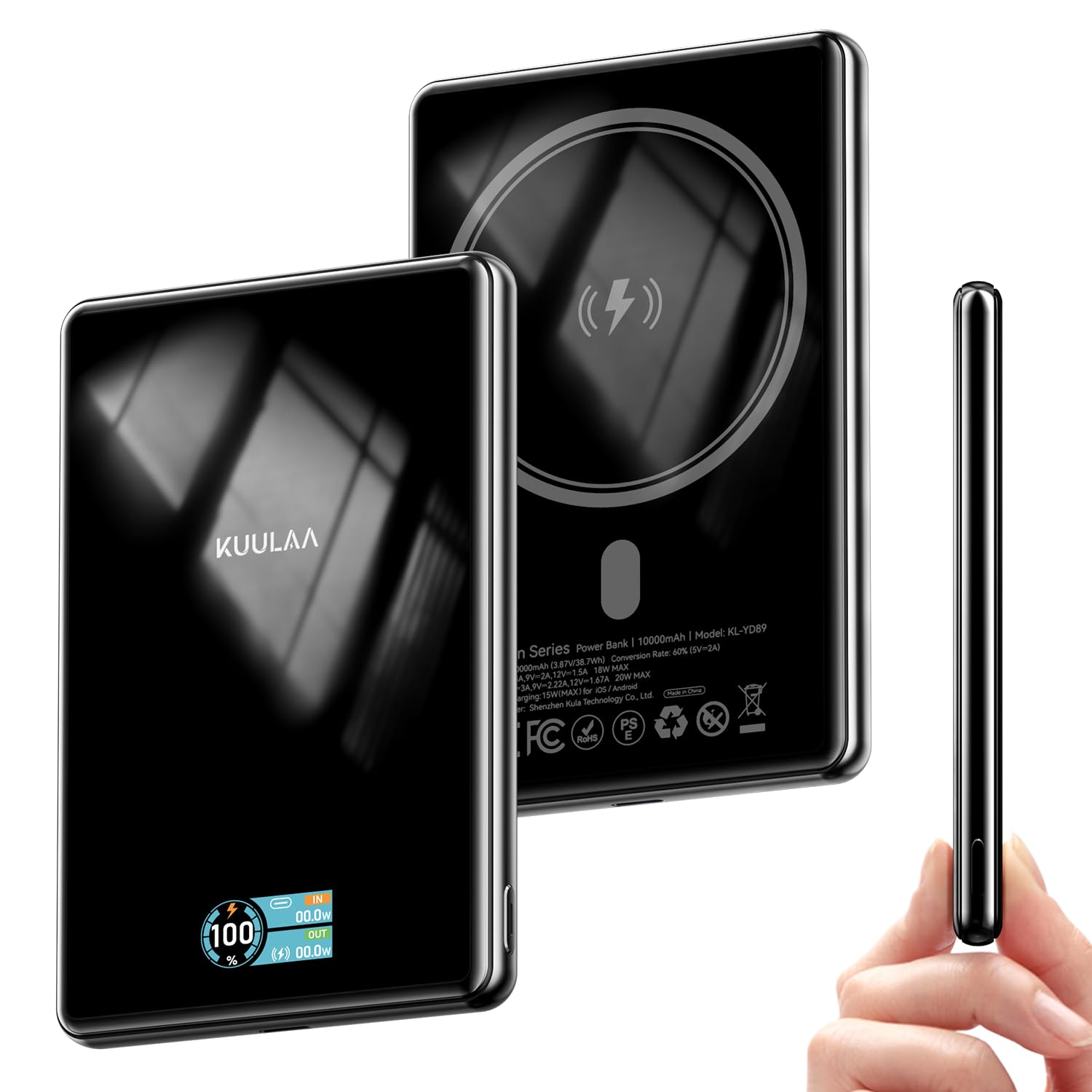
This image displays the sleek design of the Kuulaa 10000mAh MagSafe Portable Charger, highlighting its compact form factor.
2. What's in the Box
- 1 x Kuulaa 10000mAh 15W Portable Charger
- 1 x Charging Cable (USB-A to USB-C)
- 1 x User Manual

This image shows the Kuulaa 10000mAh Power Bank, a USB-A to USB-C charging cable, and the user manual included in the product packaging.
3. Product Features
3.1. Dual Charging Capability
The power bank offers both wireless magnetic charging and wired USB-C charging. It supports up to 15W wireless charging for compatible devices and up to 20W wired charging via its USB-C port.

This image illustrates the two charging methods: a phone wirelessly charging via the magnetic pad and another phone charging via the USB-C port.
3.2. High Capacity
With a 10000mAh capacity, the power bank can provide multiple charges for most smartphones, ensuring extended power throughout your day.

This image highlights the 10000mAh capacity of the power bank, showing it can charge an iPhone 16 Pro Max 1.3 times and an iPhone 16/15 Pro 1.8 times.
3.3. Secure Magnetic Attachment
Built-in strong magnets ensure a secure and effortless attachment to MagSafe-compatible iPhones (iPhone 12 series and newer) and magnetic cases.

This image demonstrates the strong magnetic attachment of the power bank to a smartphone, ensuring a secure connection for effortless charging.
3.4. Slim and Portable Design
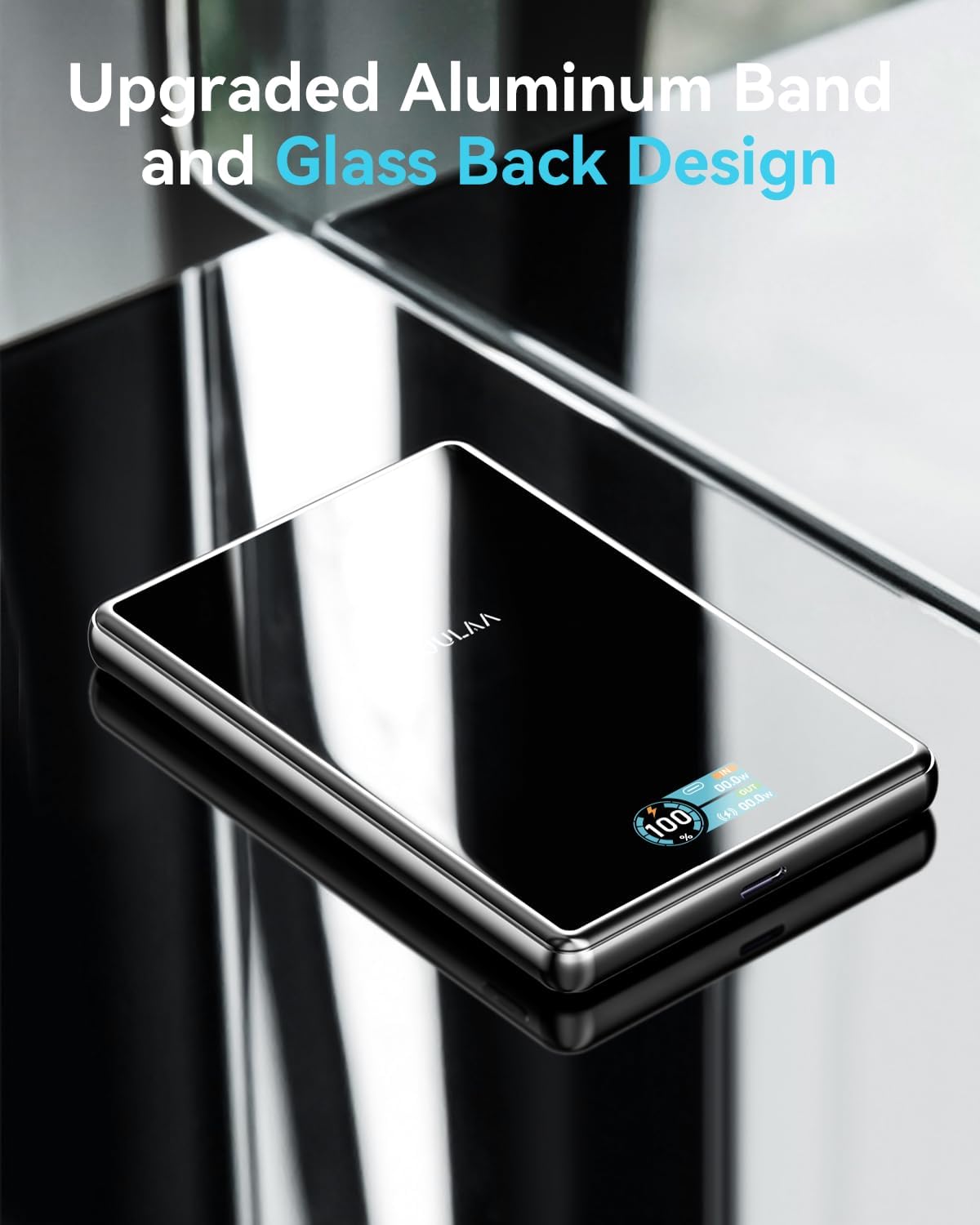
The power bank features a sleek design with tempered glass housing and an aluminum band, making it slim (0.49 inches thick) and easy to carry. A built-in TFT display shows the digital capacity and charging status.

This image showcases the slim profile of the power bank being held in a hand, emphasizing its portability and compact dimensions (107x68x12.5mm, 206g).

This image highlights the premium construction of the power bank, featuring an aluminum band and a glass back design for durability and aesthetics.
3.5. Comprehensive Safety Protections
The power bank incorporates multiple safety features, including over current protection, over heat protection, short circuit protection, and overcharge protection, ensuring safe charging for your devices.

This image displays the safety icons for Over Current Protection, Over Heat Protection, Short Circuit Protection, and Overcharge Protection, ensuring safe usage.
3.6. Wide Compatibility
The power bank is compatible with iPhone 12/13/14/15/16/17 series and magnetic cases for wireless charging. It also supports various Android phones and other devices via USB-C.
This image shows the power bank charging various devices including iPhones, an iPad, an Apple Watch, and AirPods, demonstrating its broad compatibility.
4. Setup
4.1. Charging the Power Bank
- Connect the provided USB-A to USB-C charging cable to the USB-C port on the power bank.
- Plug the USB-A end of the cable into a compatible USB wall adapter (not included).
- The TFT display will show the charging status and battery percentage.
4.2. Checking Battery Level
Press the small button on the side of the power bank to activate the TFT display, which will show the current battery percentage and charging status.

This image details the TFT display, showing the battery percentage, USB-C input/output, and wireless charging output.
5. Operating Instructions
5.1. Wireless Magnetic Charging
- Ensure your device is MagSafe compatible (iPhone 12 series or newer) or has a MagSafe-compatible case.
- Align the back of your device with the magnetic charging area on the power bank. The magnets will snap into place.
- The power bank will automatically begin wireless charging.
5.2. Wired Charging (USB-C Output)
- Connect your device to the USB-C port on the power bank using a compatible USB-C to USB-C cable (or the provided cable if your device supports USB-A input).
- The power bank will automatically begin wired charging.

This image visually explains the two charging methods: 15W Max Wireless Charger and 20W Max Wired Charging.
6. Safety Information
To ensure safe operation and prolong the life of your power bank and devices, please observe the following:
- Do not expose the power bank to extreme temperatures, direct sunlight, or high humidity.
- Avoid dropping, hitting, or disassembling the device.
- Keep out of reach of children.
- Do not use if the power bank is damaged or swollen.
- Utilize the provided charging cable or certified cables for optimal performance and safety.
- The power bank features built-in Over Current Protection, Over Heat Protection, Short Circuit Protection, and Overcharge Protection.
7. Maintenance
- Cleaning: Wipe the power bank with a soft, dry cloth. Avoid using harsh chemicals or abrasive materials.
- Storage: Store the power bank in a cool, dry place away from direct sunlight and extreme temperatures. If storing for an extended period, ensure it is charged to approximately 50-70% to maintain battery health.
8. Troubleshooting
- Device not charging:
- Ensure the power bank is sufficiently charged.
- Check that the charging cable is securely connected to both the power bank and your device.
- For wireless charging, ensure your device is correctly aligned with the magnetic charging area and is MagSafe compatible.
- Remove any thick cases that might interfere with wireless charging.
- Slow charging:
- Verify that your device supports fast charging and that you are using a compatible cable and wall adapter for wired charging.
- For wireless charging, ensure optimal alignment and that no foreign objects are between the power bank and your device.
9. Specifications
| Product Dimensions | 4.21 x 2.7 x 0.49 inches |
| Item Weight | 7.4 ounces |
| Item Model Number | KL-YD89 |
| Batteries | 1 Lithium Polymer batteries required (included) |
| Special Features | Digital Display, Over Charging Protection, Scratch Resistant, Slim, Wireless Charging |
| Other Display Features | Wireless |
| Color | Black-15W |
| Manufacturer | Shenzhen KulaTechnology Co.,Ltd. |
| Connector Type | USB Type C |
| Battery Capacity | 10000 Milliamp Hours |
10. Warranty and Support
The Kuulaa 10000mAh MagSafe Portable Charger comes with a 24-month worry-free warranty. For any product inquiries, technical support, or warranty claims, please contact Kuulaa customer service.
You can visit the official Kuulaa Store for more information: Kuulaa Store
11. Product Video
This video provides a brief overview and demonstration of the Kuulaa 10000mAh MagSafe Portable Charger's features and functionality.


