
ORCATAB WT1 Pro 5G Rugged Tablet User Manual
Model: WT1 Pro
1. Introduction
The ORCATAB WT1 Pro is a robust 5G rugged tablet designed for demanding environments and versatile use. It features an 11-inch 2K display, a powerful octa-core processor, extensive memory and storage, and a large battery. This manual provides essential information for setting up, operating, maintaining, and troubleshooting your device.
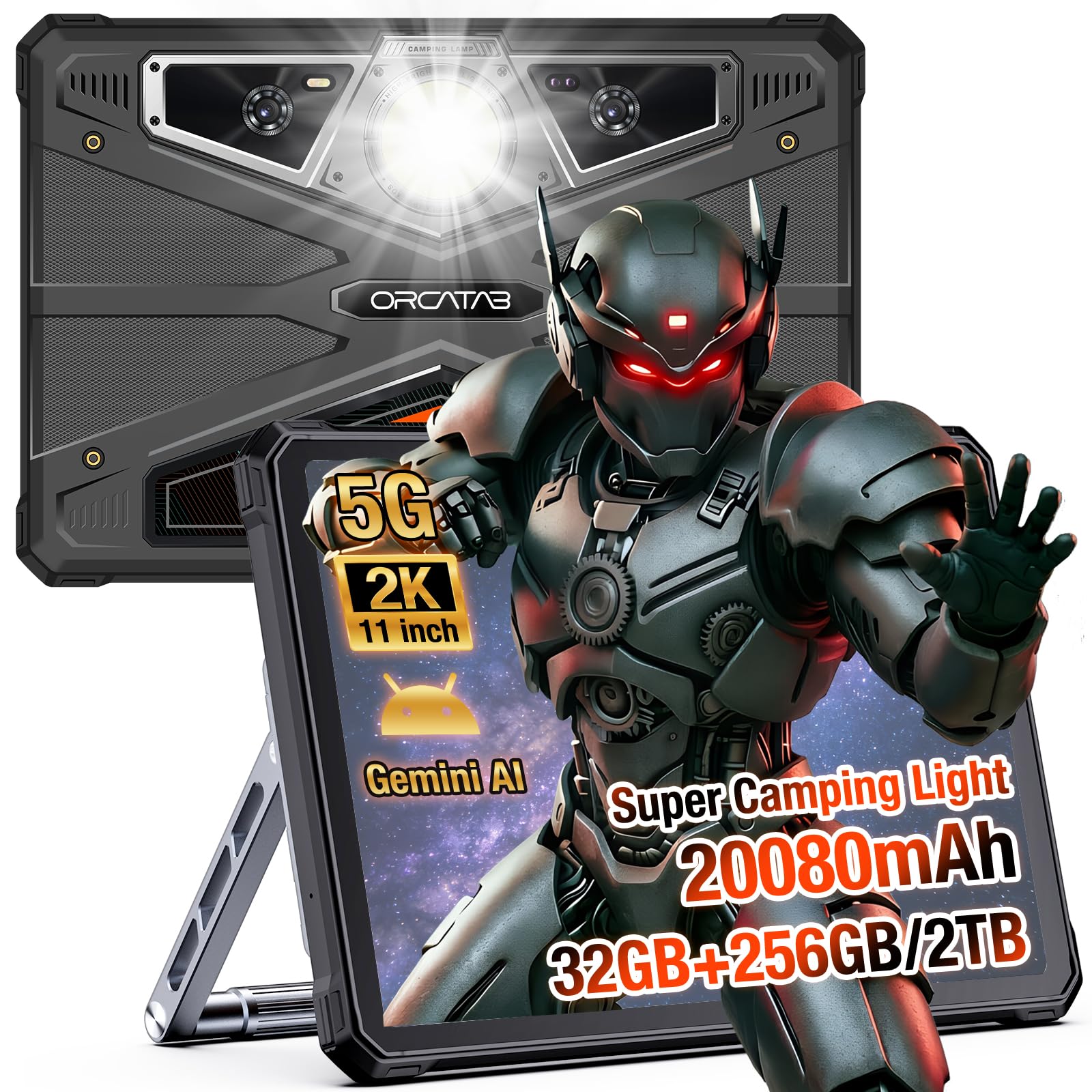
Image 1.1: The ORCATAB WT1 Pro 5G Rugged Tablet, showcasing its durable design.
2. What's in the Box
Verify that all items are present in your product packaging:
- 1x ORCATAB WT1 Pro Rugged Tablet
- 1x USB Type-C Cable & OTG Cable
- 1x Explosion-Proof Film
- 1x Tablet Stand & Tablet Strap
- 1x Manual

Image 2.1: Diagram showing the ORCATAB WT1 Pro tablet and its included accessories.
3. Setup Guide
3.1 Initial Power On and Charging
- Press and hold the Power Button located on the side of the tablet until the ORCATAB logo appears.
- If the tablet does not power on, connect the included USB Type-C cable to the tablet's Type-C port and the other end to the charging head. Plug the charging head into a power outlet. Allow the tablet to charge for at least 30 minutes before attempting to power it on again.
3.2 SIM Card and MicroSD Card Installation
The WT1 Pro supports dual SIM cards and a MicroSD card for expandable storage.
- Locate the SIM/TF Card Slot on the side of the tablet.
- Use the provided SIM ejector tool to open the tray.
- Carefully place your Nano-SIM cards and/or MicroSD card into the designated slots on the tray. Ensure correct orientation.
- Gently push the tray back into the slot until it is flush with the tablet's body.
Video 3.1: An unboxing video demonstrating the initial setup and SIM/MicroSD card installation for the ORCATAB WT1 Pro tablet.
3.3 Tablet Stand and Strap Assembly
The included tablet stand and strap enhance usability and portability.
- Refer to the assembly tutorial video for detailed instructions on attaching the stand and strap to the tablet's rear panel.
- Ensure all screws are securely fastened to prevent accidental detachment.
Video 3.2: A tutorial demonstrating the assembly process for the tablet stand and strap.
4. Operating Instructions
4.1 Android 16 Operating System
The WT1 Pro runs on Android 15, with an available upgrade to Android 16. This provides access to the latest features, security updates, and a wide range of applications from the Google Play Store.
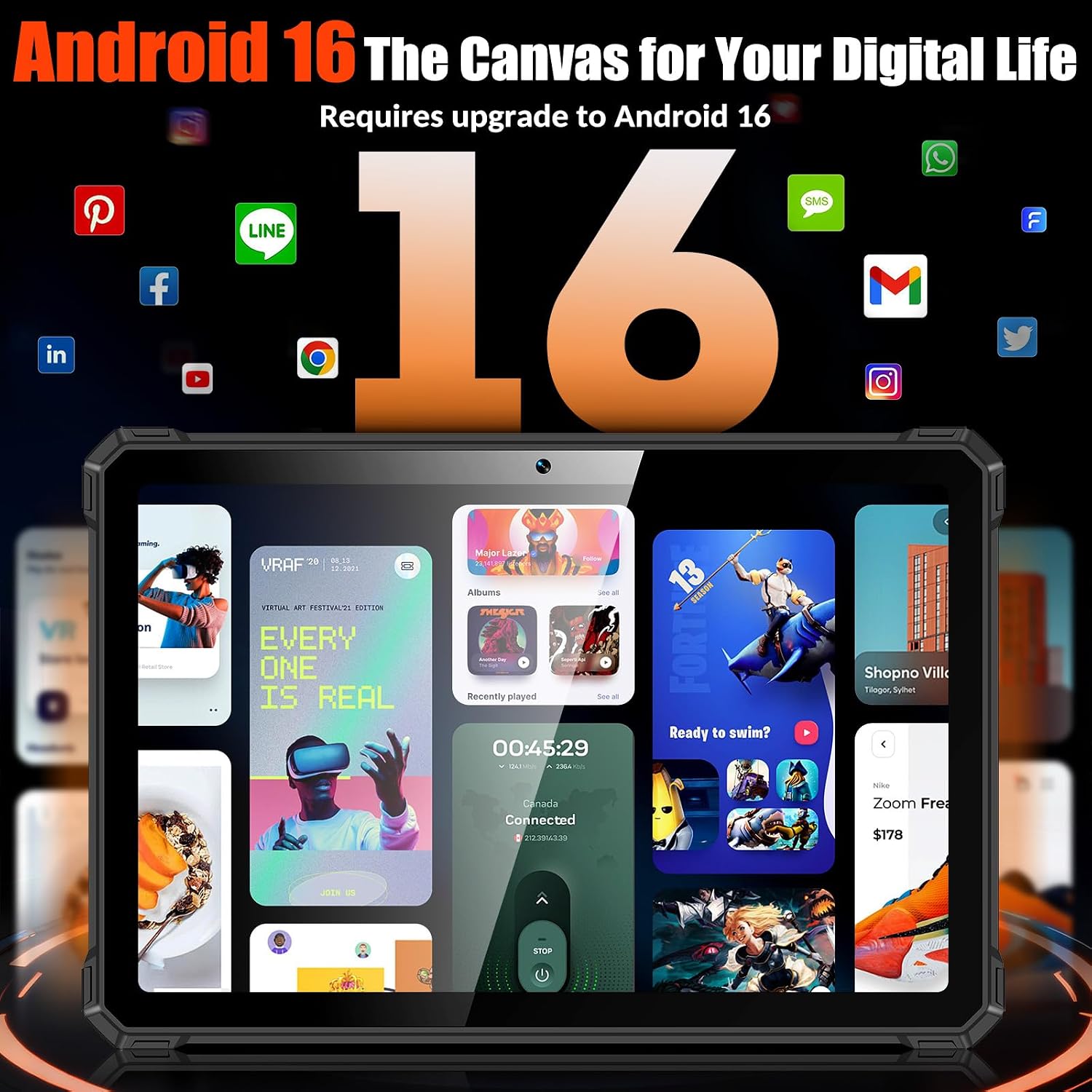
Image 4.1: The Android 16 operating system interface on the ORCATAB WT1 Pro tablet.
4.2 Display and Media
The 11-inch 2K display (1920x1200 resolution) with a 120Hz refresh rate offers a smooth visual experience. Widevine L1 certification enables high-definition streaming on platforms like Netflix and Amazon Prime Video.

Image 4.2: The 11-inch 2K scratch-resistant display of the ORCATAB WT1 Pro.
4.3 Camera System
The tablet is equipped with a versatile camera system:
- 64MP Main Rear Camera: For high-resolution photos.
- 16MP Front Camera: For selfies and video calls.
- 20MP Night Vision Camera: For capturing images in low-light conditions.
- Underwater Mode: Allows for photo and video capture while submerged. Ensure all ports are securely sealed before using this mode.

Image 4.3: Overview of the ORCATAB WT1 Pro's powerful camera system, including main, selfie, night vision, and underwater modes.
4.4 Camping Light
The integrated 380-lumen camping light on the rear of the tablet provides illumination for various outdoor activities. It features multiple modes, including full brightness, half brightness, quarter brightness, and an SOS flashing mode.
4.5 GPS Navigation
The WT1 Pro supports multi-system GPS (BEIDOU/GLONASS/Galileo/GPS) for accurate positioning and navigation, even in areas with weak or no satellite signals, aided by a built-in geomagnetic sensor.
4.6 OTG Reverse Charging
Utilize the OTG (On-The-Go) feature to use your tablet as a power bank to charge other devices such as smartphones, headphones, or portable speakers. Connect the OTG cable to the tablet and your device to initiate charging.
4.7 Gemini AI
The integrated Gemini AI optimizes tablet performance and battery life by learning user habits. It can also assist with tasks such as photo editing.
5. Maintenance
5.1 Durability and Protection
The ORCATAB WT1 Pro is certified with IP68, IP69K, and MIL-STD-810H ratings, indicating high resistance to water, dust, and drops. This means it can withstand:
- Submersion in water up to 2 meters for 30 minutes (IP68).
- High-pressure water jets (IP69K).
- Drops from up to 1.5 meters (MIL-STD-810H).
Despite its rugged design, avoid intentionally exposing the tablet to extreme conditions beyond its specified limits.
Video 5.1: Demonstration of the ORCATAB WT1 Pro's IP68 waterproof and dustproof capabilities.
5.2 Cleaning
To clean the tablet, use a soft, damp cloth. Avoid harsh chemicals or abrasive materials that could damage the screen or casing. Ensure all port covers are closed before cleaning with liquids.
6. Troubleshooting
6.1 Network Compatibility
The ORCATAB WT1 Pro is compatible with T-Mobile networks. It is not compatible with AT&T, Cricket, or Verizon networks. Ensure your SIM card is from a compatible carrier for 5G LTE connectivity.
6.2 HD Streaming Issues
While the tablet supports Widevine L1 for HD streaming, some users may experience issues with certain streaming platforms defaulting to lower resolutions. Ensure your device's software is up to date and check the specific app settings. If issues persist, contact customer support.
6.3 General Performance Issues
- Slow Performance: Close unnecessary background applications. Clear cache regularly.
- Battery Drain: Reduce screen brightness, disable unused features like GPS or Bluetooth, and limit background app activity.
- Tablet Unresponsive: Press and hold the power button for 10-15 seconds to force a restart.
7. Specifications
| Feature | Specification |
|---|---|
| Brand | ORCATAB |
| Model Name | WT1 Pro |
| Operating System | Android 16 (upgradeable from Android 15) |
| Processor | Unisoc T8200 Octa-core, 2.3 GHz |
| RAM | 8GB (expandable to 32GB virtual RAM) |
| Internal Storage | 256GB |
| Expandable Storage | Up to 2TB via MicroSD |
| Screen Size | 11 inches |
| Display Resolution | 1920 x 1200 pixels (2K) |
| Refresh Rate | 120Hz |
| Brightness | 450 nits |
| Main Rear Camera | 64MP |
| Front Camera | 16MP |
| Night Vision Camera | 20MP |
| Battery Capacity | 20080mAh |
| Fast Charging | 33W |
| Connectivity | 5G LTE, Wi-Fi (802.11ac, 802.11ax), Bluetooth, USB 3.1 Type C |
| GPS | BEIDOU/GLONASS/Galileo/GPS |
| Durability Ratings | IP68, IP69K, MIL-STD-810H |
| Security | Face ID |
| Special Features | 380-Lumen Camping Light, OTG Reverse Charging, Gemini AI, Underwater Mode |
| Dimensions (L x W x Th) | 10.5"L x 7"W x 0.62"Th |
| Item Weight | 1.9 pounds |
8. Warranty and Support
8.1 Warranty Information
The ORCATAB WT1 Pro comes with a 2-year manufacturer's warranty. This warranty covers defects in materials and workmanship under normal use. For warranty claims or service, please contact ORCATAB customer support.
8.2 Safety Information
All components in ORCATAB tablets meet stringent U.S. standards and are FCC Certified. For your safety, please adhere to all operating guidelines and avoid unauthorized modifications to the device.
8.3 Customer Support
For any questions or assistance, please contact ORCATAB Official Store customer support. Our dedicated team aims to provide a reply within 24 hours.