Introduction
Thank you for choosing the COOSPO Tiny X1 Mini Electric Bike Pump. This compact and powerful inflator is designed for convenient and efficient tire inflation for various bicycles and inflatable items. This manual provides essential information for safe and effective use of your device.
Package Contents
Verify that all items listed below are included in your package:
- X1 Electric Bike Pump
- High-Pressure Hose (with Schrader Valve)
- Needle Valve
- Presta Valve Adapter
- Type-C Charging Cable
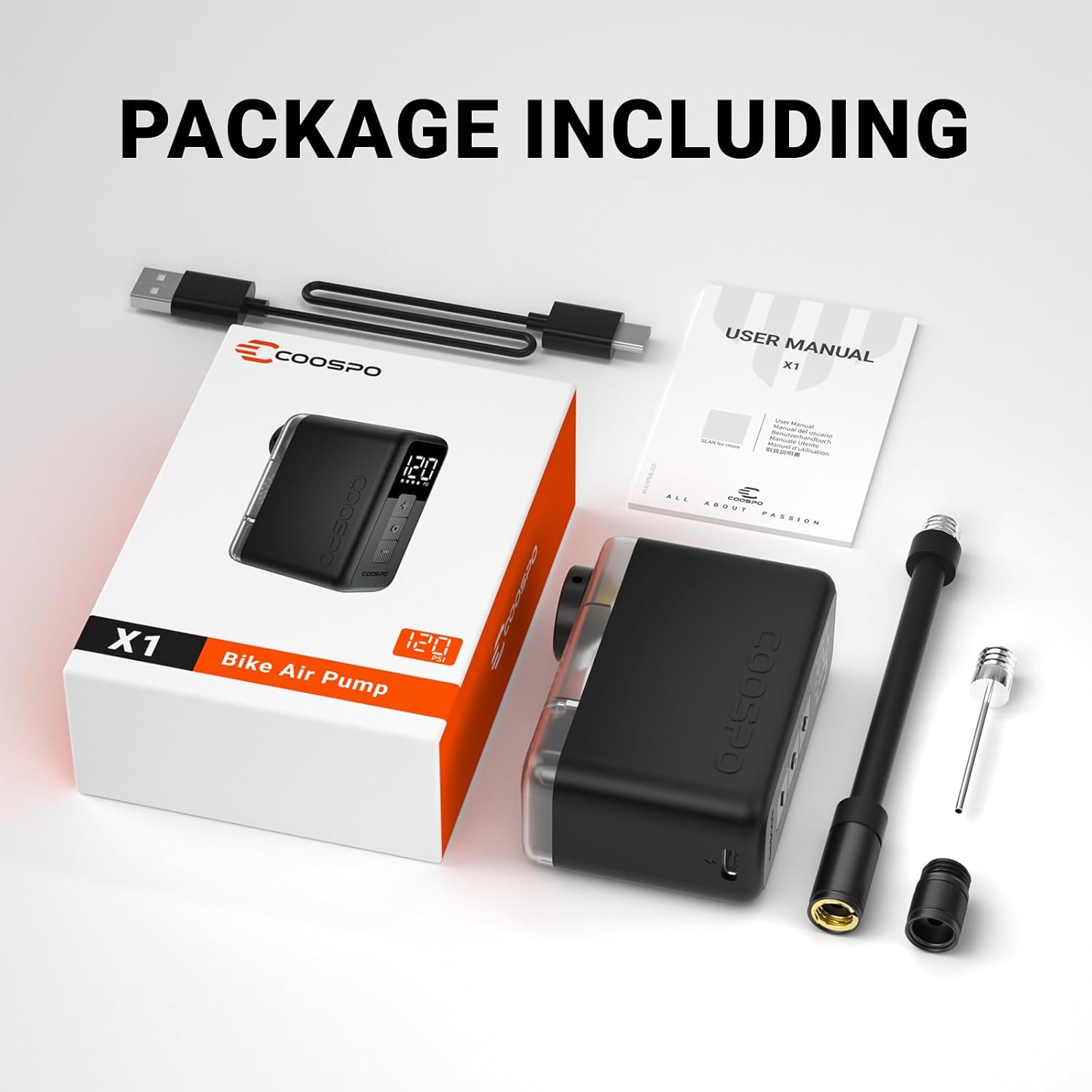
Image: The COOSPO Tiny X1 Mini Electric Bike Pump and its included accessories, such as the high-pressure hose, needle valve, Presta valve adapter, and Type-C charging cable, neatly arranged next to the product box.
Product Overview
The COOSPO Tiny X1 is an ultra-compact electric tire inflator featuring a digital display, auto-stop function, and wide valve compatibility. Its lightweight design makes it ideal for portability.
- Ultra-Compact & Portable: Weighing only 120g, it fits easily into pockets or bags.
- High Performance: Inflates up to 120 PSI, quickly filling road bike tires.
- Auto Calibration: Atmospheric pressure sensor ensures precise inflation at any altitude.
- Smart Display & Auto-Stop: LCD screen shows real-time pressure and battery. Automatically stops at preset pressure.
- Dynamic Balancing Tech: Reduces vibration and overheating for stable operation.
- USB-C Rechargeable: Built-in 1000mAh battery for multiple inflations, quick recharge via Type-C.
- Universal Valve Compatibility: Supports Presta, Schrader, and needle valves.
- Low Noise & Vibration: Advanced motor design for quiet operation.

Image: A hand holding the compact COOSPO Tiny X1 Mini Electric Bike Pump, showcasing its small size and digital display. Various valve adapters are visible next to it.

Image: The COOSPO Tiny X1 Mini Electric Bike Pump shown fitting into a cycling jersey pocket and a small bike frame bag, highlighting its portability.
Setup
1. Charging the Device
Before first use, fully charge the COOSPO Tiny X1 using the provided USB-C cable. The battery level is indicated on the LCD screen.

Image: The COOSPO Tiny X1 Mini Electric Bike Pump connected to a USB-C charging cable, with an on-screen display indicating charging status and battery level.
2. Attaching the Air Hose and Adapters
The pump supports various valve types. Use the appropriate adapter for your item:
- Schrader Valve: Screw the high-pressure hose directly onto the pump's output port, then attach the other end to the Schrader valve.
- Presta Valve: First, screw the Presta valve adapter onto the high-pressure hose, then attach the assembly to the Presta valve.
- Needle Valve (for balls): Screw the needle valve onto the high-pressure hose.
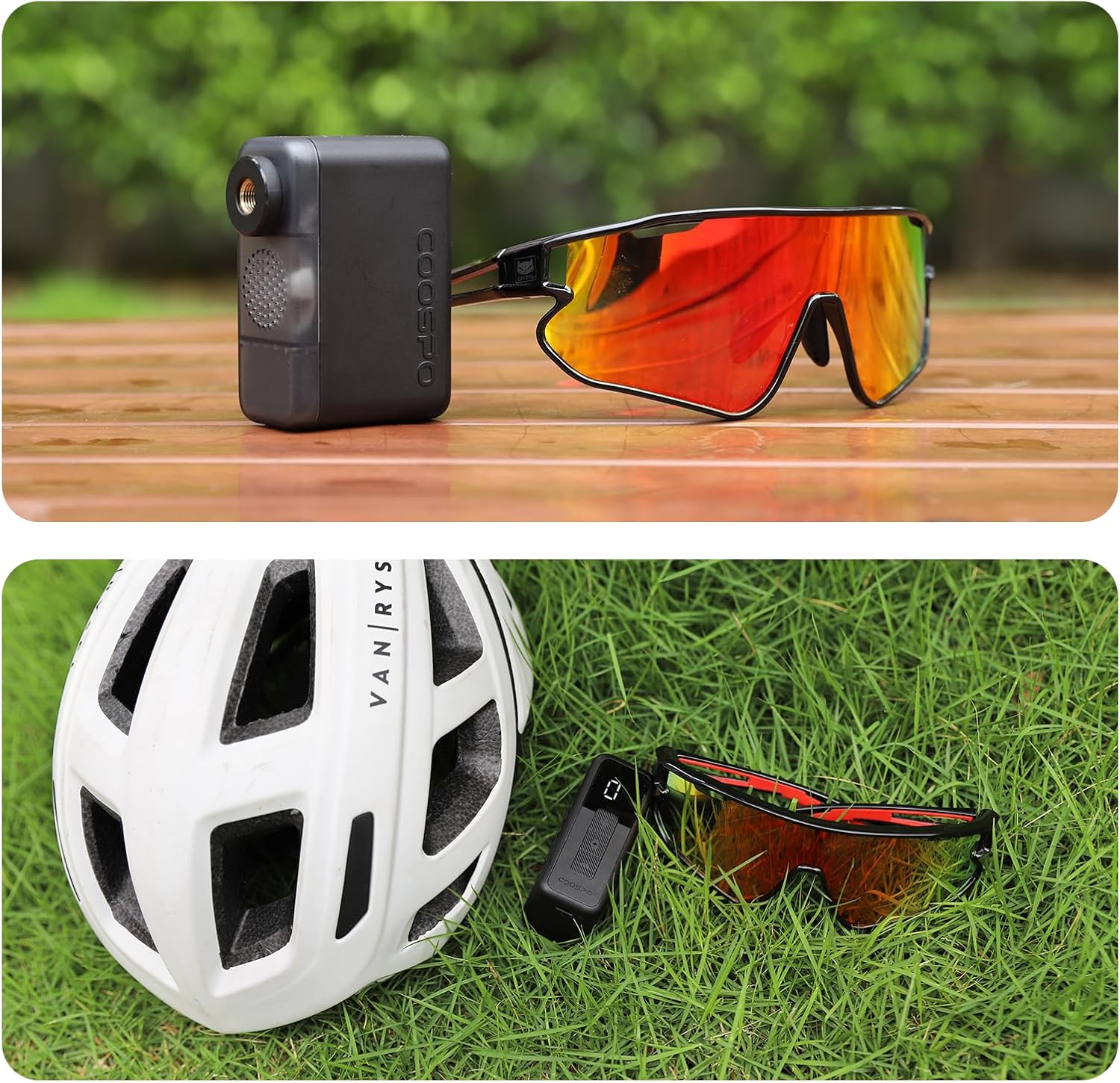
Image: The COOSPO Tiny X1 Mini Electric Bike Pump demonstrating its wide compatibility with Presta, Schrader, and ball inflator needle valves, showing different attachment configurations.
Video: A demonstration of the COOSPO X1 Mini Electric Bike Pump in use, showcasing its compact size and ease of attaching to a bicycle tire valve for inflation.
Operating Instructions
1. Power On/Off
Press and hold the power button (center button) for a few seconds to turn the device on or off. The LCD screen will illuminate.
2. Setting Desired Pressure
Once powered on, the screen displays the current tire pressure. Use the '+' and '-' buttons to adjust the desired target pressure (PSI). The maximum pressure is 120 PSI.

Image: A close-up of the COOSPO Tiny X1 Mini Electric Bike Pump's digital display, showing real-time pressure, preset pressure, and battery level indicators, along with the control buttons.
3. Starting Inflation
After setting the desired pressure and securely attaching the hose/adapter to the valve, press the power button once to start inflation. The pump will automatically stop once the preset pressure is reached.
4. Auto Calibration
The pump features an exclusive atmospheric pressure sensor that automatically calibrates upon power-on, ensuring accurate pressure readings regardless of altitude or weather conditions.
Video: A user demonstrating the COOSPO Mini Electric Air Compressor Bike Tire Inflator, highlighting its compact design and efficient operation for quickly inflating bike tires.
Performance Reference
The following table provides approximate inflation performance based on laboratory data. Actual results may vary depending on environmental conditions and other factors.

Image: A table detailing the COOSPO X1's inflation performance for various tire types (Road bike 700x23C, MTB 27.5x1.95, Ball) at different PSI ranges, including inflation quantity and speed per tire.
Maintenance
- Keep the device clean and dry. Avoid exposure to extreme temperatures or direct sunlight.
- Charge the battery regularly, even if not in use, to maintain battery health.
- Store the pump and accessories in the provided carrying bag to prevent damage.
- The internal ventilation system is designed for efficient heat dissipation. Avoid blocking the vents during operation.

Image: An illustration showing the COOSPO Tiny X1 Mini Electric Bike Pump's internal structure with air flowing through for efficient heat dissipation, ensuring safe operation.
Troubleshooting
- Device not turning on: Ensure the battery is charged. Connect to a USB-C power source.
- Pump not inflating: Check if the hose and adapter are securely attached to both the pump and the valve. Ensure the valve is open (for Presta valves).
- Inaccurate pressure reading: Ensure the adapter is fully seated on the valve. The auto-calibration feature should provide accurate readings.
- Overheating: The pump has an efficient heat dissipation system. If it feels excessively hot, allow it to cool down before further use.
Specifications
| Color | Black |
| Brand | CooSpo |
| Material | Plastic |
| Item Weight | 120 Grams |
| Power Source | Battery Powered |
| Air Flow Capacity | 17 Liters Per Second |
| Maximum Pressure | 120 Pound per Square Inch |
| Operation Mode | Manual |
| Hose Length | 100 Millimeters |
| Battery Type | Lithium-ion |
Warranty & Support
The COOSPO Tiny X1 Mini Electric Bike Pump comes with a 12-month warranty. For any support inquiries, please refer to the contact information provided in your product packaging or visit the official CooSpo website.


