
Introduction
Welcome to the MINISO MS188 AI Language Translator Earbuds user manual. This guide provides detailed instructions for setting up, operating, and maintaining your device. These earbuds offer real-time two-way translation in 135 languages, high-definition sound, and a smart touchscreen charging case for enhanced communication and audio experience.
What's in the Box
- MINISO MS188 AI Language Translator Earbuds
- Charging Case with Touchscreen
- USB Charging Cable
- User Manual
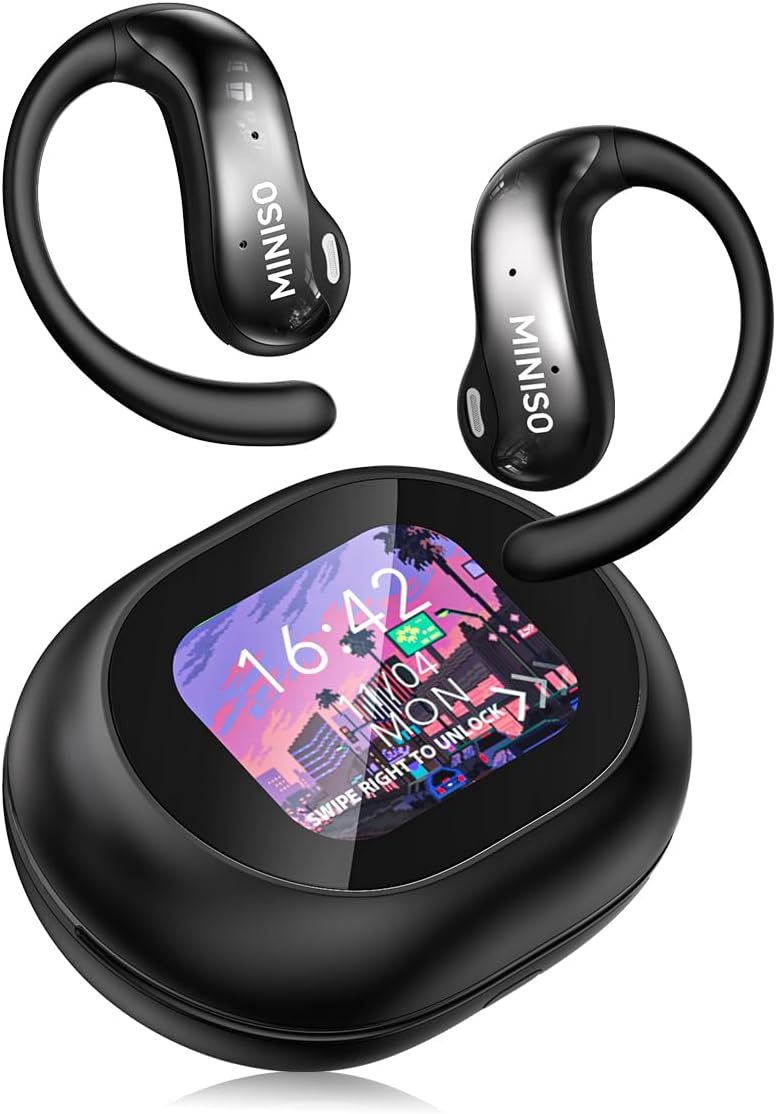
Image: The MINISO MS188 AI Language Translator Earbuds and their touchscreen charging case.
Product Overview
The MINISO MS188 earbuds are designed for real-time language translation, music playback, and call management. They feature an OWS (Open-Wearable Stereo) design for comfortable wear and come with a 2.64-inch touchscreen charging case that offers various controls and displays.
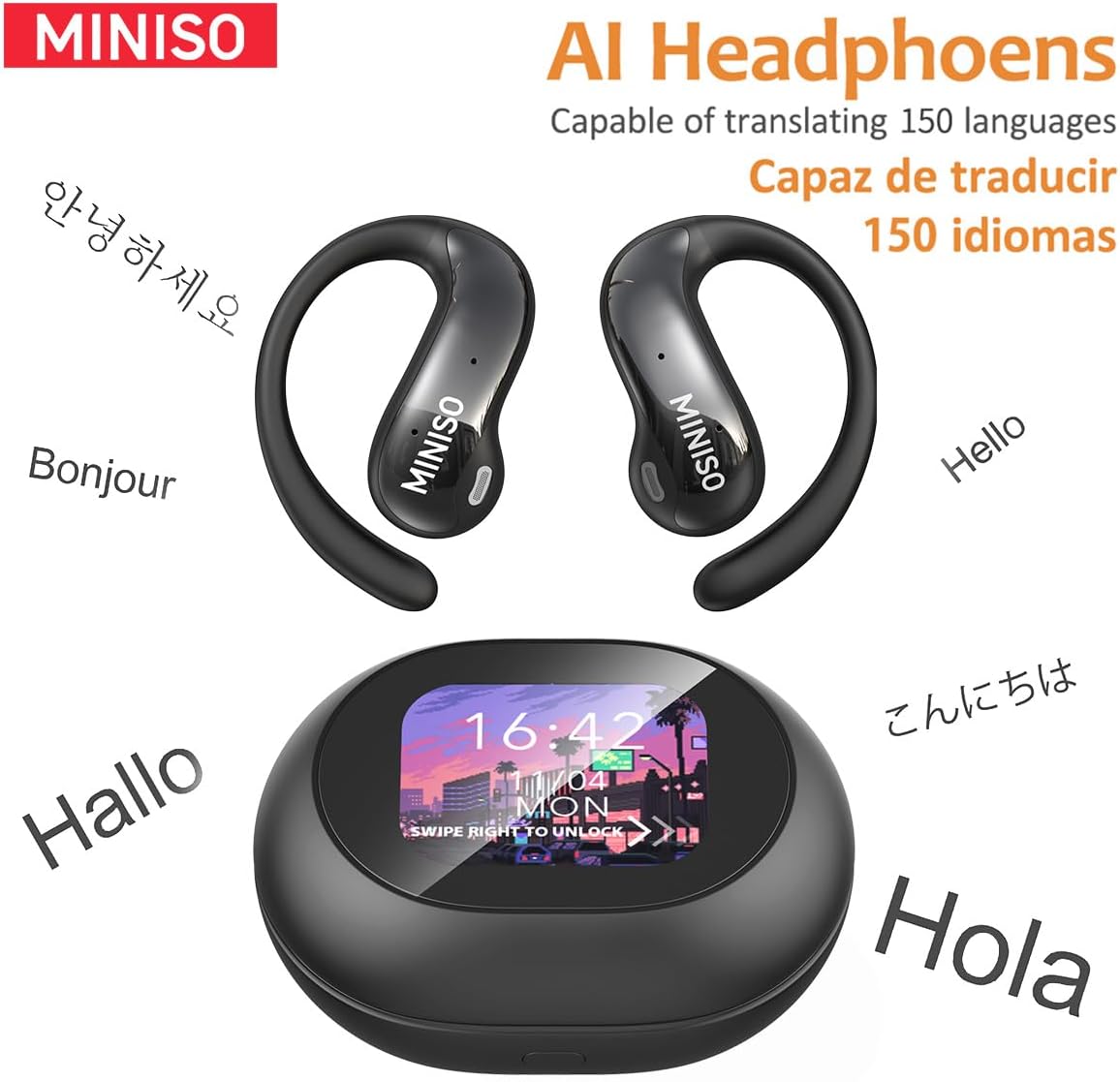
Image: The MINISO MS188 AI Translator Earbuds and their charging case, highlighting their multi-language translation capability with various greetings in different languages.
Setup and Pairing
Charging the Device
The earbuds and charging case come with included batteries. Ensure the device is fully charged before first use. Connect the provided USB cable to the charging case and a compatible power source. A full charge takes approximately 1.5 hours, providing up to 14 hours of earphone battery life and 54 hours with the charging compartment.

Image: The MINISO MS188 charging case connected via a USB-C cable, demonstrating the charging process and highlighting battery life.
Bluetooth Pairing
- Open the earphone charging case.
- On your smartphone, navigate to the Bluetooth settings and ensure Bluetooth is enabled.
- Find "MINISO-MS188" in the list of available devices and select it to connect.
- A "Connected" status in your phone's Bluetooth list indicates a successful connection.

Video: This video demonstrates the process of connecting the MINISO MS188 earbuds to a mobile device via Bluetooth (0:04 - 0:14), along with other functional instructions.
Operating Instructions
Earbuds Controls (Music Playback)
- Play/Pause: Click the left or right earbud once.
- Volume Up: Double-click the right earbud.
- Volume Down: Double-click the left earbud.
- Next Song: Triple-tap the right earbud.
- Previous Song: Triple-tap the left earbud.
- Voice Assistant: Press and hold the left earbud for 2 seconds.
Video: This video segment illustrates how to control music playback, adjust volume, and activate the voice assistant using the earbud touch controls (0:15 - 0:31).
Call Management
- Answer/End Call: Click the left or right earbud once.
- Reject Call: Long press the left or right earbud.
Video: This video segment demonstrates how to answer, end, or reject incoming calls using the earbud touch controls (0:32 - 0:49).
Translation Modes (via EarJoy APP)
The translation function requires the "EarJoy" APP. Download the app by scanning the QR code in the physical manual or searching in your device's app store. The app supports permanent free translation without subscription.

Image: A smartphone displaying the EarJoy app interface with the MINISO MS188 earbuds, indicating where to download the application.
Free Talk Mode
In Free Talk Mode, speak directly into the headset. The app will translate your speech into the selected target language and display it on the screen. This mode is ideal for one-on-one conversations where both parties can see the translated text.
Video: This video segment demonstrates the "Free Talk Mode" within the EarJoy app, showing real-time translation of spoken language (0:50 - 1:00).
AI Dialogue Mode
Engage in AI Dialogue Mode by asking the headset a question. The app will process your query and provide an answer, functioning as an intelligent assistant for real-time information query and personalized suggestions.
Video: This video segment illustrates the "AI Dialogue Mode," where users can ask questions and receive AI-generated responses through the earbuds (1:01 - 1:15).
Other Functions (via Touchscreen Charging Case)
The 2.64-inch touchscreen on the charging case provides additional controls and features:
- Language Switch
- Screen Lock
- Volume Adjustment
- Alarm Clock
- Screensaver
- Equalizer
- Light Level
- Spatial Sound
- Flashlight
- Phone Music
- Remote Camera Control (Photograph)
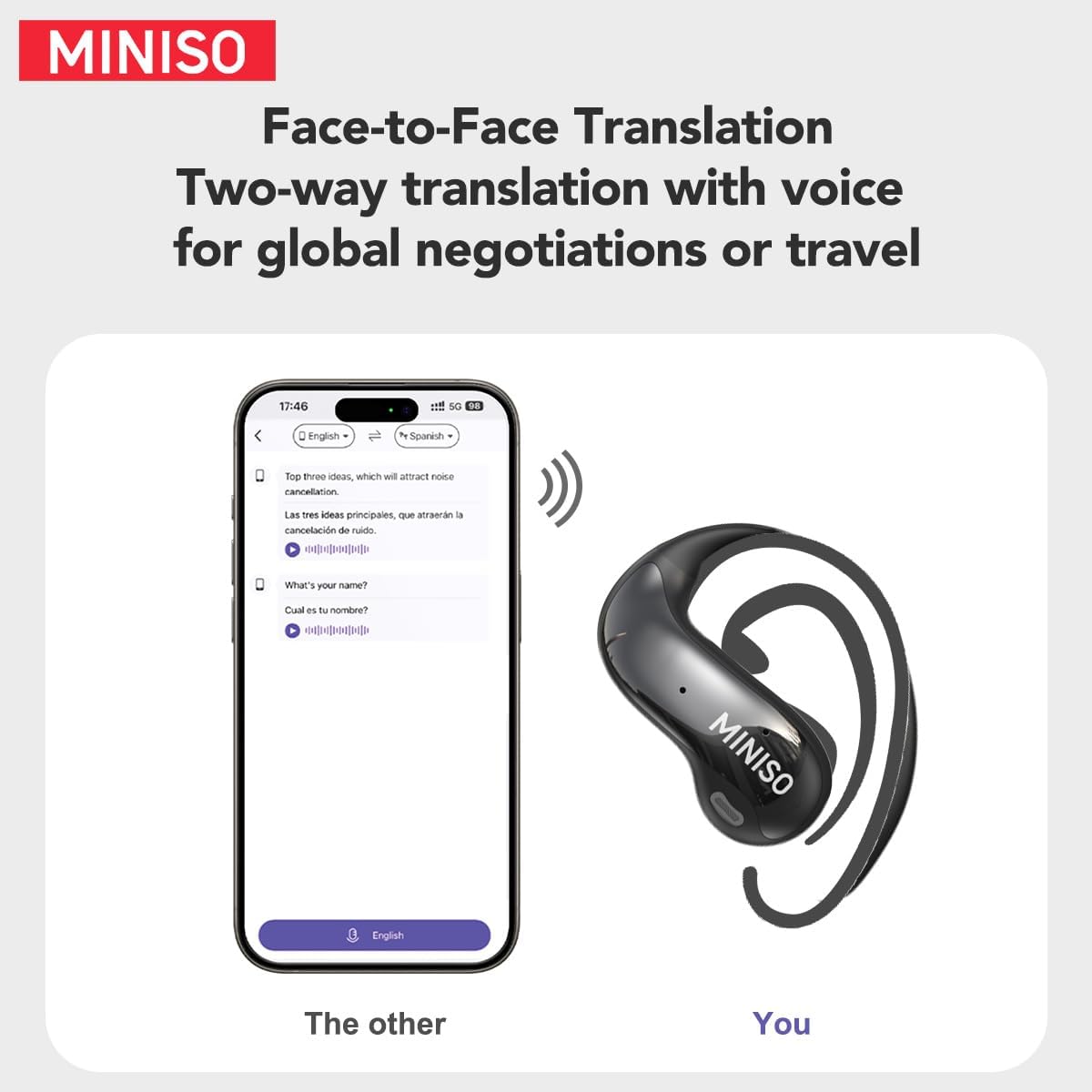
Image: This image displays the touchscreen interface of the MINISO MS188 charging case, showing various functions like language switch, volume control, and camera remote.