Introduction
Thank you for choosing the Haier X9 Series HW100-B14387U1-S Front Load Washing Machine. This manual provides essential information for the safe and efficient operation, installation, and maintenance of your appliance. Please read it thoroughly before using the washing machine and keep it for future reference.
Safety Information
Always follow basic safety precautions when using electrical appliances to reduce the risk of fire, electric shock, or injury. This appliance is intended for household use only. Do not allow children to play with the appliance. Ensure the appliance is properly grounded. Do not touch the power plug with wet hands. Do not install the appliance in a damp place or where it may be exposed to rain.
Setup
1. Unpacking
Carefully remove all packaging materials, including the polystyrene base and any protective films. Remove the transport bolts located at the rear of the machine before use. Failure to do so will cause severe vibration and damage.
2. Installation
- Water Supply: Connect the inlet hose to a cold water tap with a 3/4-inch thread. Ensure connections are tight to prevent leaks.
- Drainage: Position the drain hose correctly into a standpipe or over the edge of a sink, ensuring it is securely fastened to prevent displacement during operation. The drain hose should not be submerged in water.
- Electrical Connection: Plug the appliance into a grounded electrical outlet. Ensure the voltage and frequency match the specifications on the rating plate. Do not use extension cords or multiple adapters.
- Leveling: Adjust the adjustable feet at the bottom of the washing machine to ensure it is perfectly level. A level machine reduces vibration and noise during operation.

Image: The Haier washing machine properly installed in a modern laundry room setting.
3. First Use
Before washing clothes for the first time, run a complete wash cycle without laundry and detergent to clean the drum and remove any manufacturing residues.
Operating Instructions
1. Control Panel Overview
The washing machine features a digital display and touch controls for easy program selection and function activation.

Image: A detailed view of the washing machine's digital display and touch control panel.
2. Loading Laundry
Open the door and load laundry into the drum. Do not overload the machine; ensure there is enough space for clothes to tumble freely. The machine has a 10 kg capacity, ideal for large loads.
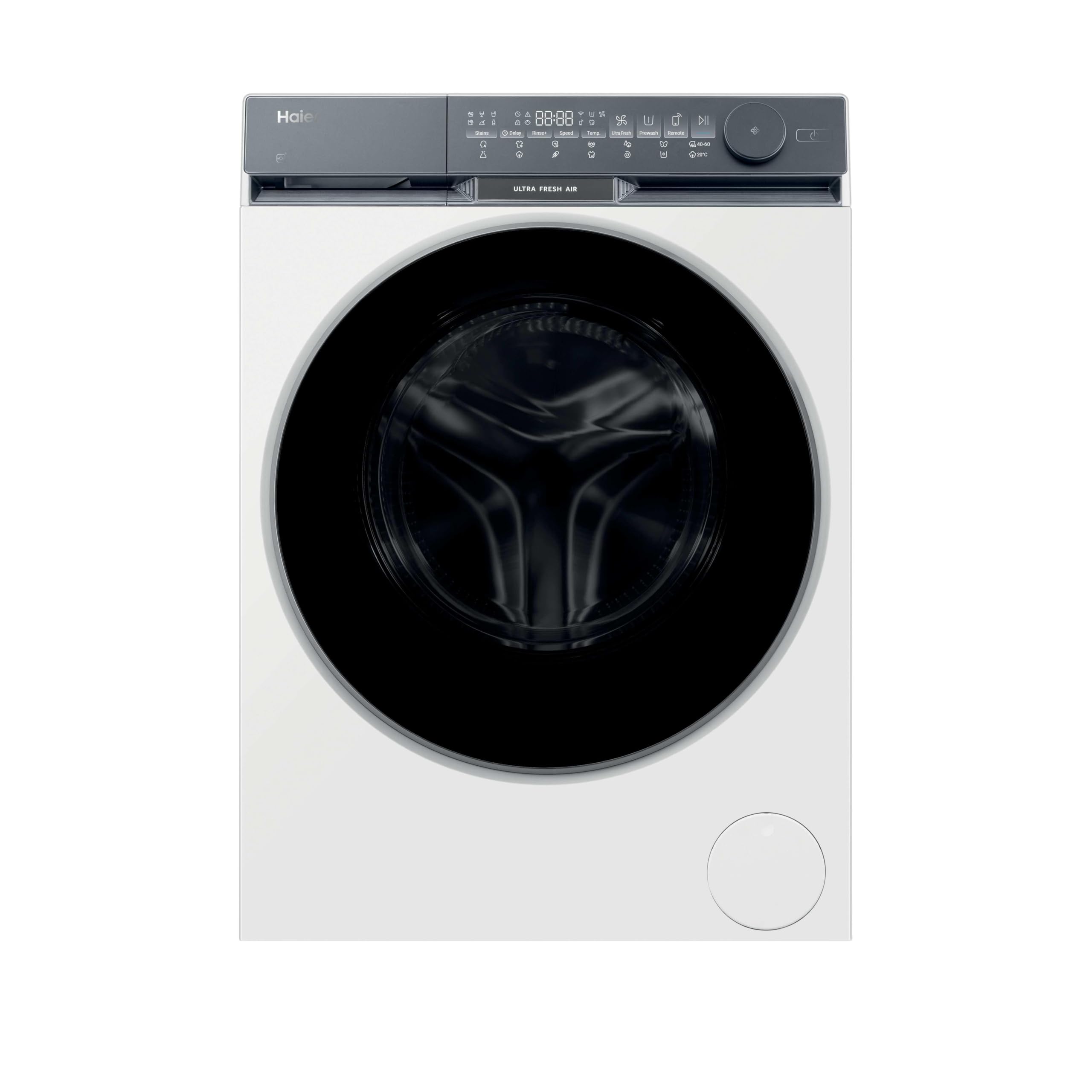
Image: The front-load washing machine with its door open, showing laundry inside the drum.
3. Adding Detergent
Pull out the detergent dispenser drawer and add the appropriate amount of detergent and fabric softener to the designated compartments. Refer to your detergent packaging for dosage recommendations.
4. Selecting a Program
Turn the program selector knob or use the touch controls to choose the desired wash program. Available programs include:
- Cotton 20°: For cotton items at a low temperature.
- Anti-Allergy: Designed to remove allergens from fabrics.
- Smart AI: Automatically adjusts wash settings based on load detection.
- Refresh: Uses micro-steam to refresh garments, remove wrinkles, and reduce allergens in 20 minutes without detergent.
- Super Quick 15': A fast wash cycle for lightly soiled items.
5. Special Functions
Enhance your wash cycle with these functions:
- Steam Function: Provides deeper cleaning and helps reduce wrinkles and allergens.
- Ultra Fresh Air: Keeps laundry fresh for up to 12 hours after the cycle finishes by automatically ventilating the drum, preventing odors and humidity.
- Delay Start: Set a delayed start time for your wash cycle.
- Stains: Optimized settings for effective stain removal.

Image: Steam being generated inside the washing machine drum during a cycle, illustrating the steam function.
6. Starting the Wash Cycle
Press the Start/Pause button to begin the selected program. The display will show the remaining time.
Maintenance
Regular maintenance ensures optimal performance and extends the lifespan of your washing machine.
1. Cleaning the Drum
Run a drum clean cycle periodically (if available) or a hot wash with a cup of white vinegar or a specialized washing machine cleaner to prevent odor and mold buildup.

Image: A close-up view of the clean, stainless steel interior of the washing machine drum.
2. Cleaning the Detergent Dispenser
Remove the detergent dispenser drawer and rinse it under running water to remove any detergent residue. Clean the housing of the drawer with a brush.
3. Cleaning the Filter
Locate the drain pump filter, usually at the bottom front of the machine. Place a shallow container underneath to catch any water. Unscrew the filter, clean out any lint or debris, and then securely re-screw it.
4. Exterior Cleaning
Wipe the exterior surfaces of the washing machine with a soft, damp cloth. Avoid abrasive cleaners or solvents.
Troubleshooting
If you encounter issues with your washing machine, refer to the table below for common problems and solutions.
| Problem | Possible Cause | Solution |
|---|---|---|
| Machine does not start | Power cord unplugged; Door not closed properly; Program not selected; Start button not pressed. | Check power connection; Close door firmly; Select a program; Press Start button. |
| No water intake | Water tap closed; Water inlet hose kinked; Water filter blocked. | Open water tap; Straighten hose; Clean water inlet filter. |
| Excessive vibration/noise | Transport bolts not removed; Machine not level; Laundry unevenly distributed. | Remove transport bolts; Adjust leveling feet; Redistribute laundry in drum. |
| Water leakage | Inlet/drain hose loose; Detergent dispenser overflowing; Drain pump filter loose. | Tighten hose connections; Do not overfill detergent dispenser; Secure drain pump filter. |
| Poor washing results | Incorrect program/temperature; Insufficient detergent; Overloading. | Select appropriate program; Use correct detergent dosage; Reduce load size. |
If the problem persists after attempting these solutions, please contact customer support.
Specifications
Key technical specifications for the Haier HW100-B14387U1-S washing machine:
| Feature | Specification |
|---|---|
| Model Number | HW100-B14387U1-S |
| Capacity | 10 Kilograms |
| Dimensions (HxWxD) | 85 x 59.5 x 59.3 cm |
| Weight | 71 kg |
| Energy Efficiency Class | A -30% (Exceeds Class A requirements by 30%) |
| Max Spin Speed | 1400 RPM |
| Noise Level (Spin) | 69 dB |
| Motor Type | Direct Motion Motor |
| Special Features | Ultra Fresh Air, Steam Function, Refresh Program, Anti-Allergy, Automatic KG Detector, Touch Controls |
For detailed energy information, please refer to the official EU EPREL database: https://eprel.ec.europa.eu/qr/2224520

Image: The EU Energy Label for the Haier HW100-B14387U1 washing machine, showing its A-30% efficiency rating.
Warranty and Support
Warranty Information
This product comes with a standard manufacturer's warranty. Please refer to the warranty card included with your appliance or visit the official Haier website for detailed terms and conditions. Keep your purchase receipt as proof of purchase for warranty claims.
Customer Support
For technical assistance, spare parts, or service requests, please contact Haier customer support. You can find contact information on the official Haier website or in the documentation provided with your appliance.
- Official Website: https://www.haier-europe.com
- Email: sat.haier@haier-europe.com
- Telephone: +34902100330