
GoSale Yuho O2 Pro
GoSale Yuho O2 Pro True Wireless Earbuds User Manual
Model: Yuho O2 Pro
Introduction
This manual provides detailed instructions for the proper use and maintenance of your GoSale Yuho O2 Pro True Wireless Earbuds. Please read this manual thoroughly before using the product to ensure optimal performance and longevity.

Image: The GoSale Yuho O2 Pro True Wireless Earbuds, black with an orange interior charging case, displaying a digital battery percentage.
Package Contents
Upon unpacking, please ensure all items listed below are present:
- 1 Pair of GoSale Yuho O2 Pro Earbuds
- 1 Charging Case
- 1 USB Charging Cable (not explicitly mentioned but standard for earbuds)
- User Manual (this document)
Setup
1. Initial Charging
Before first use, fully charge the earbuds and the charging case.
- Place both earbuds into the charging case.
- Connect the charging case to a power source using a compatible USB cable.
- The digital display on the charging case will indicate the battery level. Ensure it reaches 100% for both the case and earbuds.
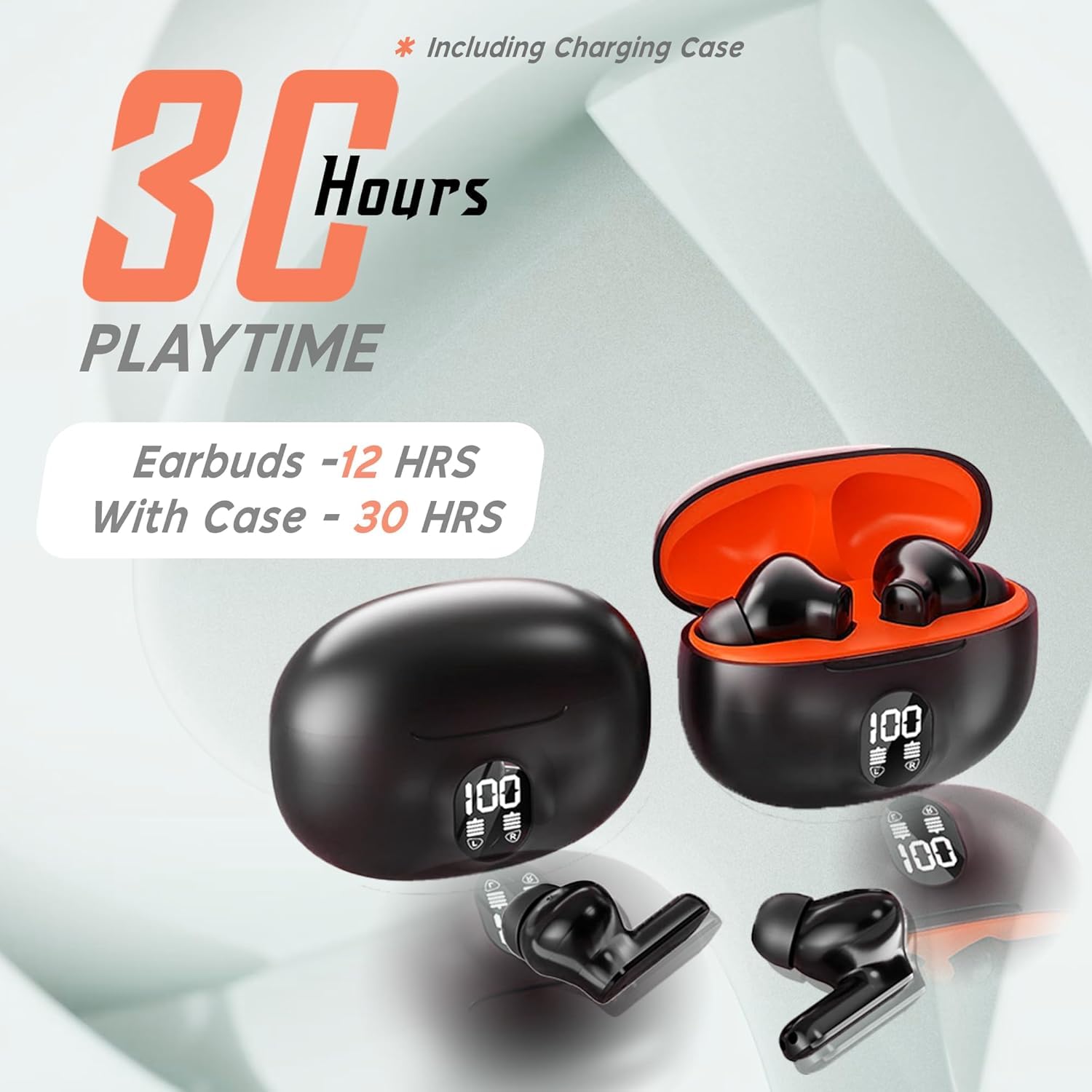
Image: An illustration showing the GoSale Yuho O2 Pro Earbuds and case, highlighting 30 hours of total playtime with the case and 12 hours for earbuds alone.
2. Bluetooth Pairing
Follow these steps to pair your earbuds with a Bluetooth-enabled device:
- Open the charging case. The earbuds will automatically enter pairing mode.
- On your device (smartphone, tablet, etc.), enable Bluetooth.
- Search for available Bluetooth devices and select "Yuho O2 Pro" from the list.
- Once connected, a voice prompt will confirm successful pairing.
- For subsequent uses, the earbuds will automatically connect to the last paired device when removed from the case.
Operating Instructions
Touch Controls
The Yuho O2 Pro earbuds feature intuitive touch controls on each earbud.

Image: A diagram illustrating the touch controls for the GoSale Yuho O2 Pro Earbuds. It shows single tap for volume, double tap for play/pause or incoming call, triple tap for voice assistant/call reject, and long press for previous/next song or call reject.
| Action | Left Earbud Function | Right Earbud Function |
|---|---|---|
| Single Tap | Volume Down | Volume Up |
| Double Tap | Play/Pause, Answer Incoming Call | Play/Pause, Answer Incoming Call |
| Triple Tap | Activate Voice Assistant, Reject Call | Activate Voice Assistant, Reject Call |
| Long Press | Previous Song, Reject Call | Next Song, Reject Call |
Active Noise Cancellation (ANC)
The Yuho O2 Pro earbuds feature 45 dB Hybrid Active Noise Cancellation. This function helps reduce ambient noise for a more immersive listening experience.
- To activate or deactivate ANC, refer to the specific touch control gesture in the table above or consult your device's Bluetooth settings if applicable.
- ANC is most effective at reducing low-frequency sounds.
Call Management
Manage your calls directly from the earbuds using the touch controls. The HD Microphones with Clear Voice Tech ensure clear communication.
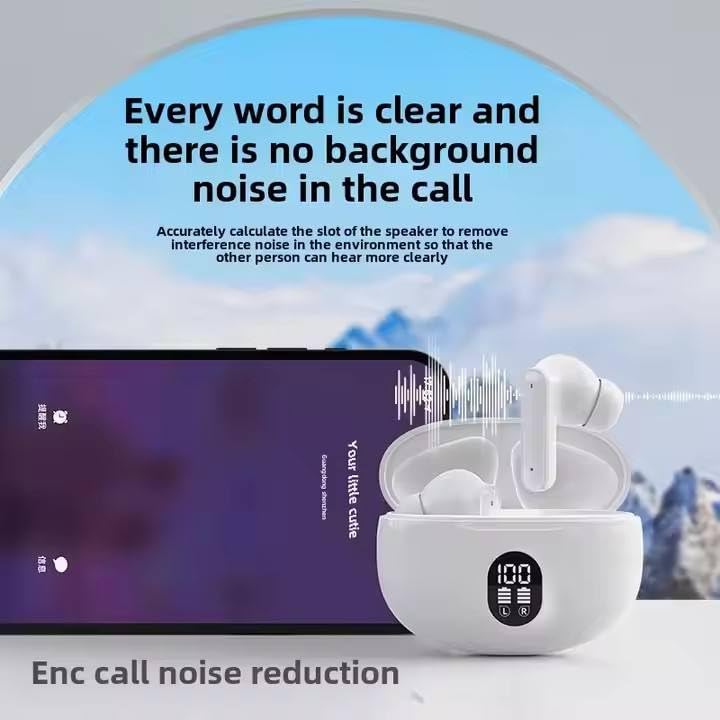
Image: White GoSale Yuho O2 Pro Earbuds in their charging case next to a smartphone, illustrating the ENC call noise reduction feature for clear conversations.
Maintenance
Cleaning
Regular cleaning helps maintain sound quality and hygiene.
- Use a soft, dry, lint-free cloth to wipe the earbuds and charging case.
- For ear tips, gently remove them and clean with a mild soap solution if necessary, then rinse and dry completely before reattaching.
- Avoid using abrasive materials, alcohol, or chemical cleaners.
Storage
When not in use, store the earbuds in their charging case to protect them and keep them charged.
- Store in a cool, dry place away from direct sunlight and extreme temperatures.
- The earbuds are IP54 dust and water resistant, but they are not waterproof. Avoid submerging them in water.
Troubleshooting
If you encounter issues with your GoSale Yuho O2 Pro Earbuds, refer to the following common solutions:
| Problem | Possible Cause | Solution |
|---|---|---|
| Earbuds not pairing | Out of range, low battery, pairing mode not active. |
|
| No sound from one earbud | Low battery, connection issue, earbud not properly seated. |
|
| Poor sound quality | Ear tips not sealed, dirty earbuds, interference. |
|
| ANC not working effectively | ANC not activated, improper fit, specific noise types. |
|
Specifications
Key technical specifications for the GoSale Yuho O2 Pro True Wireless Earbuds:
- Model: Yuho O2 Pro
- Brand: GoSale
- Connectivity: Wireless (Bluetooth 5.3)
- Active Noise Cancellation: Up to 45 dB Hybrid ANC
- Microphones: HD Microphones with Clear Voice Tech (6 microphones)
- Drivers: 10mm Dynamic Bass Boost Drivers
- Battery Life (Earbuds): Up to 11 hours (ANC off)
- Total Playtime (with Case): Up to 39 hours
- Water Resistance: IP54 Dust & Water Resistant
- Form Factor: In-Ear
- Material: Plastic, Rubber
- Product Dimensions: 5.5 x 5.5 x 2.5 cm
- Item Weight: 50 g
- Special Features: Microphone Included, Noise Isolation, Sweatproof, Touch Controls
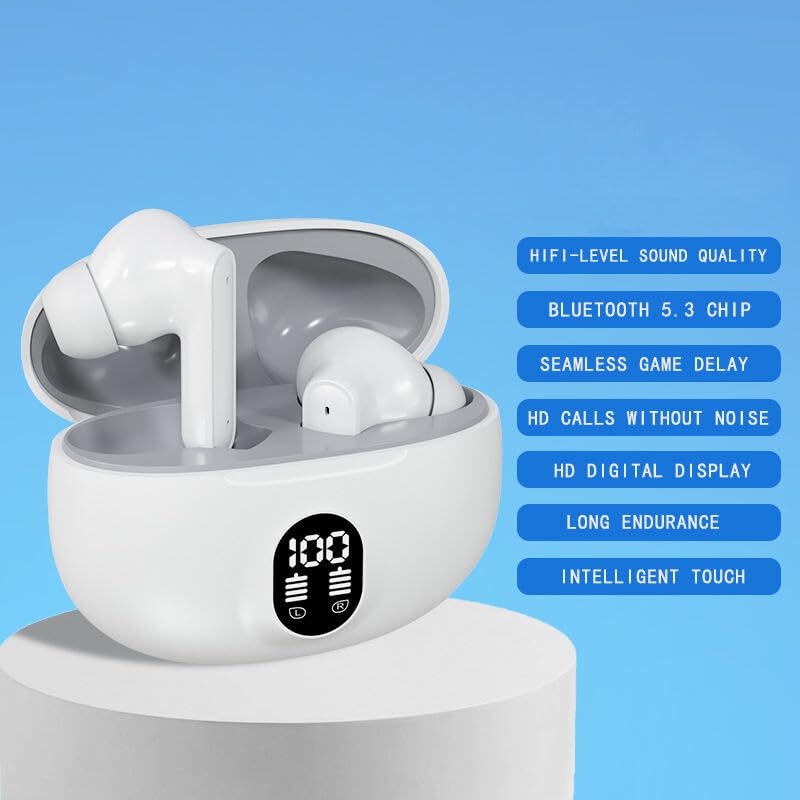
Image: White GoSale Yuho O2 Pro Earbuds in their charging case, with a list of features including HIFI-level sound quality, Bluetooth 5.3 chip, seamless game delay, HD calls without noise, HD digital display, long endurance, and intelligent touch.
Warranty and Support
For warranty information or technical support, please refer to the documentation provided with your purchase or contact GoSale customer service.
Manufacturer: GoSale, GoSale India
Country of Origin: India
Ask a question about this manual
Ask about setup, troubleshooting, compatibility, parts, safety, or missing instructions. Manuals+ will review the question and use this page’s manual context to help answer it.