
1. Introduction
Thank you for choosing the FinOti P7 Max Drone. This advanced aerial vehicle is equipped with a 3-axis brushless gimbal, 4K UHD camera, 5G digital image transmission, and laser obstacle avoidance, designed for an exceptional outdoor flying experience. This manual provides essential information for safe operation, setup, maintenance, and troubleshooting to ensure you get the most out of your drone.
2. Safety Guidelines
Always prioritize safety when operating the FinOti P7 Max drone. Failure to follow these guidelines may result in injury, damage to property, or legal consequences.
- Pre-Flight Check: Ensure the drone, remote controller, and batteries are fully charged and in good working condition before each flight.
- Flight Environment: Fly in open areas, away from people, animals, buildings, and power lines. Avoid flying in strong winds, rain, fog, or snow.
- Altitude and Distance: Adhere to local regulations regarding maximum flight altitude and distance. Maintain visual line of sight with the drone at all times.
- Obstacle Avoidance: While the drone features laser obstacle avoidance, it is not foolproof. Always be aware of your surroundings and manually intervene if necessary.
- Battery Safety: Use only original FinOti batteries and chargers. Do not overcharge or puncture batteries. Store them in a cool, dry place.
- Respect Privacy: Be mindful of privacy laws when using the camera.
- Age Recommendation: Recommended for users aged 14 and above.
3. Package Contents
Verify that all items are present in your FinOti P7 Max package:
- FinOti P7 Max Drone (Black)
- Remote Control (Touch screen, without obstacle avoidance)
- Smart Battery (Quantity depends on package option)
- Gimbal Protective Cover
- Spare Propeller Blades
- Remote Control Joystick (Pair)
- Video Transmission Data Cable
- USB Charging Cable

Image: FinOti P7 Max Drone and its included accessories.
4. Setup
4.1 Drone Assembly
- Unfold the drone arms carefully until they lock into place.
- Attach the propellers according to the markings (clockwise/counter-clockwise) on the motor arms and propellers. Ensure they are securely fastened.
- Remove the gimbal protective cover before flight.
4.2 Battery Charging
Insert the Smart Battery into the drone. Connect the USB charging cable to the drone and a suitable USB power adapter (not included). The battery indicator lights will show charging status. A full charge provides over 30 minutes of flight time.
4.3 Remote Control Setup
- Install AA batteries (not included) into the remote controller.
- Attach the joysticks to the remote controller.
- Power on the remote controller.
4.4 App Installation & Connection
Download the official FinOti drone application from your device's app store. Follow the in-app instructions to connect your smartphone to the remote controller via the provided data cable and establish a 5G digital image transmission link with the drone.
5. Operating Instructions
5.1 Pre-Flight Checklist
- Drone battery fully charged and securely installed.
- Remote controller battery charged.
- Propellers correctly installed and undamaged.
- Gimbal protective cover removed.
- Flight area clear of obstacles and people.
- GPS signal acquired (indicated on remote/app).
5.2 Takeoff and Landing
After completing the pre-flight checklist and ensuring a stable GPS lock, use the dedicated one-key takeoff/landing button on the remote controller or the corresponding function in the app. Alternatively, manually take off by pushing both joysticks to the bottom-outer corners to start motors, then slowly push the left joystick up to ascend.
5.3 Flight Controls
The FinOti P7 Max supports Controller Modes 1 and 2, offering 6 control channels for precise maneuvering. The touch screen remote control provides an intuitive interface for flight adjustments.
- Joysticks: Control altitude, yaw, forward/backward, and left/right movement.
- 3-Axis Brushless Gimbal: Provides ultra-smooth and stable footage. Control the camera's tilt via the remote.
- Laser Obstacle Avoidance: The drone features omnidirectional obstacle avoidance, detecting obstacles in all directions during flight. This system assists in preventing collisions, especially useful for beginners.

Image: Key features including obstacle avoidance and internal components.
5.4 Intelligent Flight Features
The P7 Max drone is equipped with advanced intelligent flight modes for enhanced safety and convenience.
- Dual GPS Positioning: Ensures stable indoor and outdoor hovering and precise positioning.
- Intelligent Return: The drone can automatically plan and execute a return route to its takeoff point. This feature includes:
- One-click return: Initiated manually.
- Low electric return: Automatic return when battery is critically low.
- Lost connection and return: Automatic return if signal is lost.
- Super Distance Return: Automatic return if the drone exceeds the set flight distance limit.
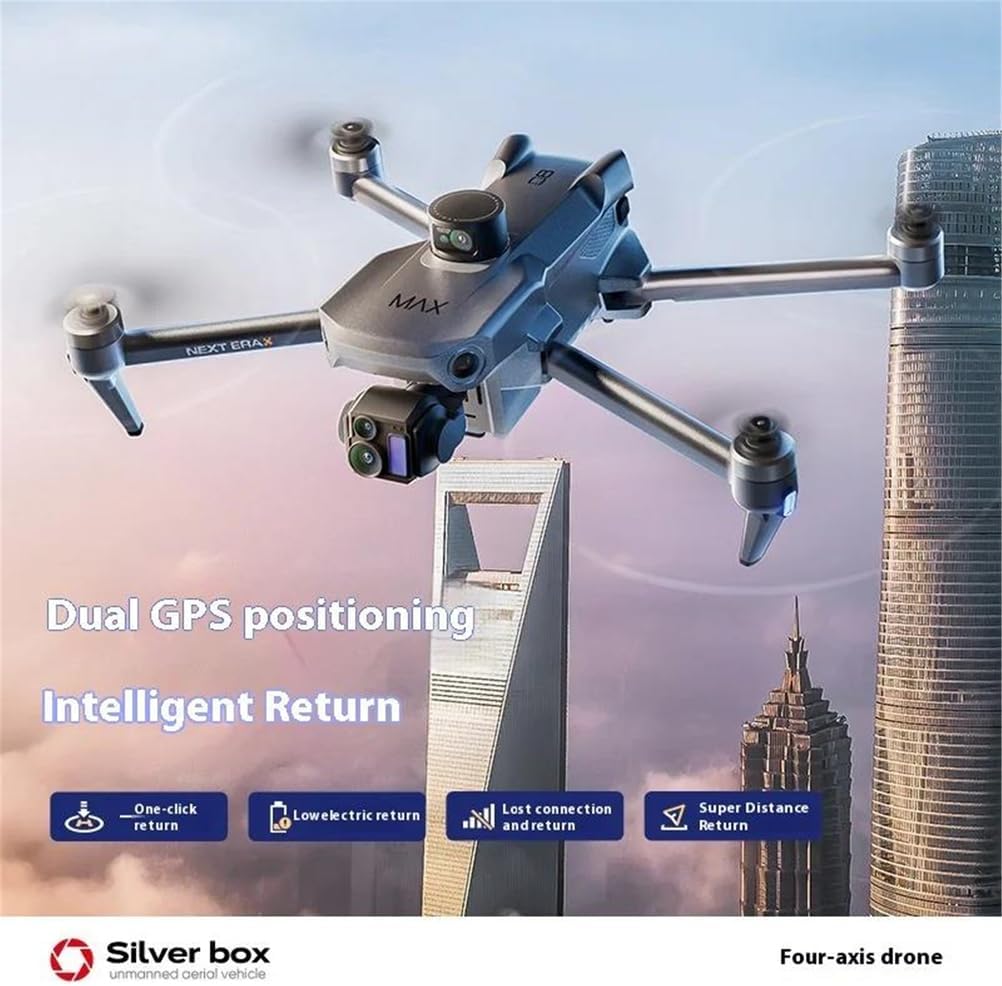
Image: Dual GPS positioning and Intelligent Return capabilities.

Image: Satellite precision guidance for intelligent return.

Image: Steady hover capability using dual-positioning sensors.
5.5 Camera Operation
The integrated 4K UHD camera captures high-resolution photos and videos. The 5G digital image transmission system provides a stable, real-time FPV (First Person View) feed up to 10km away on your remote controller's screen or connected smartphone.
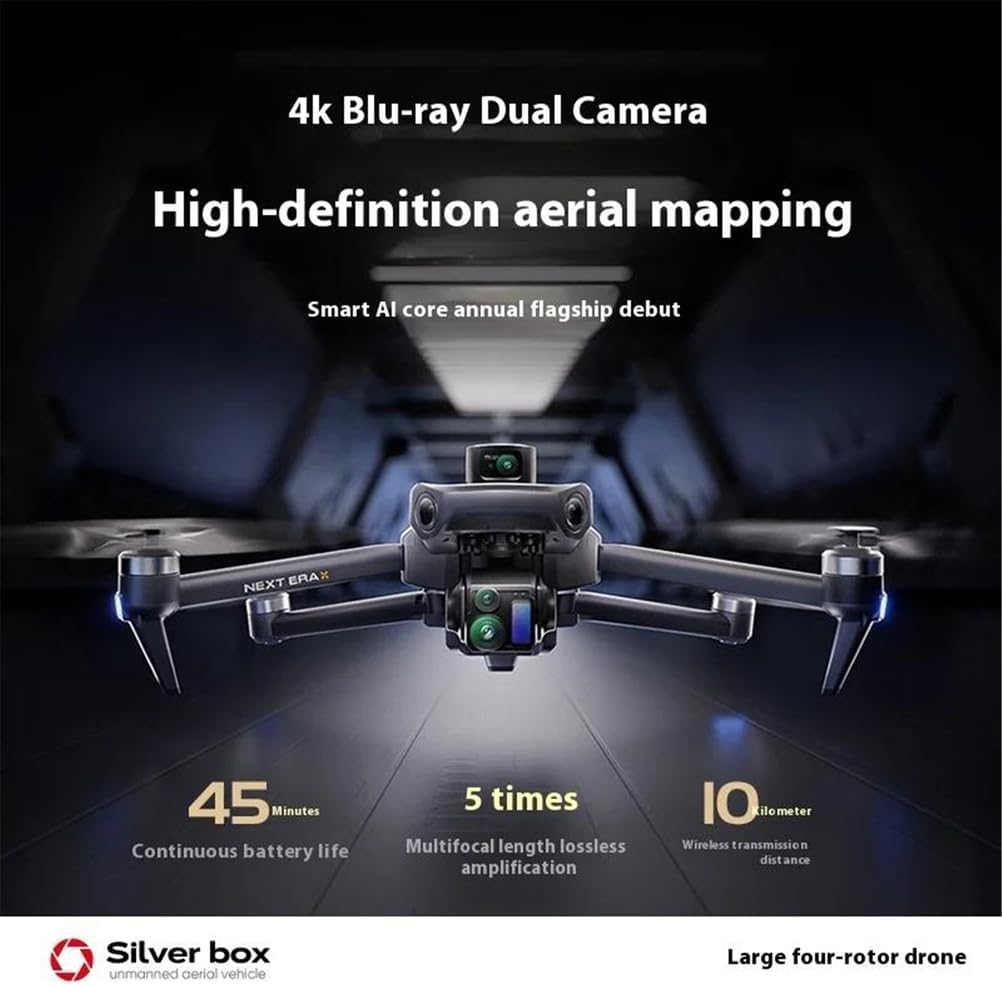
Image: 4K UHD camera and aerial mapping features.
6. Maintenance
Proper maintenance ensures the longevity and optimal performance of your FinOti P7 Max drone.
- Cleaning: Use a soft, dry cloth to clean the drone body, camera lens, and sensors after each flight. Avoid using liquids or solvents.
- Storage: Store the drone and batteries in a cool, dry place, away from direct sunlight and extreme temperatures. Remove batteries from the drone and remote controller if storing for extended periods.
- Propeller Replacement: Inspect propellers for cracks or damage before each flight. Replace any damaged propellers immediately using the spare blades provided and following the correct installation procedure.
- Firmware Updates: Periodically check the FinOti app for available firmware updates for the drone and remote controller to ensure optimal performance and access to new features.
7. Troubleshooting
If you encounter issues with your FinOti P7 Max drone, refer to the following common problems and solutions:
| Problem | Possible Cause | Solution |
|---|---|---|
| Drone does not power on | Low battery; Battery not properly installed | Charge the drone battery; Reinstall battery securely. |
| No image transmission | Poor connection; App not running; Drone too far | Ensure app is open and connected; Check data cable; Fly within 10km range. |
| Drone drifts during flight | No GPS signal; Compass not calibrated; Strong winds | Fly in open area for GPS lock; Calibrate compass as per app instructions; Avoid flying in strong winds. |
| Remote controller not responding | Low battery; Not paired with drone | Replace AA batteries; Follow pairing instructions in the app. |
| Obstacle avoidance not working | Sensors dirty or blocked; System error | Clean sensors; Restart drone and remote; Check app for error messages. |
For further assistance, please contact FinOti customer support.
8. Specifications
| Feature | Detail |
|---|---|
| Brand | FinOti |
| Model Name | P7 Max (Airplanes & Jets) |
| Model Number | 66646625 |
| Color | Black (Single Battery variant) |
| Camera | 4K UHD, 3-Axis Brushless Gimbal |
| Image Transmission | 5G Digital, up to 10km range |
| Obstacle Avoidance | Laser, Omnidirectional |
| Flight Time | Over 30 minutes (with 4500mAh battery) |
| Remote Control | Touch Screen, 6 Channels, Modes 1 & 2 |
| Remote Distance | 10km |
| Operator Skill Level | Beginner |
| Indoor/Outdoor Use | Outdoor |
| Takeoff Weight | 250g - 1.5kg |
| Ceiling | Over 120 meters (excluding) |
9. Warranty and Support
The FinOti P7 Max drone comes with a standard manufacturer's warranty. Please refer to the warranty card included in your package for specific terms and conditions. For technical support, troubleshooting assistance, or warranty claims, please contact FinOti customer service through the official website or your retailer.