
1. Introduction
Thank you for choosing the Dytole Wireless Headset DY108. This headset is designed to provide clear audio communication and comfort for various professional and personal uses. Featuring advanced AI noise cancellation, Bluetooth 5.3 connectivity, and a long-lasting battery, it is optimized for calls, online meetings, and general audio playback.

Figure 1.1: Dytole Wireless Headset DY108
2. Package Contents
Please check the package for the following items:
- Bluetooth Wireless Headset x 1
- 2.4G USB Dongle x 1
- USB-C Charging Cable x 1
- User Manual x 1
Figure 2.1: Package Contents
3. Product Overview and Controls
Familiarize yourself with the headset's components and control buttons.

Figure 3.1: Headset Controls
- Flexible Microphone: 135° adjustable mic boom for optimal voice pickup.
- Volume Buttons: Adjust audio output level.
- Mute Button: Mute/unmute the microphone during calls.
- MFB (Multi-Function Button): Power on/off, play/pause music, answer/end calls, activate voice assistant.
- Power Button: On/Off switch for the headset.
- Soft Breathable Earmuffs: Designed for comfort during extended wear.
- Adjustable Headband: For a secure and comfortable fit.
4. Setup
4.1. Charging the Headset
Before first use, fully charge the headset. Connect the USB-C charging cable to the headset's charging port and the other end to a USB power source (e.g., computer, wall adapter). The LED indicator will show charging status.
- Charging Time: Approximately 2 hours for a full charge.
- Battery Life: Up to 65 hours of talk/music time on a full charge.
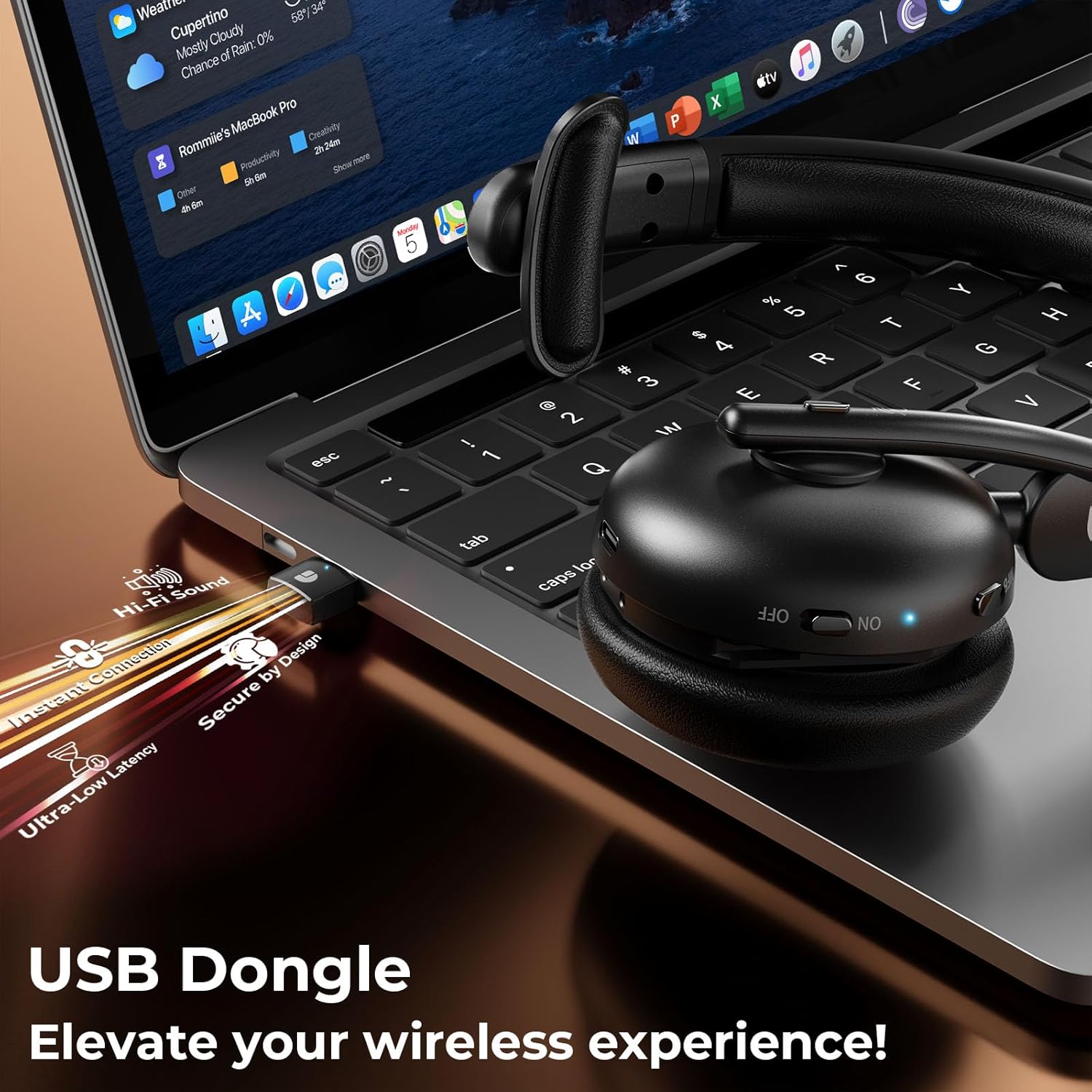
Figure 4.1: Charging and Battery Life
4.2. Connecting via Bluetooth
- Ensure the headset is charged and powered off.
- Press and hold the MFB button until the LED indicator flashes blue and red alternately, indicating pairing mode.
- On your device (smartphone, tablet, laptop), enable Bluetooth and search for available devices.
- Select "DY108" from the list of devices.
- Once connected, the LED indicator will flash blue slowly.
4.3. Connecting via USB Dongle
The USB dongle provides a stable and low-latency connection, ideal for PC/laptop use.
- Plug the 2.4G USB dongle into an available USB port on your computer.
- Power on the headset. It will automatically connect to the USB dongle.
- The LED indicator on both the headset and dongle will show a steady blue light when connected.
- Ensure the headset is selected as the audio input/output device in your computer's sound settings.
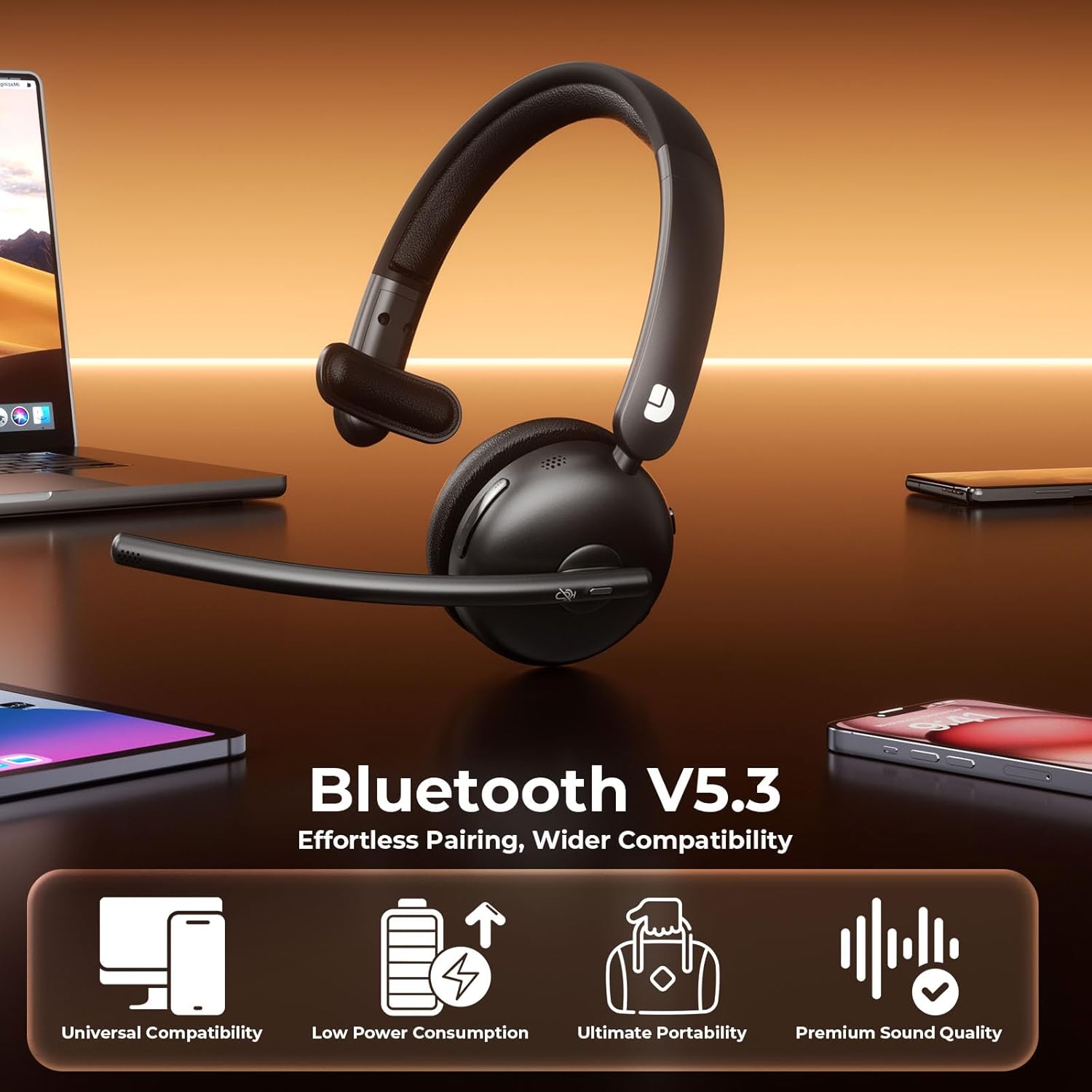
Figure 4.2: USB Dongle Connection
5. Operating Instructions
5.1. Power On/Off
- Power On: Slide the Power Button to the 'ON' position. The LED indicator will light up.
- Power Off: Slide the Power Button to the 'OFF' position. The LED indicator will turn off.
5.2. Volume Adjustment
- Increase Volume: Press the 'Volume+' button.
- Decrease Volume: Press the 'Volume-' button.
5.3. Mute Function
- Mute Microphone: Press the Mute Button once during a call. The LED indicator on the microphone will turn red.
- Unmute Microphone: Press the Mute Button again. The LED indicator will turn off.
5.4. Call Management
- Answer Call: Press the MFB button once.
- End Call: Press the MFB button once during a call.
- Reject Call: Press and hold the MFB button for 2 seconds.
5.5. Music Playback
- Play/Pause: Press the MFB button once.
- Next Track: Press and hold the 'Volume+' button.
- Previous Track: Press and hold the 'Volume-' button.
5.6. Voice Assistant
- Activate Voice Assistant: Double-press the MFB button.
6. Key Features
6.1. AI Noise Cancelling Microphone
The headset features advanced AI noise cancellation technology, designed to eliminate up to 99% of background noise. This ensures your voice is transmitted clearly and professionally, even in noisy environments.

Figure 6.1: AI Noise Cancelling in Action
6.2. Comfortable and Durable Design
Constructed with lightweight, skin-friendly materials, the DY108 headset offers all-day comfort. The adjustable headband and soft, breathable earmuffs ensure a secure yet gentle fit, making it suitable for extended use.
6.3. Universal Compatibility
With Bluetooth 5.3 and a dedicated USB dongle, the headset provides seamless compatibility across a wide range of devices, including PCs, laptops, smartphones, and tablets. It supports various communication platforms like Teams and Zoom.
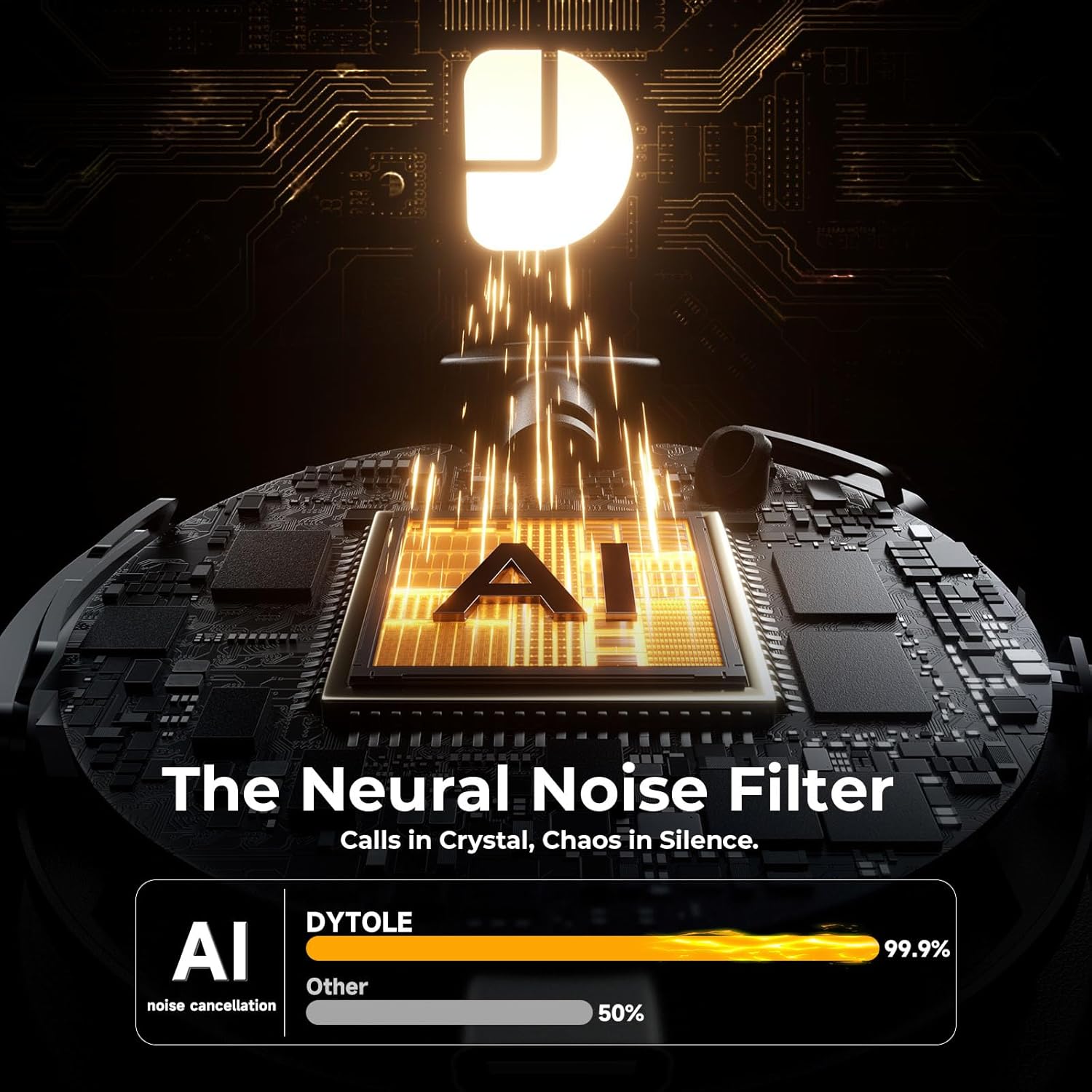
Figure 6.2: Universal Device Compatibility
7. Specifications
| Model Name | DY108 |
| Connectivity Technology | Wireless (Bluetooth 5.3, 2.4G USB Dongle) |
| Noise Control | AI Noise Cancelling |
| Battery Life | Up to 65 Hours |
| Charging Time | Approx. 2 Hours |
| Bluetooth Range | Up to 15 Meters |
| Ear Placement | On Ear |
| Material | Faux Leather, Stainless Steel |
| Item Weight | 10.5 ounces |
8. Troubleshooting
8.1. No Sound or Low Volume
- Ensure the headset is powered on and connected to your device.
- Check the volume levels on both the headset and your connected device.
- Verify that the headset is selected as the audio output device in your computer's sound settings.
8.2. Cannot Connect via Bluetooth/USB Dongle
- Make sure the headset is in pairing mode (flashing blue/red) for Bluetooth connection.
- For USB dongle, ensure it is properly inserted and the headset is powered on.
- Try restarting both the headset and your device.
- Clear previous Bluetooth pairings on your device and try pairing again.
8.3. Microphone Not Working
- Check if the microphone is muted (red LED on mic). Press the Mute Button to unmute.
- Ensure the headset is selected as the audio input device in your device's sound settings.
- Adjust the microphone boom closer to your mouth.
9. Care and Maintenance
- Clean the headset regularly with a soft, dry cloth. Avoid using harsh chemicals or abrasive materials.
- Store the headset in a cool, dry place away from direct sunlight and extreme temperatures.
- Do not expose the headset to water or excessive moisture.
- Avoid dropping or subjecting the headset to strong impacts.
10. Warranty and Support
The Dytole Wireless Headset DY108 comes with a standard manufacturer's warranty. For detailed warranty information, technical support, or service inquiries, please refer to the warranty card included in your package or contact Dytole customer support through their official website or the retailer where the product was purchased.

