
Introduction
Thank you for choosing the occiam T19 Wireless Earbuds. This manual provides essential information for the proper setup, operation, and maintenance of your earbuds. Please read it carefully before use to ensure optimal performance and longevity of your device.
Package Contents
Verify that all items are present in your package:
- occiam T19 Wireless Earbuds (Left and Right)
- Charging Case
- USB-C Charging Cable
- Ear Tips (Small, Medium, Large)
- User Manual
Product Overview
Familiarize yourself with the components of your occiam T19 Wireless Earbuds.

The occiam T19 Wireless Earbuds are shown in their open charging case, highlighting the over-ear hook design and the digital battery display on the case.

A single occiam T19 earbud is depicted with a visual representation of sound waves, emphasizing its powerful dynamic audio capabilities.

A woman is shown wearing an occiam T19 earbud, demonstrating its secure over-ear hook fit. The image also displays flexible ear hooks and three sizes of ear tips (L, M, S) for customizable comfort.
Setup
1. Charging the Earbuds and Case
Before first use, fully charge the earbuds and charging case.
- Place the earbuds into the charging case. Ensure they are correctly seated.
- Connect the USB-C charging cable to the charging port on the case and to a power source (e.g., USB wall adapter, computer USB port).
- The digital display on the charging case will indicate the battery level. Allow sufficient time for a full charge.

An illustration detailing the battery life of the occiam T19 earbuds: 48 hours total with the charging case for two earbuds, 90 hours for one earbud with the case, and 8 hours per earbud on a single charge. Also indicates Type-C charging.
2. Pairing with a Bluetooth Device
Follow these steps to connect your earbuds to your smartphone or other Bluetooth-enabled device.
- Open the charging case. The earbuds will automatically enter pairing mode, indicated by a flashing LED light on the earbuds.
- On your device, go to Bluetooth settings and turn Bluetooth on.
- Search for available devices. Select "T19" from the list.
- Once connected, the LED indicator on the earbuds will stop flashing.

The occiam T19 earbuds are shown next to a smartphone displaying Bluetooth settings, illustrating the one-step pairing process with Bluetooth V5.3.
Operating
Earbud Controls
The occiam T19 earbuds feature intuitive touch controls for various functions.
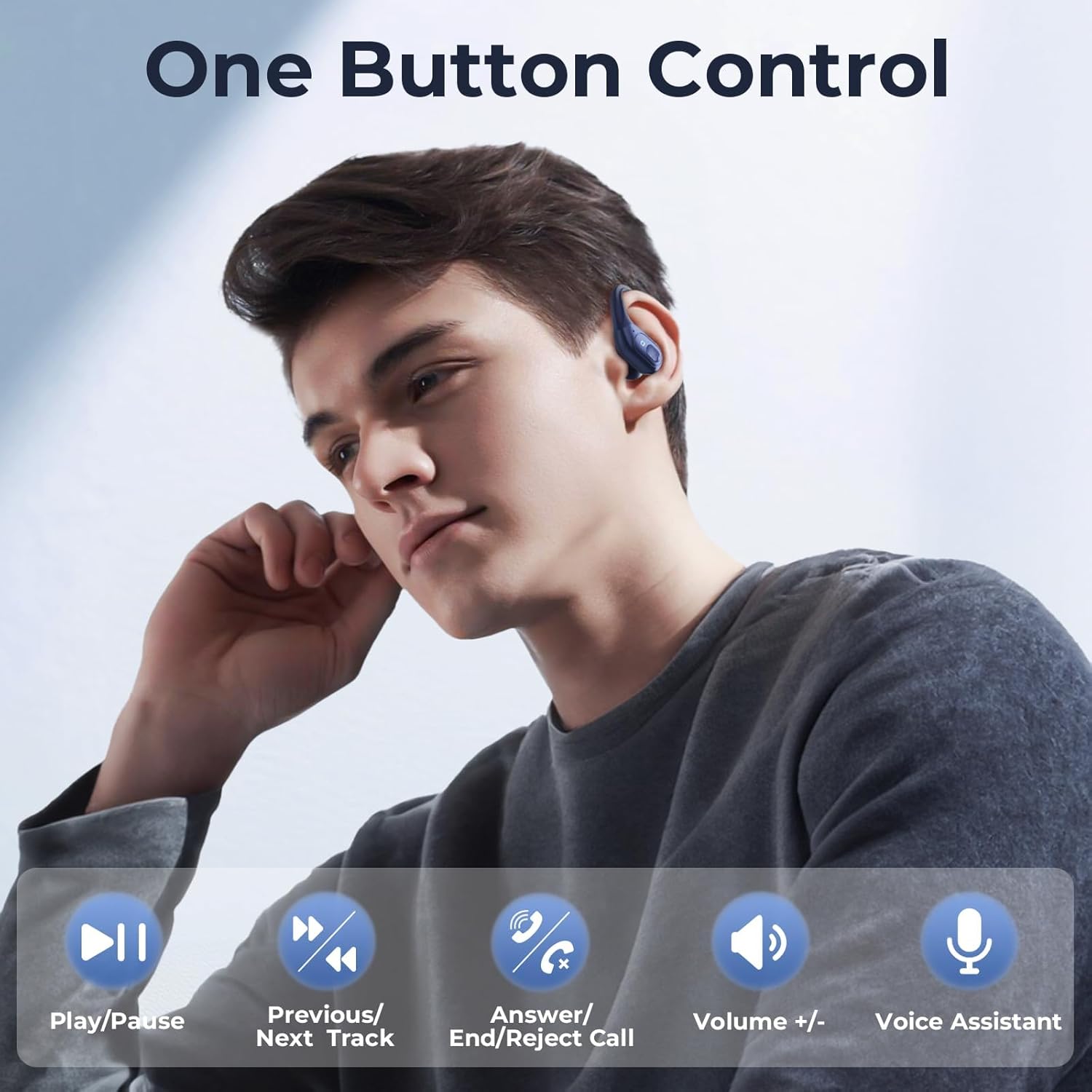
A man is shown wearing an occiam T19 earbud, with icons illustrating the one-button control functions: Play/Pause, Previous/Next Track, Answer/End/Reject Call, Volume +/-, and Voice Assistant.
- Play/Pause: Single tap on either earbud.
- Previous Track: Triple tap on the left earbud.
- Next Track: Triple tap on the right earbud.
- Answer/End Call: Single tap on either earbud during an incoming call or active call.
- Reject Call: Press and hold either earbud for 2 seconds during an incoming call.
- Volume Up: Double tap on the right earbud.
- Volume Down: Double tap on the left earbud.
- Activate Voice Assistant: Press and hold either earbud for 2 seconds (when not on a call).
Maintenance
Proper care ensures the longevity and performance of your earbuds.
- Cleaning: Regularly clean the earbuds and charging case with a soft, dry, lint-free cloth. Do not use harsh chemicals or abrasive materials.
- Ear Tips: Remove ear tips and clean them with mild soap and water if necessary. Ensure they are completely dry before reattaching.
- Storage: When not in use, store the earbuds in their charging case to protect them from dust and damage.
- Avoid Moisture: While designed for workouts, avoid submerging the earbuds in water. Dry them thoroughly if they get wet from sweat or light rain.
Troubleshooting
If you encounter issues, refer to the following common solutions:
| Problem | Solution |
|---|---|
| Earbuds not pairing |
|
| Only one earbud working |
|
| Low volume or poor sound quality |
|
| Charging case not charging |
|
Specifications
| Feature | Detail |
|---|---|
| Model Number | T19 |
| Brand | occiam |
| Product Dimensions | 4.41 x 2.97 x 1.69 inches |
| Item Weight | 5 ounces |
| Bluetooth Technology | Yes |
| Noise Control Features | Active Noise Cancellation |
| Color | Deep Blue |
| Manufacturer | occiam |
Warranty and Support
occiam products are designed for reliability and performance. For warranty information or technical support, please refer to the warranty card included in your package or visit the official occiam website. Please retain your proof of purchase for any warranty claims.