
1. Product Overview
The Dpofirs Flexible Silicone Flash Diffuser is designed to enhance photography lighting by diffusing light, reducing harsh shadows, and softening illumination. Its flexible and foldable design ensures portability and ease of storage, making it a practical accessory for various photography needs.
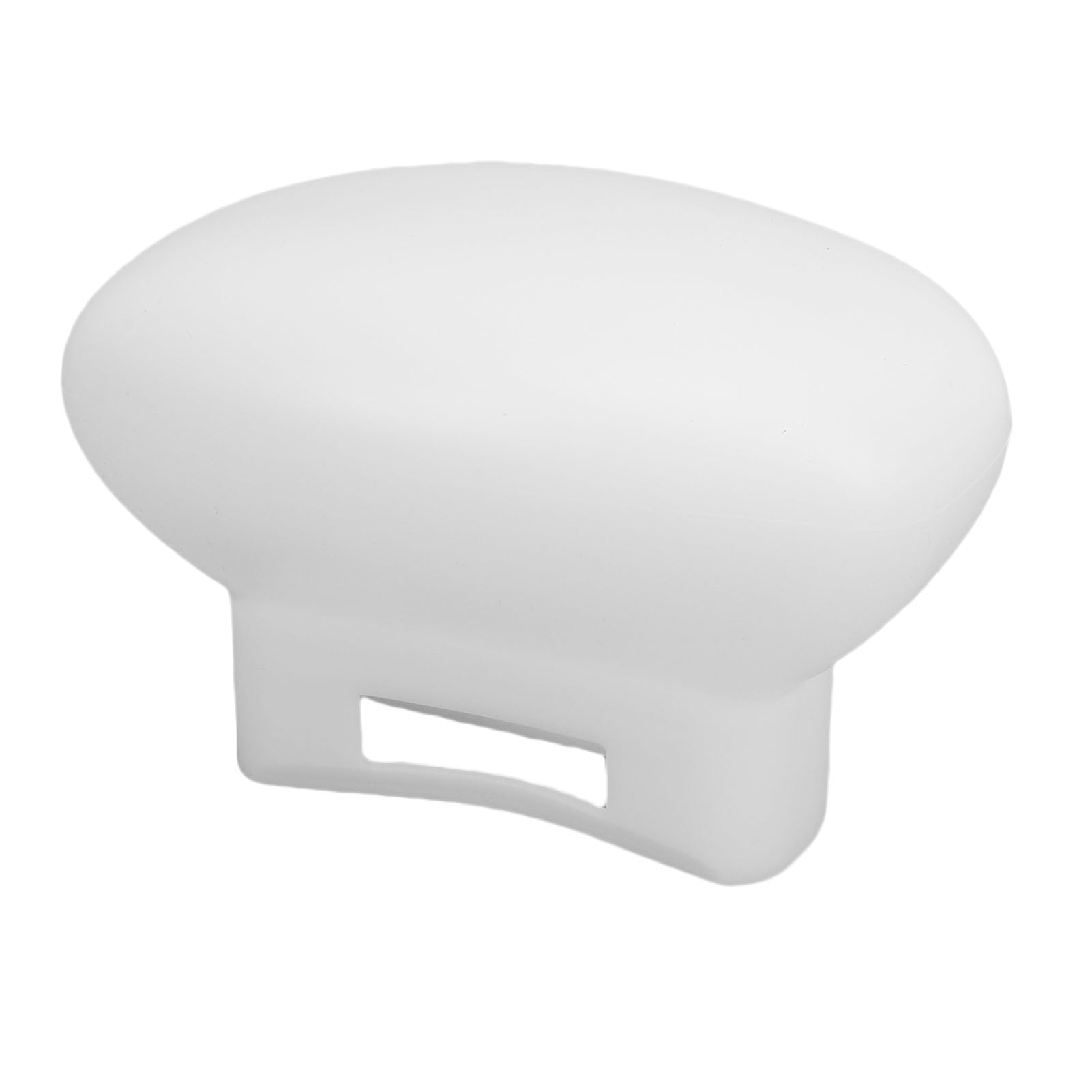
Image 1.1: Front view of the Dpofirs Flexible Silicone Flash Diffuser.
2. Product Features
- Even Lighting: Creates uniform illumination by diffusing light, which helps to reduce and soften shadows for improved photography.
- Maximum Compatibility: Specifically designed for V860, V860III, V850III, and TT6851 flash units, ensuring a secure and optimal fit.
- Versatile Lighting Effects: Allows for shaping light in various ways to achieve different photographic effects, from soft to more focused lighting, adding depth and dimension to images.
- Lightweight and Portable: Constructed from lightweight silicone, this diffuser is easy to transport and ideal for travel.
- Effortless Storage: Features a foldable design for convenient storage in a backpack or camera bag.
3. Compatibility
This flexible silicone flash diffuser is compatible with the following flash units:
- V860
- V860III
- V850III
- TT6851
- TT600
4. Setup and Installation
Follow these steps to install the Dpofirs Flexible Silicone Flash Diffuser onto your compatible flash unit:
- Unpack the diffuser from its packaging.
- Ensure your flash unit is powered off before attachment.
- Align the opening of the silicone diffuser with the flash head. The diffuser is designed to slide over the flash head, ensuring a snug fit.
- Gently push the diffuser onto the flash head until it is securely in place.
Video 4.1: Demonstration of attaching the diffuser to a flash unit and its various light diffusion effects.

Image 4.2: The silicone flash diffuser securely attached to a compatible flash unit.
5. Operating Instructions
The flexible design of the diffuser allows for different lighting effects:
- 360-Degree Diffusion: When fully unfolded and attached, the diffuser provides soft, omnidirectional light, ideal for illuminating an entire scene evenly.
- 180-Degree Diffusion: By folding the back portion of the diffuser, you can achieve 180-degree diffused lighting, directing light forward while still maintaining softness.
- Focused Soft Lighting: Folding the front portion of the diffuser concentrates the light on a specific area, creating a softer yet more directed light effect, enhancing the three-dimensionality of your subject.

Image 5.1: An example of the flash diffuser in use during a photography session.
6. Maintenance
To ensure the longevity and optimal performance of your Dpofirs Flexible Silicone Flash Diffuser:
- Cleaning: Wipe the diffuser with a soft, damp cloth to remove dust or smudges. Avoid abrasive cleaners or harsh chemicals.
- Storage: Due to its foldable silicone material, the diffuser can be easily collapsed and stored in a camera bag or backpack. Store in a clean, dry place away from direct sunlight and extreme temperatures.
7. Troubleshooting
If you encounter any issues with your flash diffuser, please consider the following:
- Improper Fit: Ensure the diffuser is correctly aligned and fully pushed onto the flash head. A loose fit may affect light diffusion.
- Uneven Light: Verify that the diffuser is clean and free from obstructions. Adjust the flash power or position if necessary to achieve desired lighting.
For further assistance, please contact Dpofirs customer support.
8. Specifications
| Attribute | Detail |
|---|---|
| Item Type | Flash Diffuser Softbox |
| Material | Silicone |
| Color | White |
| Application | Suitable for Flash V860, V850, TT685, TT600 |
| Manufacturer | Dpofirs |
| Parcel Dimensions | 15 x 9 x 8 cm |
| Weight | 70 g |
| Country of Origin | China |
9. Warranty and Support
For information regarding warranty, returns, or technical support, please refer to the product packaging or visit the official Dpofirs store page. Keep your purchase receipt for any warranty claims.
You can visit the Dpofirs Store here.