
1. Introduction
The Noteflora KWS-2303C is a compact and robust USB C voltage and current tester designed for monitoring charging performance of various devices. It features a 1.06-inch TFT high-definition display, bidirectional current measurement, and support for multiple fast-charging protocols. This manual provides essential information for the safe and effective use of your device.
Key Features:
- Real-time monitoring of voltage, current, and power.
- 1.06-inch TFT high-definition display for clear data visualization.
- Bidirectional voltage and current detection with high accuracy (TI INA226 chip).
- Compatibility with various fast-charging protocols: PD2.0/3.0, QC2.0/3.0, FCP, AFC, PE, VOOC, Super VOOC.
- Data saving capability, retaining test information after power-off.
- Durable CNC metal shell for dustproof and drop-proof protection.
- Simple button operation for display page switching and screen rotation.
2. Setup and Connection
The KWS-2303C tester is designed for straightforward use. Follow these steps to connect the device:
- Identify Ports: The tester has a male USB-C connector on one end and a female USB-C port on the other.
- Connect to Power Source: Plug the male USB-C connector of the KWS-2303C tester into your power source (e.g., wall charger, power bank, computer USB-C port).
- Connect to Device: Plug your charging cable into the female USB-C port of the KWS-2303C tester, and then connect the other end of the charging cable to the device you wish to charge and monitor (e.g., smartphone, tablet, laptop).
- Power On: The tester will automatically power on and display real-time charging data once a connection is established and power flows through it.

Image: The KWS-2303C tester connected in-line to monitor charging. The male USB-C end connects to the power source, and the female USB-C port connects to the device being charged.
3. Operating Instructions
Once connected, the KWS-2303C will display various charging parameters on its 1.06-inch TFT screen.
Display and Navigation:
- Real-time Data: The screen displays voltage (V), current (A), and power (W) simultaneously.
- Page Switching: Press the physical button on the tester once to cycle through different display pages, which may show additional data or different layouts.
- Screen Rotation: Double-click the physical button to rotate the screen display by 180 degrees. This is useful for adjusting the viewing angle based on how the tester is oriented.

Image: The KWS-2303C display showing real-time voltage, current, and power readings during operation.
Data Recording:
The tester supports power-off data saving, meaning recorded charging capacity and other test information are retained even after the device is disconnected from power. This allows for long-term monitoring and analysis of charging performance.
Fast Charging Protocol Detection:
The KWS-2303C automatically detects and displays information related to various fast-charging protocols, including PD2.0/3.0, QC2.0/3.0, FCP, AFC, PE, VOOC, and Super VOOC. This feature helps verify if your charger and device are utilizing the expected fast-charging standards.
4. Maintenance
The Noteflora KWS-2303C is designed with a durable CNC metal shell for longevity. To ensure optimal performance and extend the lifespan of your tester, follow these simple maintenance guidelines:
- Cleaning: Use a soft, dry cloth to gently wipe the device. Avoid using abrasive cleaners, solvents, or harsh chemicals, as these can damage the screen or the metal casing.
- Storage: Store the tester in a cool, dry place away from direct sunlight and extreme temperatures.
- Protection: While the metal shell offers dustproof and drop-proof protection, avoid unnecessary impacts or dropping the device from significant heights. Keep the USB-C connectors free from dust and debris.
- Moisture: Do not expose the device to water or high humidity. It is not waterproof.
5. Troubleshooting
If you encounter issues with your KWS-2303C USB C Voltage Tester, consider the following common troubleshooting steps:
- No Display:
- Ensure both the power source and the connected device are functioning correctly.
- Verify that the tester is securely plugged into both the power source and the charging cable.
- Try using a different USB-C cable or power source to rule out external component issues.
- Inaccurate Readings:
- Ensure all connections are firm. Loose connections can sometimes lead to unstable readings.
- Test with a known good charger and device to compare readings.
- The accuracy specification is ±(1%+5), which means minor fluctuations are normal.
- Button Unresponsive:
- Ensure the button is not stuck or obstructed.
- If the device is powered, try disconnecting and reconnecting it to reset.
If problems persist after attempting these steps, contact Noteflora customer support for further assistance.
6. Technical Specifications
Below are the detailed technical specifications for the Noteflora KWS-2303C USB C Voltage Tester:
| Feature | Specification |
|---|---|
| Model | KWS-2303C |
| Brand | Noteflora |
| Measurement Range (Voltage) | DC 4-30V |
| Measurement Range (Current) | 0-12A |
| Measurement Accuracy | ±(1% + 5 digits) |
| Display | 1.06-inch TFT High-Definition Display |
| Supported Fast Charging Protocols | PD2.0/3.0, QC2.0/3.0, FCP, AFC, PE, VOOC, Super VOOC |
| Material | Aluminum Housing (CNC Metal Shell) |
| Dimensions (L x W x H) | 53 x 20 x 9 mm (2.09 x 0.79 x 0.35 inches) |
| Weight | Approximately 11.4g (0.40 oz) |
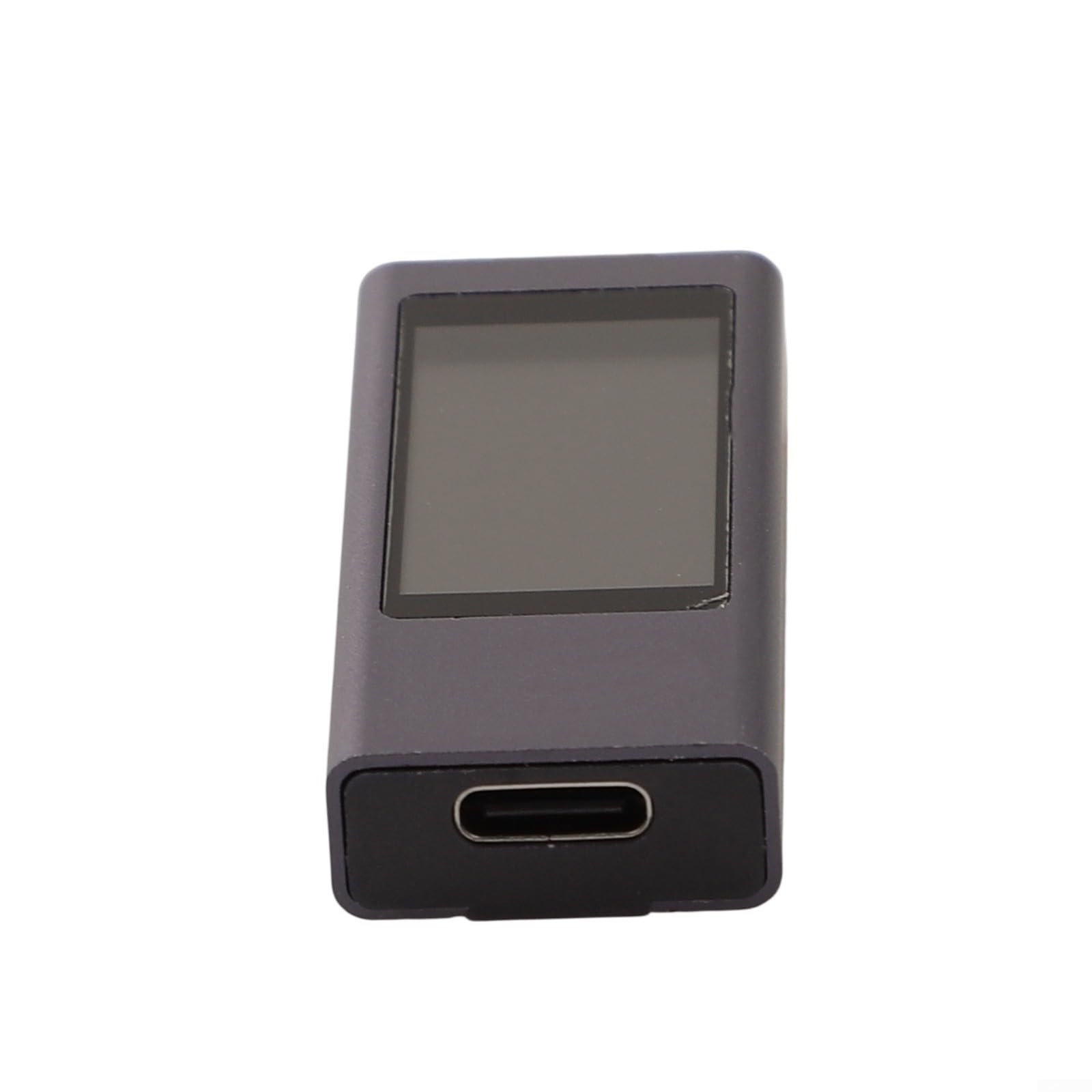
Image: Rear view of the KWS-2303C tester, displaying model number, voltage, and current specifications.