
Introduction
This manual provides essential instructions for the setup, operation, maintenance, and troubleshooting of your KEINONE 55" 4K Smart Board. Please read this manual thoroughly before using the product to ensure safe and efficient operation. This interactive whiteboard is designed for versatile use in home, office, and classroom environments, offering a high-performance Android 14.0 OS with a responsive 4K UHD touchscreen.
Packing List
Upon unpacking, verify that all items listed below are present and undamaged. If any item is missing or damaged, please contact customer support.

KEINONE 55 Inch Smart Board (Main Unit)
The primary interactive display unit.

Wall Mount Bracket
For secure wall installation.

Remote Control
For convenient remote operation.

Touch Pens
For interactive writing and drawing on the screen.

HDMI Cable
For high-definition audio and video connectivity.

Power Cable
To supply power to the device.

USB Cable
For data transfer and touch functionality with external devices.

User Manual
This comprehensive guide for your product.
Note: A mobile stand is not included and must be purchased separately if desired.
Setup Instructions
- Unpacking and Inspection:
Carefully open the packaging. Inspect the smart board and all accessories for any signs of damage. If any damage is found, contact customer support immediately.
Video: KEINONE smart board installation guide. This video demonstrates the unpacking process and initial setup steps for the smart board.
- Mounting Options:
- Wall Mount: Use the included wall mount bracket. Ensure the wall can support the weight of the smart board (approximately 74.8 pounds). Follow the detailed instructions provided with the wall mount kit for secure installation.
- Mobile Stand (Optional): If using a mobile stand (purchased separately), attach the smart board to the stand according to the stand's instructions.
- Power Connection:
Connect the power cable to the smart board and then to a grounded electrical outlet (110 Volts). Press the power button to turn on the device.
- Initial Setup:
Upon first power-on, the system will guide you through initial setup steps, including language selection, network connection (Wi-Fi 6 supported), and time zone settings.
Operating Instructions
1. Basic Navigation and Touchscreen
- The 4K UHD touchscreen supports 20-point touch, allowing multiple users to interact simultaneously with an ultra-fast 6 ms response latency.
- Use the provided touch pens for precise writing and drawing.
- Navigate the Android 14.0 OS interface by tapping, swiping, and pinching, similar to a large tablet.
2. Application Ecosystem
- The smart board comes with pre-installed applications such as Zoom, Teams, YouTube, and more.
- Access the Google Play Store to download additional applications for education, productivity, or entertainment, customizing your experience.

Image: Smart Board displaying various application icons, illustrating the open app ecosystem.
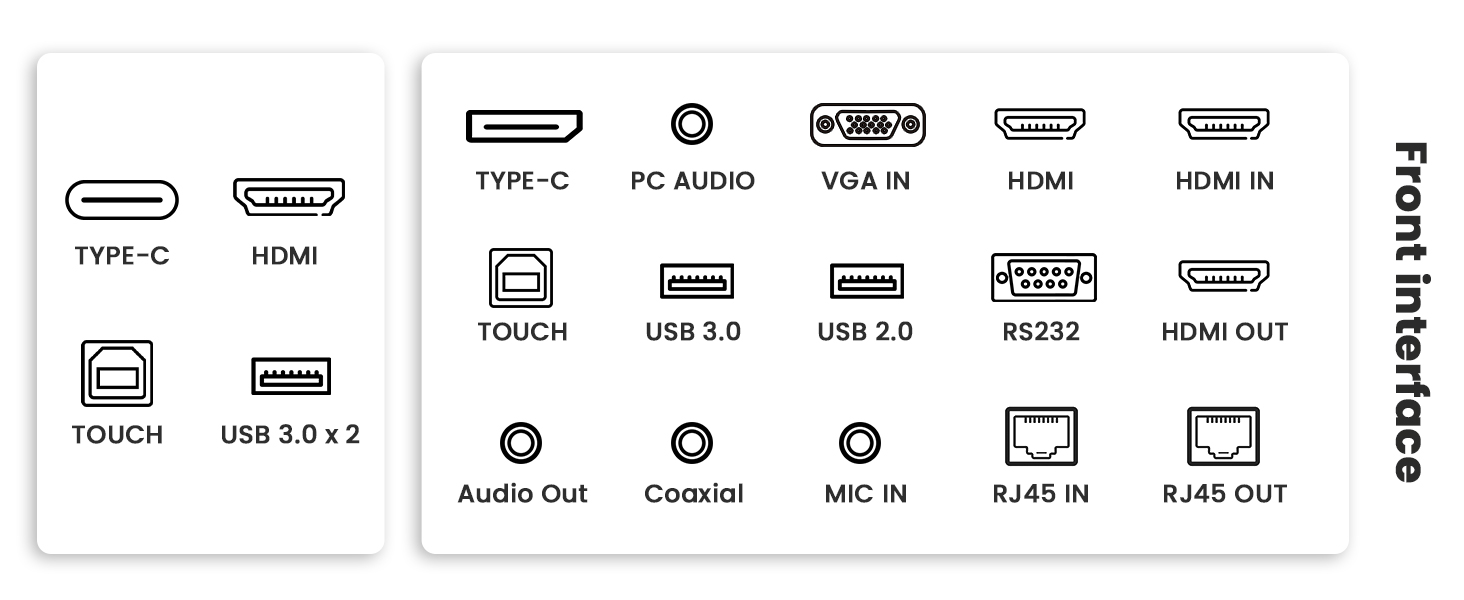
Image: Smart Board displaying the Google Play Store interface, demonstrating app download capability.
3. Interactive Whiteboarding
- Access the whiteboard application for drawing, writing, and annotation.
- Utilize features like text recognition, various paintbrushes, and shape tools for enhanced teaching and presentation.
- Import and annotate PDF files for dynamic presentations and collaboration.
- Save your whiteboard sessions as files for later review or sharing.
Video: KEINONE smart whiteboard for classroom. This video demonstrates the interactive whiteboarding features in an educational setting.
4. Connectivity and Screen Sharing
- Connect devices via AirPlay, Wi-Fi, Type-C, and HDMI.
- Utilize intelligent split-screen functionality to display content from multiple sources simultaneously.
- Share screens from laptops, tablets, and smartphones for smooth multi-person video conferencing and document collaboration.
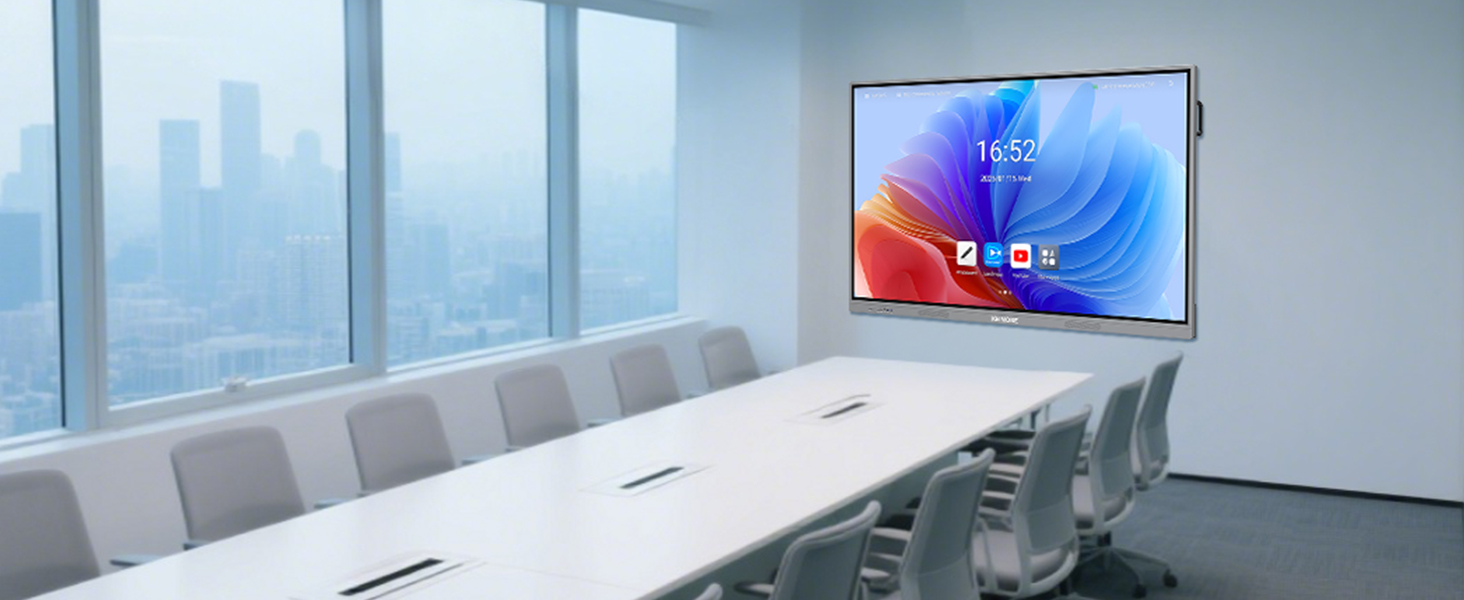
Image: Smart Board demonstrating wireless screen casting and smart split screen with multiple devices.
Image: Smart Board in a meeting room, showing video conferencing and document sharing capabilities.
Video: KEINONE smart board for meeting room. This video highlights the multi-person video conferencing and screen sharing features in a professional setting.
5. Multimedia Playback
- Enjoy 4K UHD quality video playback with clear and powerful sound from built-in speakers.
- Supports various media formats for entertainment and presentations.
Video: KEINONE smart whiteboard for home. This video showcases the smart board's use for entertainment and media consumption in a home environment.
Maintenance
- Cleaning: Use a soft, lint-free cloth to clean the screen. For stubborn marks, use a screen-specific cleaning solution. Avoid abrasive cleaners or solvents.
- Software Updates: Regularly check for and install system updates to ensure optimal performance, security, and access to new features.
- Storage: When not in use for extended periods, power off the device and cover it to protect from dust and potential damage.
Troubleshooting
| Problem | Possible Cause | Solution |
|---|---|---|
| No Power | Power cable not connected; Power outlet faulty. | Ensure power cable is securely connected. Test outlet with another device. |
| Touchscreen Unresponsive | Software glitch; Calibration issue. | Restart the smart board. Check system settings for touchscreen calibration options. |
| No Network Connection | Wi-Fi off; Incorrect password; Router issue. | Verify Wi-Fi is enabled. Re-enter Wi-Fi password. Restart router. |
| Screen Projection Fails | Incorrect cable connection; Device compatibility. | Ensure cables are correctly connected. Check device compatibility with AirPlay/screen sharing protocols. |
For further assistance, refer to the Warranty & Support section.
Specifications
| Feature | Detail |
|---|---|
| Screen Size | 55 Inches |
| Screen Resolution | 3840x2160 (4K UHD) |
| Operating System | Android 14.0 OS |
| CPU | Cortex-A55 Octa-core |
| RAM | 8GB |
| Storage | 128GB SSD |
| Touch Points | 20-point touch |
| Response Latency | 6 ms |
| Connectivity | AirPlay, Wi-Fi 6, Type-C, HDMI (Input/Output), USB 2.0 (x3), USB 3.0 (x1), PC Audio, VGA IN, RS232, Audio Out, Coaxial, MIC IN, RJ45 IN/OUT |
| Item Weight | 74.8 pounds |
| Product Dimensions | 7 x 58.4 x 35.4 inches |
| Voltage | 110 Volts |
| Color | Grey |
Warranty and Support
KEINONE Interactive Whiteboard Displays come with a comprehensive warranty. For specific warranty details, please refer to the documentation included with your product or contact KEINONE customer support.
If you have any questions, require technical assistance, or need to report an issue, please contact us via the 'sold by' link under the BUY BOX on the product's Amazon page. Our dedicated customer support team will provide a satisfactory answer.
Return Policy: This product is eligible for a 30-day refund/replacement policy.