
Introduction
This manual provides detailed instructions for the installation, operation, and maintenance of your Lunelyx 1080p Wireless Video Doorbell Camera Model T52. This device is designed to enhance your home security with features such as 1080p video resolution, AI human detection, two-way audio, night vision, and optional cloud storage. Please read this manual thoroughly before using the product to ensure proper functionality and safety.
What's in the Box
- Doorbell Camera
- Instruction Manual
- Mounting Screws

Image: The Lunelyx 1080p Wireless Video Doorbell Camera, showcasing its sleek design and the included components.
Setup
1. Charging the Doorbell
Before initial use, fully charge the doorbell camera. The device features a detachable design for easy charging. Use the provided USB cable to charge the doorbell. A full charge typically takes approximately 10 hours and provides extended operation time.
2. App Download and Installation
Download the companion application to your smartphone. Scan the QR code provided in the Quick Start Guide or search for the app in your device's app store. Follow the on-screen instructions to install the app.
3. Connecting to Wi-Fi
The doorbell camera operates exclusively on 2.4GHz Wi-Fi networks. Ensure your smartphone is connected to a 2.4GHz network during the setup process. Open the app, sign in, and follow the prompts to add your device and connect it to your home Wi-Fi network.
4. Mounting the Doorbell
The doorbell can be mounted using the included screws or adhesive backing. Choose a suitable location near your door, ensuring a clear view and strong Wi-Fi signal. Secure the mounting bracket first, then attach the doorbell camera to the bracket.
Video: An instructional video demonstrating the unboxing, charging, and installation process of the wireless doorbell camera, including mounting and app setup.
Operating the Doorbell
AI Human Detection
The doorbell camera utilizes advanced AI technology to differentiate between human figures and other moving objects like pets or vehicles. This reduces false alerts, ensuring you receive notifications only for relevant activity at your door.

Image: A visual representation of the AI Human Detection feature, highlighting how it accurately identifies a person while ignoring a pet.
Two-Way Audio Interaction
Engage in real-time conversations with visitors at your door from any location using the built-in microphone and speaker. This feature allows for seamless communication, whether you're at home or away.
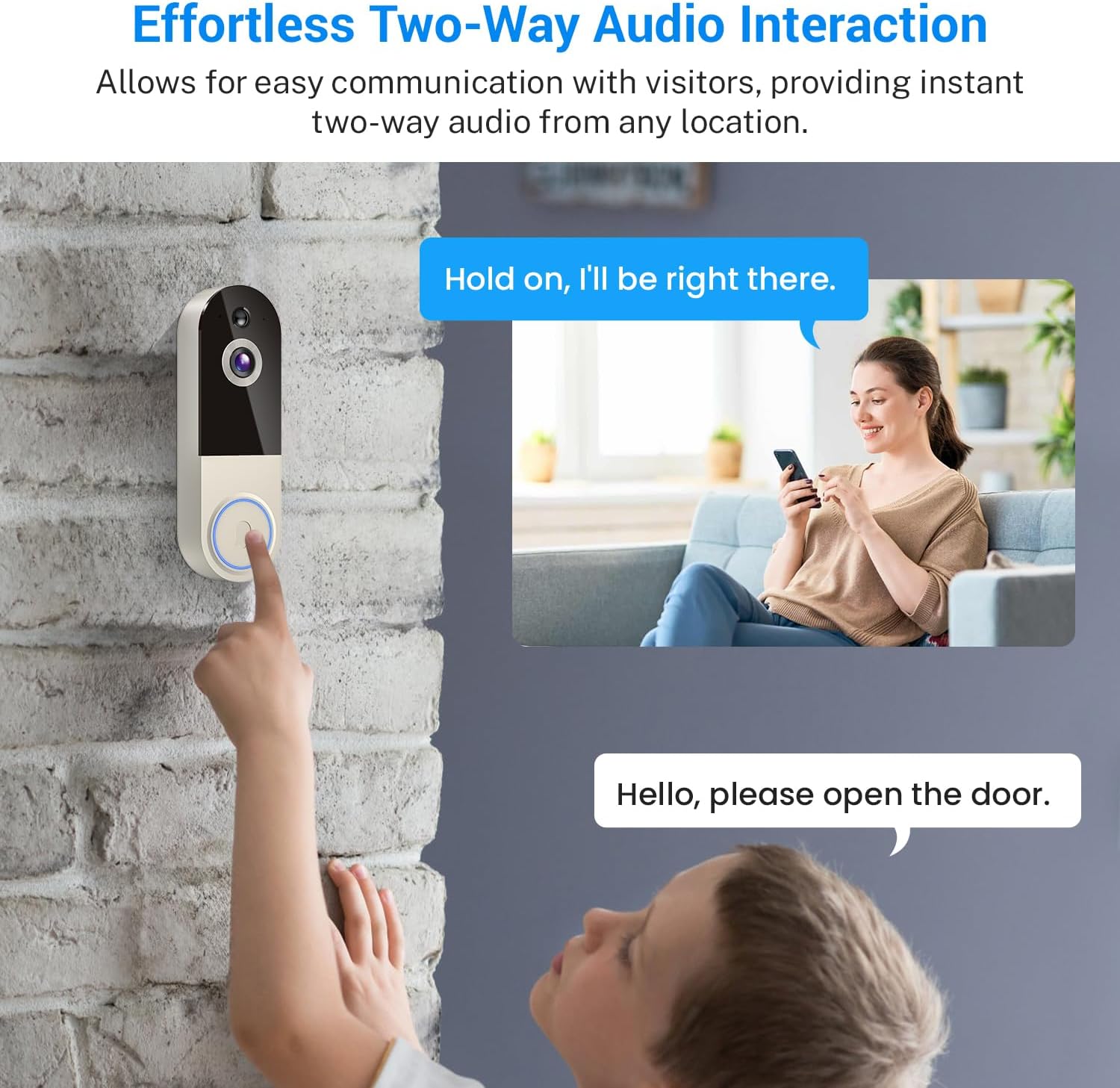
Image: A user interacting with a visitor at their door through the doorbell's two-way audio feature on their smartphone.
Night Vision
Equipped with infrared (IR) LEDs and a high-end IR sensor, the doorbell camera provides clear footage even in low-light or complete darkness. This ensures continuous monitoring and security around the clock.

Image: A split image showing the clear day vision and the equally clear infrared night vision capabilities of the doorbell camera.
Cloud Storage
An optional AES 128-bit encrypted cloud storage service is available (purchased separately) for secure video storage, playback, and sharing. This allows you to review past footage and manage your recordings conveniently.

Image: A diagram illustrating the cloud storage feature, where various recorded events are securely stored and accessible.
Instant Alerts
Receive immediate smartphone notifications for any detected doorbell ring or motion, keeping you informed of activity at your entrance.
Maintenance
To ensure optimal performance, regularly clean the camera lens with a soft, dry cloth. Periodically check the battery level via the app and recharge as needed. Avoid exposing the device to extreme temperatures or harsh chemicals.
Troubleshooting
- No Power: Ensure the battery is fully charged.
- Connectivity Issues: Verify your Wi-Fi network is 2.4GHz. Check the signal strength in the app. Restart the doorbell and your router if necessary.
- No Notifications: Check app settings to ensure notifications are enabled. Verify your phone's notification settings for the app.
- Poor Video Quality: Ensure the camera lens is clean. Check your Wi-Fi connection stability.
Specifications
| Feature | Detail |
|---|---|
| Indoor/Outdoor Usage | Indoor, Outdoor |
| Compatible Devices | Smartphone |
| Power Source | Battery Powered |
| Connectivity Protocol | Wi-Fi (2.4GHz Only) |
| Controller Type | Smartphone |
| Mounting Type | Wall Mount |
| Video Capture Resolution | 1080p |
| Color | Linen |
| Product Dimensions | 5.4 x 1.77 x 1.34 inches |
| Item Weight | 8.1 ounces |
| Video Capture Format | H.264 |
| Special Features | 2-Way Audio, Motion Sensor, Night Vision, AI Human Detection |
Warranty and Support
For warranty information or technical support, please refer to the contact details provided on the product packaging or the manufacturer's official website. Keep your purchase receipt as proof of purchase for warranty claims.