1. Product Overview
The Nakamichi TW016 Wireless Earphones offer a premium audio experience with advanced features designed for convenience and high-fidelity sound. These compact and lightweight in-ear earphones utilize Bluetooth 5.4 technology for stable connectivity and include a dedicated game mode for reduced latency. Enjoy clear hands-free calls and extended playback time with the included charging case.
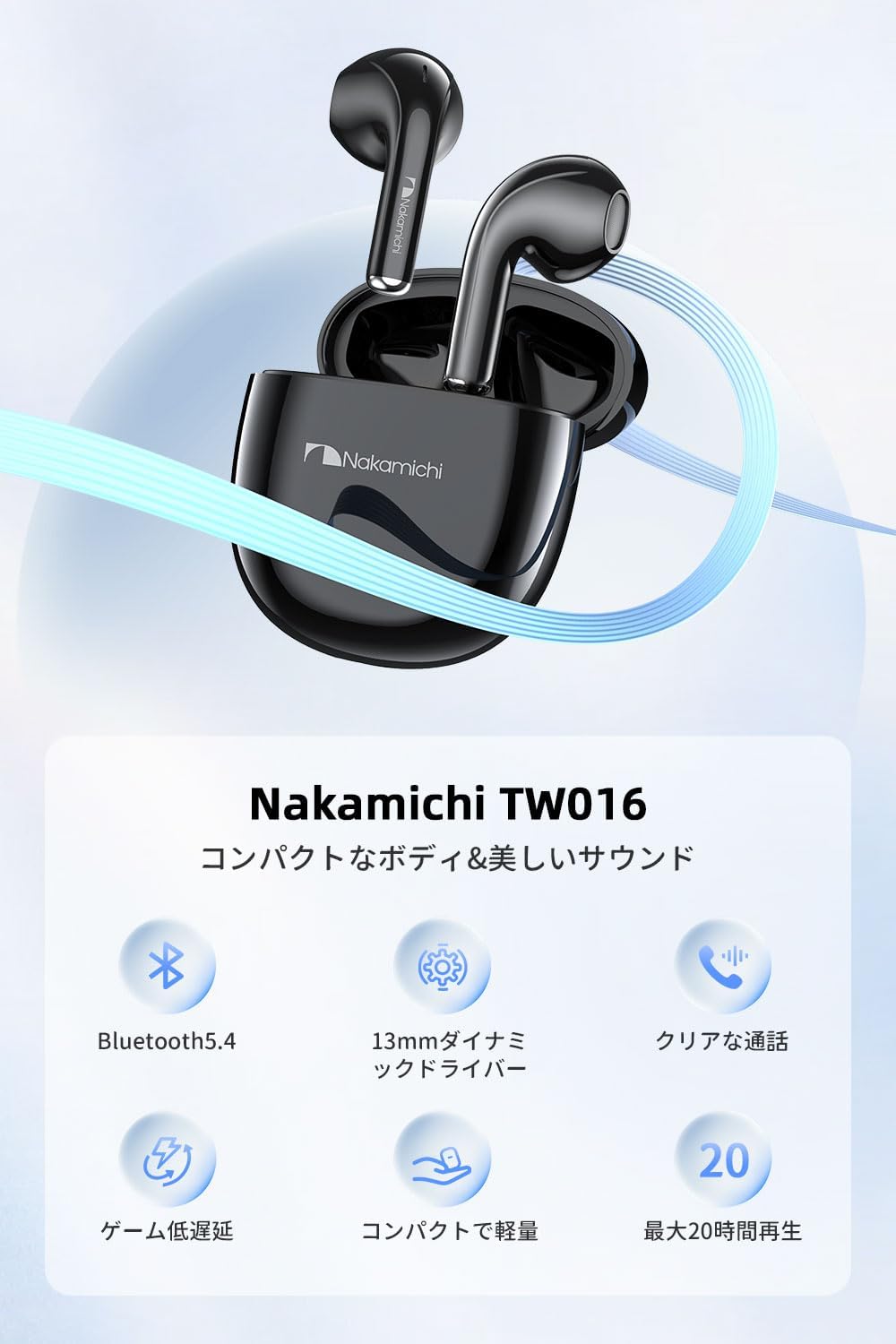
Image 1.1: Nakamichi TW016 Wireless Earphones and Charging Case with Key Features.
Key Features:
- Compact and Lightweight Design: Each earbud weighs approximately 3g, ensuring comfort during prolonged use. The small charging case fits easily into pockets or small bags.
- Bluetooth 5.4 Technology: Equipped with the latest Bluetooth 5.4 chip for enhanced data transfer speed, stable connection, and improved audio-visual synchronization.
- Immersive Sound: Features a 13mm dynamic driver unit, delivering balanced sound from deep bass to clear mid-high tones. Supports AAC codec for high-quality audio.
- Clear Hands-Free Calls: Microphones in both earbuds suppress ambient noise, ensuring your voice is transmitted clearly during calls, meetings, or online classes.
- Game Mode: Reduces audio-visual lag for a more immersive gaming experience.
- Extended Playback: Up to 5 hours of music playback on a single charge, extending to approximately 20 hours with the 300mAh charging case.
2. Setup Guide
2.1 Initial Use and Charging
Before first use or charging, ensure you remove the protective film from the charging contacts on both earbuds. Place the earbuds back into the charging case to begin charging.

Image 2.1: Remove protective film from earbuds before first use.
2.2 Pairing with a Device
- Ensure the earbuds are charged and placed in the charging case.
- Open the charging case lid. The earbuds will automatically enter pairing mode.
- On your device (smartphone, tablet, etc.), enable Bluetooth.
- Search for available Bluetooth devices and select "Nakamichi TW016" from the list.
- Once connected, you will hear a confirmation tone, and the earbuds will be ready for use.
3. Operating Instructions
3.1 Touch Controls
The Nakamichi TW016 earphones feature intuitive touch controls on both earbuds. Refer to the table below for specific functions:
| Function Category | Action | Control |
|---|---|---|
| Music Playback | Play/Pause | Tap L/R earbud 2 times |
| Previous Track | Tap and hold L/R earbud for 2 seconds | |
| Next Track | Tap and hold L/R earbud for 2 seconds | |
| Call Management | Answer Call | Tap L/R earbud 1 time |
| End Call | Tap L/R earbud 1 time | |
| Reject Call | Tap L/R earbud 2 times | |
| Volume Control | Volume Up | Tap R earbud 1 time |
| Volume Down | Tap L earbud 1 time | |
| Modes & Assistant | Music Mode/Game Mode Toggle | Tap L/R earbud 4 times |
| Activate Voice Assistant | Tap L/R earbud 3 times |
3.2 Game Mode
To activate Game Mode, tap either the left or right earbud four times. This mode significantly reduces audio-visual latency, providing a more synchronized and immersive experience for gaming. Tap four times again to switch back to Music Mode.

Image 3.1: Game Mode for reduced latency during gameplay.
3.3 Clear Hands-Free Calling
Both earbuds are equipped with microphones that effectively suppress ambient noise, ensuring your voice is transmitted clearly to the other party. This feature makes the TW016 ideal for stress-free calls, online meetings, and virtual classes, whether you use one or both earbuds.
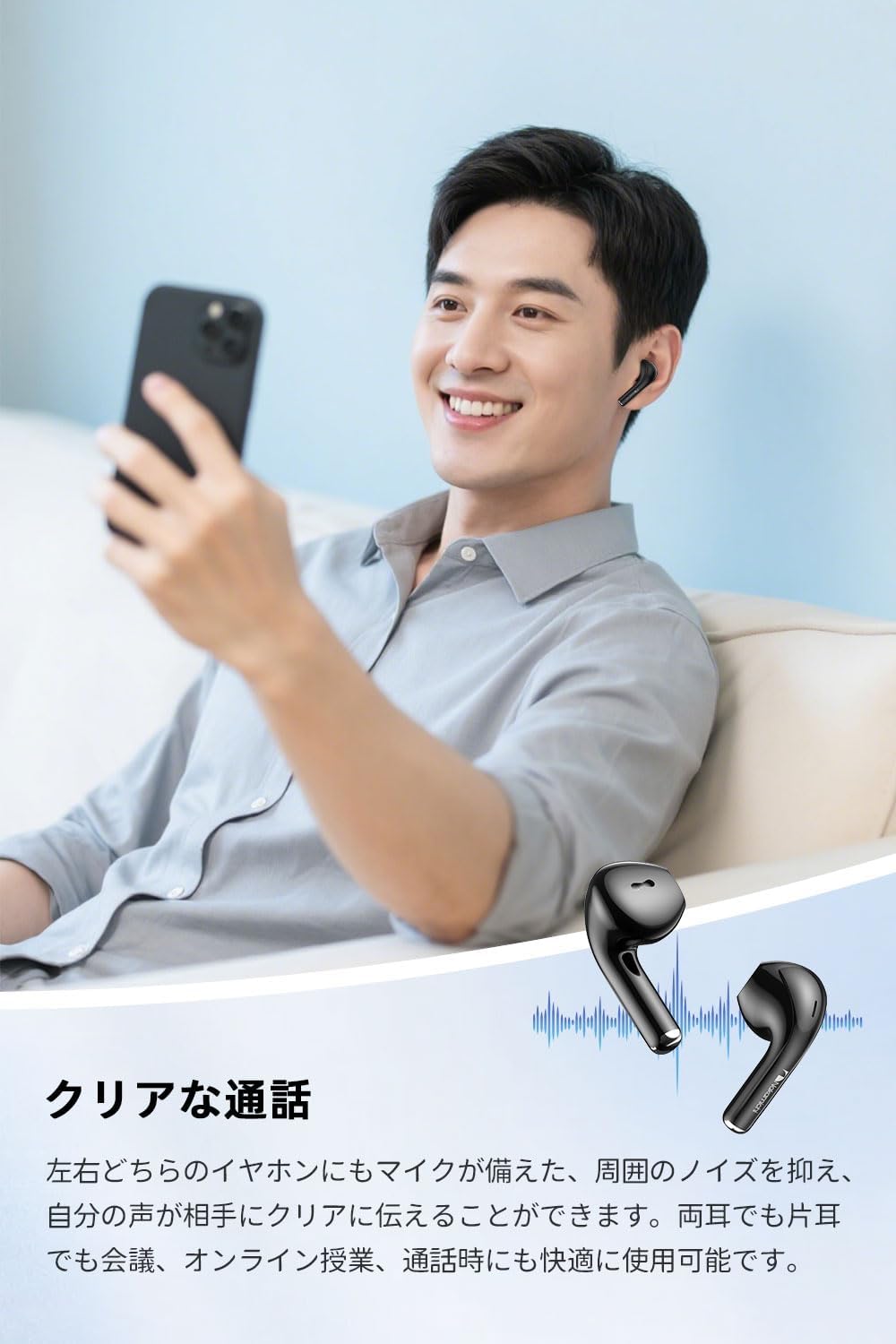
Image 3.2: Clear Hands-Free Calling with noise suppression.
4. Charging and Battery Life
The Nakamichi TW016 earphones provide extended listening pleasure with their efficient battery system.
4.1 Charging the Earbuds and Case
- To charge the earbuds, place them securely into the charging case. Ensure the protective film has been removed from the earbud contacts.
- To charge the charging case, connect it to a power source using the provided USB-C cable. The indicator lights on the case will show the charging status.
4.2 Battery Life
A single full charge provides approximately 5 hours of music playback for the earbuds. When combined with the fully charged 300mAh charging case, the total playback time extends to approximately 20 hours. This allows for worry-free use throughout the day for music, movies, and gaming.

Image 4.1: Battery life and charging capacity.
5. Maintenance
Proper maintenance ensures the longevity and optimal performance of your Nakamichi TW016 Wireless Earphones.
5.1 Cleaning
- Regularly clean the earbuds and charging case with a soft, dry, lint-free cloth.
- Gently remove any earwax or debris from the earbud nozzles using a small, soft brush or cotton swab.
- Ensure the charging contacts on both the earbuds and the case are clean and free of dust to maintain proper charging.
- Do not use abrasive cleaners, alcohol, or chemical solvents, as these may damage the product.
5.2 Storage
- When not in use, store the earbuds in their charging case to protect them from dust, dirt, and physical damage.
- Store the product in a cool, dry place, away from direct sunlight, extreme temperatures, and humidity.
6. Troubleshooting
If you encounter any issues with your Nakamichi TW016 Wireless Earphones, refer to the following troubleshooting tips:
6.1 Pairing Issues
- Earbuds not pairing with device:
Ensure Bluetooth is enabled on your device. Place earbuds back in the case, close the lid, then open it again to re-enter pairing mode. Forget the device from your phone's Bluetooth settings and try pairing again. - Only one earbud connecting:
Place both earbuds back into the charging case, close the lid, and then open it again. Ensure both earbuds are charged. Try re-pairing the earbuds with your device.
6.2 Sound Issues
- No sound or low volume:
Check the volume levels on both your device and the earbuds. Ensure the earbuds are properly seated in your ears. Clean any debris from the earbud nozzles. - Intermittent sound or disconnections:
Ensure you are within the Bluetooth communication range (>10m) of your device. Avoid obstacles between the earbuds and your device. Try disconnecting and reconnecting the Bluetooth connection.
6.3 Charging Issues
- Earbuds not charging:
Ensure the protective film has been removed from the earbud charging contacts. Verify that the earbuds are correctly placed in the charging case. Clean the charging contacts on both the earbuds and the case. - Charging case not charging:
Ensure the USB-C cable is securely connected to both the case and the power source. Try using a different USB-C cable or power adapter.
7. Specifications
Detailed technical specifications for the Nakamichi TW016 Wireless Earphones:
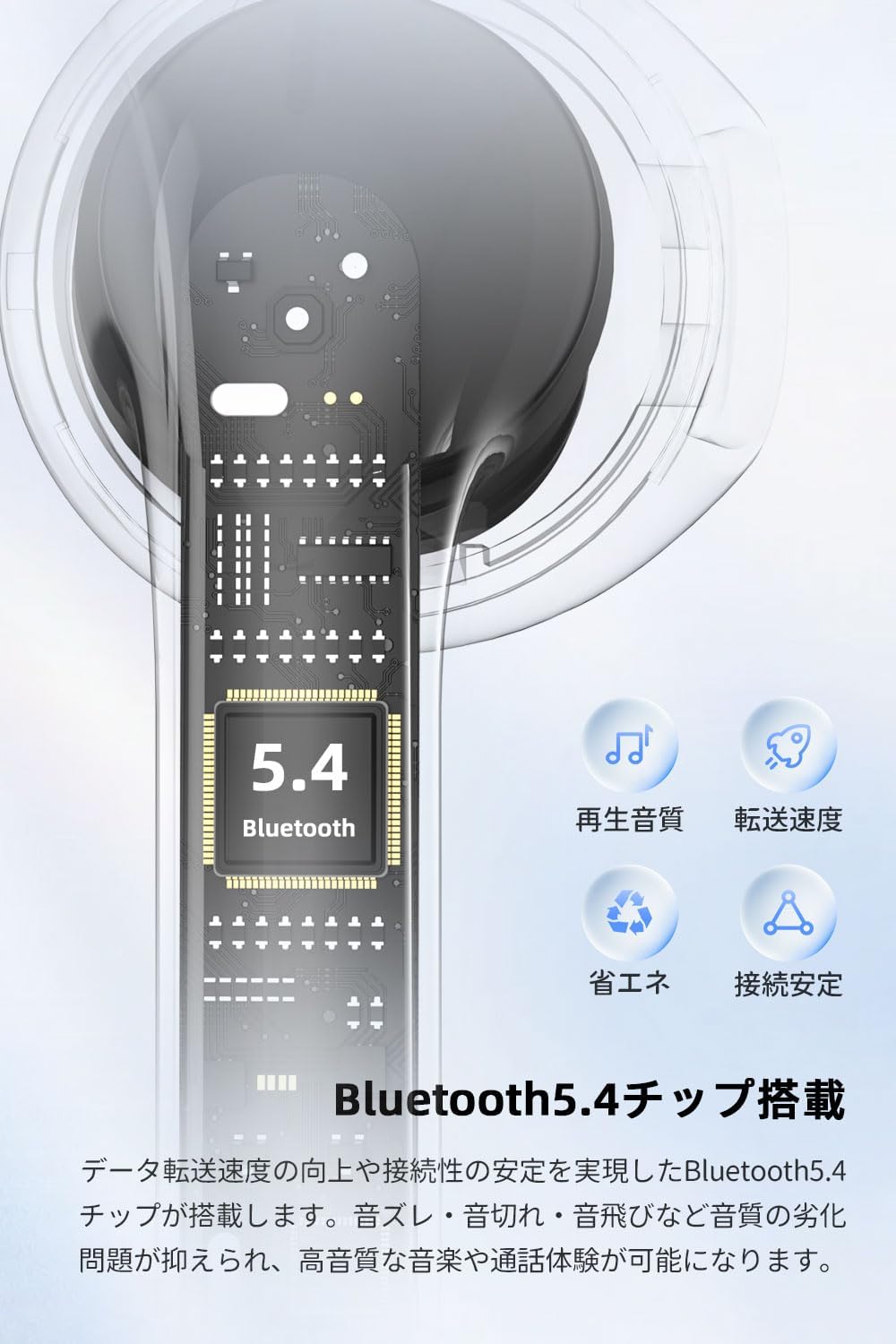
Image 7.1: Bluetooth 5.4 Technology for stable and efficient connection.
| Feature | Specification |
|---|---|
| Bluetooth Version | V5.4 |
| Supported Profiles | A2DP, AVCTP, AVRCP, HFP |
| Supported Codecs | SBC, AAC |
| Frequency Response | 20Hz-20KHz |
| Communication Range | >10m |
| Driver Size | 13mm |
| Sensitivity | 117±3dB |
| Impedance | 32Ω±15% |
| Earbud Battery Capacity | 35mAh, 3.7V (per earbud) |
| Charging Case Battery Capacity | 300mAh, 3.7V/1.11Wh |
| Input | DC 5V/0.2A |
| Output | DC 5V/300mA |
| Operating Temperature | 0°C~40°C |
| Earbud Weight | Approx. 3g (per earbud) |
| Charging Case Weight | Approx. 30g |
| Earbud Dimensions | Approx. 31.91 x 17.8 x 16.85mm |
| Charging Case Dimensions | Approx. 53 x 24.5 x 47.42mm |
8. Warranty and Support
Nakamichi products are manufactured to high standards and undergo rigorous quality checks. This product is covered by a standard manufacturer's warranty against defects in materials and workmanship from the date of purchase. Please refer to the warranty card included in your product packaging for specific terms and conditions.
8.1 Customer Support
If you have any questions, require technical assistance, or need to claim warranty service, please contact Nakamichi customer support through the retailer where you purchased the product or visit the official Nakamichi website for contact information.
Please have your product model number (TW016) and proof of purchase ready when contacting support.