
Introduction
Thank you for purchasing the Monster Jam JCB DIGATRON Remote Control Truck. This 1:15 scale RC monster truck is designed for both indoor and outdoor play, featuring a 2.4GHz full-function controller for exciting stunts and maneuvers. Please read this manual carefully before operating the vehicle to ensure safe and optimal performance.
What's in the Box
- 1x JCB DIGATRON RC Monster Truck
- 1x 2.4GHz Dual Joystick Remote Controller
- 6x AA Batteries (for vehicle)
- 2x AAA Batteries (for remote)
- 1x Instruction Guide (this manual)

Image: The Monster Jam JCB DIGATRON RC Truck shown with its remote control. The truck is yellow and black with large tires, and the remote is black with orange joysticks.
Safety Information
WARNING: CHOKING HAZARD - Small parts. Not for children under 3 years.
- Battery Safety: Requires 6 AA batteries for the vehicle and 2 AAA batteries for the remote. Batteries are included. Do not mix old and new batteries or different types of batteries. Always insert batteries correctly, observing polarity (+/-).
- Supervision: Adult supervision is advised for children under 8 years during use.
- Usage Environment: Use on flat, stable surfaces. Avoid water, sand, or mud to prevent damage to the electronic components.
- General Safety: Do not touch moving parts or wheels while the truck is in operation. Keep away from hair, loose clothing, or jewelry to prevent entanglement.
Setup
1. Installing Batteries in the Vehicle
- Locate the battery compartment on the underside of the JCB DIGATRON RC Truck.
- Using a screwdriver (not included), open the battery compartment cover.
- Insert 6 AA batteries, ensuring correct polarity (+/-) as indicated inside the compartment.
- Replace the battery compartment cover and secure it with the screw.

Image: The underside of the Monster Jam JCB DIGATRON RC Truck, highlighting the battery compartment for installation.
2. Installing Batteries in the Remote Controller
- Locate the battery compartment on the back of the 2.4GHz Dual Joystick Remote Controller.
- Using a screwdriver (not included), open the battery compartment cover.
- Insert 2 AAA batteries, ensuring correct polarity (+/-) as indicated inside the compartment.
- Replace the battery compartment cover and secure it with the screw.
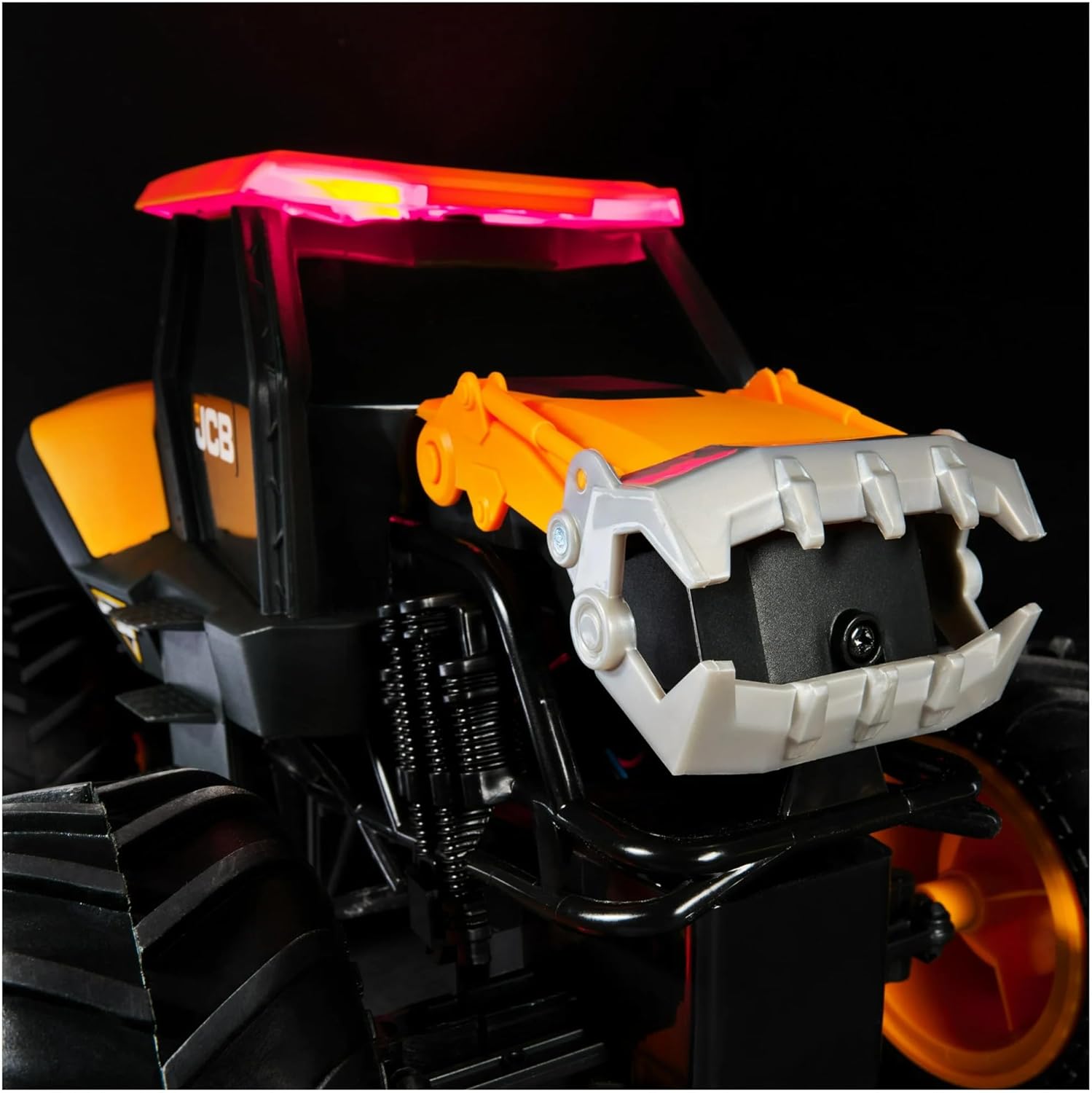
Image: The back of the remote control, showing the battery compartment where two AAA batteries are inserted.
3. Pairing the Controller with the Truck
- Turn on the RC Truck using the ON/OFF switch located on the vehicle.
- Turn on the Remote Controller using its ON/OFF switch.
- The controller and truck should automatically pair. A light on both devices will indicate a successful connection (refer to specific light indicators on your model if available).
- If pairing fails, turn both devices off and then on again, ensuring they are close to each other.
Operating Instructions
The 2.4GHz Dual Joystick Remote Controller provides full-function control over your JCB DIGATRON RC Truck.
Controller Functions:
- Left Joystick: Controls forward and backward movement.
- Right Joystick: Controls left and right steering.
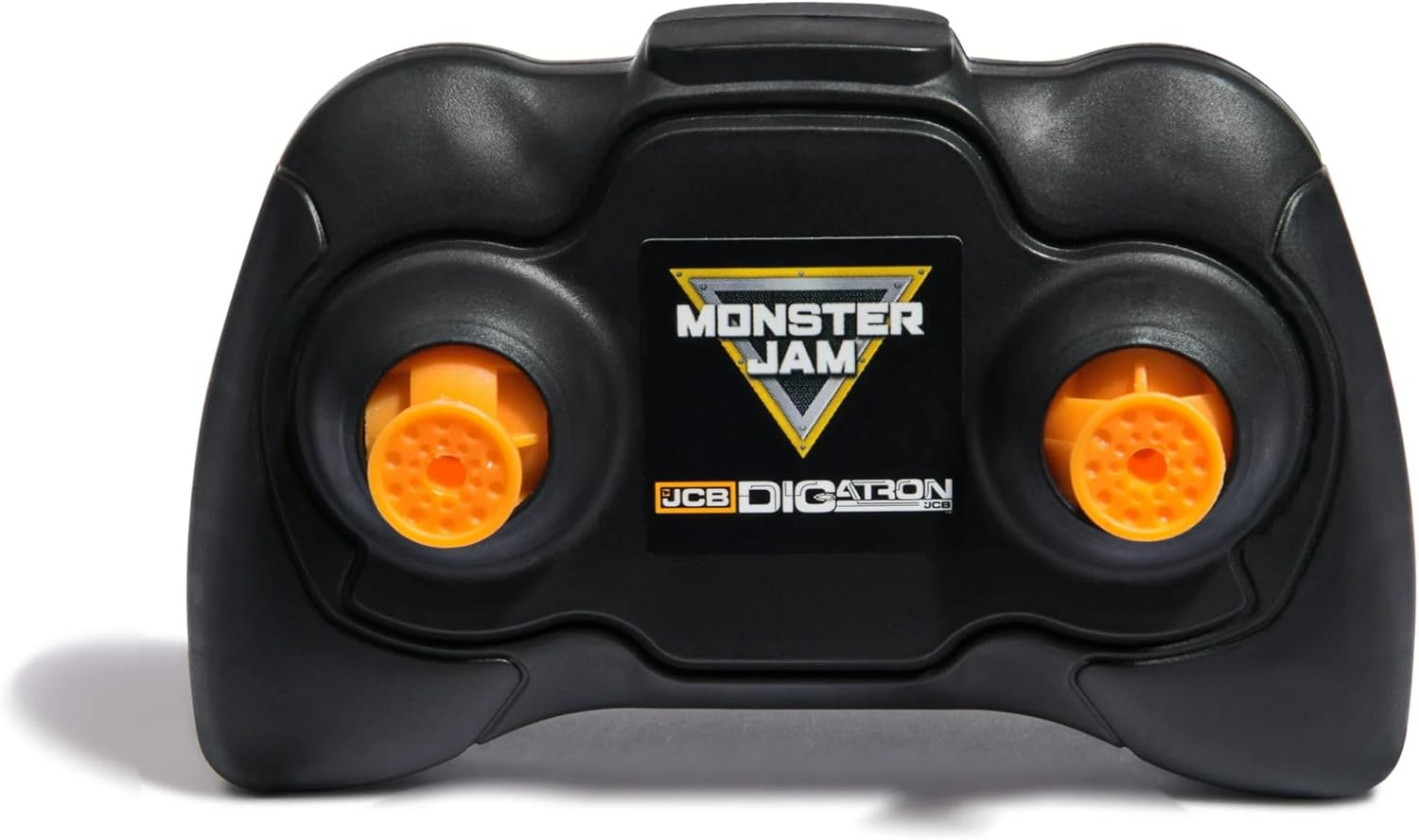
Image: The Monster Jam remote control, featuring two joysticks for precise vehicle operation.
Driving Tips:
- For best performance, operate on smooth, dry surfaces. The oversized tires provide traction on various terrains like dirt, grass, or gravel, but extreme conditions should be avoided.
- Practice gentle movements with the joysticks to get a feel for the truck's responsiveness.
- The 2.4GHz system allows for multiple trucks to race together without interference, up to 100 feet range.
- Avoid driving into walls or hard objects at high speeds to prevent damage.
Maintenance
- Cleaning: After use, especially outdoors, gently wipe the truck with a dry or slightly damp cloth to remove dirt and debris. Do not submerge the truck in water.
- Battery Storage: If the truck will not be used for an extended period, remove all batteries from both the vehicle and the remote control to prevent leakage and corrosion.
- Storage: Store the truck and remote in a cool, dry place away from direct sunlight and extreme temperatures.
- Inspection: Periodically check for loose screws or damaged parts. Do not operate if parts are broken.
Troubleshooting
| Problem | Possible Cause | Solution |
|---|---|---|
| Truck does not respond to remote. |
|
|
| Short operating range or intermittent control. |
|
|
| Truck moves slowly or lacks power. |
|
|
Specifications
- Model: JCB DIGATRON
- Scale: 1:15
- Control Frequency: 2.4GHz
- Control Range: Up to 100 feet (30 meters)
- Vehicle Batteries: 6 x AA (included)
- Remote Batteries: 2 x AAA (included)
- Product Dimensions: 15 x 10 x 9 inches (38.1 x 25.4 x 22.86 cm)
- Item Weight: 2.4 pounds (1.09 kg)
- Recommended Age: 4 years and up
- Manufacturer: Spin Master
Warranty and Support
For warranty information or technical support, please refer to the contact details provided on the product packaging or visit the official Monster Jam website. Keep your purchase receipt as proof of purchase.
Manufacturer: Spin Master
Website: www.monsterjam.com (This is a general Monster Jam site, specific support link might be on packaging)
