
1. Introduction
The BAOFENG DM-32UV is a versatile and feature-rich digital and analog dual-band two-way radio designed for reliable communication across various environments. This device supports both Digital Mobile Radio (DMR) and traditional analog modes, offering flexibility for different communication needs. Key functionalities include GPS positioning, digital recording, text messaging, Automatic Position Reporting System (APRS), and NOAA Weather Alert capabilities. With a robust design and extensive channel capacity, the DM-32UV is suitable for professionals and enthusiasts requiring dependable two-way communication.

Figure 1: Front view of the BAOFENG DM-32UV Two Way Radio, showing the display and keypad.
2. Key Features
- Digital and Analog Compatibility: Operates in both DMR digital and traditional analog modes.
- Dual Band Operation: Supports UHF (450-470 MHz) and VHF (136-174 MHz) frequencies.
- GPS Positioning: Built-in GPS for real-time location tracking and sharing.
- Digital Recording: Up to 10 hours of digital recording for important conversations.
- Text Messaging: Supports text communication with up to 800 frequently used contacts and 50,000 DMR digital contacts.
- APRS (Automatic Position Reporting System): Automatically sends location data for enhanced situational awareness.
- Fall Detection Alarm: Automatically alerts contacts if a fall is detected, enhancing personal safety.
- 4000 Channels: Extensive channel capacity for flexible connectivity.
- NOAA Weather Alert: Provides alerts for severe weather conditions.
- Type-C Charging: Modern and convenient charging interface.
- 2.0-inch Screen Display: Clear and intuitive color display with full keypad design.

Figure 2: Overview of the powerful functions of the BAOFENG DM-32UV.

Figure 3: Illustration of TDMA Dual Time Slot Technology for efficient communication.
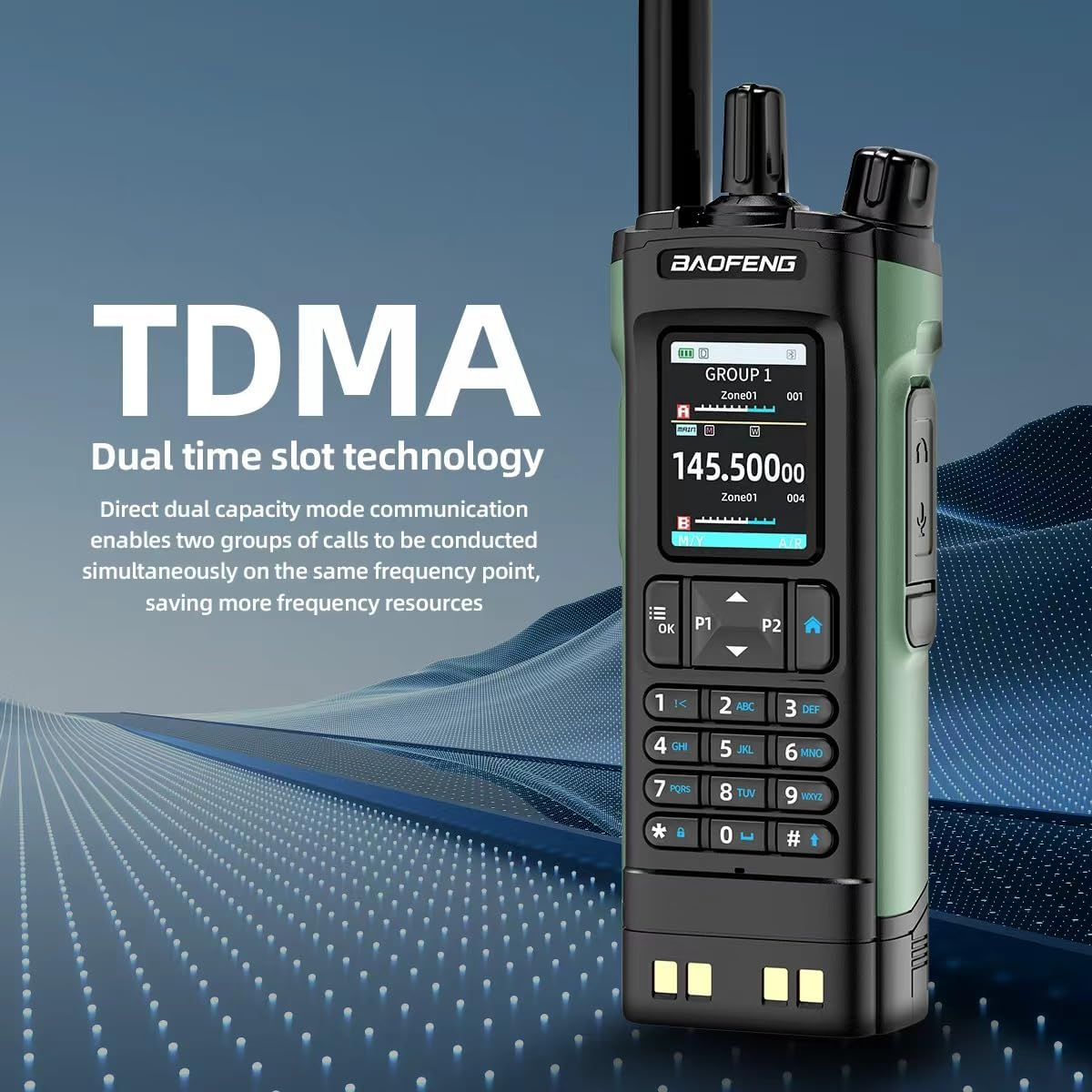
Figure 4: Display highlighting the U/V Dual Frequency capability.
3. Setup
3.1 Battery Installation and Charging
The DM-32UV features a large-capacity battery designed for secure attachment. To install, align the battery with the radio body and slide it into place. Secure the battery by screwing it onto the radio body. This screw-on design prevents the battery from detaching during drops or impacts, ensuring continuous operation in demanding environments.
For charging, the radio can be placed directly into the provided charging base without removing the battery. The charging base will indicate the charging status (e.g., red for charging, green for completed). The radio also supports Type-C charging for convenience.
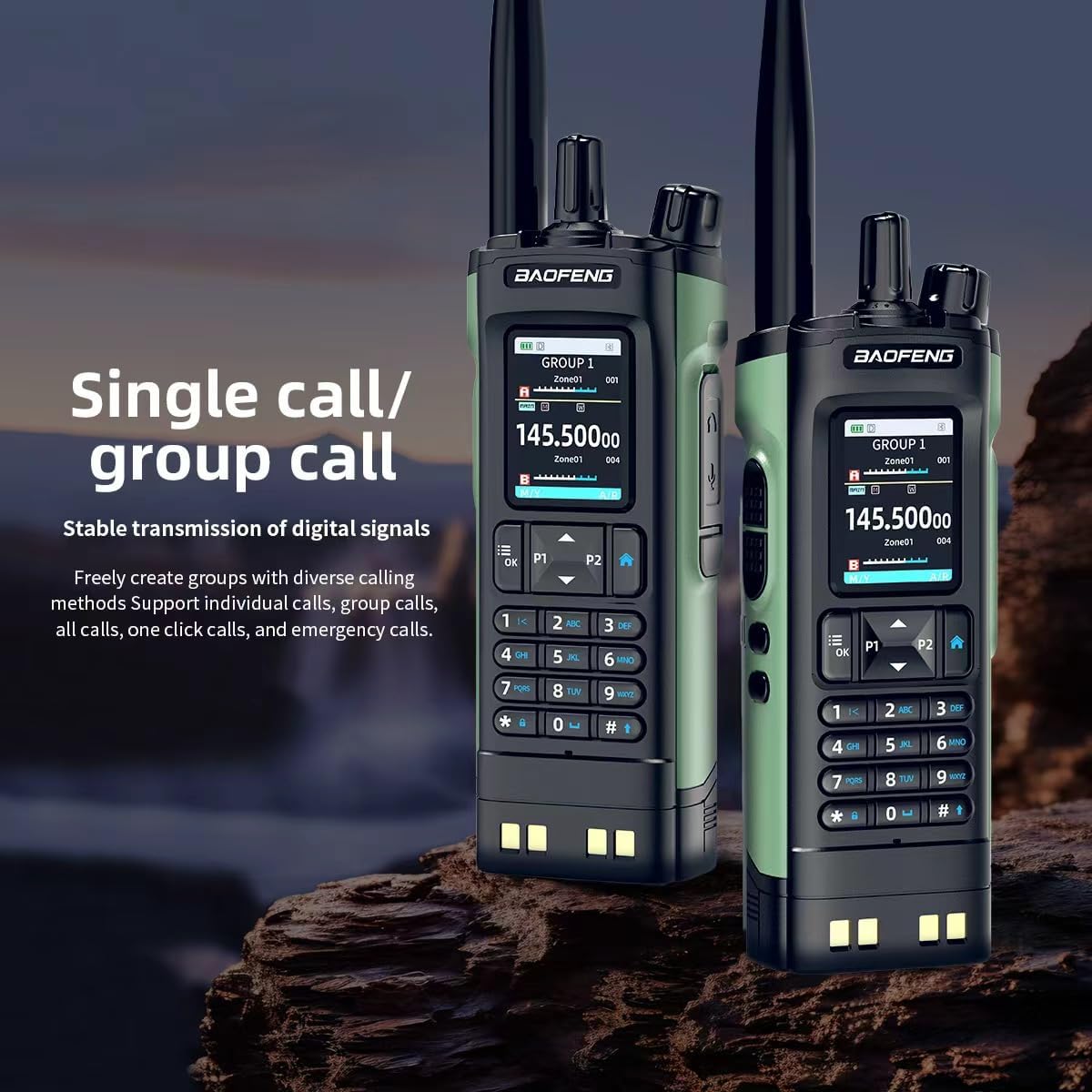
Figure 5: The Type-C charging interface on the BAOFENG DM-32UV.
3.2 Antenna Attachment
The DM-32UV comes with multiple antennas to suit various communication ranges and conditions:
- Short Antenna (Nub): Ideal for close-range communication or when a compact form factor is desired.
- Medium Antenna: Provides a balanced range and flexibility, suitable for general use. This antenna is flexible to resist breakage.
- Long Antenna: Offers extended range, particularly beneficial in mountainous or hilly terrains where maximum coverage is required. This antenna is also highly flexible.
To attach an antenna, screw it clockwise onto the antenna port at the top of the radio until it is finger-tight. Do not overtighten.
3.3 Protective Shield Installation
A protective shield is included to provide additional durability and protection for your radio. To install, slide the shield onto the radio body. The design ensures that all buttons, including the Push-to-Talk (PTT) button, and accessory ports remain accessible.
3.4 External Microphone/Speaker Connection
For hands-free operation or enhanced audio, an external microphone/speaker can be connected. Plug the accessory's two-pin connector into the dedicated port on the side of the radio. The external microphone typically includes a clip for attachment to clothing, allowing for convenient communication.
4. Operating Instructions
4.1 Power On/Off
To power on the radio, rotate the top knob clockwise until you hear a click and the display illuminates. To power off, rotate the knob counter-clockwise until it clicks off.
4.2 Channel Selection
Channels can be selected using the rotary knob at the top of the radio. The radio provides vocal announcements for channel changes, and the selected channel is clearly displayed on the 2.0-inch color screen. Use the up/down arrow keys (P1/P2) for fine-tuning or navigating through channels.
4.3 Volume Adjustment
Adjust the volume by rotating the top knob. Rotate clockwise to increase volume and counter-clockwise to decrease volume.
4.4 Menu Navigation
The radio features a user-friendly color menu. Press the 'Menu' button to access options such as:
- Talk Group: Manage and select communication groups.
- Scan: Initiate channel scanning.
- Zone: Organize channels into different zones.
- SMS: Access text messaging functions.
- Call Log: View recent call history.
- Settings: Configure various radio parameters.
- Record: Manage digital voice recordings.
- Roaming: Configure roaming settings.
- GNSS: Access Global Navigation Satellite System (GPS) features.
- APRS: Configure Automatic Position Reporting System settings.
Use the arrow keys to navigate through menu options and 'OK' to confirm selections. Press 'BACK' to return to the previous screen.

Figure 6: The clear color menu display of the BAOFENG DM-32UV.
4.5 Push-to-Talk (PTT)
To transmit, press and hold the PTT button located on the side of the radio. Speak clearly into the microphone. Release the PTT button to listen for incoming transmissions.
4.6 FM Radio Function
The DM-32UV includes an FM radio function. Access this feature through the menu to listen to FM broadcasts.
5. Maintenance
5.1 Battery Care
To maximize battery life and performance:
- Charge the battery fully before first use.
- Avoid overcharging or completely draining the battery.
- Store the radio and battery in a cool, dry place away from direct sunlight and extreme temperatures.
5.2 Cleaning
Clean the radio's exterior with a soft, damp cloth. Do not use harsh chemicals or abrasive cleaners. Ensure all ports are closed when cleaning to prevent moisture ingress.
5.3 Storage
For long-term storage, ensure the battery is partially charged (around 50%) and remove it from the radio if possible. Store the radio in a protective case to prevent physical damage.
6. Troubleshooting
6.1 Radio Not Powering On
- Check if the battery is properly installed and screwed on.
- Ensure the battery is charged. Place it in the charging base to verify.
- Confirm the power knob is rotated fully clockwise.
6.2 No Signal or Poor Reception
- Verify the antenna is securely attached.
- Try using a longer antenna for improved range, especially in challenging terrain.
- Ensure you are on the correct frequency/channel and within range of other radios or repeaters.
6.3 Audio Issues (No Sound or Distorted Sound)
- Adjust the volume knob.
- Check if an external microphone/speaker is properly connected. If so, try disconnecting it to see if the internal speaker works.
- Ensure the squelch level is set appropriately in the radio's settings.
6.4 Battery Not Charging
- Ensure the radio is correctly seated in the charging base.
- Check the charging indicator light on the base.
- Verify the charging base is connected to a working power source.
7. Specifications
| Feature | Specification |
|---|---|
| Brand | BAOFENG |
| Model Number | DM-32UV |
| Number of Channels | 4000 |
| Frequency Range | 136-174 MHz (VHF), 450-470 MHz (UHF) |
| Talking Range Maximum | 10 Kilometer |
| Connectivity Protocol | DMR |
| Special Feature | Digital Display |
| Water Resistance Level | Not Water Resistant |
| Number of Batteries | 1 Lithium Ion batteries required (included) |
| UPC | 755745371594 |
8. Warranty and Support
This product comes with a standard warranty. For specific warranty details, duration, and terms, please refer to the documentation included with your purchase or contact BAOFENG customer support. For technical assistance, troubleshooting, or service inquiries, please visit the official BAOFENG website or contact their authorized service centers.


