Introduction
Thank you for choosing the Karlsson Solo Color Cuckoo Wall Clock. This modern cuckoo clock combines a classic design with contemporary aesthetics, featuring a house-shaped form, a clean white plastic finish, and elegant golden hands. It is designed to not only tell time but also to add a unique decorative element to your living space with its hourly bird sound and gently swinging pendulum.
This manual provides detailed instructions for the setup, operation, maintenance, and troubleshooting of your new clock to ensure optimal performance and enjoyment.

Image: Front view of the Karlsson Solo Color Cuckoo Wall Clock. The clock is white, house-shaped, with golden hour markers and hands. A small cuckoo bird is visible in the opening at the top.
Setup
1. Unpacking
Carefully remove all components from the packaging. Ensure all parts are present: the clock unit, pendulum, and any protective materials.
2. Battery Installation
The clock requires batteries (not included). Locate the battery compartment on the back of the clock.
- Open the battery compartment cover.
- Insert the required batteries, ensuring correct polarity (+/-).
- Close the battery compartment cover securely.
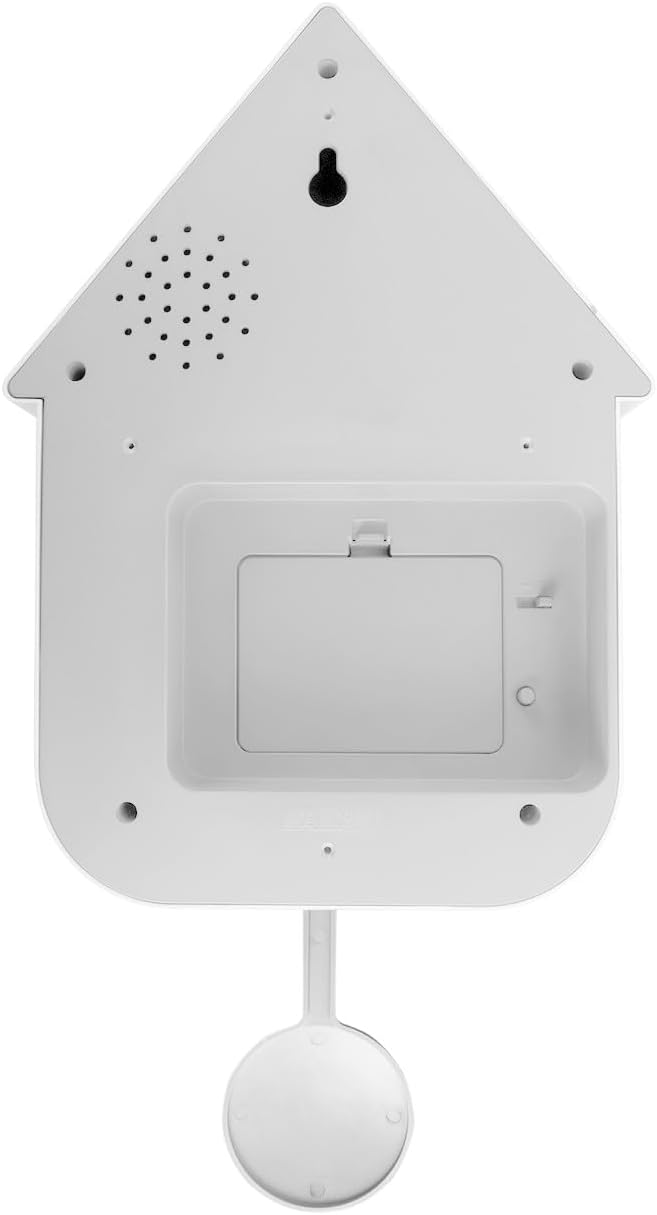
Image: Rear view of the clock, highlighting the battery compartment and speaker area. This is where batteries are inserted and sound settings might be adjusted.
3. Attaching the Pendulum
Gently attach the pendulum to the hook located at the bottom center of the clock mechanism. Ensure it hangs freely and can swing without obstruction.
4. Setting the Time
Use the time-setting knob, usually located on the back of the clock mechanism, to adjust the hands to the correct time. Turn the knob clockwise until the desired time is displayed.
5. Mounting the Clock
The clock is designed for wall mounting. Choose a suitable location on a wall. Use a sturdy screw or hook (not included) appropriate for your wall type. Hang the clock securely using the mounting hole on the back.

Image: The clock displayed on a wall, demonstrating its appearance when mounted. This shows the clock's aesthetic in a typical home setting.
Operating the Clock
Timekeeping
Once batteries are installed and the time is set, the clock will begin to keep time. The analog display shows hours and minutes with its golden hands.
Bird Sound Feature
The bird will emerge and make a melodic sound at the top of every hour. The volume of this sound can typically be adjusted using a control knob or switch located near the battery compartment on the back of the clock. Refer to the specific markings on your clock for volume control.
Night Mode
The clock is equipped with a light sensor that automatically silences the bird sound during nighttime hours to prevent disturbance. This feature activates in low-light conditions and deactivates when ambient light returns.
Pendulum Movement
The pendulum will swing continuously, adding to the clock's charm. Ensure it has enough space to swing freely.
Maintenance
Cleaning
To clean the clock, gently wipe the surface with a soft, dry, or slightly damp cloth. Avoid using abrasive cleaners, solvents, or chemical sprays, as these can damage the plastic finish and internal components.
Battery Replacement
When the clock starts losing time or the bird sound feature becomes inconsistent, it is an indication that the batteries need to be replaced. Follow the battery installation steps outlined in the "Setup" section.
Troubleshooting
- Clock not keeping accurate time:
Check if the batteries are fresh and correctly installed. Replace batteries if necessary. Ensure the time-setting knob is not loose.
- Bird sound not working:
Verify that the batteries are fresh. Check the volume control setting on the back of the clock. Ensure there is sufficient ambient light for the bird sound to operate (it will not sound in dark conditions due to night mode). If the clock is new, ensure any protective tabs for the bird mechanism have been removed.
- Bird sound too loud or too quiet:
Adjust the volume control knob/switch located on the back of the clock.
- Pendulum not swinging:
Ensure the pendulum is correctly attached and hangs freely without touching the clock body or wall. Gently give it a push to start its motion.
Specifications
| Brand: | Karlsson |
| Model Number: | KA6080WH |
| Color: | White |
| Material: | Plastic |
| Display Type: | Analog |
| Power Source: | Battery |
| Product Dimensions (D x W x H): | 8.5 cm x 21.5 cm x 41 cm (3.3 x 8.5 x 16.1 inches) |
| Mounting Type: | Wall Mount |
| Room Type: | Living Room, Office, Bedroom |
| Special Features: | Hourly bird sound, Night mode (light sensor), Swinging pendulum |
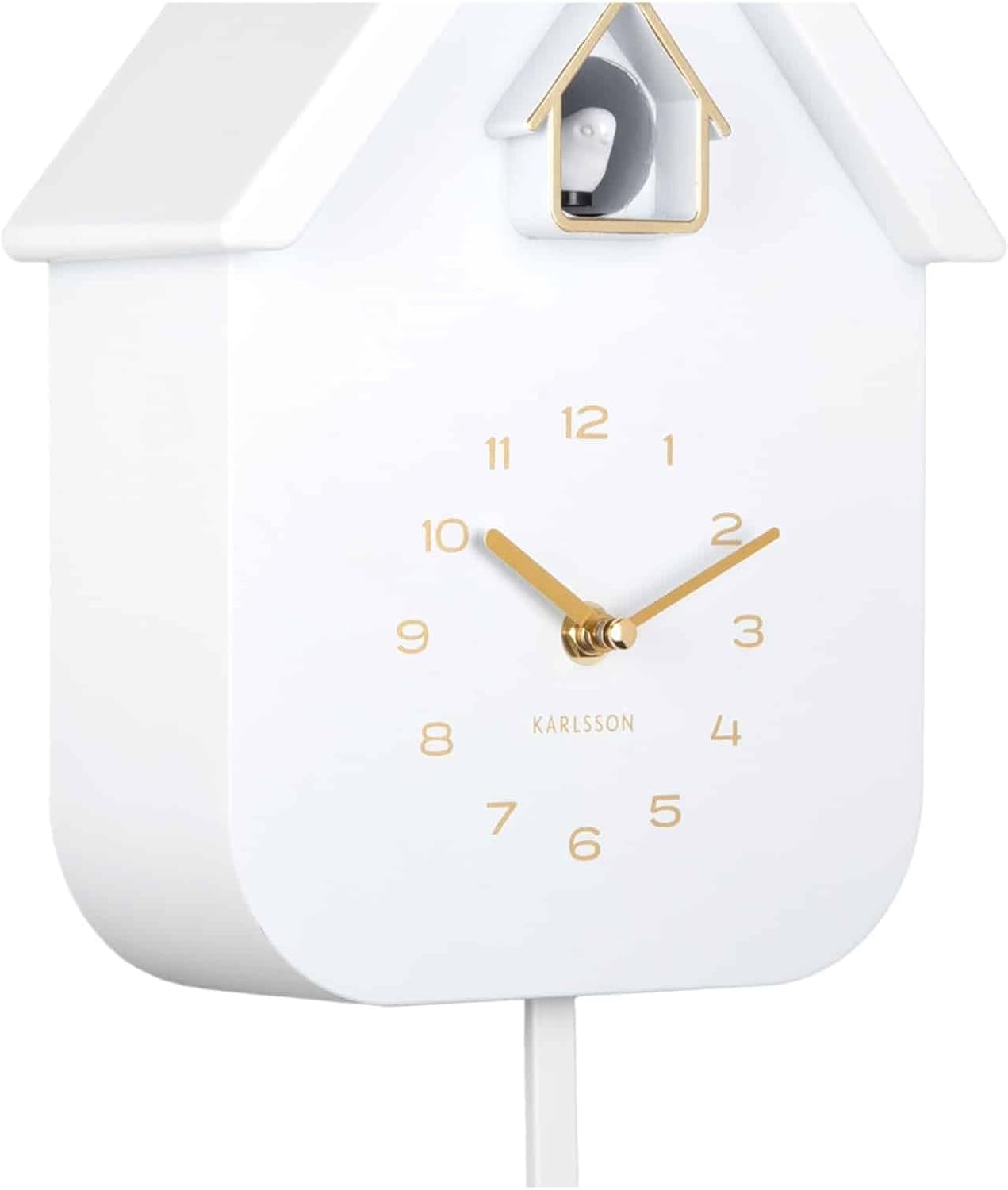
Image: Side view of the clock, illustrating its depth and overall dimensions.


