
Introduction
Thank you for choosing the Kepwam Self-Heating Coffee Mug T1. This 16oz rechargeable heated mug is designed to keep your beverages at your preferred temperature, offering both manual and app-controlled settings for a consistent drinking experience. Please read this manual thoroughly before use to ensure proper operation and maintenance.

Setup
1. Unpacking and Initial Charge
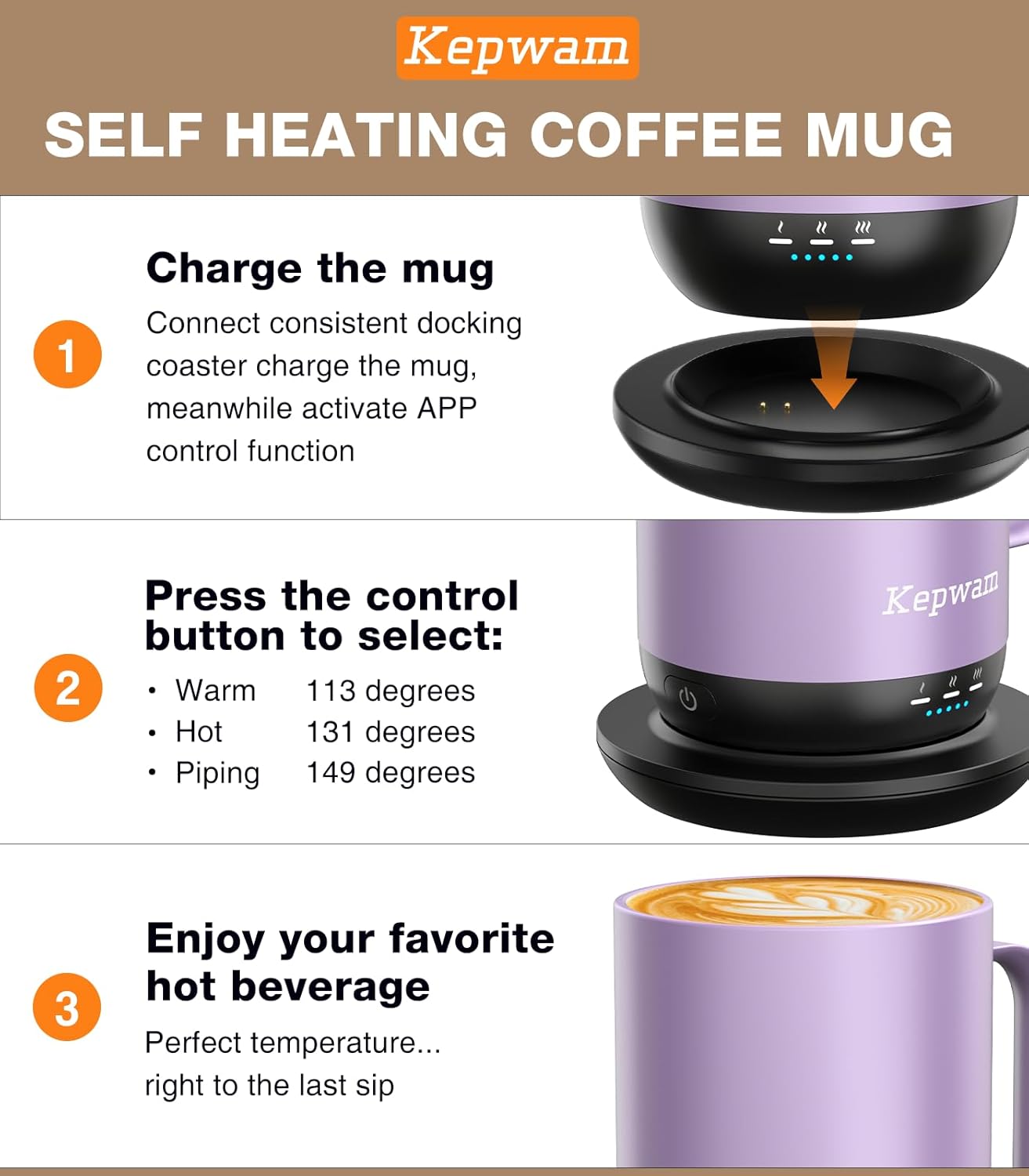
Carefully remove all components from the packaging. Before first use, fully charge the mug. Place the mug onto the charging coaster, ensuring the contact points align. The LED indicators on the mug will show charging status.
2. App Installation and Pairing (Optional)
For advanced control, download the Kepwam App from your device's app store. Follow the in-app instructions to pair your mug. This allows for precise, degree-by-degree temperature control and real-time monitoring.

Operating Instructions
1. Manual Control
To turn the mug ON/OFF, press the power button once. To cycle through temperature settings, press the button again. The mug offers three preset temperatures:
- 113°F (Warm)
- 131°F (Hot)
- 149°F (Piping)

2. App Control
Once paired, use the Kepwam App to set custom temperatures and monitor the mug's status. The app provides a more granular control over the heating process.


3. Safety Auto-Off Feature
The mug is equipped with a safety auto-off function. It enters standby mode when empty to prevent dry heating. Additionally, it powers down after being stationary on the charging base for 2 hours to protect the battery and conserve energy.
4. Battery Life and Usage
The mug provides up to 4.7 hours of wireless warmth depending on the temperature setting and whether the lid is used. For all-day warmth, keep the mug on the charging coaster.


5. Product Video
Maintenance and Care
Cleaning Instructions
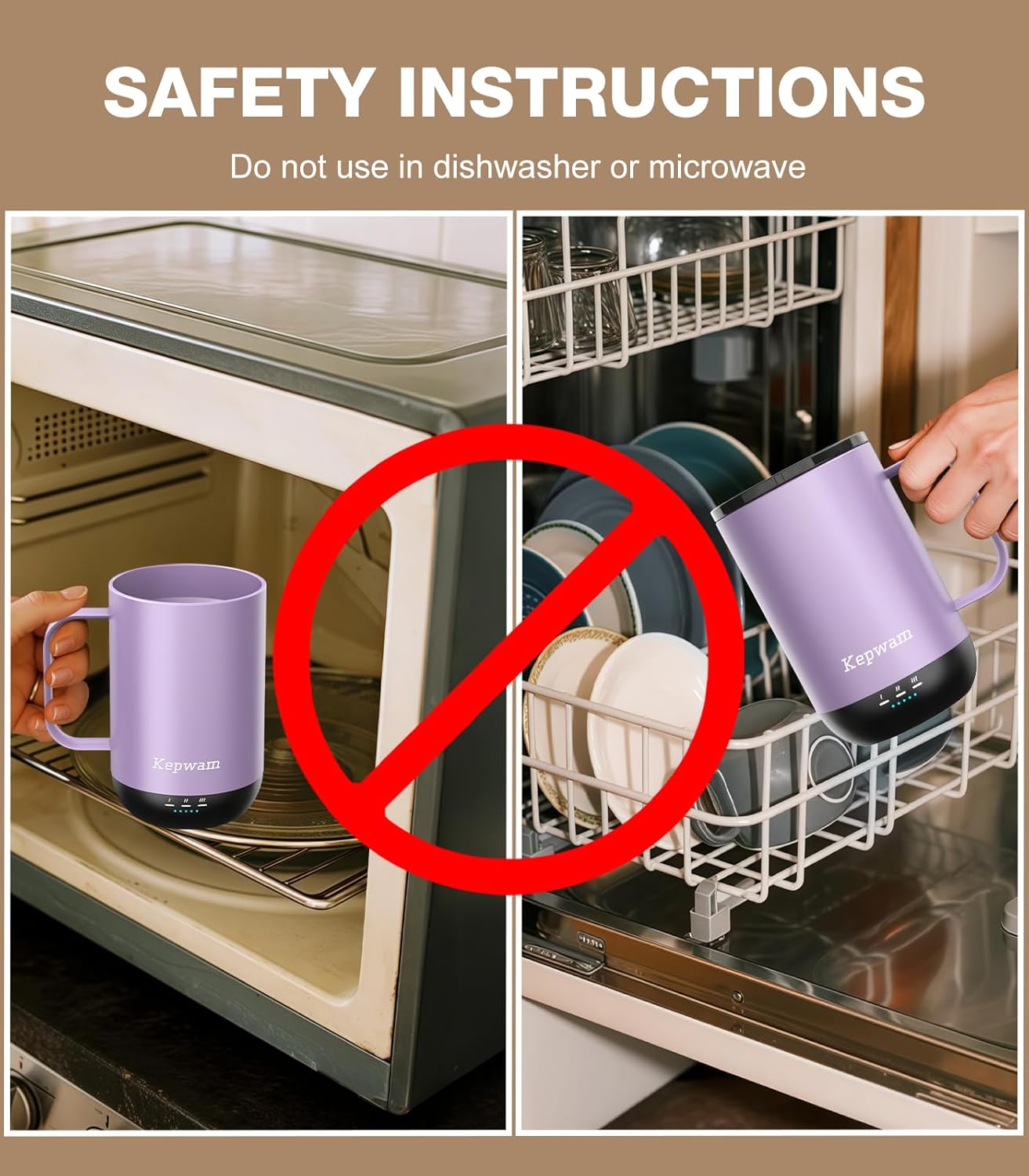
The Kepwam Self-Heating Coffee Mug T1 is hand wash only. To prevent damage to internal components, do not clean the mug in a dishwasher, microwave, or with excessively hot water. Always wipe the mug completely dry with a soft cloth after cleaning to keep it in optimal condition.

Troubleshooting
| Problem | Possible Cause | Solution |
|---|---|---|
| Mug not heating | Low battery; Not placed correctly on coaster; Incorrect temperature setting; Mug is empty. | Ensure mug is fully charged. Place mug firmly on the charging coaster. Verify desired temperature setting. The mug will not heat if empty due to safety auto-off. |
| App connectivity issues | Bluetooth not enabled; Mug not in pairing mode; App requires update. | Ensure Bluetooth is enabled on your device. Restart the mug and app. Check for app updates. Re-pair the mug if necessary. |
| Slight metallic smell | New product residue; Infrequent cleaning. | Wash the mug thoroughly before first use. Regular cleaning after each use will eliminate any residual odors. |
Specifications
- Brand: Kepwam
- Model Number: T1-Button
- Capacity: 16 fluid ounces
- Power Source: Battery Powered
- Item Weight: 1.7 pounds
- Maximum Temperature: 149 °F
- Material: SUS316 Stainless Steel, BPA-Free, Food-Safe Ceramic Coating (Double-Wall Insulation)

Warranty and Support
For detailed warranty information, please refer to the documentation included with your product packaging or visit the official Kepwam website. If you encounter any issues or require technical assistance, please contact Kepwam customer support through their official channels.
You can find more information and support on the Kepwam Store on Amazon.