
Introduction
Thank you for choosing the FXWONTY TV006 Wireless Headphones. This manual provides detailed instructions to help you set up, operate, and maintain your headphones for an optimal audio experience. These headphones are designed to deliver cinematic sound, refined clarity, and seamless synchronization for TV watching, making them ideal for adults, teens, and seniors.
What's in the Box
- Wireless TV Headphones
- TV Transmitter Base
- User Manual
- USB-C Charging Cable
- Optical Audio Cable
- 3.5mm Audio Cable
- RCA Audio Cable (Red/White) to 3.5mm Female Adapter

Image: FXWONTY Wireless Headphones, Transmitter Base, and various cables included in the package.
Product Features
- Cinematic Sound Experience: Enhance every movie night with deep, punchy bass, crystal-clear dialogue, and vibrant surround sound.
- Refined Clarity & Enhanced Comfort: Experience distortion-free sound with soft protein leather earcups and an ultra-light, pressure-free headband for all-day comfort.
- Seamless Sync & Reliable Performance: Enjoy a stable 2.4GHz connection with Bluetooth 5.4, providing seamless audio sync with under 40ms latency and up to 30 meters range.
- Easy Setup & Multi-Compatibility: Compatible with optical, AUX, RCA, and Bluetooth for most TV brands and mobile devices.
- Long Battery Life: Up to 65 hours of playtime on a single charge.
Setup Instructions
The FXWONTY TV006 headphones offer multiple connection options to ensure compatibility with various devices. Follow the steps below based on your TV's available ports.
1. Connecting the Transmitter Base
The transmitter base acts as the central hub for audio transmission. It supports Optical, AUX 3.5mm, and RCA connections.

Image: The transmitter base showing Optical, AUX 3.5mm, RCA Adapter, and Bluetooth 5.4 connection options.
Optical (TOSLINK) Connection:
- Remove the protective cover from one end of the optical cable and plug it into your TV's optical port. Plug the other end into the transmitter's optical port.
- Ensure your TV's audio output settings are set to "PCM/Stereo" if no sound is heard. Refer to your TV's user manual for detailed instructions.
- Power on the headphones (long press for 3 seconds). The headphone blue light will blink slowly, waiting for connection.
- The transmitter white light will blink slowly. Once connected, the transmitter white light will be solid.

Image: Visual guide for connecting the transmitter to a TV using an optical cable.
3.5mm Audio Output Connection:
- Plug one end of the 3.5mm audio cable into your TV's 3.5mm port and the other end into the transmitter's 3.5mm port.
- Power on the headphones (long press for 3 seconds). The headphone blue light will blink slowly, waiting for connection.
- The transmitter green light will blink slowly. Once connected, the transmitter green light will be solid.

Image: Visual guide for connecting the transmitter to a TV using a 3.5mm audio cable.
RCA Audio Output + 3.5mm Audio Cable Connection:
- Insert the RCA audio cable with two red/white terminals into the TV's corresponding RCA audio output port. Plug one end of the 3.5mm audio cable into the receptacle of the RCA audio cable, and the other end into the transmitter's 3.5mm port.
- Power on the headphones (long press for 3 seconds). The headphone blue light will blink slowly, waiting for connection.
- The transmitter red light will blink slowly. Once connected, the transmitter red light will be solid.

Image: Visual guide for connecting the transmitter to a TV using an RCA audio cable with a 3.5mm adapter.
Bluetooth Connection:
For direct Bluetooth connection to compatible devices (e.g., mobile phones, laptops, newer TVs with built-in Bluetooth):
- Ensure the headphones are powered on and in pairing mode (blue light blinking).
- On your device, go to Bluetooth settings and select "FXWONTY TV006" to pair.

Image: A man wearing the FXWONTY headphones, enjoying private TV watching.
Operating Instructions
Headphone Controls:
The controls are conveniently located on the earcups for easy access.
- Power Button: Long press to turn on/off.
- Volume Up/Down: Adjust audio volume.
- "M" Button: Switch TV sound modes (e.g., for clear voice mode).
- Charging Port: USB-C port for direct charging if not using the dock.

Image: Close-up view of the control buttons on the FXWONTY headphones.
Charging the Headphones:
Place the headphones on the transmitter base. Ensure the charging contacts align. The indicator light on the base will show charging status. A full charge provides up to 65 hours of playtime.
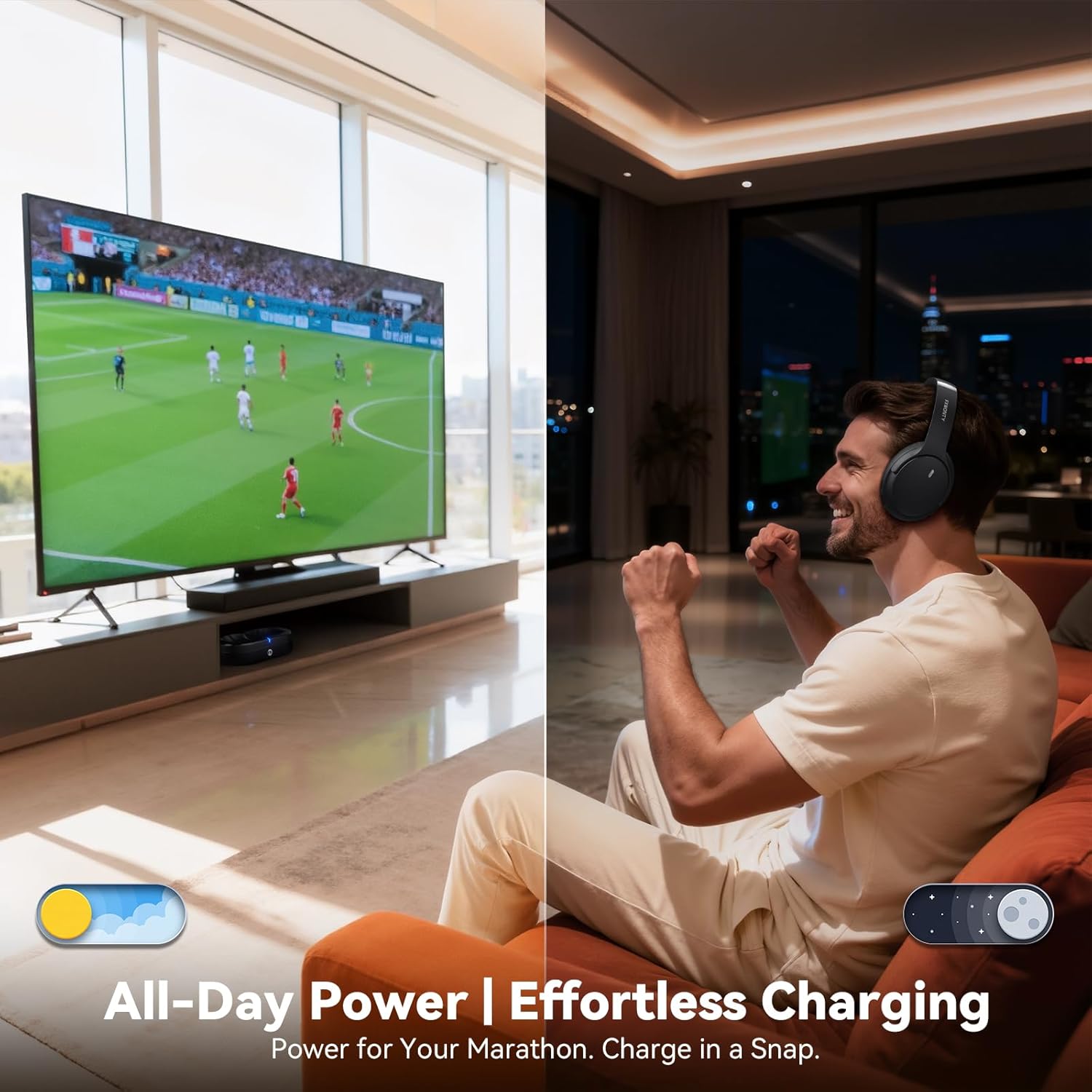
Image: FXWONTY headphones resting on their charging dock, illustrating effortless charging.
Maintenance
- Keep the headphones and transmitter clean using a soft, dry cloth.
- Avoid exposing the device to extreme temperatures, humidity, or direct sunlight.
- Do not attempt to disassemble or repair the device yourself. Contact customer support for assistance.
- Store in a cool, dry place when not in use.
Troubleshooting
- No Sound:
- Ensure all cables are securely connected.
- Verify the TV's audio output settings (e.g., PCM/Stereo for Optical).
- Check if headphones are powered on and paired correctly.
- Adjust headphone and TV volume levels.
- Audio Delay:
- The headphones feature low latency (under 40ms) for minimal delay. Ensure a stable connection.
- Check your TV's audio delay settings if available.
- Poor Connection/Range:
- Ensure no obstructions between headphones and transmitter.
- Move closer to the transmitter (up to 30 meters range).
- Avoid interference from other wireless devices.
- Headphones Not Charging:
- Ensure the charging cable is properly connected to the transmitter base and a power source.
- Verify headphones are correctly placed on the charging dock with contacts aligned.
Specifications
| Model Name | TV006-Black |
| Connectivity Technology | AUX 3.5MM, Bluetooth 5.4, Wireless (2.4GHz) |
| Wireless Communication Technology | Bluetooth |
| Battery Life | 65 Hours |
| Charging Time | 2 Hours |
| Bluetooth Version | 5.4 |
| Bluetooth Range | 30 Meters |
| Noise Control | Passive Noise Cancellation |
| Earpiece Shape | Over Ear |
| Material | Faux Leather, Stainless Steel |
| Item Weight | 1.61 pounds |
Official Product Videos
Watch these official videos from the seller for additional setup and feature guidance.
Avantree HT5009 Plus TV Headphones - Intro Video
Video: An introductory video showcasing the Avantree HT5009 Plus TV Headphones, highlighting key features like no lip-sync delays, clear voice mode, wireless charging, and pass-through support. While this video features a different brand, the general setup and features are similar to the FXWONTY TV006.
Warranty and Support
For warranty information, technical support, or any inquiries regarding your FXWONTY Wireless Headphones, please refer to the contact details provided in the original product packaging or visit the official FXWONTY website. Keep your purchase receipt for warranty claims.