
Introduction
The Rumoon Spark 02 is a versatile wireless gaming headset designed for an immersive audio experience across multiple platforms. It offers dual connectivity options, including 2.4GHz wireless for low-latency gaming and Bluetooth 5.3 for broader compatibility, alongside a traditional 3.5mm wired connection. Featuring 7.1 surround sound and a detachable noise-cancelling microphone, this headset is engineered for clear communication and detailed audio playback during extended gaming sessions or daily use.
Package Contents
- Rumoon Spark 02 Wireless Gaming Headset
- Detachable Noise-Cancelling Microphone
- 2.4GHz USB-A Wireless Dongle
- USB-C Adapter for Dongle
- 3.5mm Audio Cable
- USB Charging Cable (Type-C)
- User Manual (This document)
Product Overview
Familiarize yourself with the various components and controls of your Rumoon Spark 02 headset.
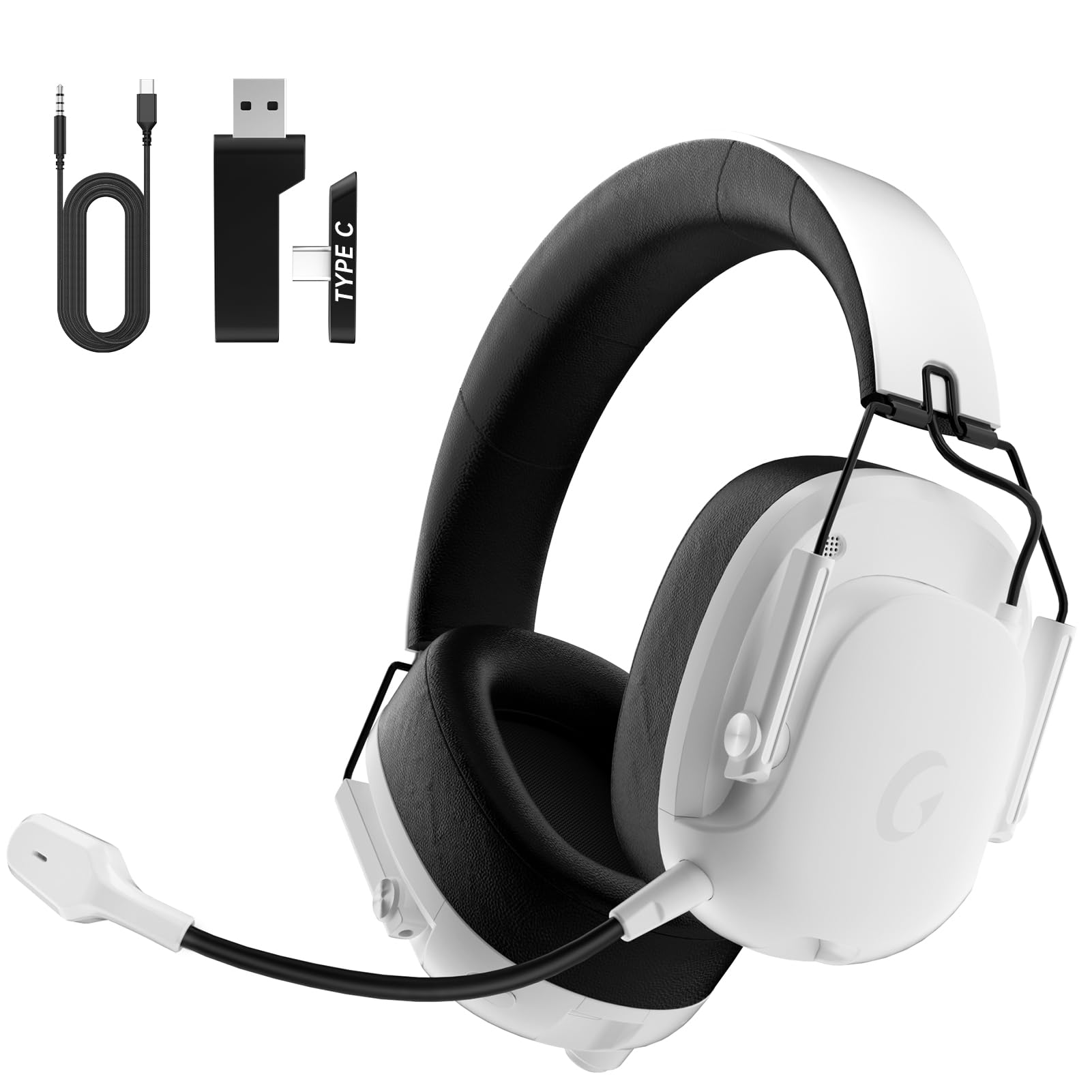
Figure 1: Rumoon Spark 02 Wireless Gaming Headset (White)
Key Components and Controls
- 1. Detachable Microphone: Connects to the headset for voice communication. Features noise-cancelling technology.
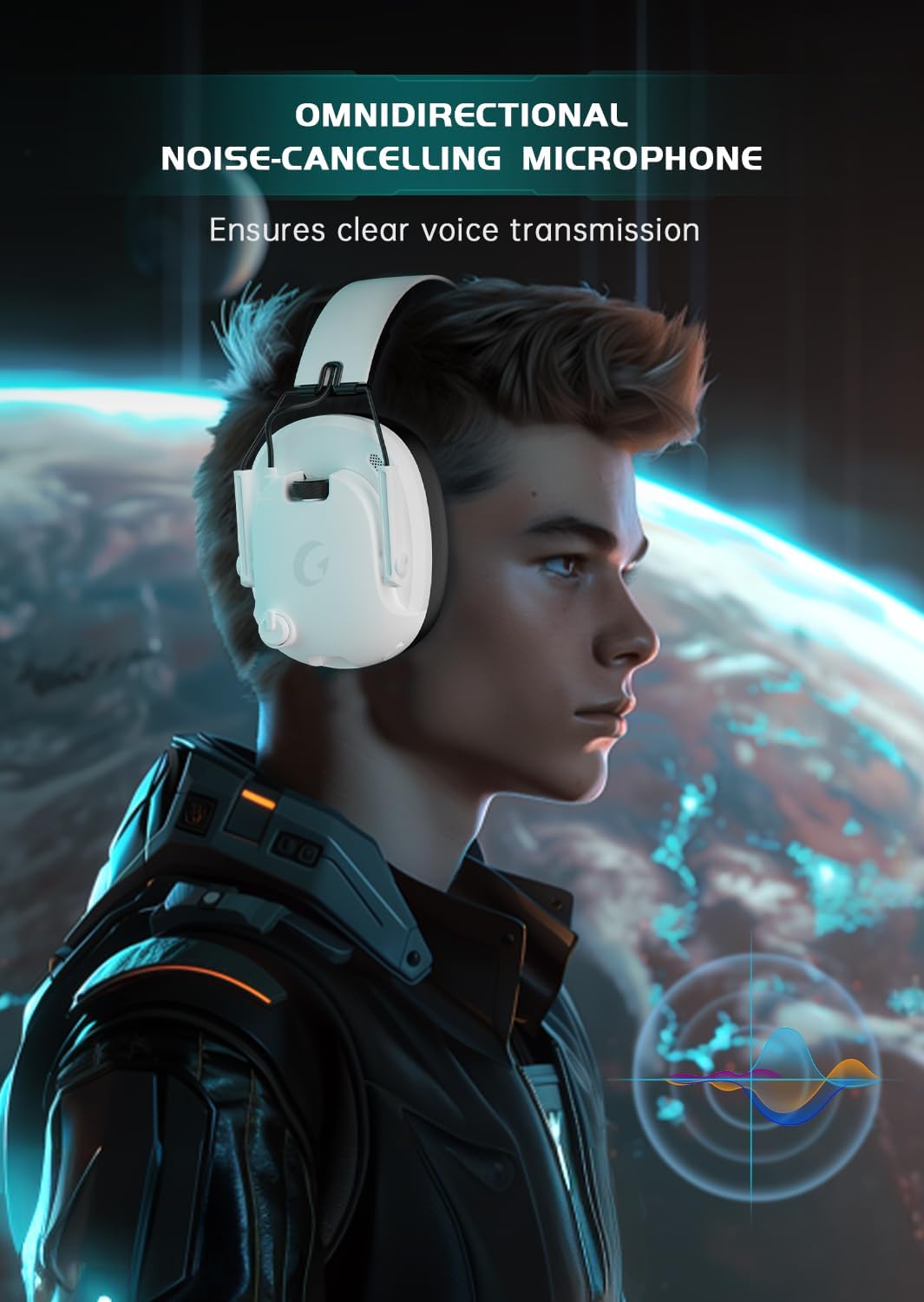
Figure 2: Detachable Omnidirectional Noise-Cancelling Microphone. Ensures clear voice transmission.
- 2. Multifunction Audio Dial: Located on the earcup.
- Turn right to increase volume.
- Push up to mute the microphone.
- Push down to unmute the microphone.

Figure 3: Multifunction Audio Dial for easy volume and microphone control.
- 3. Ear Cushions: Premium, skin-friendly, and breathable material for comfort.

Figure 4: Premium ear cushions designed for long-lasting comfort and breathability.
- 4. Foldable Design: Ear cups fold inward for compact storage and portability.
- 5. Adjustable Headband: For a customized and comfortable fit.
- 6. 50mm Dynamic Drivers: Deliver high-fidelity 7.1 surround sound.

Figure 5: Internal components of the 50mm Dynamic Driver, including Neodymium Magnet and Titanium Coat Diaphragm, for 3D surround sound.
Setup
- Charge the Headset: Before first use, fully charge the headset using the provided USB charging cable. Connect the USB-C end to the headset and the USB-A end to a power source (e.g., computer USB port, USB wall adapter). The LED indicator will show charging status.
- Attach the Microphone: Insert the detachable microphone into the 3.5mm microphone jack on the left earcup until it clicks into place. Ensure it is firmly connected for optimal voice pickup.
- Adjust Fit: Adjust the headband and rotate the earcups for a comfortable and secure fit over your ears.
Operating Instructions
Power On/Off
- To Power On: Press and hold the Power button for 3 seconds until the LED indicator lights up.
- To Power Off: Press and hold the Power button for 3 seconds until the LED indicator turns off.
Connectivity Modes
The Rumoon Spark 02 supports three primary connection methods:

Figure 6: Overview of 2.4GHz Wireless, Bluetooth 5.3, and 3.5mm Wired connectivity options.
- 2.4GHz Wireless Connection (Low Latency):
- For PS4/PS5, PC (USB Type-A), Switch (Docked):
- Plug the 2.4GHz USB-A wireless dongle directly into an available USB-A port on your device.
- If your device only has USB-C ports (e.g., some PCs, Laptops, Phones/Pads), attach the USB-C adapter to the USB-A dongle, then plug it into the USB-C port.
- Power on the headset. It should automatically connect to the dongle. The LED indicator will show a stable light when connected.
- Ensure the headset is selected as the audio output and input device in your system settings.
- Note: Wireless mode is not compatible with Xbox Series consoles.

Figure 7: 2.4GHz wireless connection for low-latency audio transmission (delays < 20ms, accessible connection < 49ft).
- For PS4/PS5, PC (USB Type-A), Switch (Docked):
- Bluetooth 5.3 Connection:
- For Phones, Pads, Laptops, and other Bluetooth-enabled devices:
- Power on the headset.
- Press and hold the Bluetooth button (usually the power button or a dedicated button) for 5 seconds until the LED indicator flashes rapidly, indicating pairing mode.
- On your device, go to Bluetooth settings and select "Rumoon Spark 02" from the list of available devices.
- Once paired, the LED indicator on the headset will show a stable light.
- Note: Wireless mode (including Bluetooth) is not compatible with Xbox Series consoles.
- For Phones, Pads, Laptops, and other Bluetooth-enabled devices:
- 3.5mm Wired Connection:
- For All Platforms (including Xbox Series consoles):
- Connect one end of the 3.5mm audio cable to the headset's 3.5mm jack.
- Connect the other end to the 3.5mm audio jack on your gaming controller, PC, or other audio device.
- The headset will operate in passive wired mode. No battery power is required for audio, but the microphone may require power depending on the device.
- For All Platforms (including Xbox Series consoles):
Microphone Usage
- Attaching/Detaching: The microphone is detachable. Insert it into the dedicated port when needed for communication, and remove it for listening only or portability.
- Adjusting: The microphone is 360° adjustable. Position it optimally for clear voice capture, typically near the corner of your mouth.
- Mute/Unmute: Use the multifunction audio dial (push up to mute, push down to unmute) or the dedicated mute button if available on the headset.
Charging the Headset
- Connect the USB charging cable to the headset's USB-C port and a power source.
- A full charge takes approximately 3 hours.
- The headset provides a voice alert when the battery level is below 3%.
- Enjoy up to 45 hours of usage on a single charge.

Figure 8: Battery performance details: 40-45 hours gaming time, <3% battery voice alert, 3 hours charging time, 1050mAh battery capacity.
Maintenance
- Cleaning: Use a soft, dry cloth to clean the headset. For ear cushions, a slightly damp cloth can be used, but ensure they are completely dry before use. Do not use harsh chemicals or abrasive materials.
- Storage: Store the headset in a cool, dry place away from direct sunlight and extreme temperatures. The foldable design allows for compact storage.
- Avoid Water: This headset is not waterproof. Avoid exposure to water or excessive moisture.
Troubleshooting
| Problem | Possible Cause | Solution |
|---|---|---|
| No sound from headset |
|
|
| Microphone not working |
|
|
| Wireless connection unstable or disconnecting |
|
|
| Headset uncomfortable |
|
|
Compatibility Overview
The following table provides a quick reference for voice and microphone compatibility across different connection modes and platforms.
| Platform | 2.4GHz Mode (USB) | Bluetooth 5.3 Mode | 3.5mm Wired Mode |
|---|---|---|---|
| PS4/PS5 | Voice: Yes, Mic: Yes | Voice: No, Mic: No | Voice: Yes, Mic: Yes |
| PC | Voice: Yes, Mic: Yes | Voice: Yes, Mic: Yes | Voice: Yes, Mic: Yes |
| Switch | Voice: Yes, Mic: No | Voice: Yes, Mic: No | Voice: Yes, Mic: No |
| Pad/Phone | Voice: Yes (Type-C), Mic: Yes (Type-C) | Voice: Yes, Mic: Yes | Voice: Yes, Mic: Yes (Adapter cable required) |
| Laptop | Voice: Yes, Mic: Yes | Voice: Yes, Mic: Yes | Voice: Yes (3.5mm jack), Mic: Yes (3.5mm jack) |
| Xbox Series | Voice: No, Mic: No | Voice: No, Mic: No | Voice: Yes, Mic: Yes |
Specifications
| Feature | Detail |
|---|---|
| Model Number | Spark 02 |
| Connectivity | 2.4GHz Wireless, Bluetooth 5.3, 3.5mm Wired |
| Compatibility | PS5, PS4, PC, Switch, Phone, Pad, Laptop, Xbox Series (wired only) |
| Audio Drivers | 50mm Dynamic Drivers |
| Surround Sound | 7.1 Surround Sound |
| Microphone | Detachable, Omnidirectional, Noise-Cancelling, 360° Adjustable |
| Battery Life | Up to 45 hours |
| Battery Capacity | 1050mAh |
| Charging Time | Approximately 3 hours |
| Wireless Range (2.4GHz) | Up to 49 feet (15 meters) |
| Latency (2.4GHz) | Less than 20ms |
| Frequency Range | 20 Hz - 20,000 Hz |
| Material | Plastic, Steel-Reinforced Slider, Premium Protein Leather (ear cushions) |
| Color | White |
Warranty and Support
For warranty information, technical support, or customer service inquiries, please refer to the official Rumoon website or contact their customer support team directly. Keep your purchase receipt for warranty claims.