
Introduction
The OTTOCAST ScreenFlow-01 is an 11.4-inch portable display designed to enhance your in-car experience by integrating advanced connectivity and entertainment features. This device provides seamless access to Apple CarPlay and Android Auto, along with built-in streaming applications, all powered by an Android 13 operating system. It features a high-definition touchscreen, dual Wi-Fi and Bluetooth connectivity, and supports a 1080P HD rearview camera for improved safety and convenience.
What's in the Box
The package includes the following components:
- 1 x OTTOCAST ScreenFlow Main Unit
- 1 x Stand with 3M Adhesive
- 1 x AUX Cable (1.5M)
- 1 x Cigarette Lighter Power Adapter
- 1 x Back up Camera
- 1 x User Manual
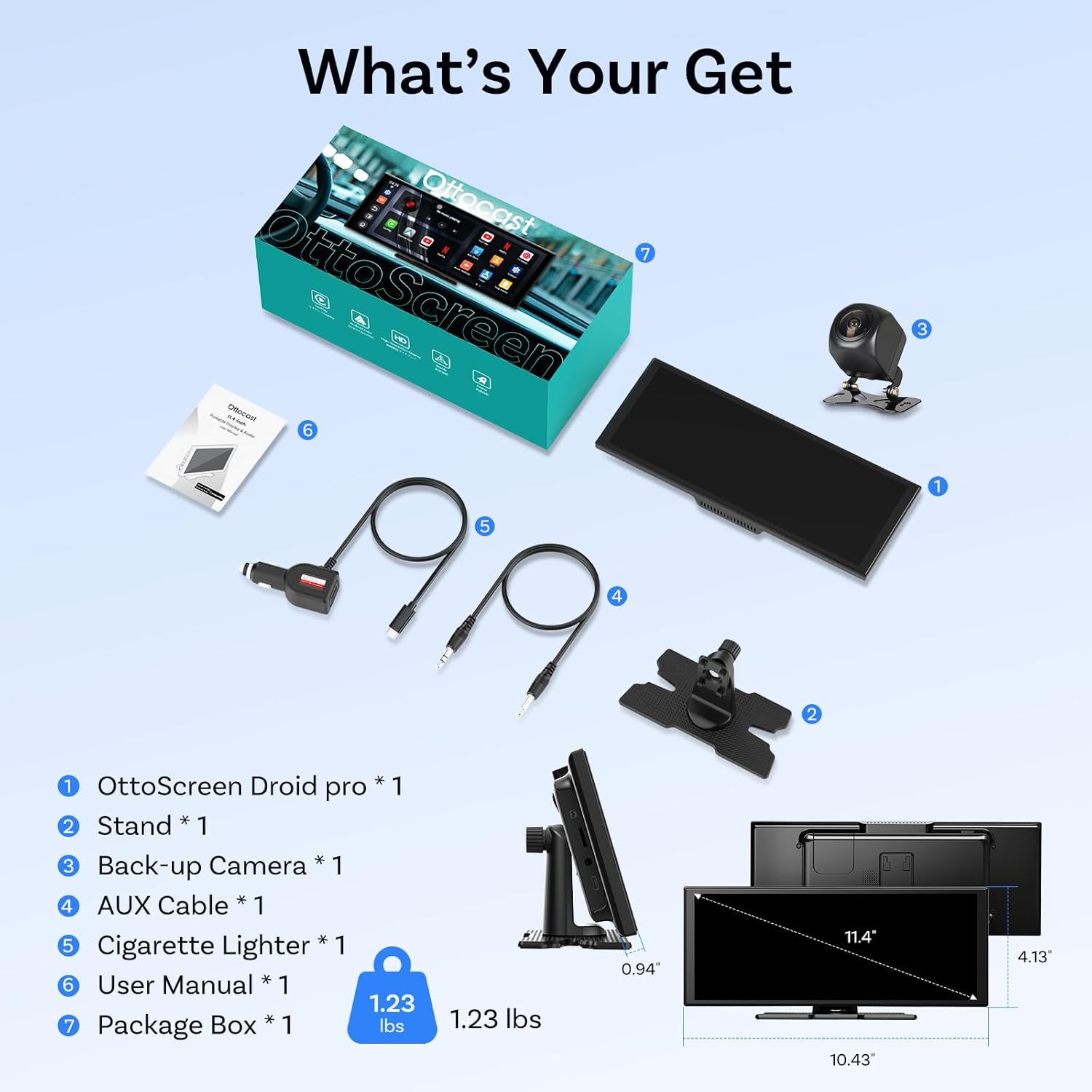
Figure 1: All components included in the OTTOCAST ScreenFlow-01 package.
Unboxing Video
Video 1: An unboxing overview of the OTTOCAST ScreenFlow, detailing the included components and initial setup.
Setup and Installation
Setting up your OTTOCAST ScreenFlow-01 is a straightforward process designed for quick integration into your vehicle.
Main Unit Installation
- Connect Power: Plug the device into your car's cigarette lighter port using the provided adapter.
- Mount the Screen: Attach the main unit to the dashboard using the included stand and 3M adhesive. Ensure the placement does not obstruct your view or interfere with vehicle controls.
- Internet Connection: Connect the device to the internet via your car's Wi-Fi or a smartphone hotspot.
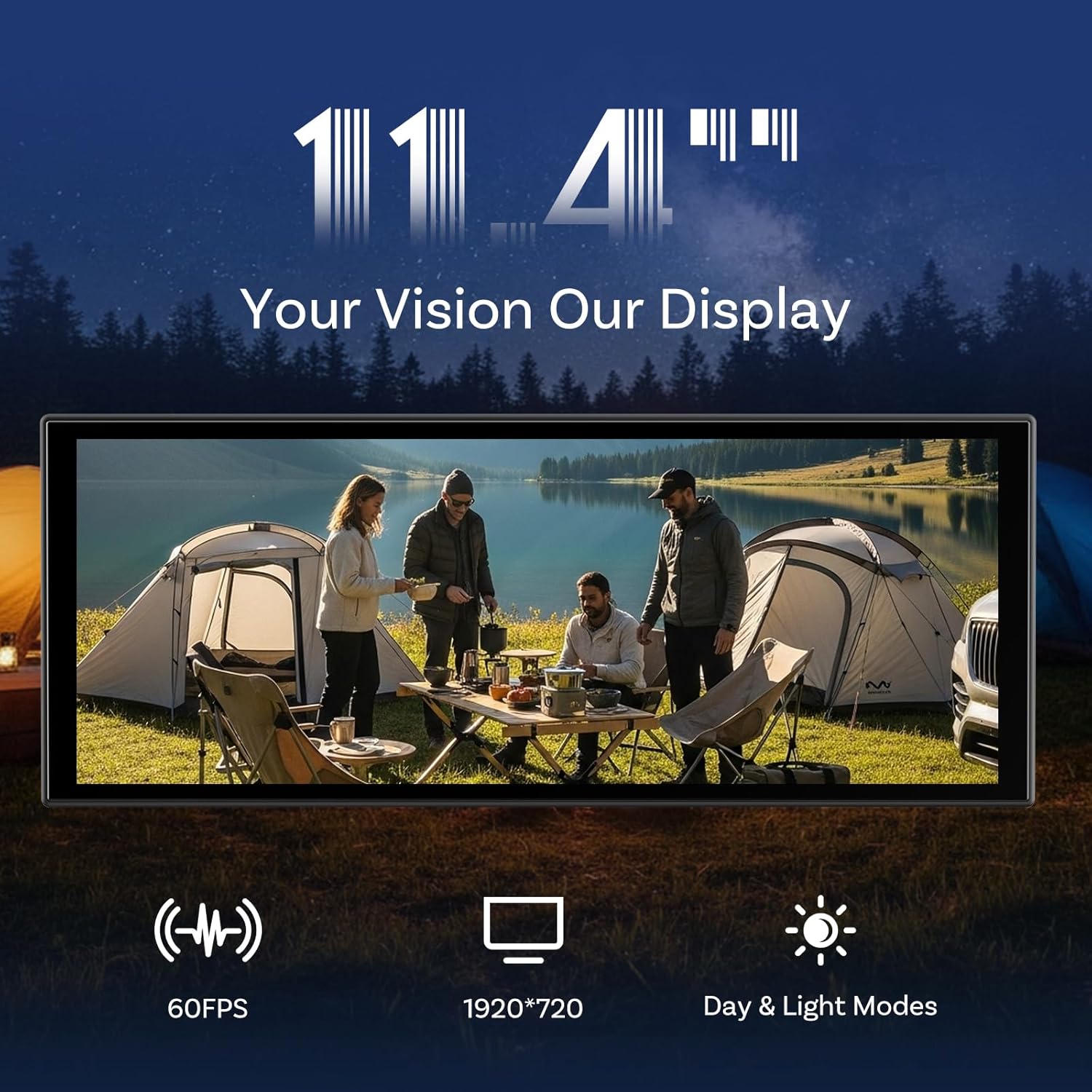
Figure 2: Quick setup guide for the OTTOCAST ScreenFlow-01.
Rearview Camera Installation
The 1080P HD rearview camera provides precise parking assistance. For optimal functionality, route the camera cable carefully to avoid interference with existing vehicle components.
- Cable Routing: Plan the routing of the camera cable from the rear of the vehicle to the main unit. It is recommended to route the cable through the internal space of the car ceiling or along door seals to keep it hidden and secure.
- Brake Light Connection: Connect the camera's reverse detection line to the vehicle's brake light wiring terminal. This ensures the camera activates automatically when the vehicle is put into reverse. Use a dedicated terminal to prevent poor contact.
- Camera Placement: Mount the camera in a position that provides a clear, unobstructed view of the rear. The camera features a 360° rotatable view for flexible positioning.

Figure 3: Schematic diagram for rearview camera installation.

Figure 4: The camera's 360° digital rotation allows for optimal image adjustment regardless of mounting position.
Installation Video
Video 2: Detailed instructions on how to install the OTTOCAST ScreenFlow, including the camera.
Operating Instructions
Power On and Initial Setup
The device features rapid boot technology, allowing for a 2-second startup when fully charged. The first-time setup may take approximately 20 seconds.

Figure 5: The device powers on quickly for immediate use.
Connectivity (CarPlay & Android Auto)
The ScreenFlow-01 supports wireless Apple CarPlay (iOS 8+) and Android Auto (Android 10+) connectivity. It utilizes dual Wi-Fi and dual Bluetooth systems for stable and simultaneous connections.
- Dual Bluetooth: One Bluetooth connection pairs with your phone for calls and media, while the other connects to your car stereo for audio output.
- Dual Wi-Fi: Maintains both CarPlay/Android Auto functionality and video streaming simultaneously without signal drops.

Figure 6: Dual Bluetooth setup for comprehensive connectivity.

Figure 7: Dual Wi-Fi enables seamless multitasking.
Navigation
Connect Apple CarPlay or Android Auto to access live GPS navigation with turn-by-turn directions, estimated arrival times, and dynamic route updates on the clear, easy-to-read interface.

Figure 8: Online GPS navigation interface.
Entertainment
The device comes pre-loaded with popular streaming apps, including YouTube, Netflix, Disney+, Prime Video, and Spotify. These apps are designed for safe viewing only when your vehicle is parked and turned off. The powerful Android 13 system with a quad-core processor supports online app updates for expanded entertainment options.

Figure 9: Built-in entertainment applications.
Split-Screen Multitasking
Enhance your driving experience with the innovative split-screen capability. This feature allows you to operate CarPlay navigation on one side while simultaneously controlling streaming media apps on the other. Both sides function independently without interference.
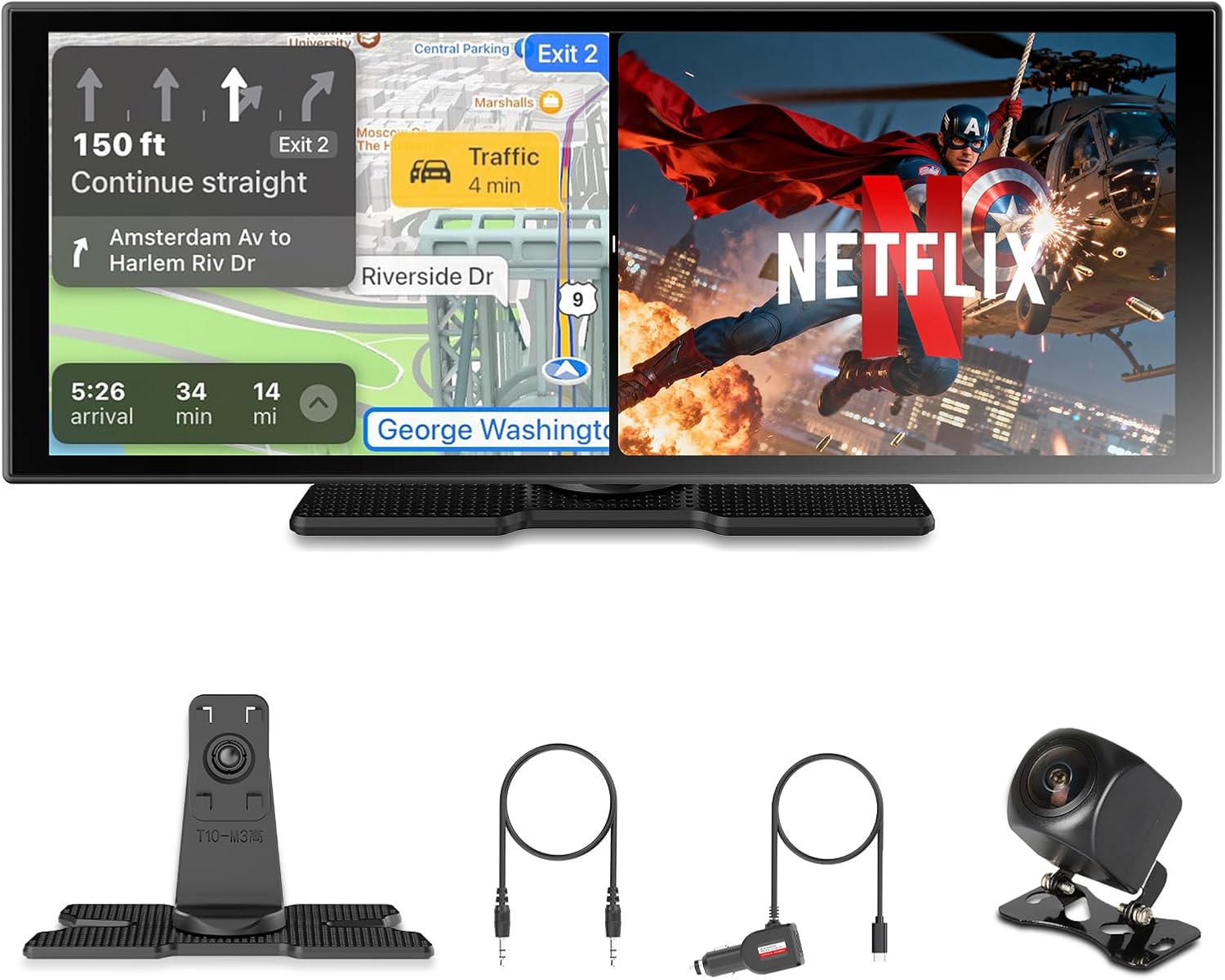
Figure 10: Split-screen functionality for navigation and entertainment.
Rearview Camera Operation
The included 1080P HD rearview camera provides a clear, wide-angle view with built-in reference lines for precise parking. The waterproof design ensures reliable performance in various weather conditions.

Figure 11: Rearview camera display with parking assistance.
Specifications
| Product Dimensions | 10.63 x 2.76 x 4.33 inches |
| Item Weight | 2.42 pounds |
| Item Model Number | OTTOCAST ScreenFlow-01 |
| Brand | OTTOCAST |
| Model Name | ScreenFlow |
| Vehicle Service Type | Car |
| Screen Size | 11.4 Inches |
| Special Feature | Wireless CarPlay and Android Auto Connectivity, Built-in Apps, OTA Updates |
| Connectivity Technology | Dual Bluetooth |
| Map Type | Road |
| Mounting Type | Panel Mount |
Troubleshooting
If you encounter any issues with your OTTOCAST ScreenFlow-01, please refer to the following common troubleshooting steps:
- No Power: Ensure the cigarette lighter adapter is securely plugged into the vehicle's power outlet and the device. Check the vehicle's fuse for the power outlet if necessary.
- Connectivity Issues: Verify that both Wi-Fi and Bluetooth are enabled on your smartphone and the ScreenFlow-01. Ensure your phone is within range and properly paired. Try restarting both devices.
- Screen Freezing/Unresponsive: Perform a soft reset by disconnecting the power for a few seconds and then reconnecting it. If the issue persists, check for system updates.
- Rearview Camera Not Displaying: Confirm the camera cable is securely connected to the main unit and the vehicle's reverse light circuit. Test the camera manually if an option is available in the settings.
- Audio Problems: Check the audio output settings on the ScreenFlow-01 (Bluetooth, AUX, FM transmitter). Ensure the correct input is selected on your car stereo.
System Update
Regularly check for and install system updates to ensure optimal performance and access to the latest features.

Figure 12: Steps for performing a system update.
Warranty and Support
OTTOCAST provides reliable after-sales service, including free FOTA (Firmware Over-The-Air) software updates and a 1-year product warranty. For technical assistance or any inquiries, the technical team responds to all questions within 24 hours.
For further support, please refer to the contact information provided in your product packaging or visit the official OTTOCAST website.