
Introduction
This manual provides detailed instructions for the operation and maintenance of your ABBREE AR-7600 Mobile Ham Radio. The AR-7600 is a 30W dual-band VHF/UHF transceiver designed for vehicle and base station use, featuring GPS, NOAA weather alerts, air band reception, and a speaker microphone with integrated controls.
What's in the Box
Verify that all components are present upon unpacking:
- Host Unit (Radio Body)
- Microphone with integrated controls and USB-C programming port
- Type-C Programming Cable
- GPS Receiver with cable
- DC Power Cable
- Screw Accessories for mounting
- Mounting Bracket
- User Manual

Product Overview
The ABBREE AR-7600 is a versatile mobile radio with a compact design and a feature-rich speaker microphone. Below is a diagram identifying the main parts of the radio and microphone.
- MIC Jack: Connects the speaker microphone to the radio unit.
- Power Switch: Controls the main power to the radio.
- USB Interface: For data connection (not for programming).
- Audio Interface: For external audio devices.
- GPS Antenna Socket: Connects the external GPS antenna.
- Cooling Fan: Dissipates heat during operation.
- PF Antenna Socket: Connects the main radio antenna.
- PTT1 (Push-To-Talk 1): Primary transmit button on the microphone.
- PTT2 (Push-To-Talk 2): Secondary transmit button on the microphone, often for a different band or function.
- Function Keypad: Accesses various radio functions.
- Numeric Keypad: For direct frequency input and menu navigation.
- Hook Hole: For hanging the microphone.
- Display: Shows frequency, channel, and status information.
- Microphone: For voice input.
- Speaker: For audio output from the microphone unit.
Setup
1. Mounting the Radio
Use the provided mounting bracket and screws to secure the radio body in a suitable location within your vehicle or base station. Ensure adequate ventilation around the cooling fan.
2. Power Connection
Connect the DC power cable to the radio unit and to a stable 12V DC power source. Observe correct polarity (red to positive, black to negative) to prevent damage.
3. Antenna Connection
Connect your VHF/UHF antenna to the PF Antenna Socket (7) on the rear of the radio unit.
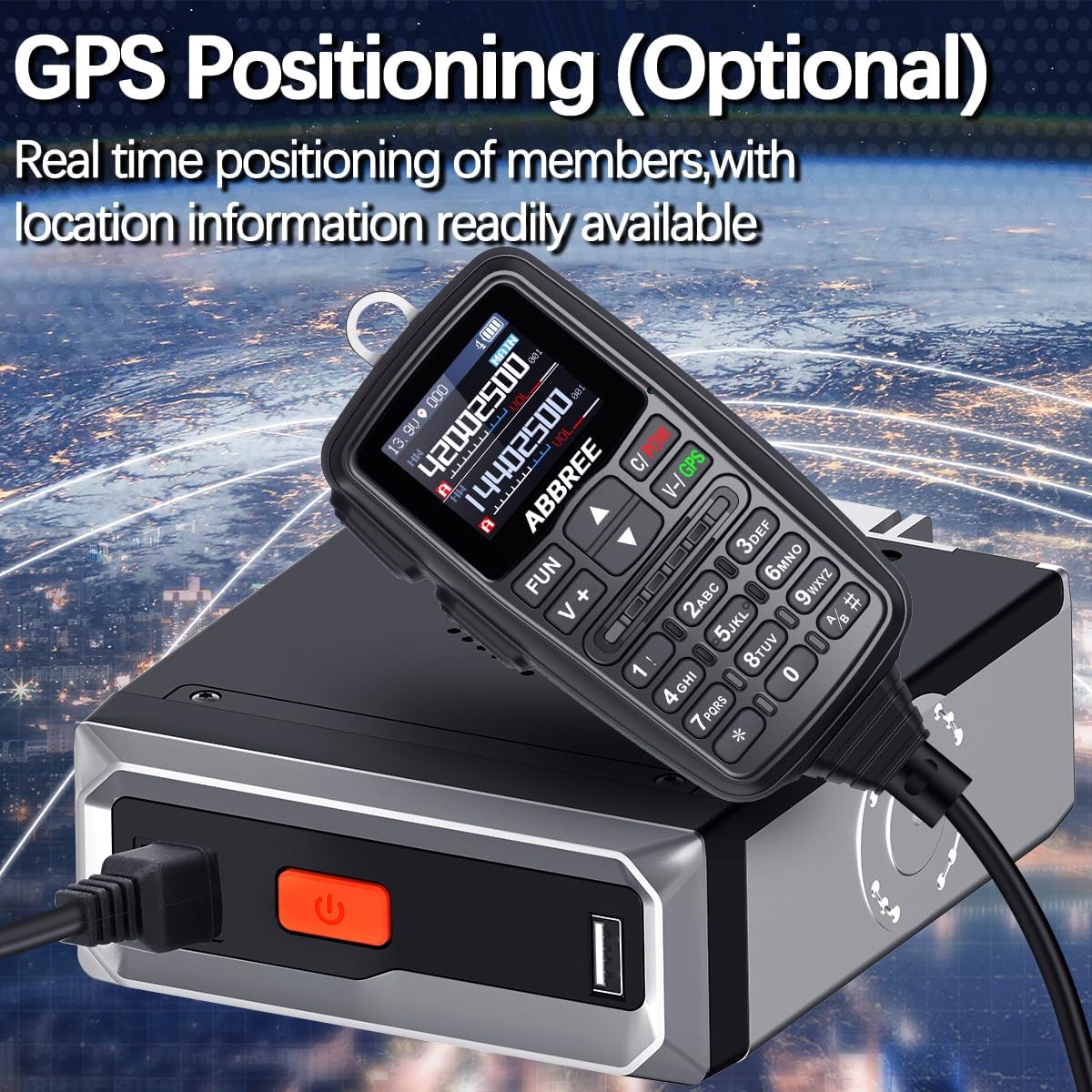
4. GPS Antenna Connection
Connect the external GPS receiver cable to the GPS Antenna Socket (5) on the rear of the radio unit. Position the GPS antenna with a clear view of the sky for optimal signal reception.
5. Speaker Microphone Connection
Plug the speaker microphone cable into the MIC Jack (1) on the front of the radio unit.
6. Programming Software
The radio can be programmed via software using the Type-C Programming Cable connected to the microphone's USB-C port. The programming software is currently available in English. Refer to the software's instructions for detailed programming procedures.
Operating Instructions
1. Power On/Off
Press the Power Switch (2) on the radio unit to turn the device on or off.
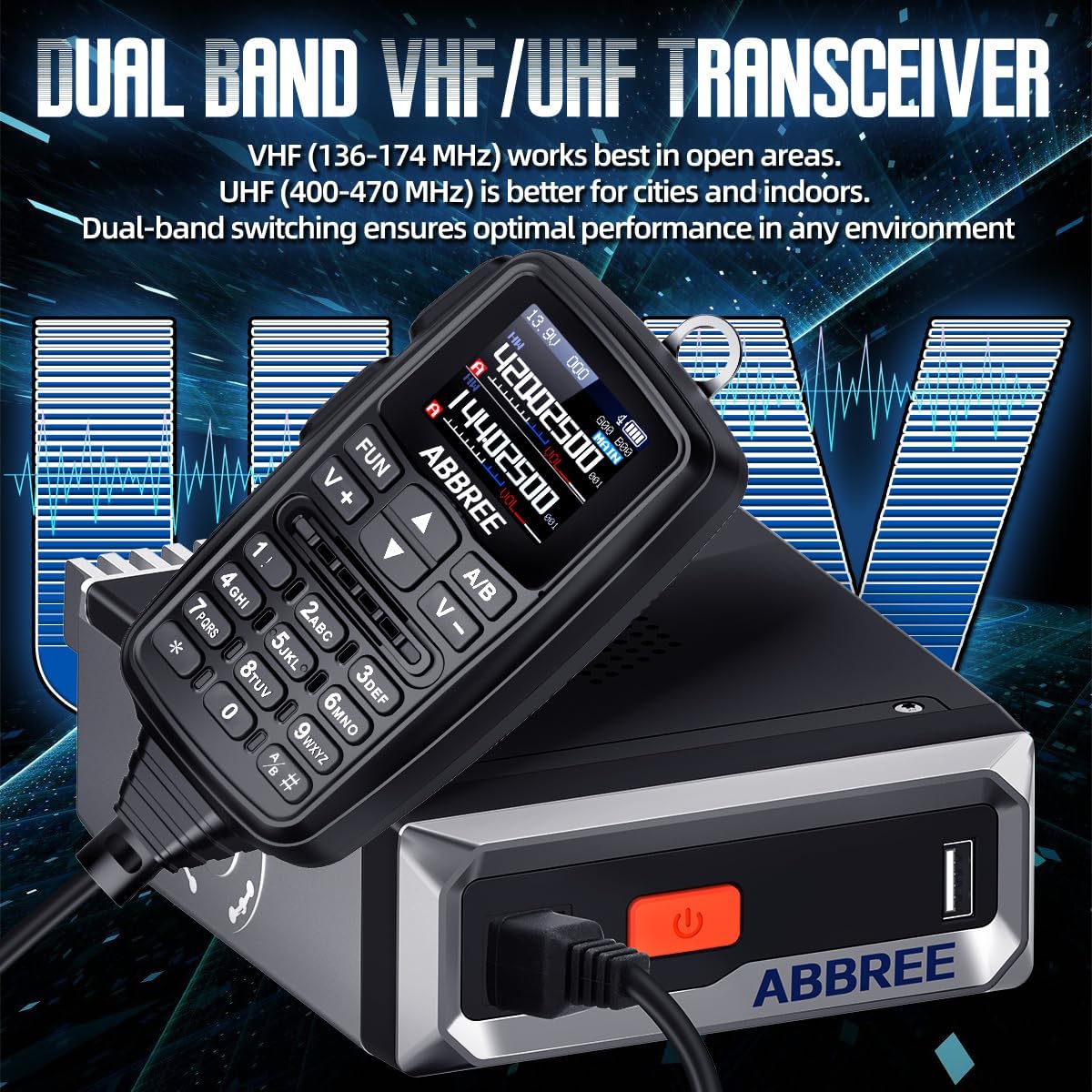
2. Dual Band Operation (VHF/UHF)
The AR-7600 supports dual-band operation (VHF: 136-174MHz, UHF: 400-480MHz). Use the A/B button on the microphone to switch between the upper (A) and lower (B) display frequencies. The radio can monitor both bands simultaneously.
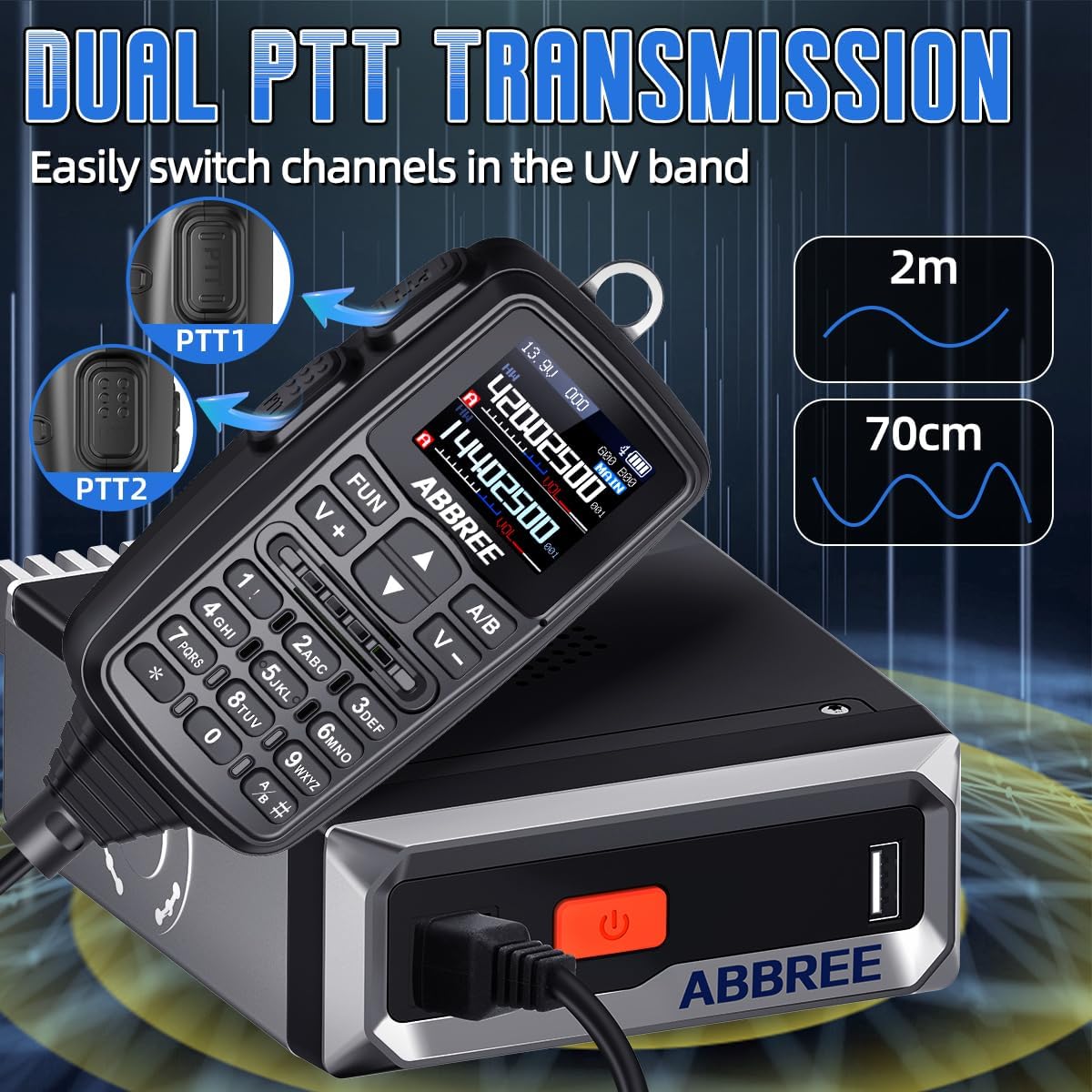
3. Dual PTT Function
The microphone features two Push-To-Talk buttons, PTT1 (8) and PTT2 (9). These allow for quick switching between two different frequencies or channels, typically one for each band (VHF and UHF), without needing to manually change the active frequency.
4. Channel Selection and Frequency Input
The radio supports 500 channels. Use the Numeric Keypad (11) on the microphone to directly input frequencies or select channels. The Function Keypad (10) provides access to various menu options for channel management and radio settings.
5. DTMF and Scrambling Functions
DTMF (Dual-Tone Multi-Frequency): Enables remote control functions and selective calling. Refer to the menu settings for DTMF configuration.
Scrambling: Encrypts voice transmissions to enhance communication privacy. Activate this feature through the radio's menu.
6. NOAA Weather Alert
The AR-7600 can receive NOAA weather alerts, providing real-time emergency updates and severe weather warnings. Enable this feature in the radio's menu to stay informed about local weather conditions.

7. Air Band Receive
The radio is capable of receiving air band frequencies (108-137MHz), allowing you to monitor airport traffic and aviation communications.
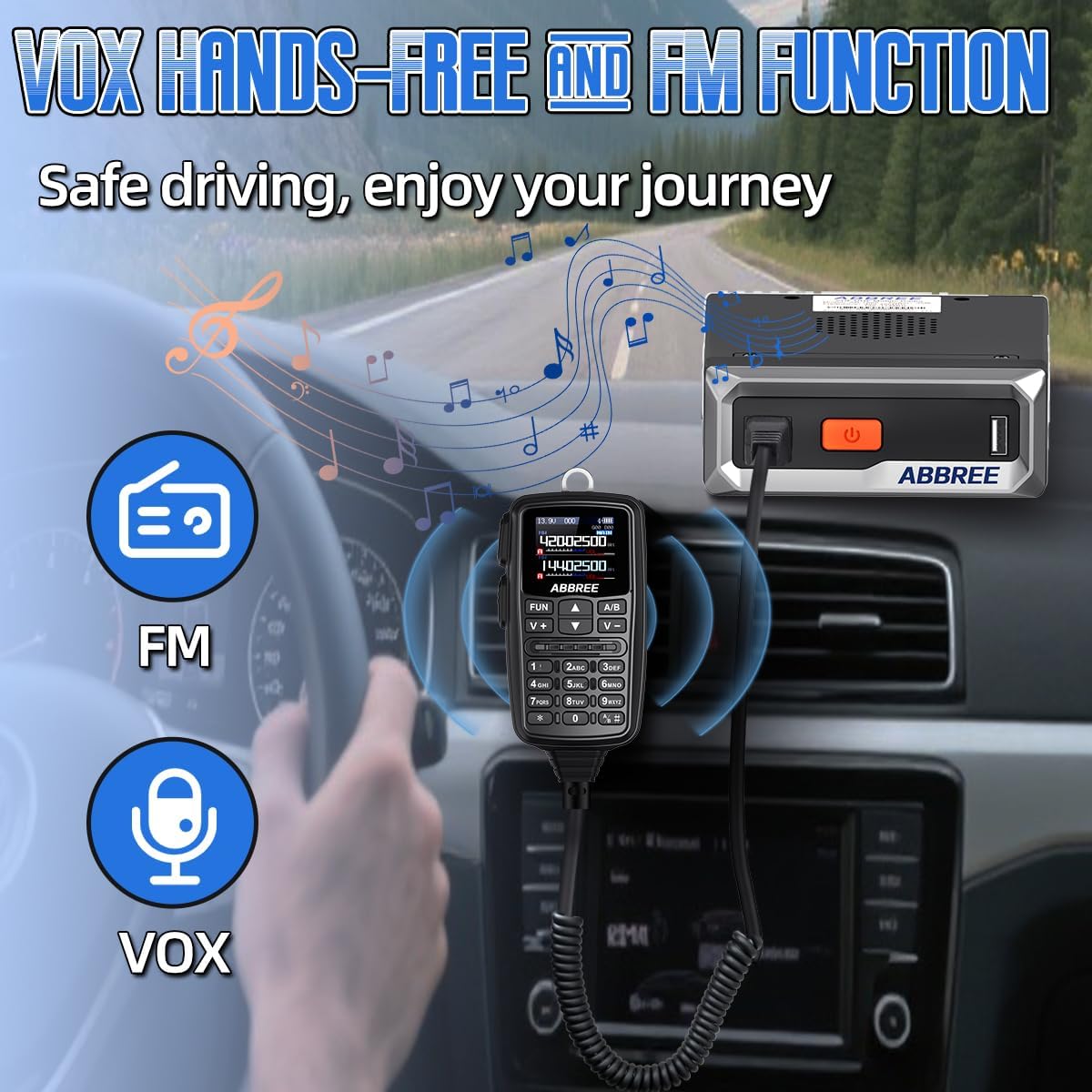
8. VOX and FM Functions
VOX (Voice Operated Exchange): Allows for hands-free transmission by detecting your voice. Adjust VOX sensitivity in the menu.
FM Radio: The unit includes an FM broadcast radio receiver for entertainment. Switch to FM mode via the menu or a dedicated function key.

9. Video Demonstration
Maintenance
To ensure the longevity and optimal performance of your ABBREE AR-7600, follow these maintenance guidelines:
- Cleaning: Use a soft, dry cloth to clean the radio body and microphone. Avoid abrasive cleaners or solvents.
- Connections: Periodically check all cable connections (power, antenna, microphone, GPS) to ensure they are secure and free from corrosion.
- Ventilation: Ensure the cooling fan (6) and ventilation grilles are free from dust and obstructions to prevent overheating.
- Storage: When not in use for extended periods, store the radio in a dry, cool environment away from direct sunlight and extreme temperatures.
Troubleshooting
| Problem | Possible Cause | Solution |
|---|---|---|
| Radio does not power on. | Loose power connection, incorrect polarity, power source issue. | Check power cable connections. Verify 12V DC power source. Ensure correct polarity. |
| No signal reception or poor audio quality. | Antenna not connected, incorrect frequency, squelch level too high. | Ensure antenna is securely connected. Verify correct frequency/channel. Adjust squelch level. |
| Cannot transmit. | Incorrect frequency, PTT button issue, power output setting. | Confirm you are on a transmit-enabled frequency. Check PTT button functionality. Verify power output settings. |
| GPS not acquiring satellite signal. | GPS antenna not connected, obstructed view of sky. | Ensure GPS antenna is connected to socket (5). Relocate antenna to an area with a clear view of the sky. |
| Programming software issues. | Software version incompatibility, driver issues, incorrect cable. | Ensure you are using the correct and latest programming software from ABBREE. Install necessary USB drivers. Use the provided Type-C programming cable. |
| Radio resets to factory settings. | Potential software bug or power instability during programming. | Ensure stable power during programming. Re-program carefully. Contact support if issue persists. |
Specifications
| Feature | Detail |
|---|---|
| Brand | ABBREE |
| Model Number | AR-7600 |
| Color | Black |
| Number of Channels | 500 |
| Frequency Range | VHF: 136-174MHz, UHF: 400-480MHz |
| Power Output | 30W Max |
| Special Features | Dual PTT, Long Range, NOAA Weather Alert, VOX, Built-in GPS, Air Band Receive, DTMF, Scrambling Function, HD Color Screen Display |
| Water Resistance Level | Not Water Resistant |
| Compatible Devices | Other two-way radios, headsets, and earpieces with PTT/VOX functionality within specified frequency bands. |
Warranty and Support
Warranty: The product specifications indicate "NO" for Warranty Description. Please refer to your purchase documentation or contact the seller for specific warranty terms and conditions.
Support: For technical assistance, troubleshooting, or inquiries regarding your ABBREE AR-7600 Mobile Ham Radio, please contact ABBREE customer support through their official channels or the retailer from whom the product was purchased.
