Introduction
The OUKITEL WP60 is a robust 5G rugged smartphone designed for durability and high performance. It features an aerospace-grade aluminum-titanium alloy shell, providing resistance against drops, water, and dust. This device is equipped with a large 7.2-inch HD+ display with a 120Hz refresh rate, a powerful MediaTek Dimensity 7025 chipset, and a 10000mAh battery for extended use. The advanced camera system includes a 108MP main camera, an 8MP night vision camera, and a 2MP macro camera, alongside a 32MP front camera. This manual will guide you through the essential functions and features of your new device.
What's in the Box
Upon opening your OUKITEL WP60 package, please verify that all the following items are included:
- 1 X Mobile Phone (OUKITEL WP60)
- 1 X Charger
- 1 X Type-C Data Cable
- 1 X Instruction Manual
- 1 X Mobile Box
Video: Unboxing the OUKITEL WP60, showing the phone and its accessories.
Setup
1. SIM Card and Storage Card Installation
Locate the SIM card tray on the side of the phone. Use the provided SIM ejector tool to open the tray. Insert your Nano-SIM cards and/or a TF (microSD) card into the designated slots. Ensure the cards are correctly oriented as indicated on the tray. Gently push the tray back into the phone until it clicks into place.
2. Powering On/Off
- To Power On: Press and hold the Power button (usually on the right side) until the OUKITEL logo appears on the screen.
- To Power Off: Press and hold the Power button until the power options menu appears. Select "Power Off" and confirm.
- To Restart: Press and hold the Power button, then select "Restart" from the menu.
3. Initial Setup
The first time you power on your device, you will be guided through the initial setup process. This includes selecting your language, connecting to a Wi-Fi network, setting up your Google account, and configuring security features like fingerprint unlock or facial recognition.
Operating Instructions
Display Features
The OUKITEL WP60 features a 7.2-inch HD+ display with a resolution of 720x1560 pixels and a 120Hz dynamic refresh rate. This provides smooth visuals and responsive touch interaction. The screen is protected by Corning high-strength glass, offering enhanced resistance to drops and scratches. It also supports wet hand and glove operation, ensuring functionality in various environmental conditions.

Image: Front view of the OUKITEL WP60 showcasing its 7.2-inch HD+ display.
Video: Demonstrating the 7.2-inch HD+ display and 120Hz refresh rate of the OUKITEL WP60.
Performance and Storage
The WP60 is powered by the 6nm MediaTek Dimensity 7025 5G chipset, offering efficient performance for multitasking and demanding applications. It comes with 24GB (8GB physical + 16GB virtual) RAM and 256GB of internal storage, expandable up to 2TB via a TF card. This configuration ensures smooth operation and ample space for applications, media, and documents.

Image: Illustrates the phone's 24GB RAM and 256GB ROM capacity.
Video: Showcasing the smooth performance of the OUKITEL WP60 during usage.
Battery and Charging
The device is equipped with a 10000mAh battery, providing extended usage times for navigation, video recording, and gaming. It supports 33W fast charging, allowing the battery to reach 50% charge in approximately 40 minutes. The WP60 also features reverse charging, enabling it to power other compatible devices in emergency situations.
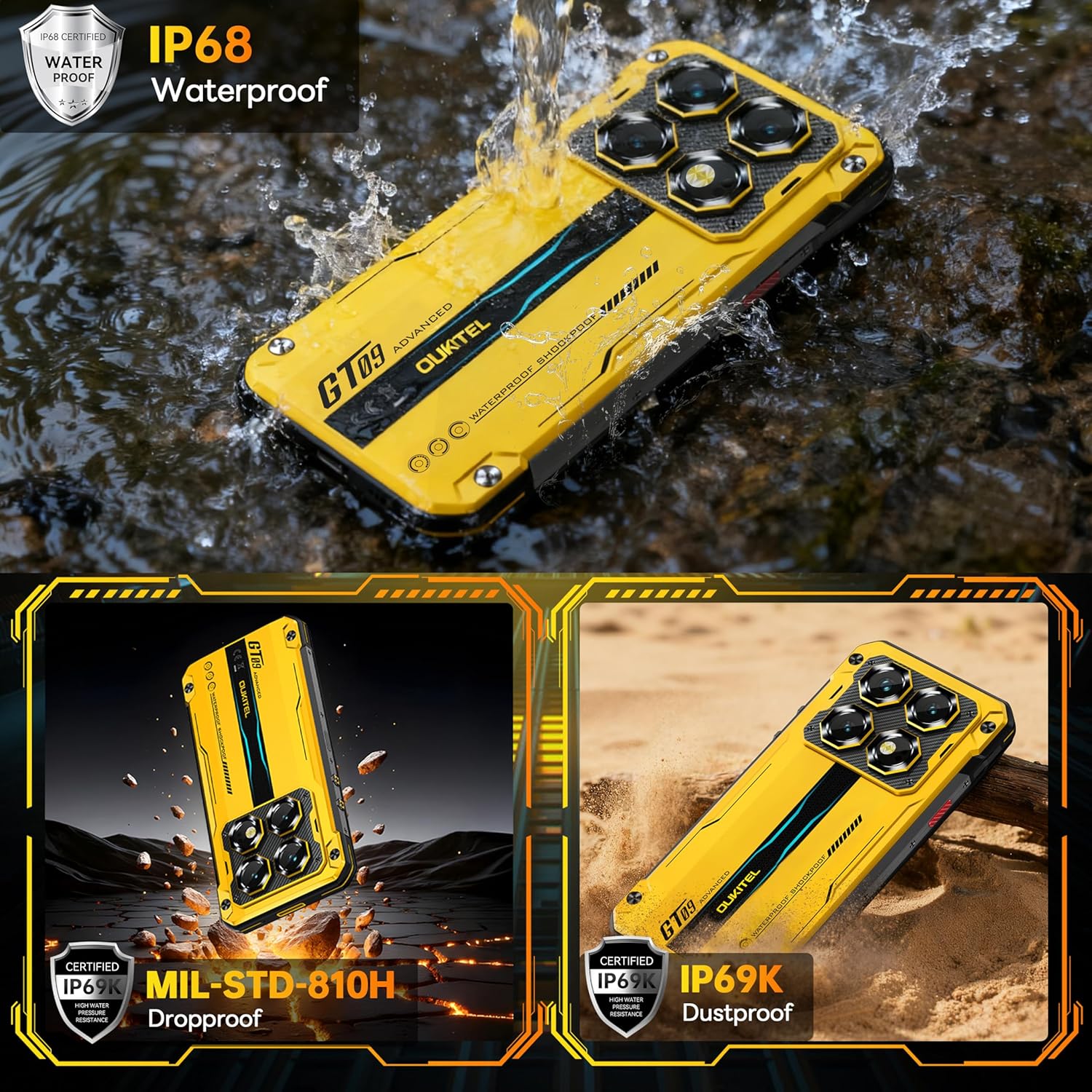
Image: Rear view of the OUKITEL WP60 highlighting its 10000mAh battery capacity.
Video: Demonstrating the long-lasting battery and fast charging capabilities of the OUKITEL WP60.
Camera System
The WP60 is equipped with a versatile camera system: a 108MP ultra-clear main camera capable of 4K/30fps video recording, a 32MP front-facing portrait camera, an 8MP night vision camera for low-light conditions, and a 2MP macro camera for close-up shots. This setup allows for capturing detailed images and videos in various environments.

Image: Highlights the OUKITEL WP60's 108MP main camera and other camera features.
Durability and Protection
The OUKITEL WP60 is certified with IP68 and IP69K ratings, indicating high levels of water and dust resistance. It also meets MIL-STD-810H military standards for drop-proof performance, making it suitable for challenging outdoor and industrial environments.
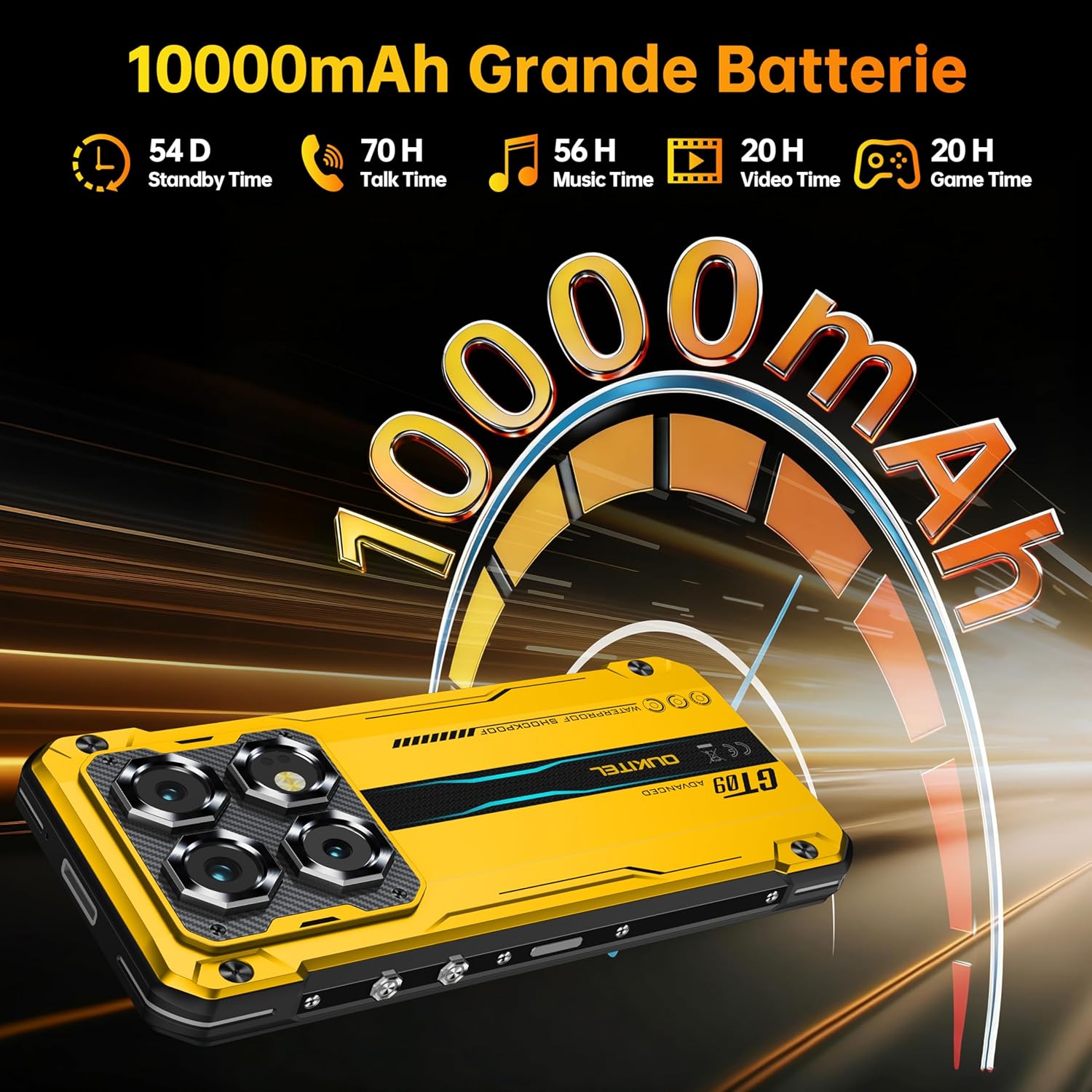
Image: Demonstrates the rugged build and waterproof capabilities of the OUKITEL WP60.
Video: Illustrates the waterproof capabilities of the OUKITEL WP60.
Connectivity and Other Features
The phone supports NFC for Google Pay, Bluetooth 5.2 for stable wireless connections, and comprehensive GPS, GLONASS, Beidou, and Galileo navigation systems. It includes dual SIM card slots for managing multiple networks and offers dual unlock options: facial recognition and a side-mounted fingerprint sensor for secure and convenient access.
Maintenance
- Cleaning: Use a soft, damp cloth to clean the phone's exterior. Avoid harsh chemicals or abrasive materials. Ensure all ports are dry before charging or connecting accessories.
- Software Updates: Regularly check for and install system updates to ensure optimal performance and security. Navigate to Settings > System > System update.
- Battery Care: To prolong battery life, avoid extreme temperatures. Do not fully discharge the battery frequently. Use the original charger and cable for optimal charging.
- Storage Management: Periodically clear unnecessary files and applications to maintain device speed and free up storage space.
Troubleshooting
- Device Not Turning On: Ensure the battery is charged. Connect the charger and wait a few minutes before attempting to power on again. If unresponsive, try a forced restart by holding the power button for an extended period (e.g., 10-15 seconds).
- Screen Unresponsive: If the screen is frozen, perform a forced restart. If the issue persists, check for physical damage or contact support.
- Network Issues: Check if your SIM card is properly inserted. Toggle Airplane Mode on and off. Restart the device. Verify your network settings and contact your service provider if problems continue.
- Apps Crashing/Slow Performance: Close background applications. Clear app cache (Settings > Apps > [App Name] > Storage > Clear cache). If issues persist, consider a factory reset (back up data first).
- Water/Dust Exposure: Despite its ruggedness, if the phone has been exposed to water or dust, ensure all ports are dry before charging. Do not attempt to open the device.
Specifications
| Feature | Specification |
|---|---|
| Model Name | WP60 |
| Operating System | Android 15 |
| Processor | MediaTek Dimensity 7025 (6nm, 2.5 GHz Octa-Core) |
| RAM | 24 GB (8GB physical + 16GB virtual) |
| Internal Storage | 256 GB |
| Expandable Memory | Up to 2TB via TF card |
| Screen Size | 7.2 Inches |
| Display Resolution | 720 x 1560 HD+ |
| Refresh Rate | 120 Hz |
| Main Camera | 108 MP |
| Front Camera | 32 MP |
| Night Vision Camera | 8 MP |
| Macro Camera | 2 MP |
| Battery Capacity | 10000 mAh |
| Charging | 33W Fast Charging, Reverse Charging |
| Durability Ratings | IP68, IP69K, MIL-STD-810H |
| Connectivity | 5G, Bluetooth 5.2, NFC, Wi-Fi |
| Navigation | GPS, GLONASS, Beidou, Galileo |
| SIM Card | Dual SIM |
| Security | Side-mounted Fingerprint Sensor, Facial Recognition |
| Item Weight | 1.57 pounds |
| Dimensions | 9.92 x 7.17 x 2.56 inches (Package) |
Warranty and Support
Your OUKITEL WP60 5G Rugged Phone comes with a standard manufacturer's warranty. Please refer to the warranty card included in your package for specific terms and conditions, including the warranty period and coverage details. For technical support, service, or warranty claims, please contact OUKITEL customer service through their official website or the contact information provided in your warranty documentation.
Always retain your proof of purchase for warranty validation.


