Introduction
Welcome to the QVEQ Smart Watch Q104 user manual. This guide provides detailed instructions on how to set up, operate, and maintain your new smartwatch. The QVEQ Smart Watch Q104 is designed to enhance your daily life with features such as Bluetooth calling, comprehensive health monitoring, multiple sports modes, and smart notifications.
Please read this manual thoroughly to ensure proper usage and to fully utilize all the functions of your device.

Image: The QVEQ Smart Watch Q104 in black, showcasing its main display with various health and activity metrics.
What's in the Box
Upon opening your QVEQ Smart Watch Q104 package, you should find the following items:
- QVEQ Smart Watch Q104
- Charging Cable
- Instruction Manual (this document)

Image: A visual representation of the QVEQ Smart Watch Q104 package contents, showing the watch, charging cable, and manual.
Setup Guide
1. Charging the Smart Watch
Before first use, fully charge your QVEQ Smart Watch Q104. Connect the magnetic charging cable to the charging points on the back of the watch and plug the USB end into a power adapter (not included) or a computer's USB port. A full charge typically takes about 2 hours.
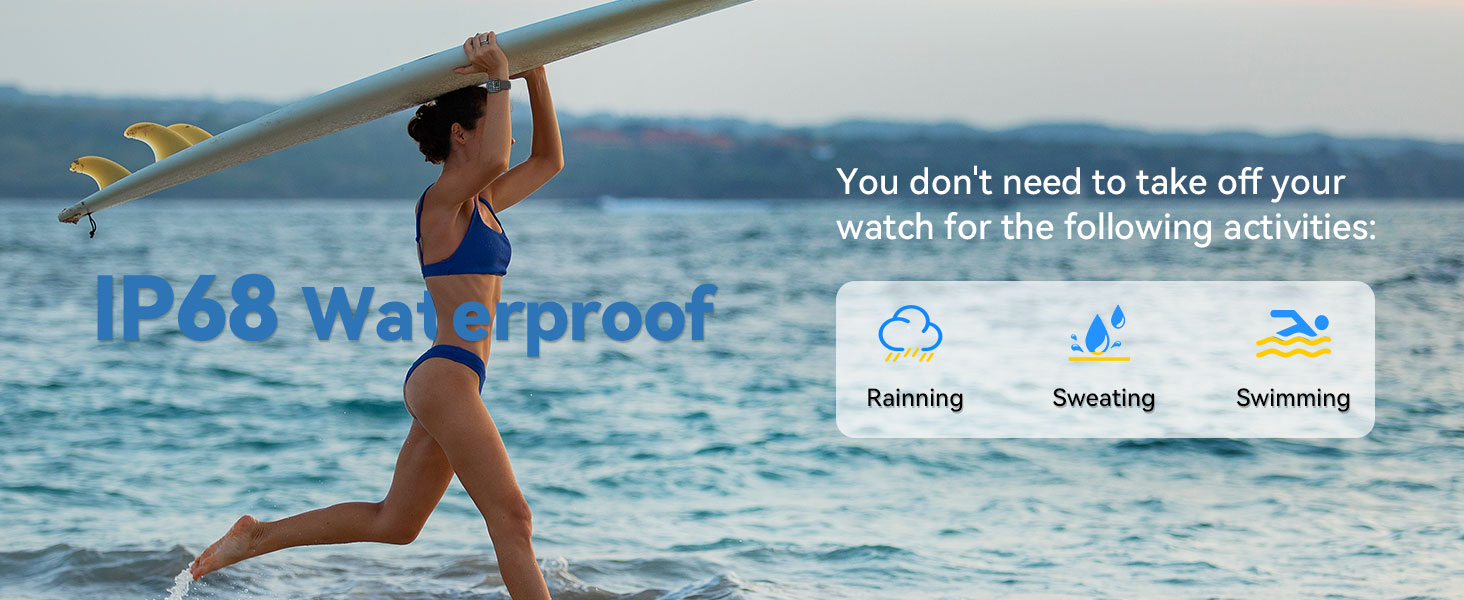
Image: The QVEQ Smart Watch Q104 being charged with its magnetic cable, indicating a full battery.
2. App Installation and Pairing
To unlock the full potential of your smartwatch, download and install the "Da Fit" application on your smartphone. The app is available for both Android and iOS devices.
- Download the App: Search for "Da Fit" in the App Store (iOS) or Google Play Store (Android) and install it.
- Enable Bluetooth: Ensure Bluetooth is enabled on your smartphone.
- Open Da Fit App: Launch the "Da Fit" app and follow the on-screen instructions to create an account or log in.
- Add Device: In the app, navigate to the device section (usually represented by a watch icon) and select "Add a Device."
- Select Your Watch: The app will scan for nearby devices. Select "Q104" or the corresponding device name from the list to pair.
- Allow Notifications: Grant the "Da Fit" app necessary permissions, especially for notifications, in your phone's settings to receive alerts on your watch.
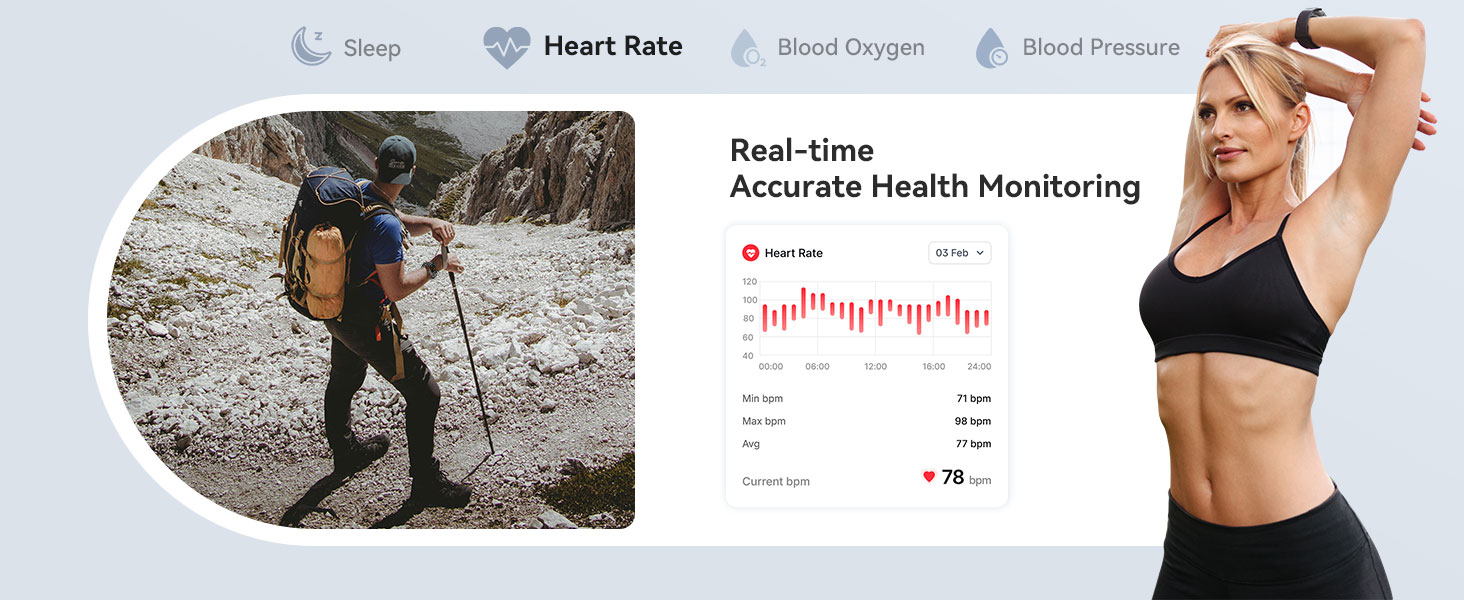
Image: Visual instructions for connecting the smartwatch to a smartphone via the Da Fit application, including downloading the app and enabling notifications.
Operating Instructions
1. Bluetooth Calling and Message Notifications
Once paired, your QVEQ Smart Watch Q104 allows you to manage calls and view messages directly from your wrist.
- Making/Receiving Calls: Use the watch interface to dial numbers or answer incoming calls. The watch acts as a Bluetooth speaker and microphone.
- Message Alerts: Receive notifications for text messages and alerts from social media applications configured in the "Da Fit" app.

Image: The smartwatch screen showing an incoming call and message notifications from various social applications.
Image: An illustration of the smartwatch's Bluetooth call and message reminder functionality, showing a user receiving notifications.
2. Health Monitoring
The QVEQ Smart Watch Q104 provides continuous health monitoring features:
- Heart Rate Monitoring: Tracks your heart rate throughout the day.
- Blood Pressure Monitoring: Measures your blood pressure.
- Sleep Tracking: Analyzes your sleep patterns, including deep, light, and moderate sleep stages.
- Blood Oxygen Monitoring: Monitors your SpO2 levels.
All health data can be synchronized with the "Da Fit" app for detailed analysis and trend viewing over various periods (1, 7, or 14 days).

Image: The smartwatch interface showing continuous health monitoring data, including heart rate, blood pressure, and sleep analysis for both day and night.
3. Sports Modes
The smartwatch supports over 123 sports modes to track your physical activities. It records steps, calories burned, and distance in real-time.
- Select your desired sport mode from the watch menu before starting an activity.
- The watch will display real-time metrics relevant to your chosen activity.

Image: The smartwatch showing its sports mode selection screen and a summary of tracked activities, including calories, steps, and distance.
Video: A demonstration of the QVEQ Smart Watch Q104's features, including multiple watch faces, IP67 waterproofing, various sports modes, and health monitoring capabilities.
4. Customizable Watch Faces
Personalize your smartwatch with a variety of watch faces:
- Access hundreds of stylish watch faces through the "Da Fit" app.
- You can also upload your own photos to create custom watch faces.

Image: The smartwatch showcasing its 1.83-inch HD touch screen with multiple customizable watch face options, including personal photos.
5. Multi-Functional Tools
The QVEQ Smart Watch Q104 includes several convenient tools for daily use:
- Pedometer
- Stopwatch
- Alarm Clock
- Music Control
- Camera Control
- Voice Assistant
- Weather Forecast
- Sedentary Reminder
- Water Drinking Reminder

Image: The smartwatch screen showing icons representing its various built-in functions such as alarm, stopwatch, weather, and media controls.
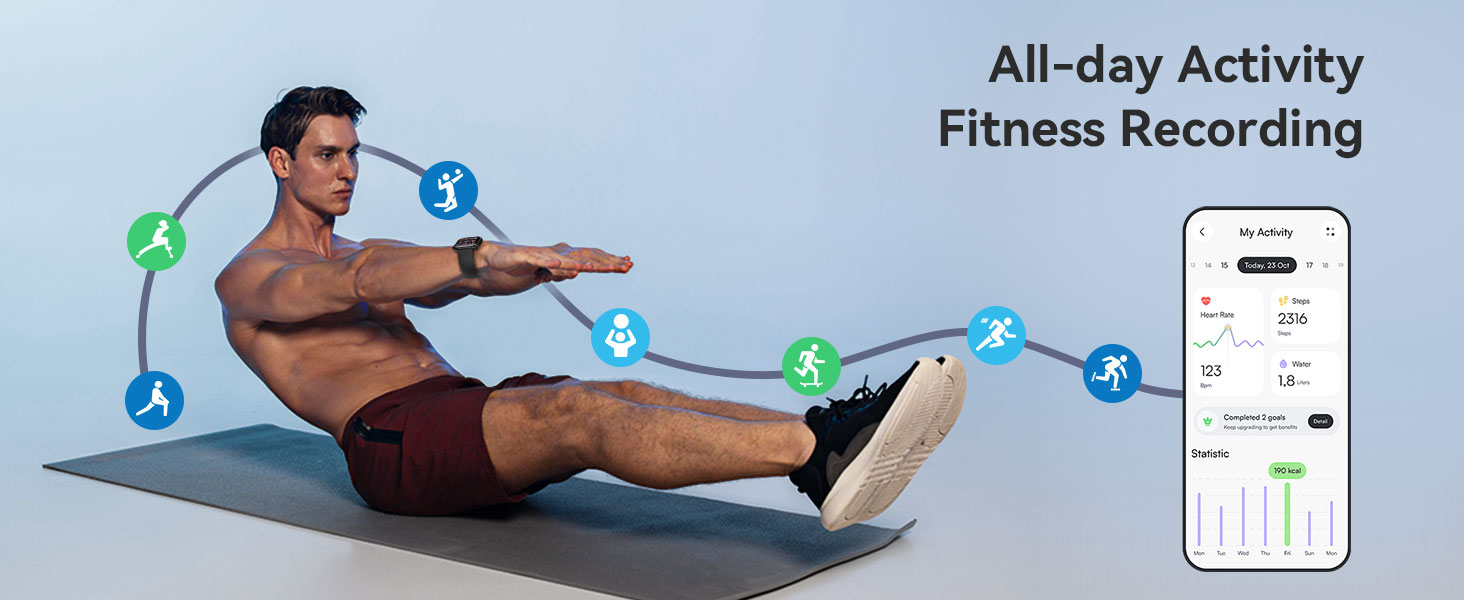
Image: An illustration of the smartwatch's intelligent voice assistant feature, demonstrating its use for various commands like setting alarms and checking the weather.
Maintenance
1. Water Resistance (IP68)
The QVEQ Smart Watch Q104 has an IP68 waterproof rating, meaning it is resistant to dust and can withstand immersion in water up to 1.5 meters for 30 minutes. This makes it suitable for:
- Swimming (shallow water)
- Rainy weather
- Sweating during workouts
Note: Avoid hot water, saunas, or diving, as extreme temperatures and high-pressure water jets may compromise the seal.

Image: The smartwatch being worn by a person swimming, highlighting its IP68 waterproof feature.
2. Battery Life
The QVEQ Smart Watch Q104 is equipped with a 250mAh battery, offering:
- Up to 7-10 days of usage time with normal use.
- Over 25 days of standby time.
- A full charge takes approximately 2 hours.
Battery performance may vary based on usage patterns and activated features.
Specifications
| Product Dimensions | 10.94 x 2.83 x 0.69 inches |
| Item Weight | 3.44 ounces (97.5 Grams) |
| Model Number | Q104 |
| Batteries | 1 AAAA battery required (included) |
| Screen Display Size | 1.83 Inches |
| Memory Storage Capacity | 128 MB |
| RAM Memory Installed Size | 128 MB |
| Operating System | Android & iOS compatible |
| Special Features | Activity Trackers, Fitness Tracker, Bluetooth Call, Message Reminder, Heart Rate Monitor, Blood Pressure Monitor, Blood Oxygen Monitor, Step Tracker, 123+ Sports Modes, Stopwatch, Find your Phone, Weather Forecast, Sedentary Reminder, Water Drinking Reminder, Alarm Clock, Photo Control, Music Control |
| Battery Capacity | 250 Milliamp Hours |
| Connectivity Technology | Bluetooth |
| Wireless Communication Standard | Bluetooth |
| GPS | GPS Via Smartphone |
| Shape | Rectangular |
| Manufacturer | QVEQ |
Troubleshooting
If you encounter issues with your QVEQ Smart Watch Q104, please refer to the following common solutions:
- Watch not turning on: Ensure the watch is fully charged. Connect it to the charging cable and allow it to charge for at least 30 minutes before attempting to power it on.
- Cannot pair with phone:
- Ensure Bluetooth is enabled on your phone and the watch.
- Make sure the "Da Fit" app is installed and open.
- Restart both your phone and the watch.
- Ensure the watch is not already paired with another device.
- Check that the watch is within Bluetooth range of your phone.
- No notifications:
- Verify that notification permissions are granted to the "Da Fit" app in your phone's settings.
- Ensure notifications are enabled within the "Da Fit" app for the specific applications you wish to receive alerts from.
- Check if "Do Not Disturb" mode is active on either your phone or watch.
- Inaccurate health data:
- Ensure the watch is worn snugly on your wrist, about one finger's width above your wrist bone.
- Avoid excessive movement during measurements.
- Note that smartwatches are not medical devices and readings are for reference only.
- Short battery life:
- Reduce screen brightness.
- Limit the number of active background apps or continuous health monitoring features.
- Turn off features like "Raise to Wake" if not frequently needed.
If the issue persists, please contact customer support for further assistance.
Warranty and Support
QVEQ is committed to product quality and customer satisfaction. Your QVEQ Smart Watch Q104 comes with a standard manufacturer's warranty against defects in materials and workmanship under normal use.
For warranty claims, technical support, or any questions regarding your device, please contact QVEQ customer service through the retailer where you purchased the product or visit the official QVEQ website for contact information.
Please retain your proof of purchase for warranty purposes.


