
1. Setup and Initial Use
This section guides you through the initial setup of your HIRREO TX12 Military Smart Watch, including unboxing, charging, and connecting to your smartphone.
1.1 Package Contents
Upon opening the package, ensure all components are present:
- HIRREO TX12 Smart Watch
- Charging Cable (Magnetic)
- User Manual
- Stainless Steel Strap (pre-installed or separate)
- Silicone Strap (additional)
- Strap Accessories (e.g., tool for strap adjustment)

Image: The HIRREO TX12 Smart Watch displayed with its charging cable, user manual, and two strap options (stainless steel and silicone).
1.2 Charging the Device
Before first use, fully charge your smartwatch. The device features a 900mAh battery, providing extended usage.
- Connect the magnetic charging cable to the charging points on the back of the watch.
- Plug the USB end of the cable into a standard USB power adapter (not included) or a computer's USB port.
- The watch display will indicate charging status. A full charge typically takes approximately 3 hours.

Image: Close-up of the HIRREO TX12 Smart Watch connected to its magnetic charging cable.
1.3 App Installation and Device Pairing
To unlock the full potential of your smartwatch, install the companion app and pair it with your smartphone.
- Scan the QR code displayed on the watch screen or in the user manual to download the FitCloudPro app from your smartphone's app store (iOS or Android).
- Enable Bluetooth on your smartphone.
- Open the FitCloudPro app, create an account if prompted, and follow the on-screen instructions to add your device. Select 'TX12' from the list of available devices.
- Confirm the pairing request on both your smartphone and the smartwatch.
- Grant necessary permissions within the app for notifications, contacts, and other features to function correctly.
Video: This video demonstrates the unboxing process of the TX12 Smart Watch, followed by the steps to install the companion app and successfully pair the watch with a smartphone, showcasing the initial setup and interface navigation.
2. Operating Instructions
This section details how to operate your HIRREO TX12 Smart Watch and utilize its various features.
2.1 Navigating the Interface
The TX12 features a 2.01-inch HD touchscreen for intuitive navigation. Swipe left/right, up/down, and tap to select options. Physical buttons on the side provide additional control.

Image: The HIRREO TX12 Smart Watch displaying its vibrant 2.01-inch HD screen with various app icons.
2.2 Core Features
- Bluetooth Call & Notifications: With Bluetooth 5.3, answer calls and receive message alerts directly on your wrist.
- LED Flashlight: Activate the built-in LED flashlight for convenience in low-light conditions.
- 100+ Sports Modes: Track a wide range of activities including running, cycling, swimming, and more.
- Health Monitoring: Monitor heart rate, blood oxygen, sleep patterns, and stress levels.
- Music Control: Control music playback on your connected smartphone.
- Weather Forecast: Get real-time weather updates on your watch.
- Voice Assistant: Use voice commands for various functions when connected to your smartphone.
- Find Phone: Locate your misplaced smartphone by triggering an alert from your watch.
- Camera Control: Remotely trigger your smartphone's camera shutter.
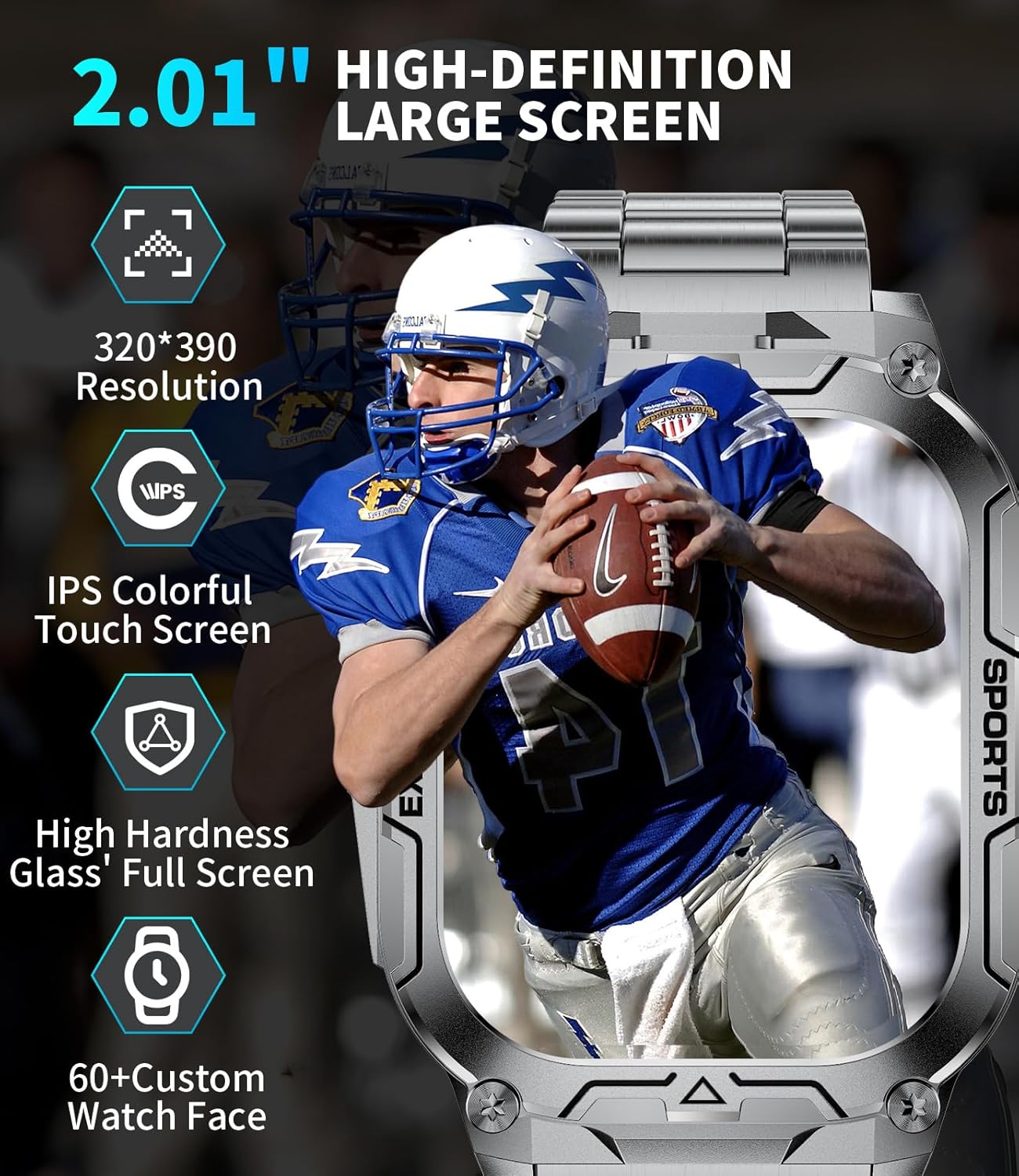
Image: The HIRREO TX12 Smart Watch displaying an incoming Bluetooth call and message notifications from a connected smartphone.

Image: The HIRREO TX12 Smart Watch with its integrated LED flashlight illuminated, demonstrating its utility in dark environments.
Video: This video showcases the LIGE DM6 GPS smart watch, highlighting its flashlight function, various sports modes, and GPS tracking capabilities, providing a visual guide to its active features.

Image: The HIRREO TX12 Smart Watch showing a selection of its 100+ sports modes, including walking, running, hiking, and cycling.

Image: The HIRREO TX12 Smart Watch displaying various health data metrics such as heart rate, steps, and calories burned.
3. Maintenance
Proper maintenance ensures the longevity and optimal performance of your smartwatch.
3.1 Cleaning
- Regularly wipe the screen and watch body with a soft, lint-free cloth.
- For stubborn dirt, use a slightly damp cloth. Avoid harsh chemicals or abrasive materials.
- Clean the charging contacts periodically to ensure efficient charging.
3.2 Water Resistance (IP68)
The TX12 Smart Watch is IP68 waterproof, meaning it can withstand dust, dirt, and sand, and is resistant to submersion up to a maximum depth of 1.5m for up to 30 minutes. It is suitable for daily use, hand washing, and light rain.
- Avoid prolonged submersion or use in hot water, saunas, or steam rooms.
- Do not press buttons underwater.
- After exposure to water, dry the watch thoroughly before charging.

Image: The HIRREO TX12 Smart Watch partially submerged in water, illustrating its waterproof capability.
3.3 Battery Care
- Avoid completely draining the battery frequently.
- Store the watch in a cool, dry place when not in use for extended periods.
4. Troubleshooting
If you encounter issues with your smartwatch, refer to the following common solutions.
4.1 Connectivity Issues
- Watch not connecting to app: Ensure Bluetooth is enabled on your phone and the watch is within range. Restart both the watch and the app.
- Notifications not appearing: Check app permissions on your phone and ensure notification access is granted to FitCloudPro. Verify that notifications are enabled within the app settings.
4.2 Battery and Charging
- Watch not charging: Ensure the magnetic charging cable is correctly aligned with the watch's charging pins. Try a different USB power source.
- Short battery life: Reduce screen brightness, shorten screen-on time, and disable unnecessary features or continuous monitoring if not required.
4.3 Display and Performance
- Screen unresponsive: Restart the watch by pressing and holding the power button.
- Inaccurate health data: Ensure the watch is worn snugly on your wrist, not too tight or too loose. Clean the sensor on the back of the watch.
5. Specifications
| Feature | Specification |
|---|---|
| Model Name | TX12-D-CA |
| Screen Size | 2.01 Inches |
| Display Type | LCD |
| Battery Capacity | 900 mAh (Lithium Polymer) |
| Battery Average Life | 7 days |
| Battery Charge Time | 3 Hours |
| Waterproof Rating | IP68 |
| Connectivity Technology | Bluetooth 5.3 |
| Compatible Devices | Android Devices (5.0+), iOS Devices (11.0+, calls 13.0+) |
| Special Features | LED Flashlight, Weather Forecast, Stopwatch, Pedometer, Timer, Music Control, Brightness Adjustment, Find Phone, Alarm Clock, Camera Control, Calculator, Drinking Water Reminder, Sedentary Reminder, Do Not Disturb Mode, All-Day Activity Tracker, 100+ Sports Modes, Fitness Tracker, Stress Tracker, Sleep, Calorie Counter, Answer/Dial Calls, Messaging Notification, Voice Assistant, Multi-Language |
| Metrics Measured | Calories Burned, Distance, Sleep Duration, Step Count, Stress, Heart Rate, Blood Oxygen |
| GPS | GPS Via Smartphone |
| Band Material Type | Stainless Steel |
| Case Material Type | Stainless Steel |
6. Warranty and Support
Your HIRREO TX12 Smart Watch comes with comprehensive support.
6.1 Warranty Information
The product includes a 2-year limited warranty from the date of purchase, covering manufacturing defects. Please retain your proof of purchase for warranty claims.
6.2 Customer Service
For any questions, issues, or support needs, please contact HIRREO customer service. We offer 24-hour online support to assist you.
- Online Support: Available 24 hours a day.
- Warranty Claims: Solutions provided within 24 hours for issues related to accessories, quality, operation, or charging.