
Introduction
Thank you for purchasing the CIO SMARTCOBY ULTRA SLIM 3K MagSafe Compatible Wireless Portable Charger. This manual provides detailed instructions for safe and efficient use of your device. Please read it thoroughly before use and keep it for future reference.
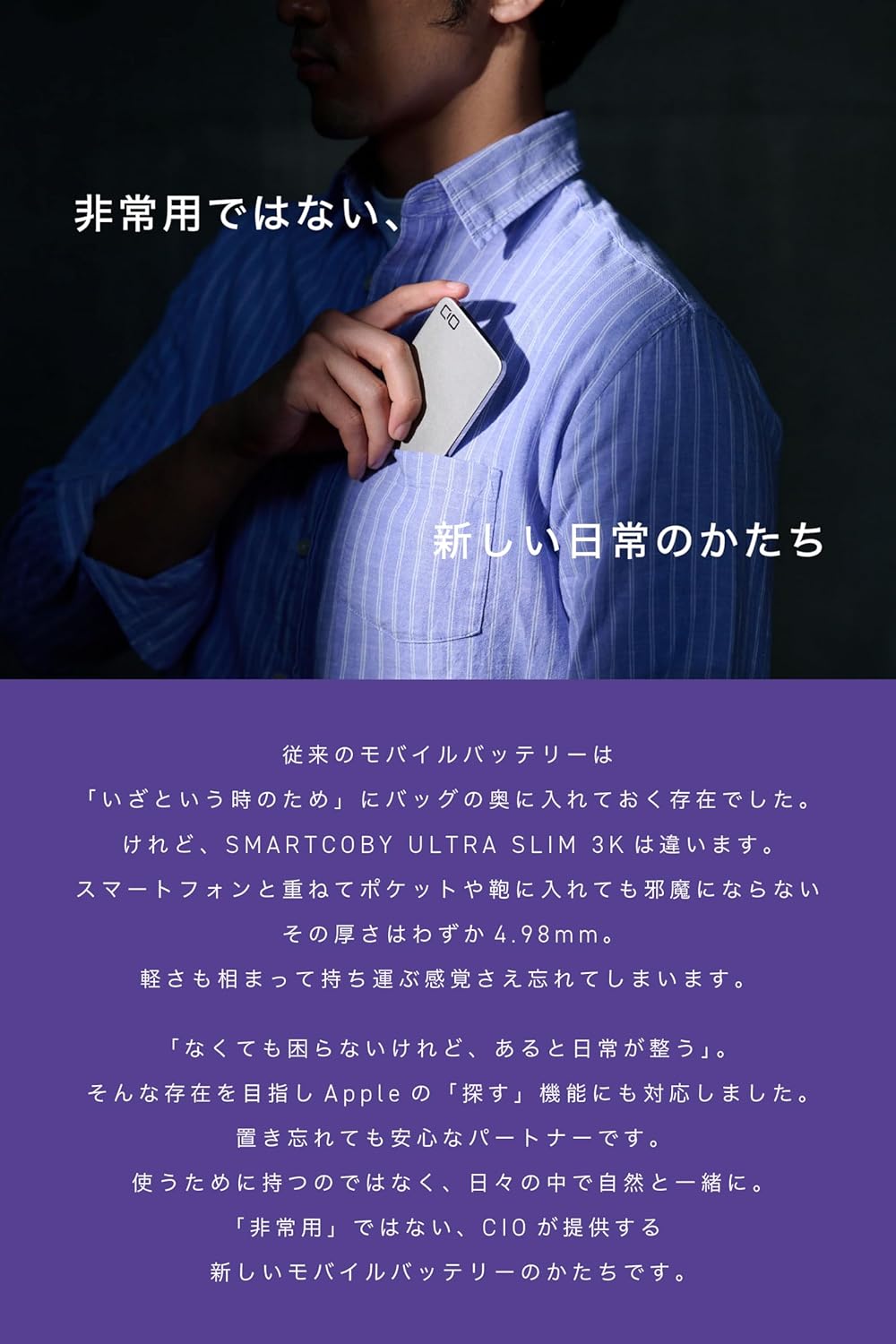
Image: The ultra-slim design of the SMARTCOBY ULTRA SLIM 3K allows it to fit discreetly in a shirt pocket, emphasizing its portability and seamless integration into daily life.
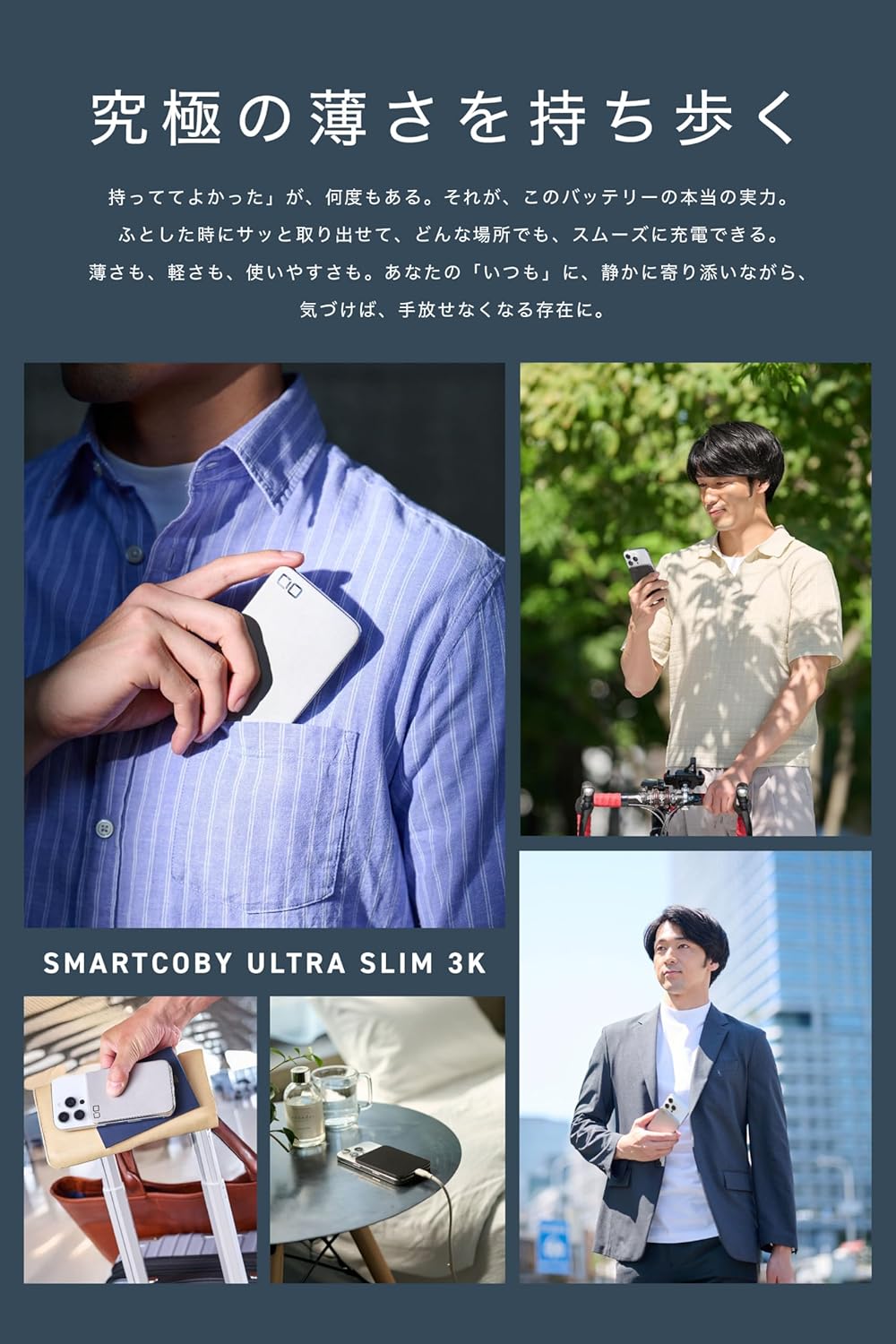
Image: The SMARTCOBY ULTRA SLIM 3K seamlessly integrates into various daily activities, providing convenient power on the go.
Product Features
- Ultra-thin and Lightweight Design: At just 4.98mm thick and approximately 82g, this portable charger offers a minimalist design that integrates seamlessly with your iPhone. It does not protrude or add bulk, providing a natural, integrated feel whether carried or attached.
- MagSafe Compatible & Qi Wireless Charging: The charger magnetically attaches to your iPhone via MagSafe, enabling immediate Qi wireless charging (up to 7.5W). This eliminates the hassle of finding cables and allows for convenient charging anywhere.
- Optimal 3000mAh Capacity for Daily Use: With a 3000mAh capacity, this charger is designed to provide a convenient power boost for daily commutes, outings, or cafe visits, without adding significant weight. It serves as an ideal supplementary battery for those who prioritize portability and essential power.
- Integrated Find My Functionality: This product includes a built-in anti-loss tag compatible with Apple's Find My network. You can track its location, receive notifications, and play a sound from your iPhone, helping prevent misplacement. The Find My function remains active for approximately 2 months even if the main battery is depleted, and it recharges automatically when the power bank is charged.
- Durable and Elegant Stainless Steel Body: Constructed with a 0.3mm thick high-strength stainless steel casing, this slim charger offers robust protection against bending and impacts. The design emphasizes both durability and a premium aesthetic, featuring a matte surface and mirror-finished sides. PVD and anti-fingerprint treatments ensure lasting beauty.
- Scratch-Resistant and Non-Slip Surface: The charging surface that contacts your smartphone is overmolded with an ultra-thin liquid silicone on polycarbonate. This design protects your smartphone from scratches and resists dirt accumulation.
- LED Battery Level Indicator: A single press of the power button illuminates a multi-color LED light, indicating the remaining battery level in four stages (3 colors + blinking). This minimalist design balances ease of use with aesthetic appeal.
- Wired Charging via USB-C Port: The USB-C port allows for wired charging of smartphones and earphones. Wired charging is more efficient than wireless, providing approximately 0.55 charges for iPhone 16, 0.6 charges for iPhone 15, and 0.7 charges for iPhone Air. Maximum output: 10W.
- Full Pass-Through Charging: Supports simultaneous charging of the power bank and your device (e.g., iPhone). Once the power bank is fully charged, it automatically switches to directly charge the connected device, bypassing the internal battery. This design reduces stress on the battery cells, promoting longer lifespan and enhanced safety.
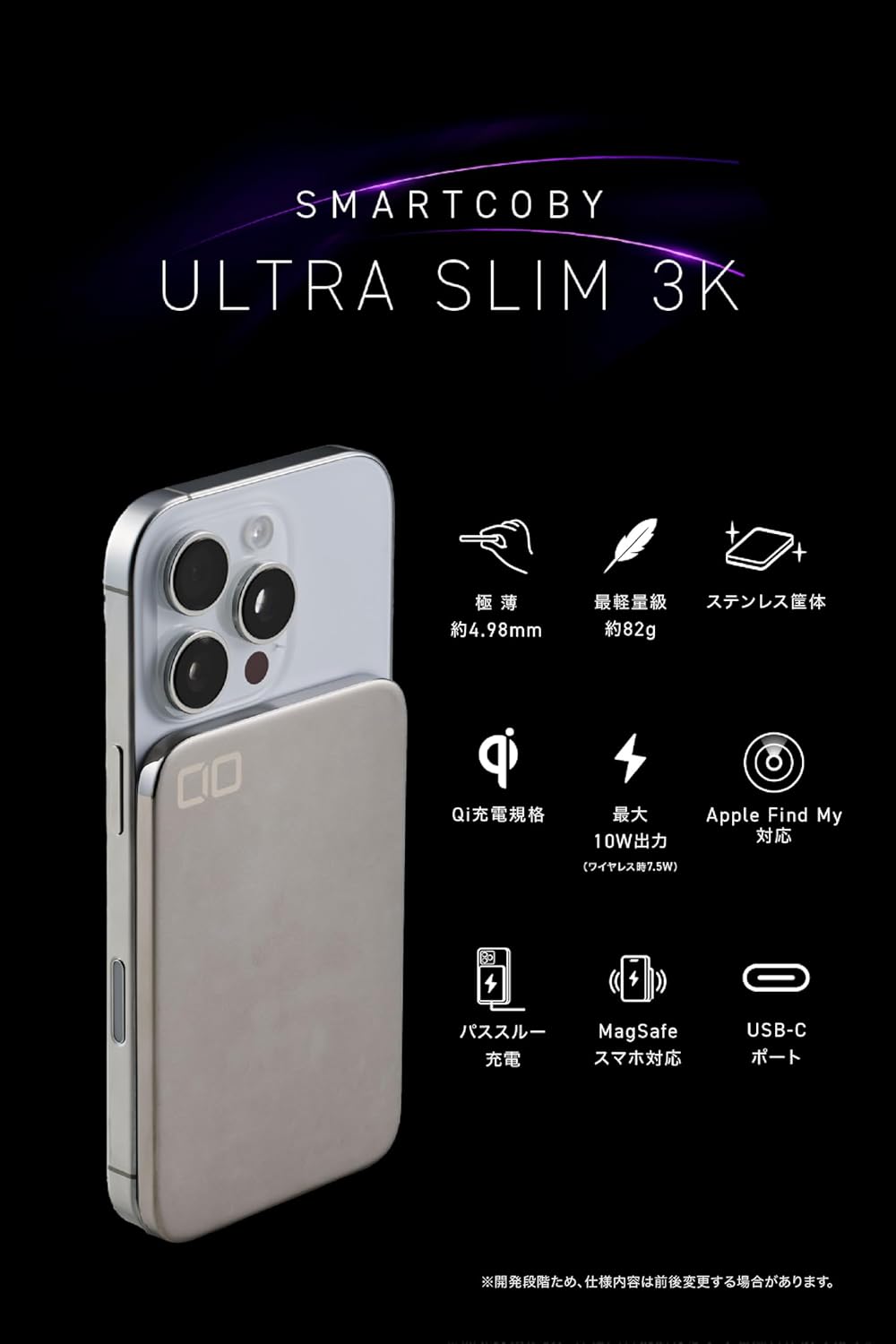
Image: Overview of the SMARTCOBY ULTRA SLIM 3K's main features, highlighting its slim profile, light weight, and various charging capabilities.
Package Contents
- CIO SMARTCOBY ULTRA SLIM 3K Portable Charger
- USB-C to USB-C Charging Cable (0.5m)
- Instruction Manual (Japanese/English)
Product Overview
The SMARTCOBY ULTRA SLIM 3K is designed for portability and convenience. Below is a breakdown of its construction and key components.

Image: An exploded diagram illustrating the internal structure and thinness of the SMARTCOBY ULTRA SLIM 3K, highlighting its stainless steel casing, battery, and silicone charging surface.
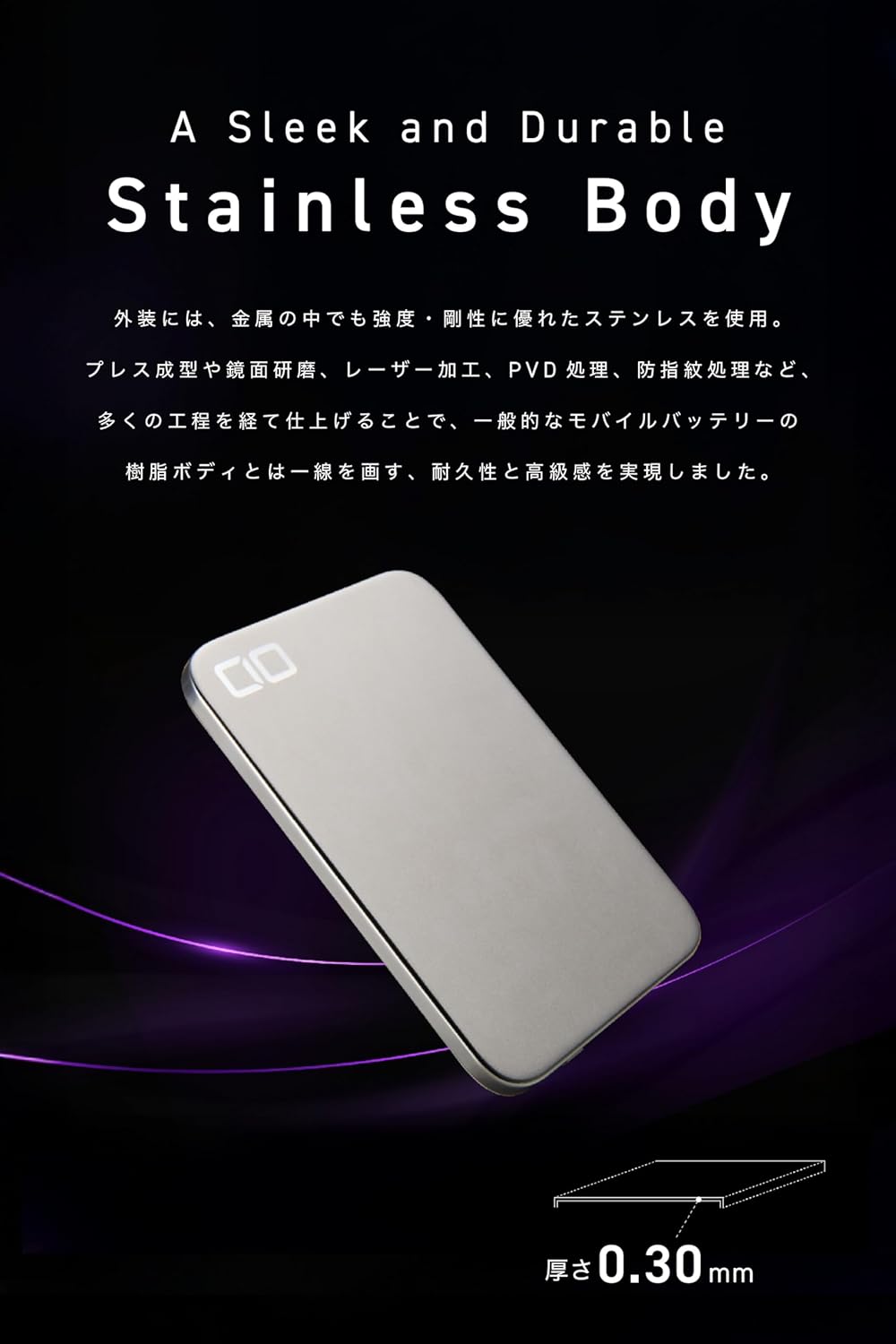
Image: Detail of the product's sleek and durable stainless steel body, showcasing its premium finish.

Image: Illustration of the reliable and safe battery cells, designed to prevent expansion and ensure longevity.
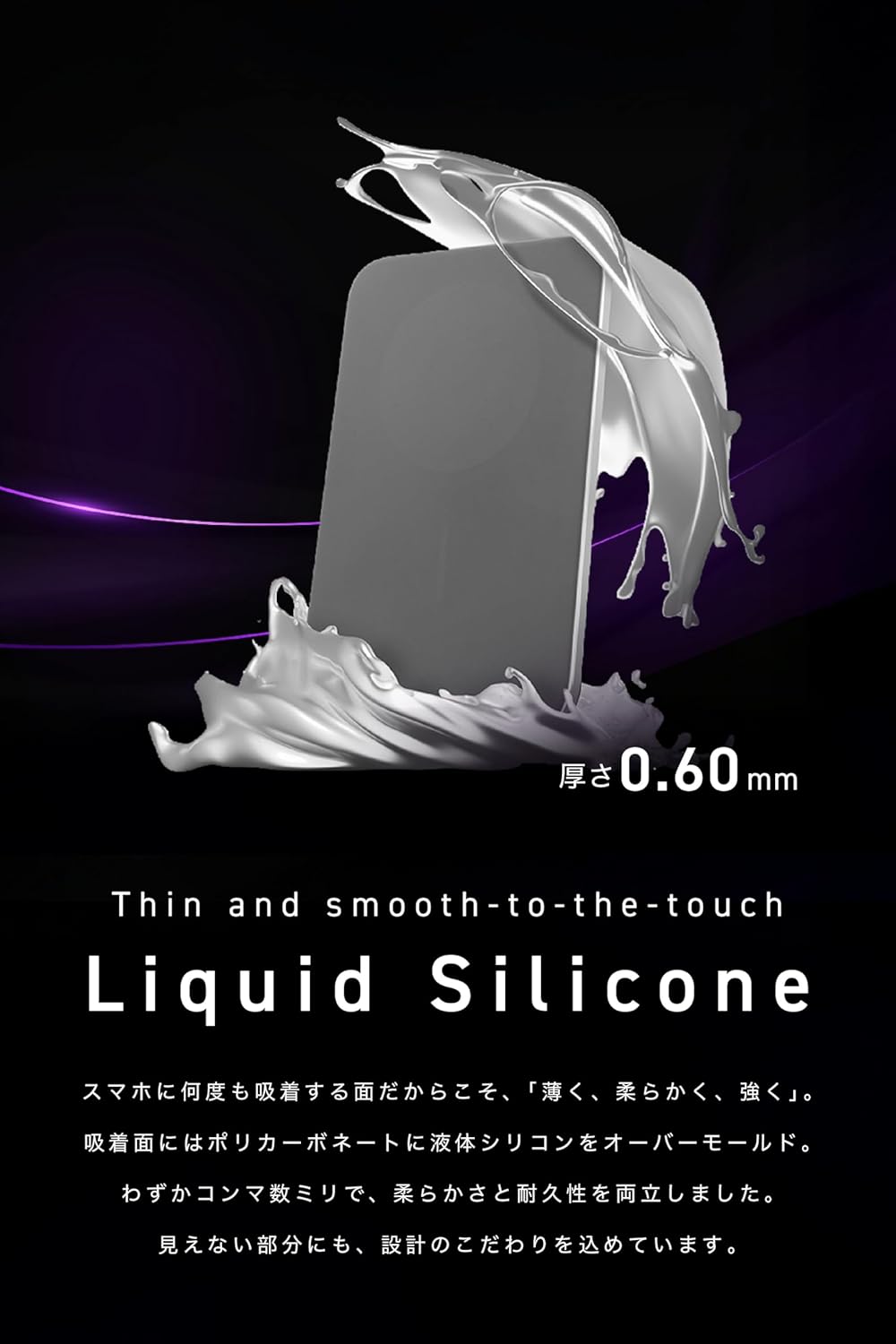
Image: The thin and smooth liquid silicone surface, designed to protect your smartphone and provide a secure grip.
Setup
- Initial Charge: Before first use, fully charge the SMARTCOBY ULTRA SLIM 3K using the provided USB-C to USB-C cable and a compatible USB power adapter (not included). The LED indicator will show charging status.
- Find My Setup: To utilize the Find My feature, ensure your iPhone is updated and logged into your Apple ID. Follow the on-screen prompts on your iPhone to add the SMARTCOBY ULTRA SLIM 3K to your Find My network.
Operating Instructions
Wireless Charging (MagSafe Compatible)
- Align the SMARTCOBY ULTRA SLIM 3K with the back of your MagSafe-compatible iPhone. The magnets will automatically snap it into place.
- Wireless charging will begin automatically. The LED indicator on the charger will show its battery status.
- For optimal performance and secure attachment, use a MagSafe-compatible phone case.

Image: The SMARTCOBY ULTRA SLIM 3K magnetically attached to an iPhone, demonstrating Qi wireless charging at 7.5W.

Image: Compatibility demonstration showing the charger attached to different iPhone models without obstructing the camera.
Wired Charging
- Connect one end of the USB-C to USB-C cable to the USB-C port on the SMARTCOBY ULTRA SLIM 3K.
- Connect the other end of the cable to your smartphone, earphone case, or other compatible device.
- The charger will begin providing power to your device (up to 10W output).
Full Pass-Through Charging
- Connect the SMARTCOBY ULTRA SLIM 3K to a power adapter using the USB-C cable to charge the power bank itself.
- While the power bank is charging, attach your iPhone wirelessly or connect another device via the USB-C port. Both devices will charge simultaneously.
- Once the SMARTCOBY ULTRA SLIM 3K is fully charged, it will automatically switch to directly charge the connected device, optimizing battery health.
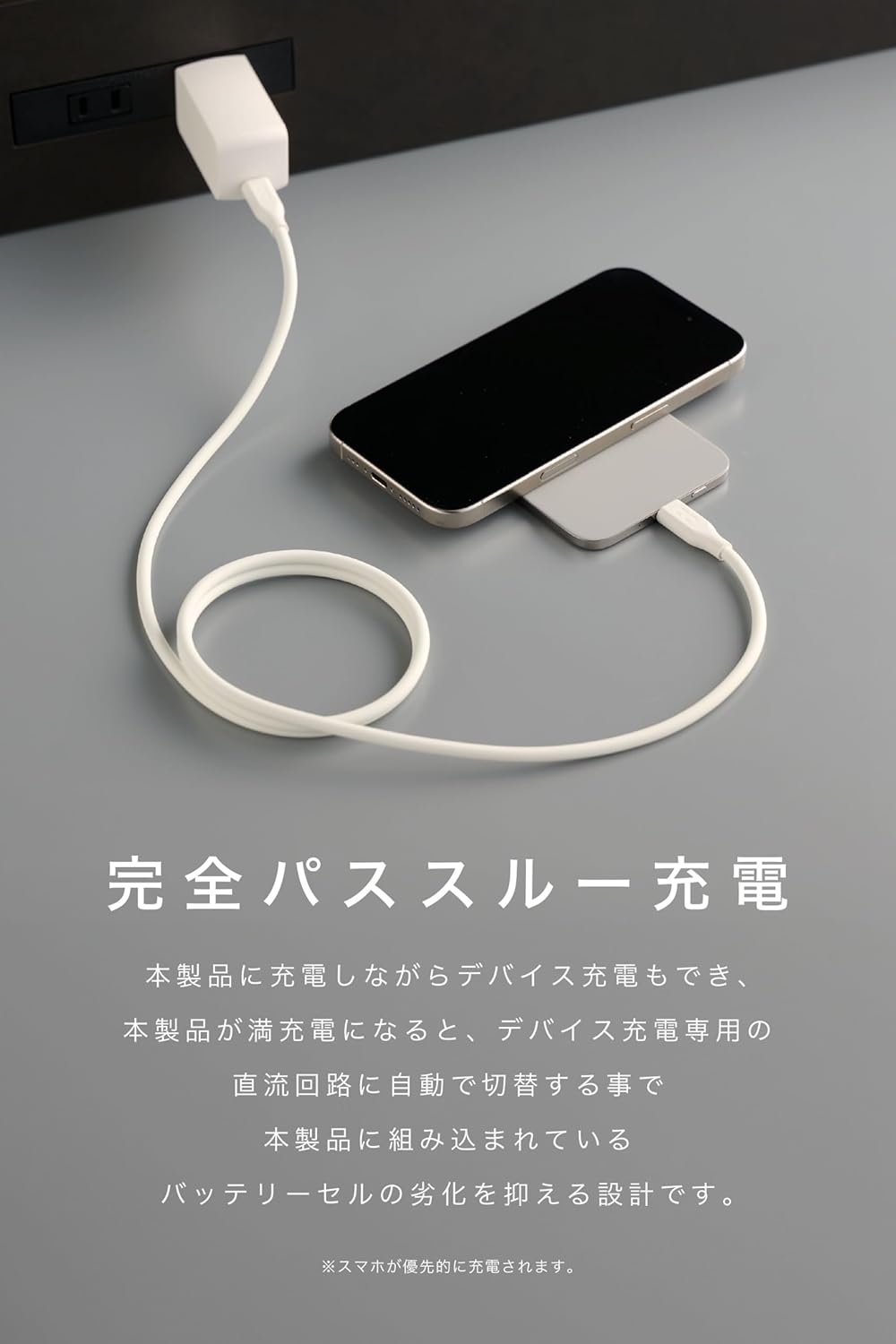
Image: Demonstration of full pass-through charging, where the power bank and a connected device charge simultaneously.
LED Battery Level Indicator
Press the power button once to check the remaining battery level. The LED light on the side will indicate the charge status:
- Red (Blinking): 0-10%
- Red (Solid): 11-25%
- Blue (Solid): 26-50%
- Purple (Solid): 51-100%
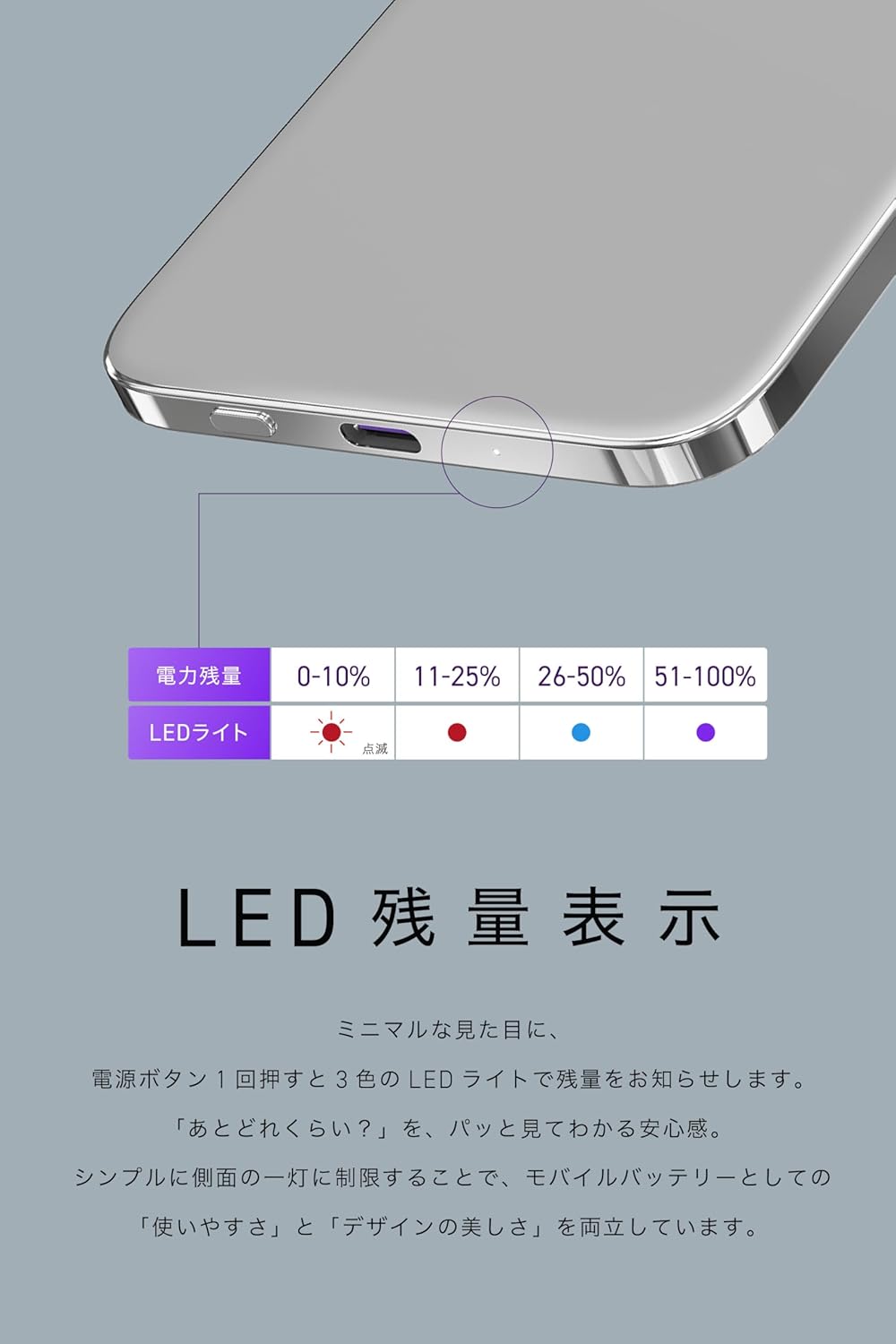
Image: Visual guide to the LED battery level indicator, showing different colors for various charge percentages.
Find My Function
The integrated Find My tag allows you to locate your SMARTCOBY ULTRA SLIM 3K if it's misplaced.
- Open the "Find My" app on your iPhone.
- Select your SMARTCOBY ULTRA SLIM 3K from the list of items.
- You can view its location on a map, receive notifications if it's left behind, or play a sound to help you find it.

Image: The Find My feature in action, showing how the charger can be tracked via an iPhone, even when placed inside a wallet.
Maintenance
- Keep the charger clean and dry. Use a soft, dry cloth to wipe the surface.
- Avoid exposing the charger to extreme temperatures, direct sunlight, or high humidity.
- Do not disassemble, modify, or attempt to repair the device yourself. This will void the warranty and may cause damage or injury.
- Store the charger in a cool, dry place when not in use.
Troubleshooting
| Problem | Possible Cause | Solution |
|---|---|---|
| Charger not powering on/charging. | Low battery on the power bank. | Charge the SMARTCOBY ULTRA SLIM 3K fully. |
| Wireless charging not working. | Incorrect alignment; non-MagSafe case; device not Qi-compatible. | Ensure proper alignment. Use a MagSafe-compatible case. Verify your device supports Qi wireless charging. |
| Wired charging not working. | Faulty cable; device not compatible; power bank low on charge. | Try a different USB-C cable. Ensure your device is compatible. Charge the power bank. |
| Find My function not working. | Not paired with iPhone; iPhone/Apple ID issues. | Ensure the device is correctly paired in the Find My app. Check iPhone and Apple ID settings. |
| Magnets interfering with cards. | Magnetic cards (credit, IC) too close to the charger. | Keep magnetic cards away from the charger to prevent data corruption. |
Specifications
| Model Number | CIO-MB10W1C-3K-USWL7-SL |
| Battery Capacity | 3000mAh |
| Weight | Approx. 82g |
| Product Dimensions | 6.99 x 10.39 x 0.51 cm |
| Number of Ports | USB-C x 1 |
| Charging Time (0-100%) | Approx. 150 minutes |
| Input (USB-C) | 5V=2A (10W MAX) |
| Output (Qi Wireless) | Max 7.5W |
| Output (USB-C) | 5V=2A (10W MAX) |
| Supported Fast Charging Standard | Qi charging / PD3.0 |
| Cycle Count | Approx. 500 times |
| Color | Silver |
| Connector Type | USB Type C |
| Voltage | 5 Volts |
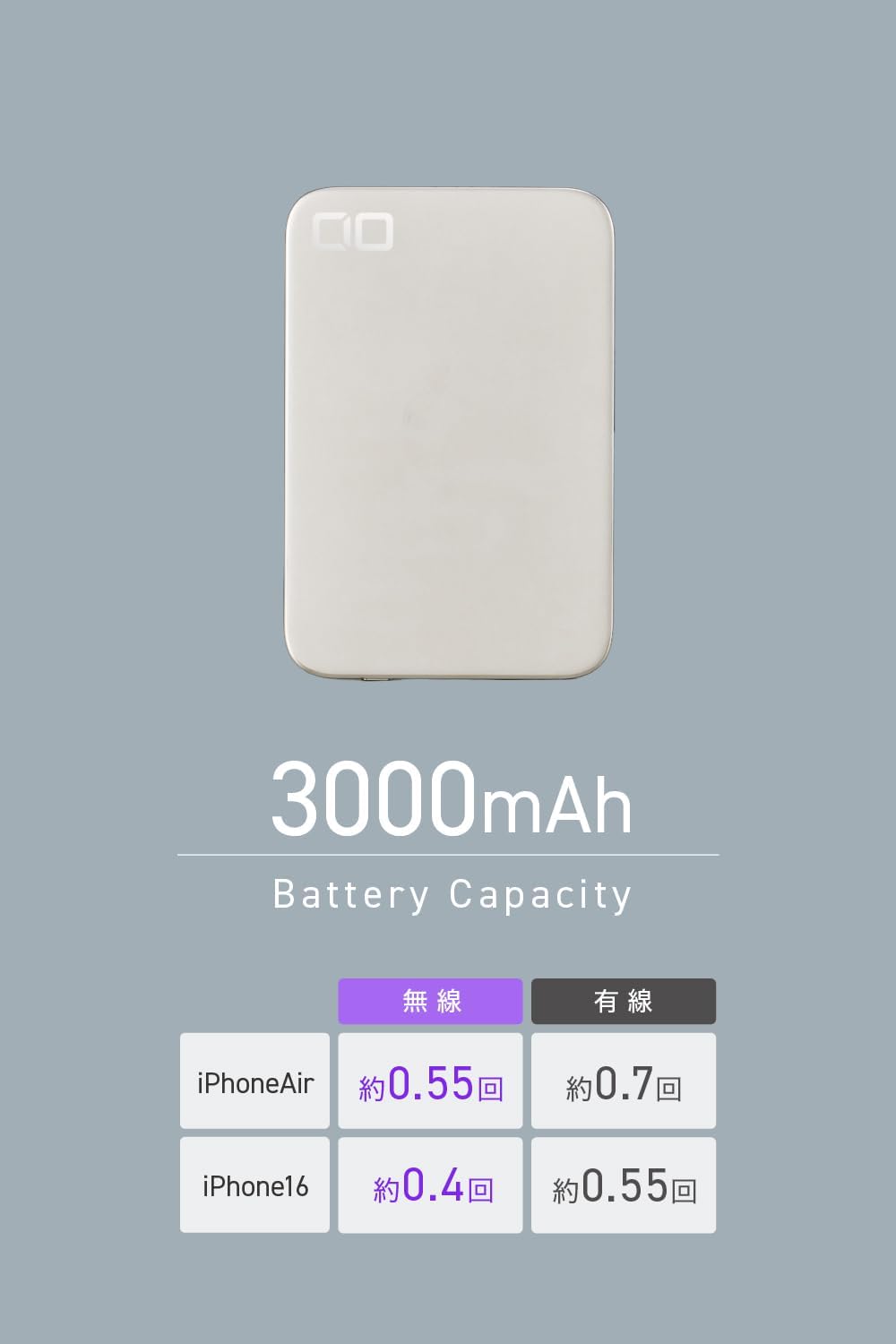
Image: Battery capacity and approximate charge cycles for various iPhone models.

Image: Comprehensive table of technical specifications for the SMARTCOBY ULTRA SLIM 3K.
Safety Information
- Do not expose the product to water or moisture.
- Avoid dropping or subjecting the product to strong impacts.
- Keep out of reach of children.
- Do not use the product in environments with high temperatures or near flammable materials.
- Due to built-in magnets, keep credit cards, IC cards, and other magnetic-sensitive items away from the charger to prevent data corruption.
- Dispose of the product according to local regulations for electronic waste.
Warranty and Support
This product comes with a standard manufacturer's warranty. For warranty claims or technical support, please contact CIO customer service through their official website or the retailer where you purchased the product.
Please retain your proof of purchase for warranty purposes.
For extended warranty registration, please visit the CIO store website.

